Brake Hold in a Toyota Camry is a convenience feature for short stops, not a replacement for attentive driving or the parking brake. Toyota calls the system Brake Hold, though many drivers search for it as Auto Hold. Use it when you are stopped in traffic, at a light, in a drive-through, or on a mild incline and want the car to stay still without keeping constant pressure on the brake pedal.
Quick Answer
Use Toyota Camry Brake Hold for brief, fully stopped situations such as traffic lights, stop-and-go traffic, toll booths, drive-through lines, and mild hills. Buckle your seatbelt, close the driver’s door, press the Brake Hold button, confirm the green standby indicator, then stop normally. When the yellow/amber operated indicator appears, you can release the brake until you accelerate.
Key Takeaways
- Toyota’s official name for the feature is Brake Hold, even though some drivers call it Auto Hold.
- The green indicator means the system is on standby; the yellow/amber indicator means the brake is being held.
- Brake Hold is best for short stops, not long-term parking.
- After about three minutes of holding, the parking brake may set automatically and a warning message or buzzer may appear.
- Use caution on steep hills and slippery roads because Brake Hold may not hold the vehicle in those conditions.
At a Glance
| Time Required | 10–20 seconds to activate once you know the button location |
| Difficulty | Easy |
| Tools Needed | None |
| Cost | Free, if your Camry is equipped with Brake Hold |
When to Use Brake Hold
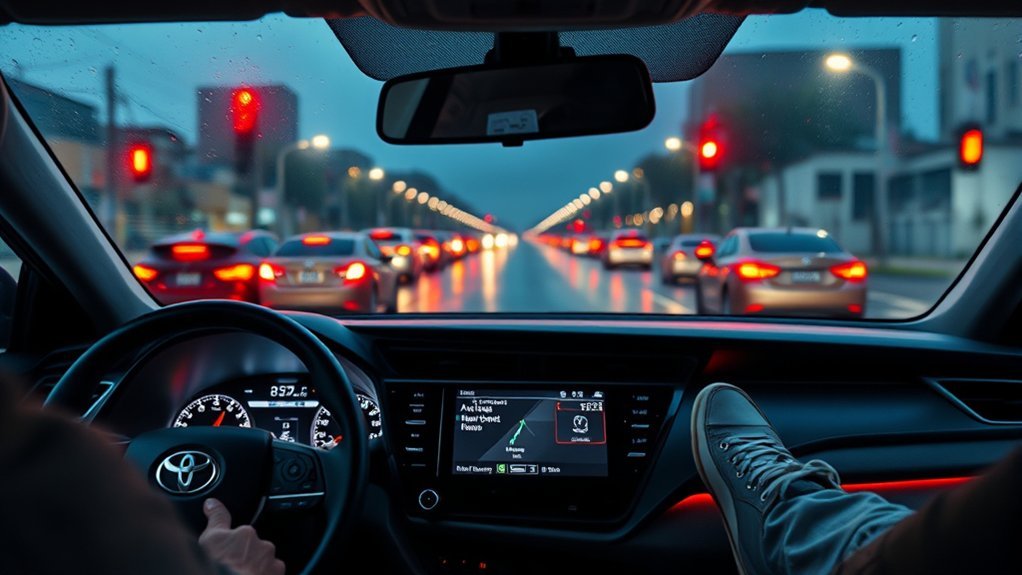
Use Brake Hold when your Camry is fully stopped for a short wait and you want to rest your foot without letting the vehicle creep forward. Good examples include red lights, traffic jams, drive-through lanes, toll booths, railroad crossings, and short pauses on mild inclines.
According to Toyota’s 2025 Camry Hybrid Brake Hold manual page, the system keeps the brake applied after the brake pedal has been depressed to stop the vehicle, then releases the brake when you press the accelerator in a drive gear.
- Best use: short, repeated stops where holding the brake pedal becomes tiring.
- Helpful use: mild hills where you want a smoother start without rolling immediately.
- Avoid use: long-term parking, slippery surfaces, steep inclines, or any time a warning message appears.
Warning: Brake Hold is not a parking system. When you park, press the brake pedal, shift to Park, and set the parking brake. Do not rely on Brake Hold for long stops after turning the vehicle off.
How to Activate Brake Hold and Read Its Icons
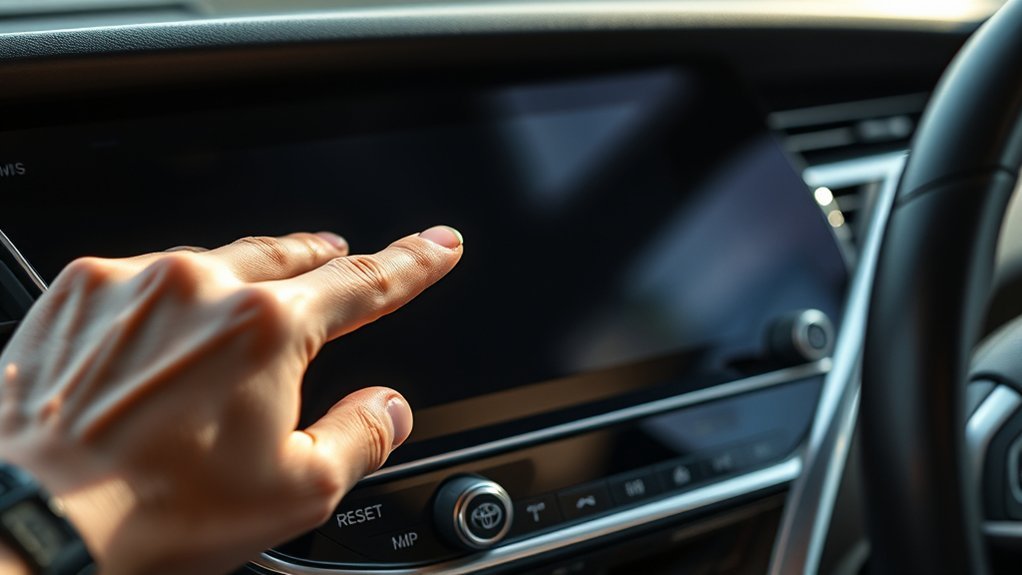
Before using Brake Hold, sit in the driver’s seat, close the driver’s door, fasten your seatbelt, and press the brake pedal. Then press the HOLD or Brake Hold button near the center console. If the system is ready, the green standby indicator should appear.
- Start the vehicle and keep your foot on the brake pedal.
- Fasten your seatbelt and make sure the driver’s door is fully closed.
- Press the Brake Hold button. The green standby indicator should turn on.
- Stop the Camry normally. When the system is actively holding the brake, the yellow/amber operated indicator appears.
- Release the brake pedal. The car should remain stopped while Brake Hold is operating.
- Press the accelerator when you are ready to move. Brake Hold releases automatically as you start driving.
| Indicator | What It Means | What To Do |
|---|---|---|
| Green | Brake Hold is on standby | Stop normally and wait for the operated indicator |
| Yellow/amber | Brake Hold is actively holding the brake | You may release the brake pedal while stopped |
| Off | Brake Hold is off or unavailable | Check seatbelt, door, button status, and warning messages |
Pro Tip: Practice Brake Hold in a quiet parking lot before using it in heavy traffic. Stop, confirm the yellow/amber indicator, release the brake pedal, then press the accelerator gently so you learn how the system feels.
Using Brake Hold for Short Waits (Drive-Throughs, Tolls, and Red Lights)
Brake Hold is most useful during short waits where the car must stay still but you do not want to keep pressing the brake pedal. In a drive-through or toll line, activate the system before the wait, stop completely, confirm the yellow/amber indicator, and keep watching traffic around you.
You can relax your braking foot, but you should not treat the stop as a break from driving. Keep your eyes up, stay ready to brake again, and avoid phone use. The National Highway Traffic Safety Administration warns that distracted driving includes activities that take attention away from driving, including phone use, eating, drinking, and adjusting controls.
Brake Hold on Hills: Helpful, But Not a Rollback Guarantee

Brake Hold can make mild hill starts smoother because it keeps the brake applied after you stop. When the yellow/amber indicator is on, you can move your foot from the brake to the accelerator without rushing.
However, Brake Hold is not a guarantee on every hill. Toyota warns that the system may not hold the vehicle on a steep incline and may not activate depending on the slope angle. If the hill is steep, the surface is slippery, or the car feels like it may move, keep your foot on the brake and follow the warning message on the multi-information display.
Preventing Rollback on Inclines
On a mild incline, Brake Hold can reduce rollback by keeping the brakes applied while you prepare to accelerate. Stop fully, wait for the yellow/amber operated indicator, then move smoothly to the accelerator. Do not jab the gas pedal; a steady, light press usually gives the cleanest launch.
Smooth Hill Starts
- Activate Brake Hold before you need it, not halfway through a rushed hill start.
- Confirm the green standby indicator before relying on the system.
- Confirm the yellow/amber operated indicator before releasing the brake pedal.
- Press the accelerator smoothly to move forward.
- Keep your foot ready to brake if the hill is steep or the road is slippery.
Warning: Do not rely on Brake Hold on slippery roads. If the tires do not have enough grip, the system cannot stop the vehicle from moving.
Safety Checklist: Seatbelt, Door, Prompts, and Time-Outs

Brake Hold has built-in conditions for safety. If the driver’s seatbelt is not fastened or the driver’s door is not closed, the system may not turn on or may turn off. If the system turns off while holding the brake, a warning buzzer and message may appear, and the parking brake may set automatically.
- Seatbelt: Fasten it before pressing the Brake Hold button.
- Driver’s door: Make sure it is fully closed.
- Warning messages: Read the multi-information display and follow its instructions.
- Indicators: Green means standby; yellow/amber means the system is holding.
- Long holds: After about three minutes of holding, the parking brake may set automatically.
Note: If your Camry does not show the green standby indicator even when the seatbelt is fastened, the driver’s door is closed, and the button is pressed, the system may be unavailable or need inspection.
Brake Hold and the About-Three-Minute Parking-Brake Interaction
If Brake Hold has been holding the car and the brake pedal is left released for about three minutes, Toyota says the parking brake will be set automatically. A buzzer may sound, and a message may appear on the multi-information display. This is a safety fallback, not a reason to use Brake Hold for long-term parking.
Parking-Brake Auto-Engage
When the parking brake auto-engages, the Brake Hold operated indicator may go off and the parking brake indicator may appear. Stay calm, keep your foot near the brake, and read the message on the display.
Resuming After Auto-Engage
To resume driving, press the brake pedal and follow the display instructions. Depending on the situation, you may be able to release the parking brake by pressing the accelerator with the seatbelt fastened, or by operating the parking brake switch while pressing the brake pedal. Confirm the parking brake indicator is off before driving away.
When Not to Use Brake Hold
Brake Hold is helpful, but it is not the right tool for every stop. Avoid using it when conditions call for direct brake control or the parking brake.
- Do not use it for parking. Shift to Park and set the parking brake instead.
- Do not rely on it on steep inclines. Keep your foot on the brake if the car may roll.
- Do not use it on slippery roads. Tire grip still determines whether the vehicle can stay stopped.
- Do not ignore warning messages. Read the display and follow the instructions.
- Do not use it as an excuse to stop paying attention. You are still responsible for controlling the vehicle.
Troubleshooting and Common Mistakes
If Brake Hold does not work as expected, check the simple items first. Most issues come from missed operating conditions, misunderstood indicators, or holding the vehicle too long.
| Problem | Likely Cause | What To Do |
|---|---|---|
| Green standby indicator does not appear | Seatbelt unfastened, driver’s door open, system unavailable, or possible malfunction | Fasten seatbelt, close door, press brake, press the button again, and check the display |
| Yellow/amber operated indicator does not appear | Vehicle is not fully stopped or Brake Hold is only on standby | Press the brake pedal firmly and stop completely |
| Parking brake sets automatically | Brake Hold held the vehicle for about three minutes or a safety condition changed | Press the brake pedal, read the display, and release the parking brake correctly |
| Car feels like it may roll on a hill | Hill may be too steep or the system may not hold on that slope | Keep your foot on the brake and do not rely on Brake Hold |
| Brake Hold malfunction message appears | Possible system fault | Stop safely and have the vehicle inspected by a Toyota dealer or qualified technician |
Frequently Asked Questions
Is Toyota Camry Auto Hold the same as Brake Hold?
Yes, in common driver language, “Auto Hold” usually refers to Toyota’s Brake Hold feature. Toyota’s official owner’s manual wording is Brake Hold, so that is the more accurate term to use.
What are the disadvantages of Brake Hold?
Brake Hold can make drivers overconfident if they treat it like a parking brake. It may not hold on steep inclines, should not be used on slippery roads, depends on conditions such as the seatbelt and driver’s door, and may set the parking brake automatically after about three minutes.
Can I use Brake Hold at every red light?
You can use it at normal red lights if the road surface is safe, your seatbelt is fastened, the driver’s door is closed, and the system indicators show it is ready. Keep paying attention and be ready to brake if traffic changes.
Does Brake Hold replace the parking brake?
No. Brake Hold is for short stops while driving. When you park, press the brake pedal, shift to Park, and set the parking brake. Do not use Brake Hold for long-term parking.
Why will Brake Hold not turn on in my Camry?
Start with the basics: fasten the driver’s seatbelt, close the driver’s door, press the brake pedal, and press the Brake Hold button again. If the green standby indicator still does not appear when the operating conditions are met, have the system inspected.
Conclusion
Use Toyota Camry Brake Hold for short, fully stopped moments when you want less foot fatigue in traffic, at lights, in drive-throughs, at toll booths, or on mild inclines. Turn it on only when the driver’s door is closed and your seatbelt is fastened, then watch the indicators: green for standby and yellow/amber for active holding. Treat it as a convenience feature, not a parking system, and use extra caution on steep hills, slippery roads, and any time a warning message appears.
Sources
- Toyota Owners — 2025 Camry Hybrid Brake Hold — official Brake Hold operation, indicators, operating conditions, three-minute parking-brake interaction, steep-incline warning, slippery-road warning, and parking notice.
- Toyota Owners — 2026 Camry Manuals and Warranties — official owner manual access by model year.
- NHTSA — Distracted Driving — safety guidance on keeping attention on driving and avoiding phone-related distraction.