Remote start can make your 2025 or 2026 Toyota Camry more comfortable before you get in, but it only works when the vehicle, key fob, Toyota app, and Connected Services status all line up. This guide shows you how to start your Camry from the factory key fob, how to use the Toyota app when Remote Connect is active, and what to check when remote start does not respond.
Quick Answer
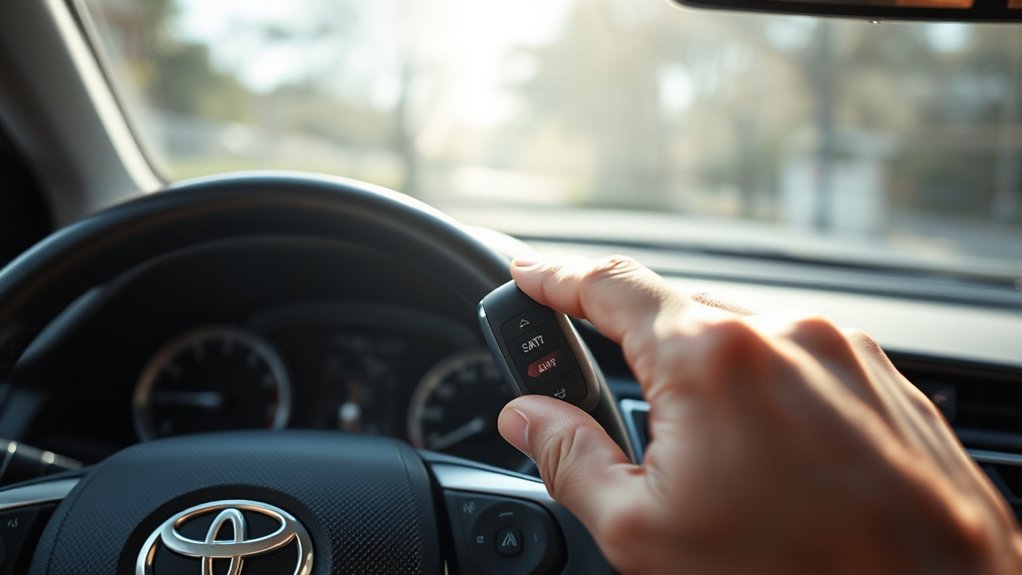
To remote start a Remote Connect-capable 2025 or 2026 Toyota Camry with the key fob, stand within range, make sure the vehicle is locked, then press LOCK, press LOCK again within 1 second, and press LOCK a third time while holding it for about 3 seconds. You can also use the Toyota app if Remote Connect is active.
Key Takeaways
- The key-fob method is LOCK → LOCK → hold LOCK, with the second press within 1 second and the third press held for about 3 seconds.
- Your Camry must be Remote Connect capable, and eligible Connected Services must be active and not waived.
- Toyota lists key-fob remote engine starter range at up to about 80 feet in open space; buildings, hills, trees, and interference can reduce that range.
- A Remote Start session runs up to 10 minutes; Toyota allows up to two remote-start sessions before the vehicle must be started manually.
At a Glance
| Time Required | 1–3 minutes once Remote Connect is set up |
| Difficulty | Easy |
| Tools Needed | Toyota Smart Key fob or Toyota app with an active Remote Connect trial/subscription |
| Cost | No extra tool cost; app features may require an active trial or paid subscription after the trial period |
Warning: Never remote start a gas-engine vehicle in a garage, enclosed space, or partially enclosed space. Do not use remote start if a child or pet is inside the vehicle. Carbon monoxide is colorless and odorless, and Toyota says Remote Connect should only be used when it is legal, safe, and you are aware of the vehicle’s surroundings.
Check Your Toyota Camry’s Remote Start Compatibility First
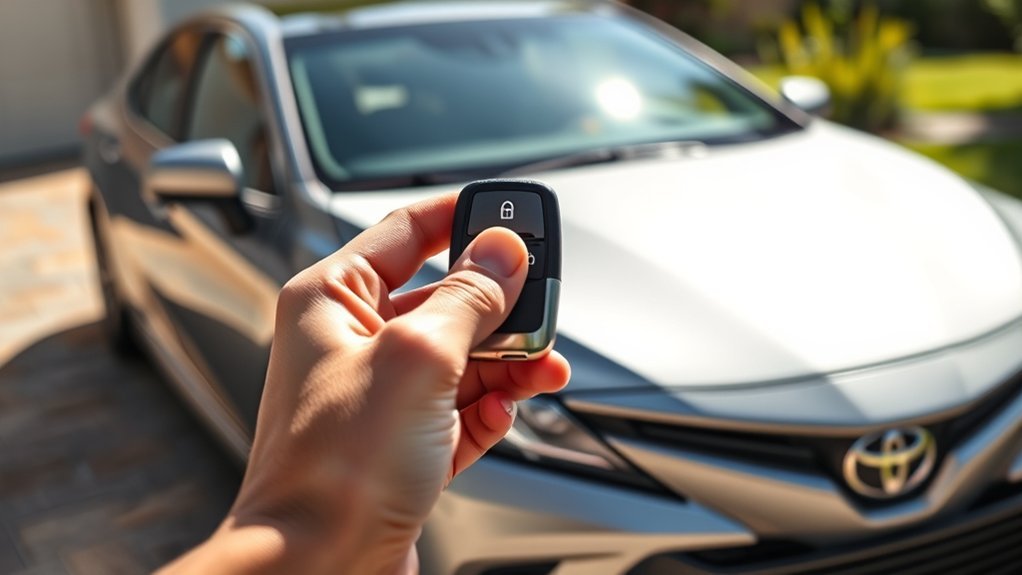
Before using remote start, confirm that your Camry is actually set up for it. This article focuses on U.S.-market 2025 and 2026 Toyota Camry models, but availability can still vary by trim, equipment, region, connected-service status, and Toyota app setup.
For key-fob remote start on a Toyota equipped with Remote Connect, Toyota says these items must be confirmed first:
- Your Camry is Remote Connect capable. Check the Toyota app, your window sticker, your purchase documents, or your Toyota dealer if you are unsure.
- Eligible Connected Services are active. Toyota says key-fob remote start needs an active trial or subscription for eligible Connected Services, excluding Wi-Fi Connect alone.
- Connected Services have not been waived. If Connected Services were declined or disabled, key-fob Remote Start may not function.
- The Toyota app shows Remote Connect is ready. Toyota says Remote Connect is ready when the app shows your vehicle status as “Active” and the Start, Lock, and Unlock buttons are visible.
You can review Toyota’s current guidance on starting a vehicle with the Toyota key fob and checking whether your vehicle is equipped with Remote Connect.
Pro Tip: If you just bought the Camry, add the vehicle to the Toyota app and complete Connected Services enrollment before testing remote start. If the app shows “Pending” or “Failed,” finish setup or contact Toyota support/dealer assistance before troubleshooting the key fob.
[Products Worth Considering]

Protect your Toyota key fob with this premium soft TPU case that offers 360-degree coverage against drops, dust, and scratches while maintaining full signal strength. The sleek gold‑rimmed design adds a stylish touch, and the attached leather‑aluminum keychain provides convenient carrying. Made from durable materials with strong color fastness, it fits like a glove for a seamless look and feel.

These valve stem caps feature a durable die‑cast construction with an electroplated finish that resists rust and wear, providing a sleek look for your wheels. The built‑in rubber O‑ring ensures a tight seal to prevent air loss, while the tool‑free design lets anyone install or remove them in seconds. Ideal for a wide range of Toyota models, they combine style, safety, and easy maintenance.

Secure your vehicle's fuel tank with this durable ABS locking gas cap that provides a tight, waterproof seal to prevent leaks and theft. The key‑operated lock offers peace of mind while meeting OEM part numbers for a wide range of makes and models. Ideal for harsh weather conditions, it protects the tank from rust and corrosion, ensuring safe and reliable driving.
How to Use Your Key Fob for Remote Start
Using your key fob for remote start is simple, but the timing matters. Stand within range, make sure the Camry is parked safely, and follow the button sequence exactly.
- Check the vehicle first. The Camry should be in Park, turned off, locked, and in a safe open-air location. Make sure the hood, trunk, and doors are closed.
- Press LOCK once. Use the LOCK button on your Toyota Smart Key fob.
- Press LOCK a second time within 1 second. Do not wait too long between the first and second presses.
- Press LOCK a third time and hold it for about 3 seconds. Release the button after the hold. If conditions are met, the vehicle should start.
- Watch for confirmation. Look for exterior light flashes and listen for the vehicle to start. If nothing happens, move closer and repeat the sequence slowly and deliberately.
Toyota’s key-fob remote-start sequence is not just “press LOCK three times.” The second press must happen within 1 second, and the third press must be held for about 3 seconds.
How to Use the Toyota App for Remote Start
If your Camry has an active Remote Connect trial or subscription, the Toyota app can also start the vehicle through your compatible smartphone or smartwatch. This is useful when the key fob is out of range, but the app depends on account setup, cellular network availability, vehicle signal, and active service status.
- Download and open the Toyota app. Sign in or create a Toyota account.
- Add your Camry. Use the VIN and follow the app prompts to register the vehicle.
- Activate or confirm Connected Services. Remote Connect must be active for app-based remote commands.
- Open your vehicle dashboard in the app. Confirm the app shows Start, Lock, and Unlock controls.
- Use the Start command. Follow the on-screen prompt to start the Camry. The app may ask for confirmation, a PIN, biometric approval, or another security step depending on your phone and account settings.
- Use Stop if needed. If you started the Camry through the app, use the app’s Stop command to shut it off before the 10-minute timer expires.
For 2026 Camry models, Toyota’s brochure states that with an active Remote Connect trial or subscription, users can start the engine, lock or unlock doors, and locate the vehicle using the Toyota app through a compatible smartphone or smartwatch. It also notes that the feature is 4G network dependent and that trial availability varies by trim.
Understanding Visual Indicators and Runtime
When remote start works, the Camry should give visual feedback, usually through exterior light flashes, and the vehicle should begin running. If the lights do not flash and the vehicle does not start, the command may not have been accepted, the fob may be out of range, or one of the start conditions may not be met.
Toyota says a Remote Start session runs for up to 10 minutes before automatic shutoff. You can remote start a maximum of two times in a row, for up to 20 minutes total, before you need to manually start the vehicle.
Note: If the engine shuts off when you unlock or open the vehicle, that may be normal behavior for your Toyota configuration. Toyota says some Remote Start sessions can stop when a door, trunk, or hood is opened, when the brake is pressed, when the alarm is triggered, when the vehicle shifts out of Park, or when the app Stop command is used.
[Products Worth Considering]
This genuine Toyota fuel tank cap assembly ensures a perfect fit for your vehicle, delivering reliable sealing and protection against fuel leaks. It meets OEM specifications, offering Toyota‑quality assurance and a manufacturer warranty for peace of mind. Ideal for drivers seeking authentic parts that maintain performance and safety.

Ensure accurate engine cooling with Toyota's genuine water temperature sensor, designed for precise coolant monitoring and reliable performance. This OEM part fits seamlessly into your vehicle, offering durability and consistent temperature readings for optimal engine health.
What to Do When Your Remote Start Isn’t Working?
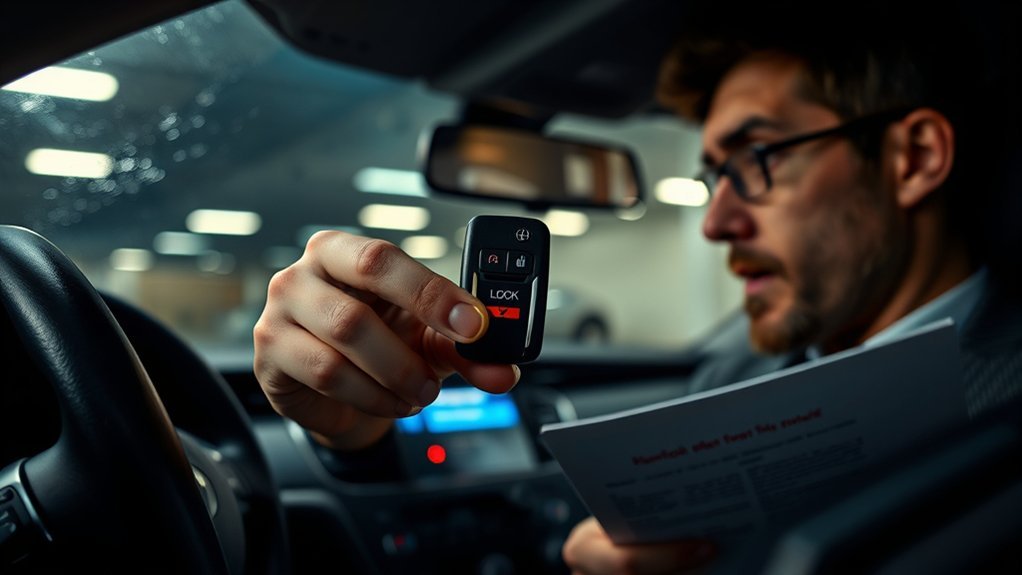
If your Toyota Camry remote start is not working, start with the basics before assuming something is broken. Most failures come from range, timing, app setup, service status, or a vehicle condition that blocks remote start.
| Problem | Likely Cause | What to Do |
|---|---|---|
| Nothing happens when you press the fob | Button timing is off or the fob is out of range | Move closer, aim toward the vehicle, and repeat: LOCK, LOCK within 1 second, then hold LOCK for about 3 seconds. |
| Lights flash but the vehicle does not start | A start condition may not be met | Check that the Camry is in Park, locked, off, and that all doors, trunk, and hood are closed. |
| Toyota app Start button is missing | Remote Connect is not active or setup is incomplete | Open the Toyota app, confirm vehicle status is Active, and verify that Remote Connect trial/subscription status is current. |
| Remote start worked before but stopped working | Trial expired, Connected Services were waived, app/account changed, or signal is poor | Check Connected Services in the Toyota app, confirm account ownership, and try again in an area with better vehicle and phone signal. |
| Remote start shuts off quickly | Door/hood/trunk opened, brake pressed, alarm triggered, or 10-minute timer expired | Review the app message if available, restart manually if you already used two remote-start sessions, and check your Owner’s Manual. |
| Range is poor | Weak fob battery, obstruction, interference, or distance | Replace the key-fob battery if needed, move away from large metal objects, and remember Toyota lists up to about 80 feet in open space for the remote engine starter. |
If the Toyota app still will not start the vehicle after all preconditions are met, Toyota recommends manually starting the vehicle, letting it run briefly, turning it off, exiting, locking it with the key fob, stepping at least 20 feet away, refreshing the Toyota app vehicle status, and trying Remote Start again.
Additional Features of Toyota Remote Connect for a Better Experience
Remote start is only one part of Toyota Remote Connect. Depending on your Camry’s trim, equipment, connected-service plan, region, and app status, Remote Connect may also support features such as remote lock and unlock, vehicle status checks, vehicle locator, smartwatch compatibility, remote notifications, and guest-driver-related alerts.
These features are helpful when you park in a crowded lot, forget whether you locked the doors, or want to check the vehicle from your phone. The important caveat is that Remote Connect features are not guaranteed on every Camry configuration forever. They can depend on an active trial or paid subscription, compatible hardware, Toyota app registration, cellular network availability, and Toyota’s current Connected Services terms.
Frequently Asked Questions
Can I use remote start with my smartphone app?
Yes, if your Camry is equipped for Remote Connect and your Remote Connect trial or subscription is active. Add the vehicle to the Toyota app, complete Connected Services setup, and confirm that Start, Lock, and Unlock controls appear on the vehicle dashboard in the app.
How far can I be from my Camry for key-fob remote start to work?
Toyota lists remote engine starter range at up to about 80 feet in open space. Real-world range can be shorter if walls, hills, trees, other vehicles, metal structures, or a weak key-fob battery interfere with the signal. The Toyota app can work from farther away, but only when the vehicle and phone have the required network connection and Remote Connect is active.
Is remote start available on all Toyota Camry trims?
Not always. Toyota’s Camry brochures describe Remote Connect availability and trial terms as varying by model, trim, equipment, and subscription status. The safest check is to open the Toyota app, review your Connected Services status, check your window sticker or purchase documents, or ask a Toyota dealer to confirm your exact VIN.
Does remote start affect my vehicle’s battery life?
Normal remote-start use should not harm a healthy vehicle battery, but repeated failed attempts, a weak 12-volt battery, or a weak key-fob battery can cause problems. If remote start becomes unreliable, check the key-fob battery first, then have the vehicle battery tested if the issue continues.
Can I program multiple key fobs for remote start?
Remote start should work from any compatible Smart Key fob that is properly programmed to your Camry and supported by your vehicle’s equipment. If you need an additional fob, have it programmed by a Toyota dealer or a qualified automotive locksmith, then test lock, unlock, and remote start before relying on it.
How long will my Toyota Camry run after remote start?
Toyota says a Remote Start session runs for up to 10 minutes. You can remote start a maximum of two times in a row, for up to 20 minutes total, before the vehicle must be started manually.
Why does my Camry shut off when I open the door after remote start?
That can be normal depending on your Toyota configuration. Toyota lists several automatic shutoff triggers after Remote Connect start, including unlocking with the key fob, opening doors, trunk, or hood, pressing the brake, shifting out of Park, triggering the alarm, using the app Stop button, or reaching the runtime limit.
Can I remote start my Camry in a garage?
No. Do not remote start a gas-engine vehicle in a garage, enclosed space, or partially enclosed space. Vehicle exhaust can create carbon monoxide, which is colorless and odorless and can be deadly.
Conclusion
Remote start on a 2025 or 2026 Toyota Camry is easiest once you know the exact sequence and requirements. For the key fob, use LOCK → LOCK within 1 second → hold LOCK for about 3 seconds. For the Toyota app, make sure Remote Connect is active and the Start control appears in the app. If remote start fails, check range, fob battery, vehicle doors/hood/trunk, app status, Connected Services, and the 10-minute/two-cycle limit before scheduling service.
Sources
- Toyota Support: How do I start the vehicle using my Toyota key fob? — backs up the LOCK, LOCK, hold LOCK key-fob sequence and Remote Connect prerequisites.
- Toyota Support: Remote engine starter range — backs up the 80-foot open-space key-fob range guidance.
- Toyota Support: Remote Start runtime — backs up the 10-minute session and two-session limit.
- Toyota Support: Why the vehicle turns off after Remote Connect start — backs up automatic shutoff conditions.
- Toyota 2026 Camry eBrochure — backs up Remote Connect app features, trial/subscription requirements, select-trim language, and 4G dependency.
- CDC: Carbon Monoxide Poisoning Basics — backs up the carbon-monoxide safety warning.