Auto Hold in a Toyota Camry is the feature Toyota officially calls Brake Hold. It keeps the brakes applied after you come to a complete stop, so you do not have to keep pressing the brake pedal at every red light, drive-thru, or traffic jam. The steps below match current Toyota Camry owner-manual guidance, but always follow the manual for your exact model year if your display or button looks different.
Quick Answer
To use Auto Hold, also called Brake Hold, stop your Toyota Camry fully with the brake pedal pressed, close the driver’s door, buckle your seat belt, and press the HOLD button. A green indicator means the system is ready; a yellow indicator means it is actively holding the brakes.
Key Takeaways
- Toyota calls the feature Brake Hold, but many drivers call it Auto Hold.
- Use it only after the Camry is fully stopped and your foot is on the brake pedal.
- The driver’s door must be closed and the driver’s seat belt must be fastened.
- Green means standby; yellow means the system is holding the brakes.
- Brake Hold is not a substitute for the parking brake when parking or leaving the vehicle.
At a Glance
| Time Required | Less than 1 minute |
| Difficulty | Easy |
| Tools Needed | None |
| Cost | Free, if your Camry is equipped with Brake Hold |
What Is the Auto Hold Feature?
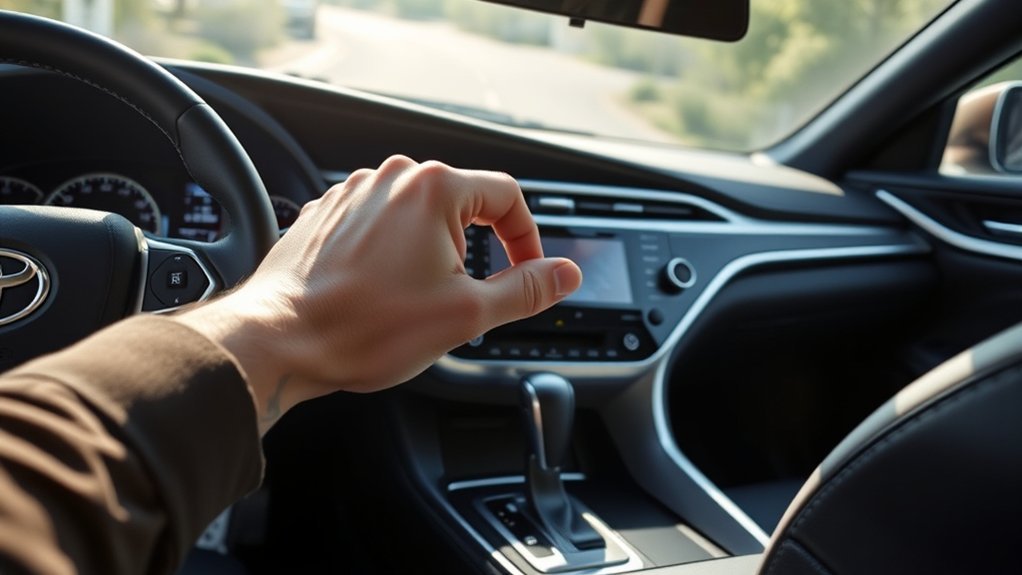
The Auto Hold feature in a Toyota Camry is the Brake Hold system. When the system is on and the vehicle is stopped, it keeps the brake applied for you. This is most useful in stop-and-go traffic, at long red lights, or while waiting in a drive-thru line.
Brake Hold is different from the regular parking brake. Brake Hold is a temporary convenience feature for short stops while you are still driving. The parking brake is for securing the vehicle when parked.
| Feature | What It Means |
|---|---|
| Brake Hold / Auto Hold | Temporarily holds the brakes after a complete stop |
| Electric Parking Brake | Secures the vehicle when parked |
| Green HOLD indicator | System is on standby and ready |
| Yellow HOLD indicator | System is actively holding the brakes |
Before You Use Brake Hold
Before pressing the HOLD button, make sure the basic operating conditions are met. In a current Camry, the system may not turn on if the driver’s door is open or the driver’s seat belt is not fastened.
- Start the Camry and make sure the vehicle is ready to drive.
- Close the driver’s door.
- Fasten the driver’s seat belt.
- Press the brake pedal and bring the vehicle to a complete stop.
- Press the HOLD button while your foot is still on the brake.
Warning: Do not use Brake Hold as a parking method. Before leaving the Camry, shift to Park, set the parking brake if needed, and make sure the vehicle cannot move.
How to Activate Auto Hold
Follow these steps to turn on Auto Hold in your Toyota Camry:
- Come to a full stop. Keep your foot firmly on the brake pedal.
- Check the basics. Make sure your seat belt is fastened and the driver’s door is closed.
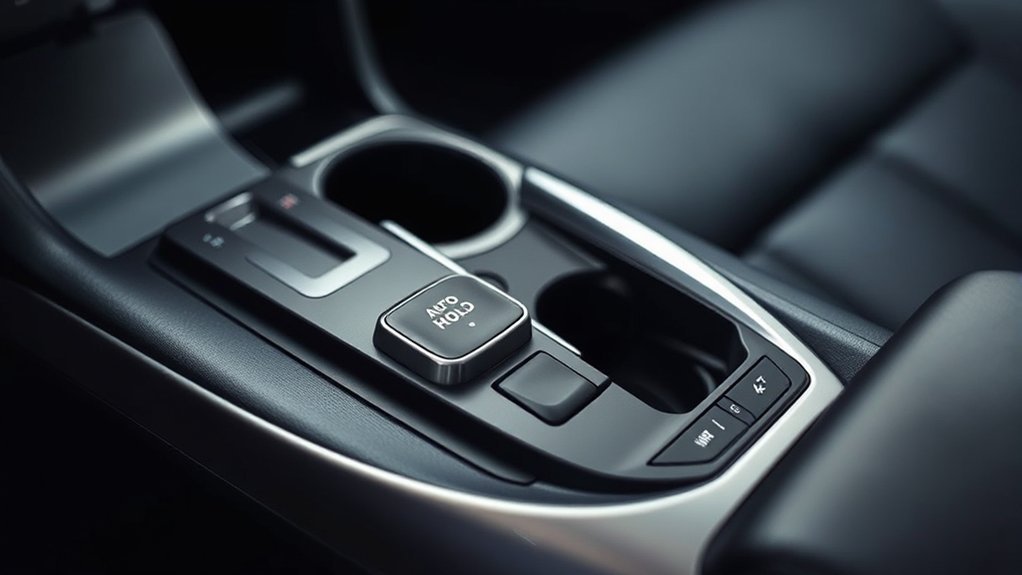
- Press the HOLD button. The button is usually near the center console area by the shifter and parking brake switch.
- Look for the green indicator. Green means Brake Hold is on standby.
- Wait for the yellow indicator when stopped. Yellow means the system is actively holding the brake for you.
- Lift your foot only when the system is holding. Keep paying attention to traffic and be ready to brake manually.
According to Toyota’s current Camry guidance, Brake Hold can keep the brake applied when the shift lever is in D, S, N, or P with the system on and the brake pedal has been used to stop the vehicle. The smooth automatic release is intended when you press the accelerator with the shift lever in D or S.
Pro Tip: Think of Brake Hold as a traffic-light helper. It is best for short stops, not for parking, reversing, or relaxing your attention behind the wheel.
Understanding Auto Hold Indicators
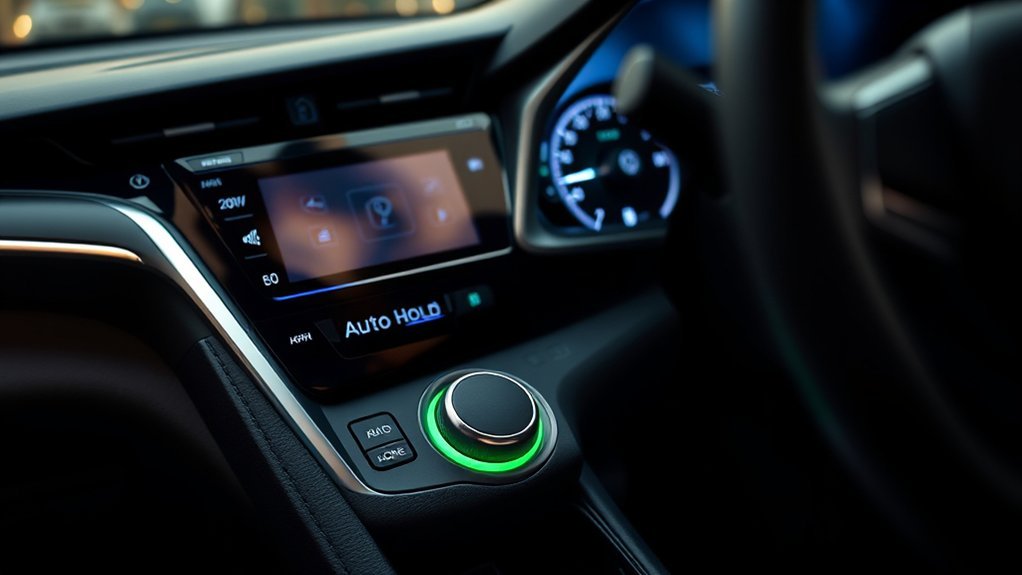
The indicator lights tell you exactly what Brake Hold is doing. Check the instrument cluster before you take your foot off the brake pedal.
| Indicator | Meaning | What You Should Do |
|---|---|---|
| Green HOLD indicator | Brake Hold is on standby | Stop fully for the system to hold the brakes |
| Yellow HOLD indicator | Brake Hold is actively holding the brakes | You may ease off the brake while staying alert |
| Indicator off | Brake Hold is off or unavailable | Use the brake pedal normally |
| Warning message or buzzer | The system needs driver attention | Read the message and follow the owner’s manual |
How to Drive Away With Brake Hold On
When Brake Hold is actively holding the brakes, driving away is simple. Keep your seat belt fastened, keep the driver’s door closed, check traffic, and press the accelerator gently. In Drive or S mode, the Camry releases the held brake so you can move away smoothly.
If the car does not move as expected, do not press harder right away. Check the instrument cluster, confirm the shift position, and make sure the parking brake is not set.
How to Turn Off Auto Hold?
To turn off Auto Hold while the system is holding the brakes, press the brake pedal firmly and press the HOLD button again. The indicator should turn off. Once it is off, you must keep the vehicle stopped with your foot on the brake pedal or with the parking brake when appropriate.
Brake Hold may also turn off if an operating condition is no longer met, such as the driver’s door opening or the driver’s seat belt being unfastened. If this happens while the system is holding the brakes, the Camry may sound a warning and set the parking brake automatically.
Note: If Brake Hold has been holding the vehicle and the brake pedal is left released for about 3 minutes, the parking brake may set automatically. This is normal system behavior, not usually a malfunction.
Best Times to Use Brake Hold
Brake Hold is most helpful when you are stopped briefly but still driving. Good examples include:
- Stop-and-go city traffic
- Long traffic lights
- Drive-thru lines
- Railroad crossings where you must wait
- Temporary construction stops
It is less useful when you are parking, reversing, stopping on a slippery surface, or waiting on a very steep hill. In those cases, use the brake pedal directly and stay ready to control the vehicle.
Safety Limits You Should Know
Brake Hold makes short stops easier, but it does not remove the driver’s responsibility. Keep your foot near the brake pedal and stay aware of the road.
- Steep inclines: Brake Hold may not hold the vehicle securely on a steep hill. Apply the brake pedal if needed.
- Slippery roads: If the tires lose grip, Brake Hold cannot overcome the limits of traction.
- Parking: Use Park and the parking brake when parking. Do not rely on Brake Hold for long-term parking.
- Seat belt and door status: Unfastening the driver’s seat belt or opening the driver’s door can cancel the system and trigger warnings.
- Warning messages: If the multi-information display shows a Brake Hold message, follow the message and consult the owner’s manual.
Brake Hold is a comfort feature for short stops, not a replacement for careful braking or the parking brake.
Troubleshooting Auto Hold Issues
If Brake Hold is not working the way you expect, check the simple items first. Most issues come from an unmet operating condition.
| Problem | Likely Cause | What to Do |
|---|---|---|
| HOLD indicator will not turn green | Door open, seat belt unfastened, or system unavailable | Close the door, buckle up, press the brake, and try again |
| Brake Hold will not actively hold | Vehicle may not be fully stopped | Press the brake pedal firmly and stop completely |
| System turns off unexpectedly | Door, seat belt, or warning condition changed | Use the brake pedal and check the display message |
| Parking brake turns on after waiting | Brake Hold held the vehicle for about 3 minutes | Release the parking brake correctly before driving |
| Vehicle rolls or feels unstable on a hill | Hill may be too steep for Brake Hold | Apply the brake pedal manually |
| Warning message appears | System needs caution or inspection | Read the message; contact a Toyota dealer if it persists |
Frequently Asked Questions
Does Auto Hold work on inclines or declines?
Brake Hold can help during normal stopped conditions, but you should be careful on hills. Toyota warns that Brake Hold may not hold the vehicle on a steep incline. Keep your foot ready to press the brake pedal, especially on steep or slippery roads.
Can I use Auto Hold in traffic?
Yes. Traffic is one of the best times to use Brake Hold. It reduces the need to keep your foot pressed on the brake during repeated short stops. Stay alert, watch the signal or vehicle ahead, and press the accelerator gently when it is time to move.
Is Auto Hold safe for new drivers?
It can be helpful for new drivers because it reduces brake-pedal fatigue at stops. Still, new drivers should learn to control the vehicle with the brake pedal first. Brake Hold is an assist feature, not a substitute for attention, proper braking, or safe hill control.
Will Auto Hold affect fuel efficiency?
Brake Hold is mainly a convenience feature, not a fuel-saving feature. It may make stop-and-go driving feel smoother because you do not have to hold the brake pedal down, but you should not expect a noticeable fuel-economy improvement from Brake Hold alone.
Can Auto Hold be used with cruise control?
Brake Hold and cruise-control systems are separate features. Brake Hold is meant for stopped driving situations after you press the brake pedal. If your Camry has adaptive cruise or traffic-assist features, follow the owner’s manual for those systems and do not assume Brake Hold changes how cruise control works.
Why did the parking brake turn on while Auto Hold was active?
This can happen after Brake Hold has been actively holding the vehicle for about 3 minutes, or if a required condition changes while the system is holding. Press the brake pedal and release the parking brake properly before driving again.
Does Auto Hold stay on every time I start the Camry?
Many Toyota vehicles require the driver to turn Brake Hold on again after restarting the vehicle. Check your indicator light each time you drive so you know whether the system is off, on standby, or actively holding.
Conclusion
Using Auto Hold in a Toyota Camry is simple once you know that Toyota officially calls it Brake Hold. Stop completely, keep your foot on the brake, buckle your seat belt, close the driver’s door, press the HOLD button, and watch for the green or yellow indicator. Use it for short stops in traffic, but rely on the brake pedal and parking brake whenever conditions require full driver control.
Sources
- Toyota Owners — 2025 Camry Brake Hold manual section — official Brake Hold operation and indicator guidance
- Toyota 2025 Camry Quick Reference Guide — quick-reference Brake Hold and parking brake overview
- Toyota Owners — 2025 Camry Manuals and Warranties — official Toyota manual access
- Toyota Owners — 2025 Camry Main Owner’s Manual — model-year manual notes and specifications caveat