Reading OBD2 codes on a Toyota Camry is a simple first step when the check engine light comes on, but the code is not the whole diagnosis. A code reader can tell you which system the car’s computer is unhappy with, then you use symptoms, freeze-frame data, live data, and basic checks to decide what to do next.
Quick Answer
To read OBD2 codes on a Toyota Camry, park safely, turn the ignition off, plug your Launch or other OBD-II scanner into the 16-pin port under the driver-side dashboard, turn the ignition to ON without starting the engine, choose OBD-II or Diagnose, then read and save the stored, pending, and freeze-frame code data.
Key Takeaways
- The Toyota Camry OBD-II port is usually under the driver-side dashboard near the steering column.
- Connect the scanner with the ignition off, then turn the ignition to ON/engine off unless your scanner tells you otherwise.
- Write down stored, pending, and permanent codes before clearing anything.
- A code points to a system or circuit. It does not automatically prove that one specific part is bad.
- Do not clear codes right before an emissions inspection because readiness monitors may reset.
At a Glance
| Time Required | 5–10 minutes to read codes |
| Difficulty | Beginner |
| Tools Needed | Launch code reader or any OBD-II scanner, phone or notepad for saving codes |
| Cost | Free if you already have a scanner; basic readers often cost less than professional diagnostic tools |
Safety Before Reading OBD2 Codes
Before you plug in a scanner, park the Camry on a flat surface, set the parking brake, shift to Park, and keep the scanner cable away from the pedals. Do not hold a scanner or phone while driving. If you need live data during a road test, have a passenger operate the tool or let a technician handle it.
Warning: Do not connect or disconnect diagnostic equipment while the engine is running unless your specific scanner manual tells you to. For a basic code read, connect the tool with the ignition off, then turn the ignition to ON without starting the engine.
Locate the OBD-II Port Under Your Dashboard
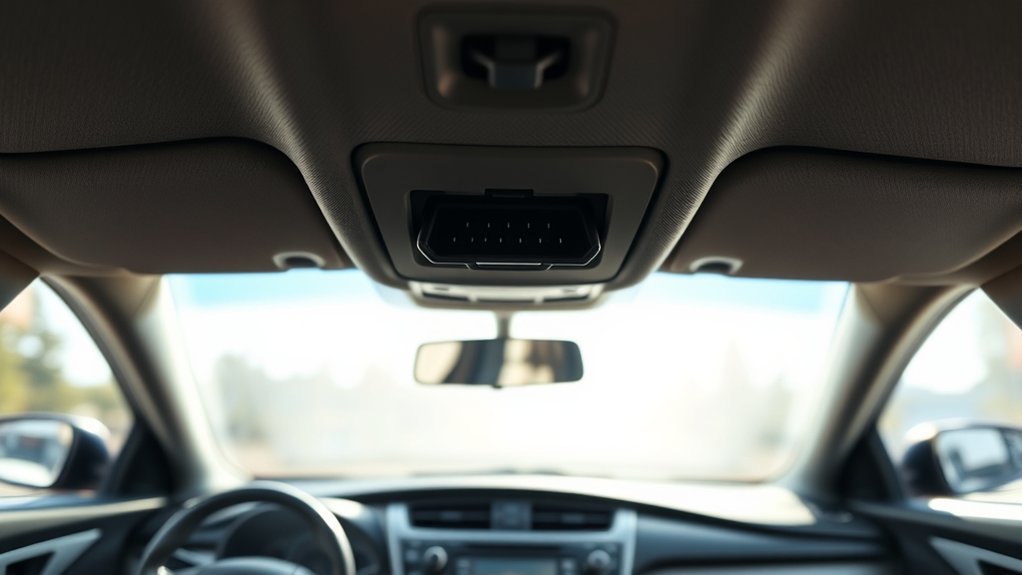
In most Toyota Camry models, the OBD-II port is under the driver-side dashboard, close to the steering column and above the footwell. Look for a trapezoid-shaped 16-pin diagnostic connector. It may be exposed, slightly recessed, or near a small lower dash panel.
The port is also called the DLC, or Data Link Connector. The SAE J1962 diagnostic connector standard defines the OBD diagnostic connector used to connect a scan tool to the vehicle. The connector is not always the same color, so do not rely on color alone. Use the 16-pin shape and driver-side dash location as your main clues.
Pro Tip: If you cannot see the port right away, kneel outside the open driver door and look upward under the dash with a flashlight. Do not pull hard on trim panels unless the owner’s manual or service information shows that a cover must be removed.
Connect Your Launch Code Reader
A Launch code reader and most other OBD-II scanners connect the same basic way. The scanner plug only fits the OBD-II port in one direction, so do not force it.
- Turn the ignition off.
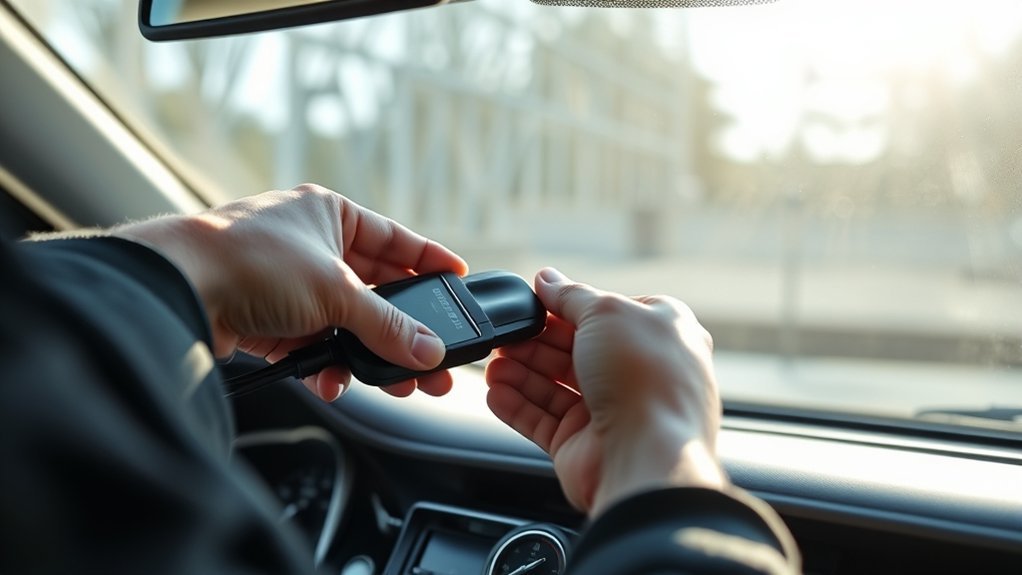
- Plug the scanner’s connector firmly into the Camry’s OBD-II port.
- Make sure the cable does not hang near the brake or accelerator pedal.
- Turn the ignition to ON without starting the engine. On many push-button Toyota models, this means pressing the start button without pressing the brake pedal; follow your owner’s manual if your model differs.
- Wait for the scanner to power on. Many scanners draw power from the OBD-II port automatically.
If your Launch scanner has Wi-Fi or software updates, connect it to Wi-Fi when you are not in the middle of diagnosis. Launch’s official support area provides software downloads and update resources for supported tools.
Use Auto-Detect or Manual Vehicle Selection
Many Launch scanners include an Auto-Detect or AutoVIN feature that tries to identify the Camry automatically. If it works, confirm the year, make, model, and engine shown on the screen before continuing.
If Auto-Detect fails, do not assume the scanner or car is broken. Choose manual diagnosis and enter the vehicle details yourself. A basic OBD-II scan can usually still read generic emissions-related powertrain codes even if enhanced Toyota-specific menus are not available on your scanner.
Note: Menu names vary by scanner. Look for options such as OBD-II, Diagnose, Read Codes, Read DTCs, Health Report, or Engine.
Read the Codes Step by Step
Once the scanner is connected and the ignition is ON, use this process:
- Select OBD-II or Diagnose.
- Choose Read Codes or Read DTCs.
- Check Stored or Confirmed codes first. These are codes the computer has verified.
- Check Pending codes. These may point to faults the car has noticed but not confirmed yet.
- If your scanner supports it, check Permanent codes. These may remain until the vehicle confirms the repair through its monitor tests.
- Open Freeze Frame data for the main code. This snapshot can show engine load, coolant temperature, speed, fuel trim, and other conditions when the fault set.
- Write down every code exactly, including letters and numbers. Also note whether each code is stored, pending, or permanent.
A trouble code is the starting point, not the final repair. Use the code, symptoms, freeze-frame data, and basic testing together before replacing parts.
Understanding OBD-II Codes
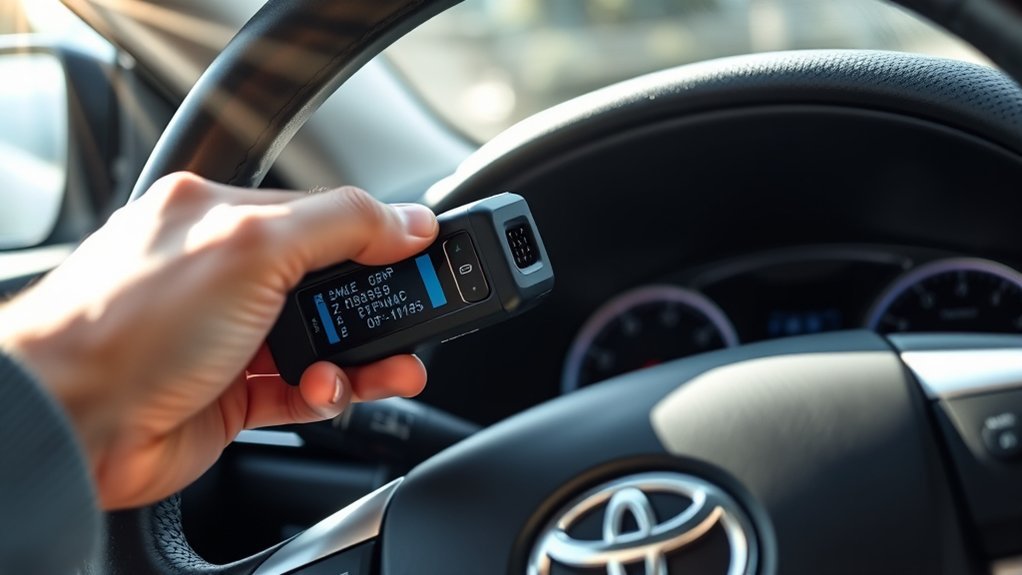
OBD-II diagnostic trouble codes usually have five characters. The first character tells you the system:
- P = Powertrain, such as engine, transmission, fuel, ignition, and emissions systems
- B = Body systems
- C = Chassis systems
- U = Network or communication systems
Most basic check engine light scans show P-codes because the malfunction indicator light is usually tied to powertrain and emissions-related faults. The second character also matters: 0 usually indicates a generic code, while 1 often indicates a manufacturer-specific code. For deeper Toyota-specific codes, you may need a scanner with enhanced Toyota coverage or a professional diagnostic tool.
Common OBD-II Codes for Toyota Camry Owners
The exact code list depends on the Camry year, engine, mileage, and fault. These are common OBD-II codes you may see during a Camry check engine light diagnosis:
| Code | Basic Meaning | First Things to Check |
|---|---|---|
| P0171 | System too lean, usually Bank 1 | Vacuum leaks, intake boot cracks, dirty MAF sensor, fuel trim data, fuel delivery |
| P0420 | Catalyst system efficiency below threshold | Exhaust leaks, oxygen sensor data, misfire history, catalytic converter condition |
| P0300 | Random or multiple cylinder misfire | Spark plugs, ignition coils, vacuum leaks, fuel delivery, compression if needed |
| P0301–P0304 | Misfire on a specific cylinder | Swap-test coil, inspect plug, check injector and compression on that cylinder |
| P0440, P0441, P0455 | EVAP system fault or leak | Loose/damaged gas cap, EVAP hoses, purge valve, charcoal canister, smoke test |
| P0110 | Intake air temperature circuit issue | MAF/IAT connector, wiring, sensor reading compared with ambient temperature |
| P0130 or P0131 | Oxygen sensor circuit issue, often Bank 1 Sensor 1 | Oxygen sensor signal, wiring, exhaust leaks, fuel mixture problems |
Note: Do not replace a catalytic converter, oxygen sensor, coil, or MAF sensor based on a code alone. Confirm the fault with inspection and testing first.
What to Do After You Get a Code
After you read the code, follow a simple diagnostic path:
- Save the evidence. Photograph or write down the codes, freeze-frame data, and readiness status.
- Check the easy items first. For example, tighten the gas cap for EVAP codes, inspect cracked intake hoses for lean codes, and look for obvious loose connectors.
- Look at symptoms. A rough idle, fuel smell, poor acceleration, flashing check engine light, or overheating warning changes the urgency.
- Use live data if you understand it. Fuel trims, oxygen sensor switching, coolant temperature, and MAF readings can help confirm a direction.
- Repair the cause. Fix the verified problem, not just the code number.
- Clear codes only when ready. Clear after documenting data and completing a repair, then drive long enough to see whether the code returns.
Should You Clear Your Codes or Keep Them?
Do not clear OBD2 codes just to turn the light off. Clearing codes can erase helpful diagnostic information and may reset readiness monitors. That can make troubleshooting harder and can cause an emissions inspection problem until the monitors run again.
Clear codes only after you have saved the code numbers, freeze-frame data, and repair notes. If the check engine light returns after clearing, the fault is still present or the monitor has detected it again. If a permanent code remains, the car may need one or more successful drive cycles before the computer removes it.
Warning: Do not clear codes right before a smog or emissions test. The California Bureau of Automotive Repair OBD test reference explains that OBD readiness and test status are part of inspection decisions, so recently cleared monitors can create a failed or incomplete test result.
Troubleshooting Scanner Problems
If your Launch code reader or OBD-II scanner will not read the Camry, try these checks before assuming the car has a major problem:
| Problem | Likely Cause | What to Try |
|---|---|---|
| Scanner will not power on | Loose plug, no OBD port power, blown fuse, tool issue | Reseat the connector, check the fuse related to the power outlet/OBD circuit, try another scanner if available |
| No communication | Ignition not ON, wrong menu, unsupported enhanced system | Turn ignition ON, choose generic OBD-II, then try manual Toyota selection |
| Auto-Detect fails | VIN not retrieved, network issue, software coverage limitation | Use manual vehicle selection and update scanner software when convenient |
| Check engine light on but no code shown | Wrong module scanned, pending fault, non-engine warning, scanner limitation | Scan all available modules or use a Toyota-capable enhanced scanner |
Finding Reliable OBD-II Help
For reliable help, start with the Toyota Camry owner’s manual and warranty resources, your scanner’s built-in DTC library, and official scanner support. Toyota’s warning lights page is also useful for understanding when a dashboard light needs immediate attention.
Forums and videos can be helpful for seeing where parts are located, but treat them as supporting information. When the advice involves safety systems, air bags, ABS, transmission faults, hybrid warnings, or expensive parts, verify it with Toyota service information or a qualified technician.
When to Seek Professional Assistance
Reading a code is DIY-friendly. Diagnosing every fault is not. Get professional help when the Camry has a flashing check engine light, severe misfire, transmission-related code, ABS or airbag warning, overheating warning, fuel smell, stalling, limp mode, or multiple codes across unrelated systems.
| Scenario | Action Required | Reason |
|---|---|---|
| Flashing check engine light | Reduce load and seek service promptly | A severe misfire can damage the catalytic converter |
| ABS, SRS airbag, or brake warning | Have the system inspected immediately | Safety systems may not operate correctly |
| Transmission code or harsh shifting | Consult a qualified technician | Driving may worsen internal damage |
| Repeated code after repair | Perform deeper diagnosis | The first repair may not have fixed the root cause |
| Multiple unrelated codes | Check power, ground, wiring, and scan all modules | Network or voltage issues can trigger many codes |
Frequently Asked Questions
How do I read Toyota OBD-II fault codes?
Park safely, turn the ignition off, plug an OBD-II scanner into the port under the driver-side dashboard, turn the ignition to ON without starting the engine, then choose OBD-II, Diagnose, or Read Codes. Save stored, pending, permanent, and freeze-frame data before clearing anything.
Where is the OBD2 port on a Toyota Camry?
The OBD2 port is usually under the driver-side dashboard near the steering column and above the footwell. Look for a 16-pin trapezoid-shaped connector. It may be exposed or slightly tucked behind the lower dash area.
Should the engine be running when I read OBD2 codes?
For basic code reading, use ignition ON with the engine off unless your scanner gives different instructions. Some live-data tests require the engine to run, but reading stored DTCs usually does not.
Can I clear Toyota Camry codes after reading them?
Yes, but only after you record the codes and freeze-frame data. Clearing codes before diagnosis can erase useful information and reset readiness monitors. If the fault is not fixed, the code or light will usually return.
Does an OBD-II code tell me which part to replace?
No. An OBD-II code identifies a system, circuit, or condition the computer detected. For example, an oxygen sensor code can be caused by the sensor, wiring, exhaust leaks, or a fuel mixture problem. Test before replacing parts.
Why does my scanner say no codes even though a warning light is on?
You may be scanning only the generic engine system, while the warning is stored in another module such as ABS, SRS, body control, or transmission. Use a scanner with enhanced Toyota coverage or have a shop scan all modules.
Sources
- Toyota Owners — 2018 Camry manuals and warranties — owner manual and Toyota reference source for vehicle-specific guidance
- Toyota Owners — Warning Lights — warning-light safety guidance and owner manual direction
- SAE J1962 Diagnostic Connector — standardized diagnostic connector reference
- eCFR 40 CFR 86.1806-17 — Onboard diagnostics — federal OBD system requirements for detecting malfunctions, storing codes, and alerting drivers
- California Bureau of Automotive Repair — OBD Test Reference — readiness monitor and OBD inspection reference
- Launch Tech USA — Software Downloads — official LAUNCH update/support resource for compatible diagnostic tools
Conclusion
Reading OBD-II codes on a Toyota Camry is easy once you know where the port is and how to use the scanner menu. The smart move is to save the codes, check freeze-frame data, understand what the code category means, and avoid clearing anything until you have a repair plan. That way, your code reader becomes a useful diagnostic tool instead of just a temporary check engine light reset button.