If your Toyota Camry windows stopped working, lost one-touch auto-up, or only work from some switches after a battery replacement, the window system probably needs to be reinitialized. In most cases, this is a quick driveway reset, not a failed motor. The exact steps can vary by model year, so use the procedure below as a safe general guide and confirm details in your Toyota owner’s manual if the window still will not relearn.
Quick Answer
To reset Toyota Camry windows after a battery change, turn the ignition or power switch ON, fully close the affected window, hold the switch up, then run the window fully down and back up to relearn its travel limits. If one-touch operation does not return, check the window lock, fuses, battery voltage, and the switch or motor.
Key Takeaways
- A battery disconnect can erase the power-window position memory, especially for one-touch auto-up and auto-down.
- Use the switch for the affected window when possible, then test the driver’s master switch afterward.
- If the window reverses, binds, or will not fully close, do not force it; inspect the tracks and get professional help if needed.
- A good battery and charging system matter. A healthy 12-volt battery is typically about 12.6–12.8 volts at rest, while a running vehicle usually charges around 13–14.5 volts.
At a Glance
| Time Required | 5–15 minutes |
| Difficulty | Easy for reset; moderate for fuse or voltage checks |
| Tools Needed | Owner’s manual or fuse diagram; multimeter optional |
| Cost | Usually $0; a fuse costs only a few dollars if one is blown |
Immediate Fixes After a Camry Battery Replacement

Start with the simple checks before removing door panels or replacing switches. After a battery swap, a Camry may lose the learned travel limits for the glass. That can make the one-touch feature stop working, make the window reverse, or prevent the driver’s master switch from controlling every window correctly.
- Turn the ignition or power switch ON. Park safely, keep the vehicle in Park, and make sure the 12-volt system is awake. Hybrid models may use a power switch instead of a traditional ignition key.
- Check the window lock button. If the rear or passenger windows do not respond from their own switches, the lockout button on the driver’s door may be engaged.
- Try each window from its own door switch. If a window works locally but not from the master switch, the master switch, lockout circuit, or initialization may be the issue.
- Run the reset procedure below. Do each affected window one at a time.
- Test one-touch up and down. The reset is successful when the window travels smoothly and the auto function works normally again.
Warning: Keep hands, children, pets, and loose objects clear of the glass while resetting power windows. NHTSA advises checking that a child’s hands, feet, and head are clear before raising windows, and some vehicles rely on auto-reverse features that must be working correctly.
How to Reset Toyota Camry Power Windows Step by Step
For many late-model Toyota vehicles, including current Camry owner-manual guidance, power-window initialization is more specific than simply holding the switch for 10 seconds. Use this Toyota-style sequence first, especially if the window reverses, loses one-touch operation, or acts confused after a battery disconnect.
- Turn the ignition or power switch ON. Do not perform the reset with the vehicle fully off.
- Use the switch for the affected window. Start at that door if possible. After the window learns its position, test it from the driver’s master switch.
- Fully close the window. Pull the switch up in the one-touch closing direction until the glass reaches the top.
- Release, then pull up again. After a brief release, pull and hold the switch up for about 6 seconds or more.
- Fully open the window. Press the switch down until the glass reaches the bottom, then keep holding for at least 1 more second.
- Release, then press down again. After a brief release, press and hold the switch down for about 4 seconds or more.
- Fully close the window again. Pull the switch up until the glass is fully closed, then keep holding for at least 1 more second.
- Test the result. Try one-touch up, one-touch down, and driver’s master-switch control.
Note: If you release the switch while the glass is moving, start that window’s reset again from the beginning. If the window reverses or will not fully close, stop forcing it and inspect the run channel for debris, binding, or regulator trouble.
What If Your Older Camry Uses the Simple Reset?
Some older Camry model years and market versions use a simpler relearn procedure: fully lower the window, hold the switch down briefly after it reaches the bottom, then fully raise the window and hold the switch up briefly after it reaches the top. If the Toyota-style sequence above feels different from your car’s manual, follow the manual for your exact year.
The safest rule is this: use the procedure printed for your Camry’s year, trim, and market. Toyota’s manual site lets owners select the exact vehicle, and the power-window instructions can differ between older gasoline models, hybrid models, and newer digital-manual vehicles.
Pro Tip: Turn off heavy electrical loads such as headlights, rear defroster, blower fan, and seat heaters while initializing the windows. Stable voltage helps the window motor and door control module relearn the glass position cleanly.
Why Camry Windows Stop Working After a Battery Swap
Power windows use learned positions so the car knows where “fully open” and “fully closed” are. After a battery disconnect, jump-start, low-voltage event, or rapid voltage change, that memory may be lost. When this happens, the glass may still move manually, but auto-up, auto-down, jam protection, or master-switch control may not behave normally.
Common symptoms include:
- One-touch auto-up or auto-down stopped working: The window still moves while you hold the switch, but the automatic feature no longer works.
- The driver’s master switch will not control every window: The affected door may need to be initialized from its own switch first.
- The window reverses when closing: The jam protection system may think the glass has hit an obstruction, or the glass may actually be binding in the track.
- No movement at all: This points more toward the window lock, fuse, wiring, switch, motor, or battery-voltage problem than a basic initialization issue.
Power-window safety systems exist for a reason. Federal Motor Vehicle Safety Standard No. 118 covers power-operated window systems to reduce injury risk from accidental operation, so do not bypass or defeat anti-pinch or jam-protection behavior.
Identifying Master Switch Malfunctions
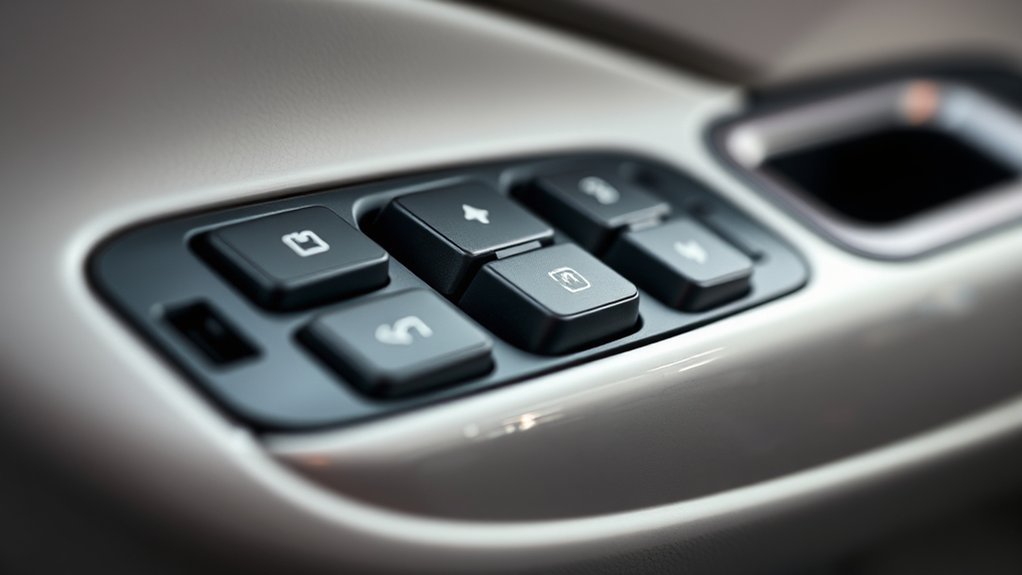
The master switch on the driver’s door is the control hub for all four windows, but it is not always the first part to blame. After a battery replacement, initialization is more likely than sudden switch failure. Diagnose in order so you do not replace a good switch.
| Symptom | Likely Cause | What to Check First |
|---|---|---|
| Window moves manually but one-touch does not work | Lost initialization | Run the reset sequence for that window |
| Rear windows do not work from passenger switches | Window lock button engaged | Check the lockout switch on the driver’s door |
| Individual door switch works, master switch does not | Master switch, lockout circuit, or wiring issue | Inspect the master switch and door harness |
| No windows respond | Fuse, power supply, ground, or battery-voltage issue | Check fuses and 12-volt battery condition |
| Window reverses or stops partway | Binding track, jam protection, or regulator problem | Clean the run channel and stop if it keeps reversing |
If you use a multimeter, test only if you are comfortable with basic electrical diagnosis. A switch with no power feed, no ground, or no output signal may need professional diagnosis, especially if the door harness has broken wires near the hinge area.
Checking Battery Connections, Voltage, and Fuses
A window reset may fail if the new battery is undercharged, the battery terminals are loose, or a fuse opened during the battery swap. Check these basics before assuming the motor or regulator is bad.
- Inspect the battery terminals. They should be tight and free of heavy corrosion. Wear eye protection and gloves if cleaning corrosion around a lead-acid battery.
- Check resting battery voltage. With the engine off and the car sitting, a healthy 12-volt battery is commonly around 12.6–12.8 volts. A much lower reading can cause electronic problems.
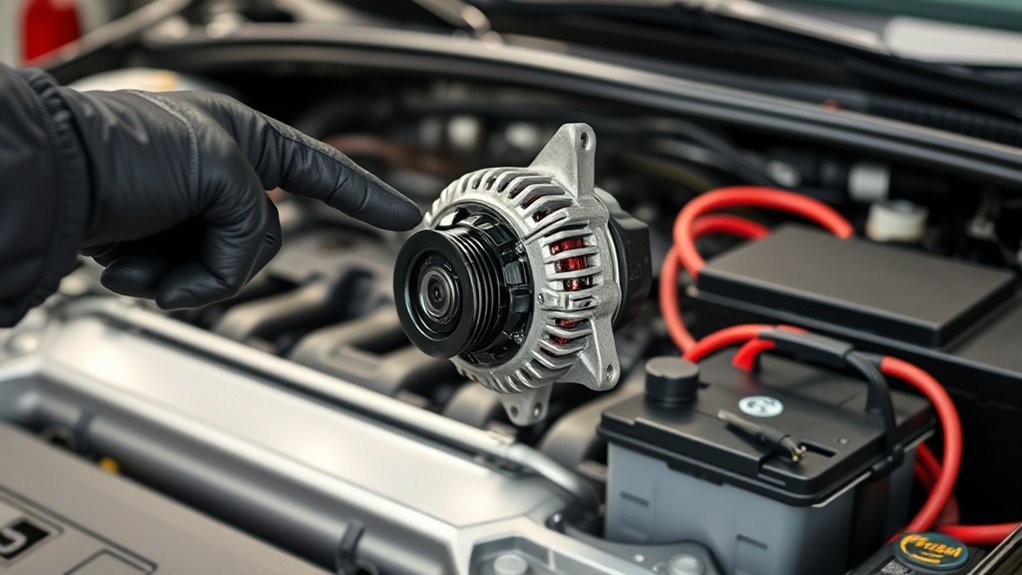
- Check charging voltage. With the engine running, many vehicles show about 13–14.5 volts at the battery terminals. A reading outside that range may point to a charging-system issue.
- Find the correct fuse diagram. Fuse locations and labels vary by Camry year. Use the fuse-box cover or the owner’s manual for your exact vehicle.
- Replace blown fuses only with the same amperage. Never install a higher-amp fuse to “fix” a recurring problem; that can damage wiring or create a fire risk.
Warning: Disconnecting battery cables, probing fuses, or testing door wiring can affect other vehicle systems. If you are unsure, stop at the reset procedure and let a qualified technician handle electrical testing.
Fixing Individual Window Problems
If only one Camry window is acting up, focus on that door. A single-window problem is usually caused by lost initialization, a bad local switch, a worn regulator, a weak motor, debris in the run channel, or wiring damage in that door.
Use this order:
- Reset that window from its own switch. Then test it from the master switch.
- Listen and watch while operating it. Grinding, clicking, crooked glass, or slow movement can point to a regulator or track problem.
- Clean the window run channel. Dirt and hardened rubber can make the anti-jam system think something is blocking the glass.
- Compare speed with the other windows. A much slower window may have binding or a weak motor.
- Check for moisture. Water inside the switch area can cause intermittent operation.
If the window is stuck open, do not keep cycling the switch until the motor overheats. Try one reset attempt, then move to fuse, voltage, and professional diagnosis if it still fails.
When to Get Professional Help
Call a Toyota dealer or qualified repair shop if the reset does not restore normal operation or if you notice signs of a mechanical or electrical fault. A reset will not fix a broken regulator, damaged wiring, burned switch, weak motor, or glass that is binding in the track.
Get help if:
- The window reverses every time you try to close it.
- The glass tilts, drops into the door, or moves unevenly.
- You hear grinding, cable noise, or repeated clicking inside the door.
- No windows work after checking the lockout switch and fuses.
- A fuse blows again after replacement.
- The master switch is physically cracked, wet, sticky, or burned.
- The battery or charging-system voltage is outside a normal range.
Professional scan tools can also check door-control communication and stored body-control codes, which helps avoid guessing at expensive parts.
Ongoing Maintenance Tips for Camry Windows
Good maintenance helps prevent repeat window resets and slow glass movement. You do not need to over-service the system, but a few simple checks can reduce strain on the regulator and motor.
| Task | Frequency | Purpose |
|---|---|---|
| Clean window tracks and run channels | Every few months or when movement slows | Reduces drag and false jam-protection reversals |
| Inspect window seals | Twice a year | Helps prevent water intrusion and wind noise |
| Test one-touch operation | After battery service or jump-starting | Catches lost initialization early |
| Check battery terminals | At oil changes or battery service | Prevents low-voltage electrical glitches |
Use a soft brush or cloth for debris around the glass channel. Avoid soaking switches with cleaner, and do not spray heavy lubricant into the felt window channels unless your service manual recommends a specific product.
Frequently Asked Questions
Why are my Toyota Camry windows not working after a battery change?
A battery change can erase the learned position limits for the power windows. When that happens, the window may still move manually, but one-touch auto-up, auto-down, jam protection, or driver’s master-switch control may not work correctly until the window is reinitialized.
How do I reset the windows in a Toyota Camry?
Turn the ignition or power switch ON, fully close the affected window, hold the switch up, then fully open and close the window so it can relearn its travel. Many late-model Toyotas use a close-hold, open-hold, close-hold sequence. Older Camrys may use a simpler full-down/full-up hold, so check the manual for your exact year if the first reset does not work.
Should I reset the window from the master switch or the door switch?
Use the switch for the affected window whenever possible, especially for passenger or rear windows. After that window relearns its position, test it from the driver’s master switch. If the local switch works but the master switch does not, check the window lock button, master switch, and driver-door wiring.
Why does my Camry window go back down when I try to close it?
The jam-protection system may be sensing resistance, or the glass may be binding in the run channel. Clean the window track, check for damaged seals, and try the initialization again. If the glass keeps reversing or will not fully close, stop forcing it and have the window system inspected.
Can a blown fuse cause Camry power windows to stop working?
Yes. A blown fuse, poor battery connection, weak 12-volt battery, or charging-system problem can stop the windows from operating. Fuse names and locations vary by model year, so use the fuse-box cover or Toyota owner’s manual and replace a blown fuse only with the same amperage rating.
Conclusion
Most Camry window problems after a battery swap are caused by lost initialization, not a failed motor. Start with the safe reset procedure, confirm the window lock is off, and check the battery connections, voltage, and fuses if the reset does not work. If the window reverses, binds, makes noise, or remains dead after basic checks, stop forcing it and have the system diagnosed before a small issue becomes a broken regulator or damaged wiring.
Sources
- Toyota 2025 Camry Hybrid Digital Manual: Power Windows — backs up Toyota power-window initialization and jam/catch protection guidance.
- Toyota Manuals and Warranties — source for model-specific owner’s manuals and fuse/manual lookup.
- NHTSA Child Safety — backs up power-window child-safety and auto-reverse safety guidance.
- 49 CFR § 571.118: Power-Operated Window Systems — federal safety standard for power-operated windows.
- Interstate Batteries: Official Way to Jump-Start a Battery — backs up healthy 12-volt battery voltage range.
- AAA: Bad Alternator vs. Bad Battery — backs up typical alternator charging-voltage range.