Last updated: July 15, 2026
To reset Toyota Camry windows after a battery replacement, turn the ignition or power switch ON, use the affected door’s switch, and complete the model-specific relearn sequence. If the glass still moves but one-touch auto-up or auto-down has stopped, initialization is the correct first step. If the window does not move at all, check the window lock, fuse, 12-volt power supply, switch, wiring, motor, or regulator instead. Procedures vary by model year and market, so confirm the sequence in your Toyota owner’s manual.
Quick Answer
Turn the ignition or power switch ON, use the affected window’s own switch, and run the correct close/open/close relearn sequence for your Camry’s model year. A reset is most likely to help when the glass still moves manually but one-touch operation or master-switch control has stopped. If the glass does not move, diagnose the lockout switch, fuse, power supply, wiring, switch, motor, or regulator.
Key Takeaways
- A battery disconnect or low-voltage event can erase the learned window positions used by one-touch operation.
- Use the affected window’s own switch first, then test the driver’s master switch after initialization.
- A window that moves manually but has lost auto-up or auto-down is a strong reset candidate; a window with no movement needs further diagnosis.
- If the glass reverses, binds, tilts, or will not fully close, stop forcing it and inspect the run channel, regulator, and seals.
At a Glance
| Time Required | 5–15 minutes |
| Difficulty | Easy for reset; moderate for fuse or voltage checks |
| Tools Needed | Owner’s manual or fuse diagram; multimeter optional |
| Reset Is Appropriate When | The window moves manually but one-touch or master-switch control is lost |
| Cost | Usually $0 for initialization; repair cost varies if a part has failed |
Is This a Reset Problem or a Failed Window Part?
Use the symptom before choosing the repair. Initialization restores learned travel limits, but it cannot repair a blown fuse, broken regulator, failed switch, damaged wiring, or a motor that will not run.
| What the Window Does | Best First Step | Why |
|---|---|---|
| Moves while you hold the switch, but one-touch no longer works | Run the model-specific reset | The learned open and closed positions may be lost |
| Works from its own door but not from the driver’s switch | Initialize locally, then check the lockout and master switch | The window may need local initialization, or the master circuit may have a fault |
| Does not move from either switch | Check the lockout, fuse, power, wiring, switch, and motor | A reset cannot work if the motor never receives power |
| Reverses, tilts, grinds, or binds | Stop and inspect the track, seals, glass, and regulator | Jam protection or a mechanical fault may be stopping the glass |
What Should You Check Before Resetting Camry Windows?

Start with the simple checks before removing door panels or replacing switches. After a battery swap, a Camry may lose the learned travel limits for the glass. That can make the one-touch feature stop working, make the window reverse, or prevent the driver’s master switch from controlling every window correctly.
- Turn the ignition or power switch ON. Park safely, keep the vehicle in Park, and make sure the 12-volt system is awake. Hybrid models may use a power switch instead of a traditional ignition key.
- Check the window lock button. If the rear or passenger windows do not respond from their own switches, the lockout button on the driver’s door may be engaged.
- Try each window from its own door switch. If a window works locally but not from the master switch, the master switch, lockout circuit, or initialization may be the issue.
- Run the reset procedure below. Do each affected window one at a time.
- Test one-touch up and down. The reset is successful when the window travels smoothly and the auto function works normally again.
Warning: Keep hands, children, pets, and loose objects clear of the glass while resetting power windows. NHTSA advises checking that a child’s hands, feet, and head are clear before raising windows, and some vehicles rely on auto-reverse features that must be working correctly.
How Do You Reset Toyota Camry Power Windows?
The timed sequence below is attributed to Toyota’s 2025 Camry Hybrid manual. Do not assume the same hold times apply to every Camry. If your exact owner’s manual gives different steps, follow that manual.
[VERIFY before publishing:] Confirm the 6-second, 1-second, and 4-second hold times below against the owner’s manual for the exact model year and market.
- Turn the ignition or power switch ON. Do not perform the reset with the vehicle fully off.
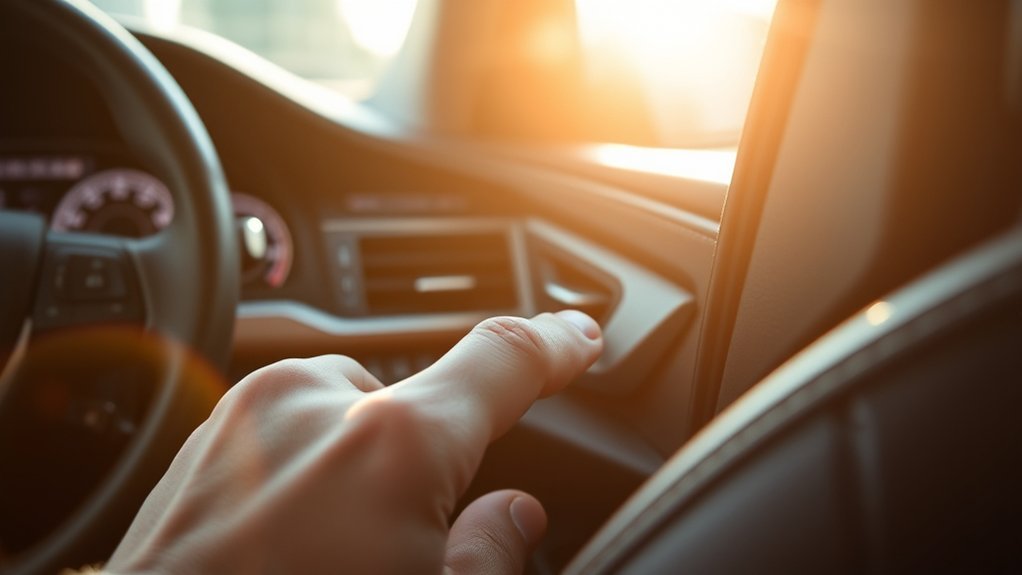
- Use the switch for the affected window. Start at that door if possible. After the window learns its position, test it from the driver’s master switch.
- Fully close the window. Pull the switch up in the one-touch closing direction until the glass reaches the top.
- Release, then pull up again. After a brief release, pull and hold the switch up for about 6 seconds or more.
- Fully open the window. Press the switch down until the glass reaches the bottom, then keep holding for at least 1 more second.
- Release, then press down again. After a brief release, press and hold the switch down for about 4 seconds or more.
- Fully close the window again. Pull the switch up until the glass is fully closed, then keep holding for at least 1 more second.
- Test the result. Try one-touch up, one-touch down, and driver’s master-switch control.
Note: If you release the switch while the glass is moving, start that window’s reset again from the beginning. If the window reverses or will not fully close, stop forcing it and inspect the run channel for debris, binding, or regulator trouble.
[Products Worth Considering]

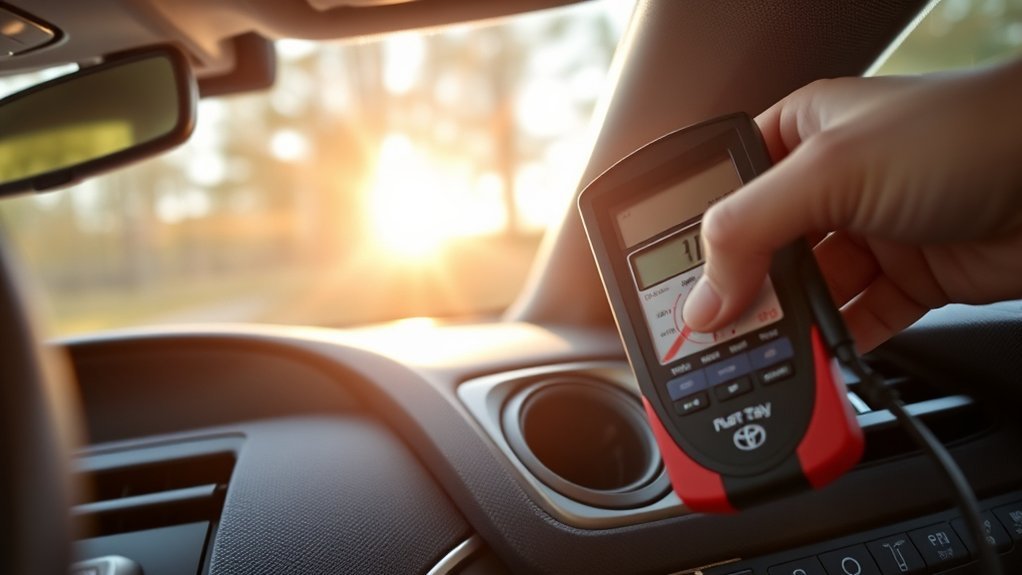
This automotive test light combines a bright LED voltage display with quick polarity indication for fast, accurate circuit checks in a wide range of vehicle systems. It helps diagnose battery, charging, lighting, and fuse issues with a sharp stainless probe, long spring wire, and easy-to-use alligator clip for efficient troubleshooting.

This roadside emergency kit helps drivers handle common breakdowns and winter travel issues with confidence. It includes jumper cables, a shovel, tow rope, warning triangle, first aid kit, gloves, and repair tools in a compact bag that fits easily in a trunk or storage compartment. Designed for cars, trucks, SUVs, motorcycles, and RVs, it is a practical safety companion for commuting, road trips, and everyday preparedness.

This flexible oil funnel is designed to make fluid changes cleaner and easier by guiding oil around obstacles like skid plates and crossmembers. Its shape-retaining core and silicone body can be molded for custom positioning, while the heat-resistant, leak-proof design helps prevent spills during draining and filter removal. Reusable and easy to clean, it works well for cars, trucks, motorcycles, and other hard-to-reach fluid fill or drain applications.
What If Your Older Camry Uses the Simple Reset?
Some older Camry model years and market versions use a simpler relearn: fully lower the window, hold the switch briefly after it reaches the bottom, then fully raise it and hold the switch briefly after it reaches the top. Use this version only when it matches the instructions for your exact vehicle.
The safest rule is this: use the procedure printed for your Camry’s year, trim, and market. Toyota’s manual site lets owners select the exact vehicle, and the power-window instructions can differ between older gasoline models, hybrid models, and newer digital-manual vehicles.
Pro Tip: Perform the reset with a stable 12-volt power supply. If the battery is weak or the terminals are loose, correct that problem before repeating the initialization.
Why Camry Windows Stop Working After a Battery Swap
Power windows use learned positions so the car knows where “fully open” and “fully closed” are. After a battery disconnect, jump-start, low-voltage event, or rapid voltage change, that memory may be lost. When this happens, the glass may still move manually, but auto-up, auto-down, jam protection, or master-switch control may not behave normally.
Common symptoms include:
- One-touch auto-up or auto-down stopped working: The window still moves while you hold the switch, but the automatic feature no longer works.
- The driver’s master switch will not control every window: The affected door may need to be initialized from its own switch first.
- The window reverses when closing: The jam protection system may think the glass has hit an obstruction, or the glass may actually be binding in the track.
- No movement at all: This points more toward the window lock, fuse, wiring, switch, motor, or battery-voltage problem than a basic initialization issue.
Power-window safety systems exist for a reason. Federal Motor Vehicle Safety Standard No. 118 covers power-operated window systems to reduce injury risk from accidental operation, so do not bypass or defeat anti-pinch or jam-protection behavior.
[Products Worth Considering]
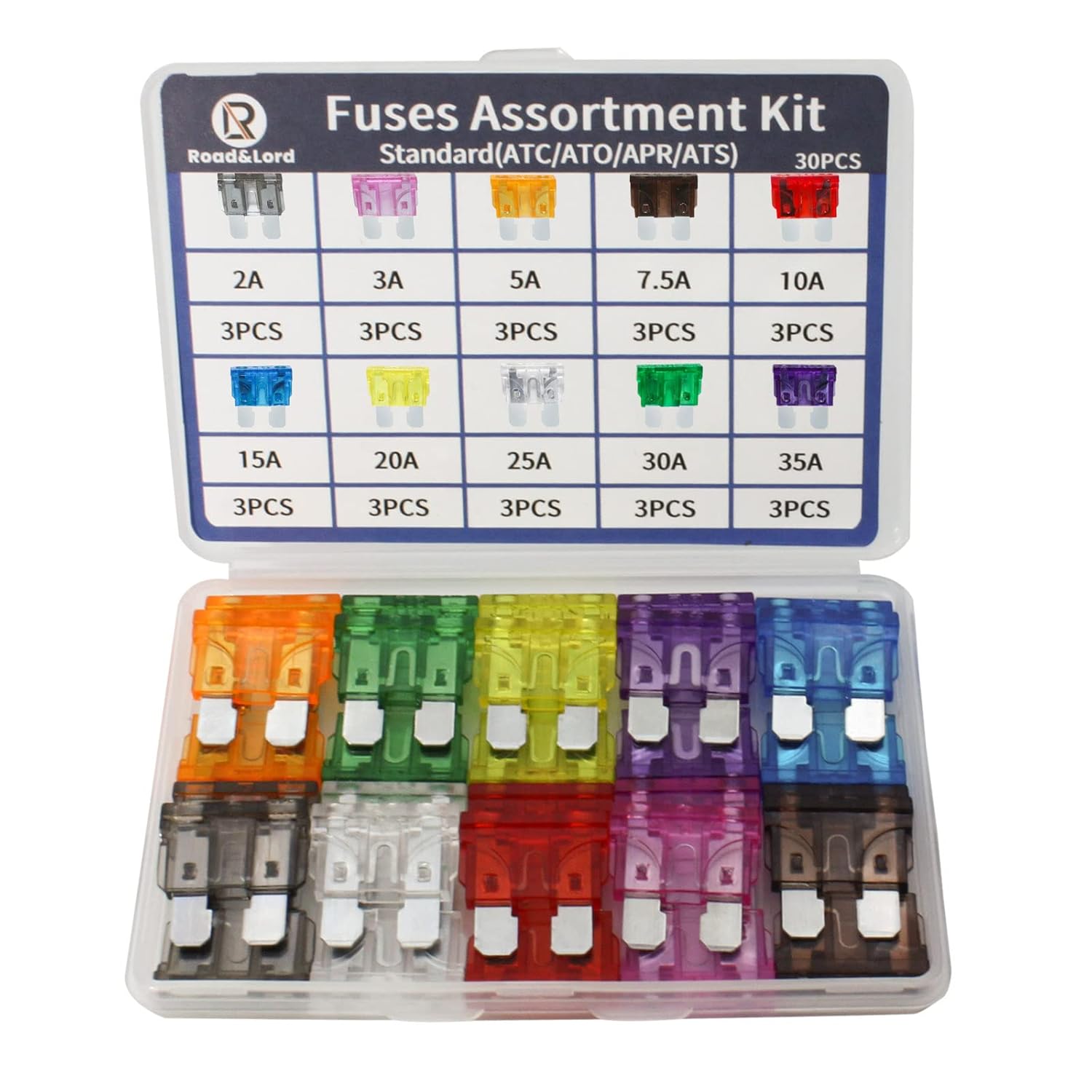
This standard blade fuse assortment kit provides a convenient selection of common amp ratings to help protect vehicle electrical systems from overloads, short circuits, and wiring damage. With transparent, color-coded housings and clearly marked ratings, it makes blown fuse replacement fast and easy for cars, trucks, boats, RVs, and other DC applications. The durable compact case keeps the fuses organized for reliable storage and quick access when needed.

This car emergency kit bundles essential roadside safety tools in one easy-to-carry black bag, helping drivers stay prepared for common breakdowns and unexpected situations. It includes jumper cables, lighting, first aid items, gloves, and other practical accessories for travel, commuting, camping, and winter driving. Built with durable nylon storage, it is a smart gift for new drivers and a useful backup for any vehicle.

Replace worn or broken rear exterior door handles with this OEM-style fit designed for a wide range of Toyota, Pontiac, and Scion vehicles. Built from reinforced plastic with a textured finish for dependable use and weather resistance, it helps restore smooth entry and a clean factory look. This handle is made for rear left or rear right installation without a keyhole and includes support backed by a warranty.
Is the Driver’s Master Window Switch Bad?
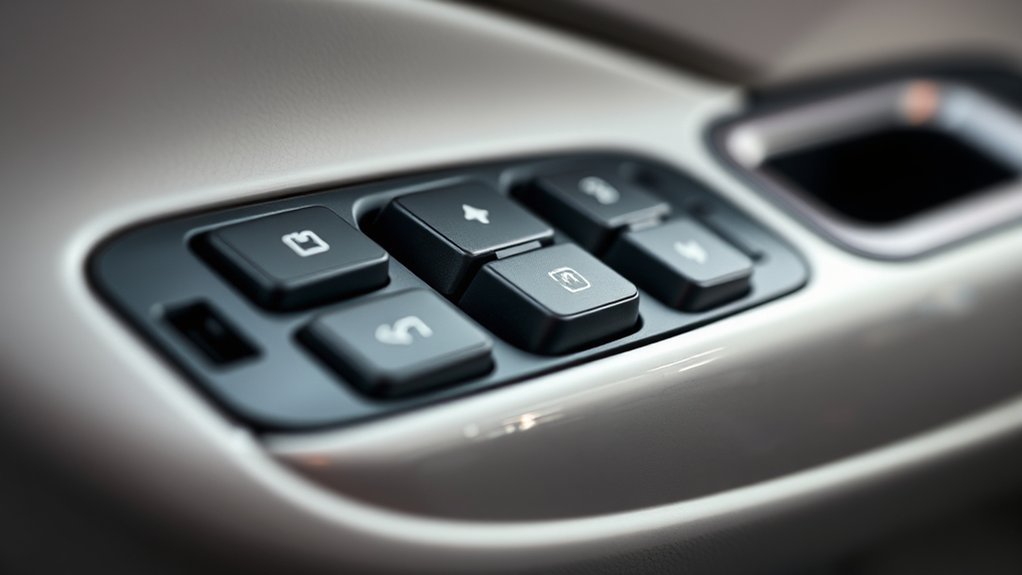
The master switch on the driver’s door is the control hub for all four windows, but it is not always the first part to blame. After a battery replacement, initialization is more likely than sudden switch failure. Diagnose in order so you do not replace a good switch.
| Symptom | Likely Cause | What to Check First |
|---|---|---|
| Window moves manually but one-touch does not work | Lost initialization | Run the reset sequence for that window |
| Rear windows do not work from passenger switches | Window lock button engaged | Check the lockout switch on the driver’s door |
| Individual door switch works, master switch does not | Master switch, lockout circuit, or wiring issue | Inspect the master switch and door harness |
| No windows respond | Fuse, power supply, ground, or battery-voltage issue | Check fuses and 12-volt battery condition |
| Window reverses or stops partway | Binding track, jam protection, or regulator problem | Clean the run channel and stop if it keeps reversing |
If you use a multimeter, test only if you are comfortable with basic electrical diagnosis. A switch with no power feed, no ground, or no output signal may need professional diagnosis, especially if the door harness has broken wires near the hinge area.
[Products Worth Considering]
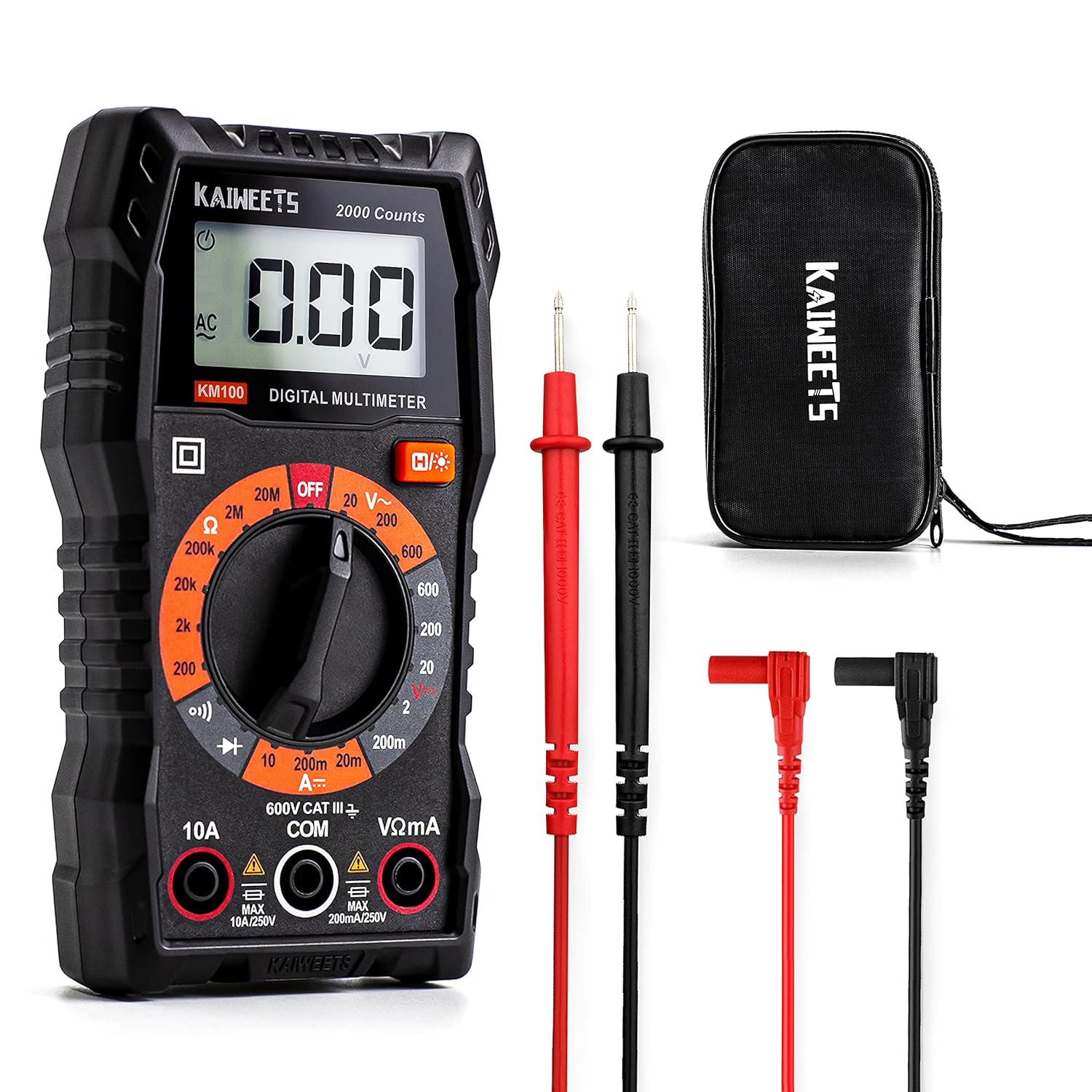
This KAIWEETS digital multimeter is a versatile tool for measuring AC/DC voltage, DC current, resistance, continuity, and diodes in home, automotive, and electrical applications. It includes pre-installed batteries, a carrying case, test leads, data hold, backlight, and overload protection for easier and safer everyday testing. Built with double fuses and rated for broad household and light professional use, it helps users diagnose electrical issues with confidence.

This battery cable crimper kit is built for creating secure, low-resistance connections on automotive, marine, solar, and DIY wiring projects. It includes multiple die sizes for a wide range of cable gauges, a rotating head for quick size changes, and durable carbon steel construction for dependable performance. The kit also comes with copper lugs, heat shrink tubing, and a cable cutter for convenient all-in-one wiring work.

These heavy duty jumper cables are designed to help you get back on the road quickly with strong, insulated clamps and extended reach for easier battery access. The flexible cable jacket stays dependable in a wide range of temperatures, while the included storage bag keeps everything organized and ready for emergencies. Built for cars, SUVs, and trucks, they offer a practical roadside solution backed by quality assurance and after-sales support.
What If the Camry Window Reset Does Not Work?
A reset will not restore a window that lacks power. Check the 12-volt supply, terminals, and the model-specific fuse information before assuming the motor or regulator has failed.
- Inspect the battery terminals. They should be tight and free of heavy corrosion. Wear eye protection and gloves when working around a lead-acid battery.
- Check the 12-volt battery. A fully charged lead-acid battery is commonly about 12.6 volts or more at rest. Voltage alone does not prove the battery is healthy, so use a proper battery test if low voltage or repeated electrical faults are present.
- Use model-specific charging information. Gasoline and hybrid Camrys manage the 12-volt system differently. Follow the owner’s or service manual instead of applying one universal running-voltage range.
- Find the correct fuse diagram. Fuse locations and labels vary by Camry year. Use the fuse-box cover and owner’s manual for your exact vehicle.
- Replace a blown fuse only with the same amperage. If the replacement opens again, stop and diagnose the circuit instead of installing a higher-rated fuse.
Warning: Disconnecting battery cables, probing fuses, or testing door wiring can affect other vehicle systems. If you are unsure, stop at the reset procedure and let a qualified technician handle electrical testing.
Why Is Only One Camry Window Not Working?
If only one Camry window is acting up, focus on that door. A single-window problem is usually caused by lost initialization, a bad local switch, a worn regulator, a weak motor, debris in the run channel, or wiring damage in that door.
Use this order:
- Reset that window from its own switch. Then test it from the master switch.
- Listen and watch while operating it. Grinding, clicking, crooked glass, or slow movement can point to a regulator or track problem.
- Clean the window run channel. Dirt and hardened rubber can make the anti-jam system think something is blocking the glass.
- Compare speed with the other windows. A much slower window may have binding or a weak motor.
- Check for moisture. Water inside the switch area can cause intermittent operation.
If the window is stuck open, do not keep cycling the switch until the motor overheats. Try one reset attempt, then move to fuse, voltage, and professional diagnosis if it still fails.
When to Get Professional Help
Call a Toyota dealer or qualified repair shop if the reset does not restore normal operation or if you notice signs of a mechanical or electrical fault. A reset will not fix a broken regulator, damaged wiring, burned switch, weak motor, or glass that is binding in the track.
Get help if:
- The window reverses every time you try to close it.
- The glass tilts, drops into the door, or moves unevenly.
- You hear grinding, cable noise, or repeated clicking inside the door.
- No windows work after checking the lockout switch and fuses.
- A fuse blows again after replacement.
- The master switch is physically cracked, wet, sticky, or burned.
- The battery or charging-system voltage is outside a normal range.
Professional scan tools can also check door-control communication and stored body-control codes, which helps avoid guessing at expensive parts.
How Can You Prevent Repeat Camry Window Problems?
Good maintenance helps prevent repeat window resets and slow glass movement. You do not need to over-service the system, but a few simple checks can reduce strain on the regulator and motor.
| Task | Frequency | Purpose |
|---|---|---|
| Clean window tracks and run channels | Every few months or when movement slows | Reduces drag and false jam-protection reversals |
| Inspect window seals | Twice a year | Helps prevent water intrusion and wind noise |
| Test one-touch operation | After battery service or jump-starting | Catches lost initialization early |
| Check battery terminals | At oil changes or battery service | Prevents low-voltage electrical glitches |
Use a soft brush or cloth for debris around the glass channel. Avoid soaking switches with cleaner, and do not spray heavy lubricant into the felt window channels unless your service manual recommends a specific product.
Frequently Asked Questions
Why are my Toyota Camry windows not working after a battery change?
A battery change can erase the learned position limits used by one-touch operation. If the glass still moves while you hold the switch, reinitialize that window. If it does not move from either switch, check the lockout, fuse, power supply, wiring, switch, motor, or regulator.
How do I reset the windows in a Toyota Camry?
Turn the ignition or power switch ON, fully close the affected window, hold the switch up, then fully open and close the window so it can relearn its travel. Many late-model Toyotas use a close-hold, open-hold, close-hold sequence. Older Camrys may use a simpler full-down/full-up hold, so check the manual for your exact year if the first reset does not work.
Should I reset the window from the master switch or the door switch?
Use the switch for the affected window whenever possible, especially for passenger or rear windows. After that window relearns its position, test it from the driver’s master switch. If the local switch works but the master switch does not, check the window lock button, master switch, and driver-door wiring.
Why does my Camry window go back down when I try to close it?
The jam-protection system may be sensing resistance, or the glass may be binding in the run channel. Clean the window track, check for damaged seals, and try the initialization again. If the glass keeps reversing or will not fully close, stop forcing it and have the window system inspected.
Can a blown fuse cause Camry power windows to stop working?
Yes. A blown fuse, poor battery connection, weak 12-volt battery, or charging-system problem can stop the windows from operating. Fuse names and locations vary by model year, so use the fuse-box cover or Toyota owner’s manual and replace a blown fuse only with the same amperage rating.
Final Checks Before You Replace Parts
Start with initialization only when the glass still moves or the one-touch feature was lost after battery service. Check the window lock, 12-volt supply, and model-specific fuse information if the reset fails. Stop cycling the switch if the glass reverses, tilts, binds, grinds, or stays dead from both controls; those symptoms need mechanical or electrical diagnosis rather than another reset.
Sources
- Toyota 2025 Camry Hybrid Digital Manual: Power Windows — backs up Toyota power-window initialization and jam/catch protection guidance.
- Toyota Manuals and Warranties — source for model-specific owner’s manuals and fuse/manual lookup.
- NHTSA Child Safety — backs up power-window child-safety and auto-reverse safety guidance.
- 49 CFR § 571.118: Power-Operated Window Systems — federal safety standard for power-operated windows.
- Interstate Batteries: How to Jump a Car With Jumper Cables — supports the approximately 12.6-volt resting-battery reference and the need for a proper battery test.