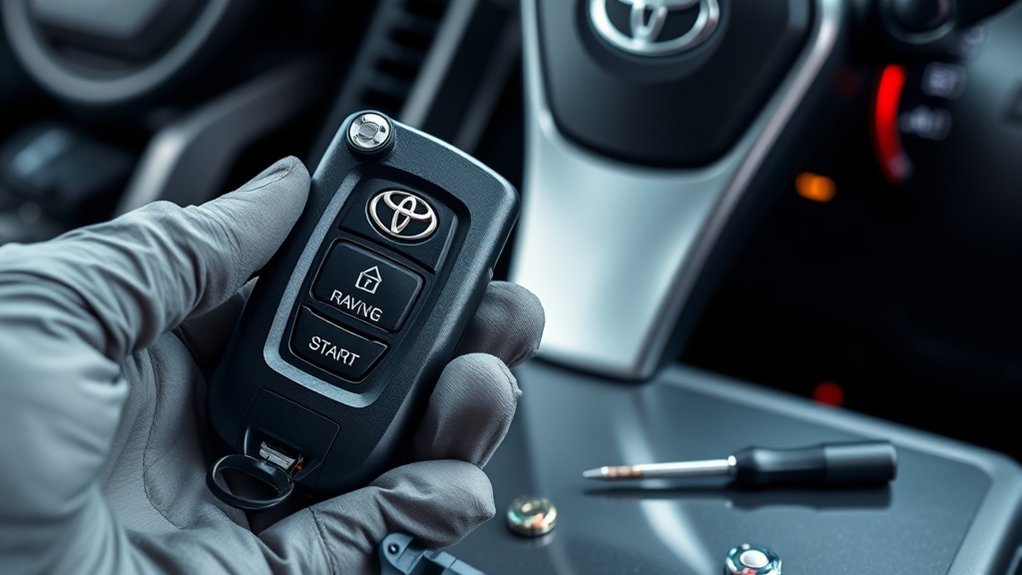
Start by checking and replacing the CR2032 battery—note polarity and seat it firmly—then clean battery contacts, button pads, and gasket seals with isopropyl alcohol. Resync the fob per your RAV4’s manual (key ON and the specified button sequence) and test lock/access/panic functions. If problems persist, inspect for moisture, corrosion, cracked housing, or radio interference and test with a known-good fob; bring these findings to a dealer or locksmith to determine repair or replacement and learn next steps.
Test and Replace the RAV4 Key Fob CR2032 Battery
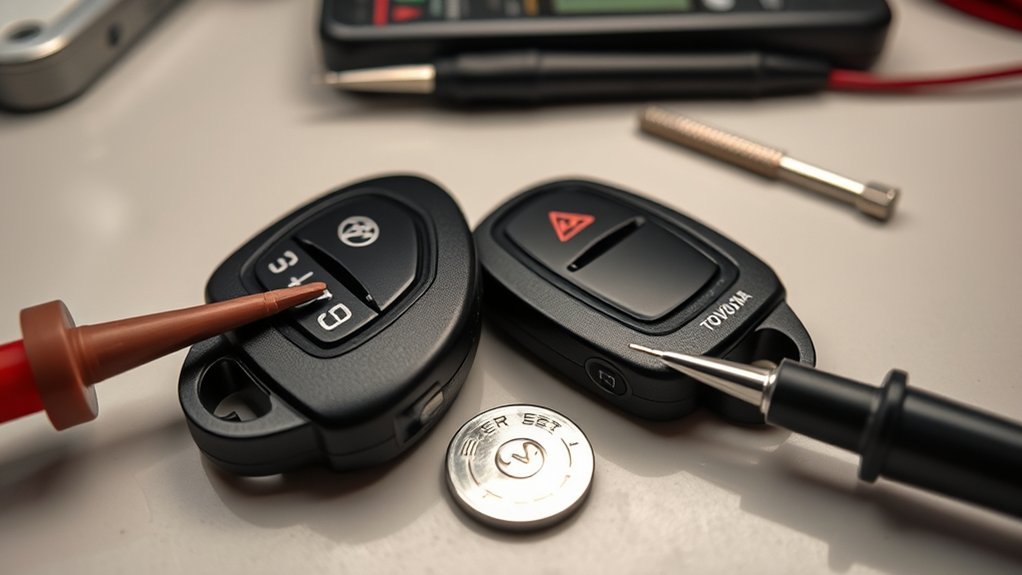
Start by confirming the key fob uses a CR2032 battery and prepare a fresh replacement; most RAV4 fobs fail intermittently when this coin cell is weak. You’ll open the fob per manufacturer steps, remove the old cell, and note polarity before inserting the new one. Aim to use a high-quality CR2032 to maximize battery lifespan and maintain consistent fob compatibility across replacements. Install the battery with correct polarity; reverse placement prevents operation and can mimic other faults. After reassembly, test lock, access, and panic functions from typical distances. If signals remain weak or inconsistent, document results and proceed to further diagnostics. Keep spare CR2032 cells with you, especially if you move through isolated areas—freedom depends on predictable gear. Regularly inspect battery health and replace proactively rather than reactively to avoid being stranded by an avoidable, simple failure.
Clean the Fob: Battery Contacts, Button Pads, and Seals
Clean the fob’s internals and exterior with precision: use isopropyl rubbing alcohol on a cotton swab to remove corrosion or grime from the battery contacts, gently wipe button pads to clear dirt that impedes contact, and inspect the gasketed seals for trapped moisture or debris; dry and re-seat seals before reassembly. You’ll perform key fob maintenance using disciplined cleaning techniques to restore reliable connectivity. Open the shell, remove the cell, and target contact surfaces—avoid excess liquid. Clean button domes and PCB edge traces lightly, then dry thoroughly. Examine seals and crevices; trapped water or grit will short circuits or block actuation. Wipe the exterior with a soft, stiff cloth to prevent future buildup. Reassemble with aligned seals and test each function to confirm freedom from failure. Repeat this routine periodically to reclaim control and prevent dependence on service centers.
| Component | Action |
|---|---|
| Contacts | Alcohol swab |
| Button pads | Gentle wipe |
| Seals | Inspect/dry |
| Exterior | Cloth wipe |
| Test | Reassemble/test |
Reprogram/Resync the Key Fob After a Battery Change
After replacing the battery you’ll often need to reprogram the fob so it resyncs with the vehicle’s receiver; check your owner’s manual for the exact trigger conditions. Follow the step-by-step resync: keep the fob close, insert the key, turn to “ON”, then press the specified button sequence on the fob. If it won’t reprogram, inspect battery contacts for corrosion or dirt and consider professional service if the Body ECU may be at fault.
When Reprogramming Is Needed
If your RAV4’s key fob stops working once you’ve replaced the battery, you’ll often need to reprogram it to resync with the vehicle’s receiver; consult your owner’s manual for the exact sequence, keep the fob within the specified range, and follow each step precisely to guarantee successful pairing. You’ll know reprogramming is needed when the fob won’t lock/unlock, range is reduced, or vehicle won’t recognize the transponder after a battery change. Check key fob compatibility before troubleshooting; some aftermarket fobs need different procedures or programming tools. If DIY attempts fail, seek professional service—communication faults may indicate a faulty fob or receiver.
- Confirm model-year procedure in the owner’s manual
- Keep fob within required proximity
- Verify battery seating and contacts
- Test alternate fob if available
- Prepare for professional diagnostics
Step-By-Step Resync Procedure
Follow these steps to resync your RAV4 key fob after replacing the battery: insert the key into the ignition and turn it to the “On” position without starting the engine. While in “On,” press and hold the Lock button on the fob for about 5 seconds to engage communication with the receiver and confirm key fob features are active. Turn the ignition to “Off” and back to “On” within 5 seconds, then press and hold Lock for another 5 seconds to reinforce the pairing. Remove the key, stand close to the vehicle, and press Lock one final time to finalize the resync. This concise routine restores remote control, preserves Security enhancements, and returns you to independent control of your vehicle quickly.
Troubleshooting Reprogram Failures
When a freshly replaced battery doesn’t restore your RAV4 key fob, start by confirming the cell’s polarity and seating—reverse or loose batteries will stop the fob from transmitting. If proper battery installation isn’t the issue, follow systematic key fob troubleshooting to isolate the fault.
- Verify owner’s-manual reprogram sequence; repeat precisely and calmly.
- Use a multimeter or scope to see if the Body ECU detects button-press signals.
- Inspect receivers, ground points, and connector corrosion for intermittent paths.
- Consider dealer or locksmith programming if specialized equipment is required.
- Replace or repair wiring/receiver components when no signal reaches the ECU.
You’ll reclaim control by eliminating simple errors first, then escalating to tools or professionals only when necessary.
Check the RAV4 Receiver and Body ECU for Signal Faults
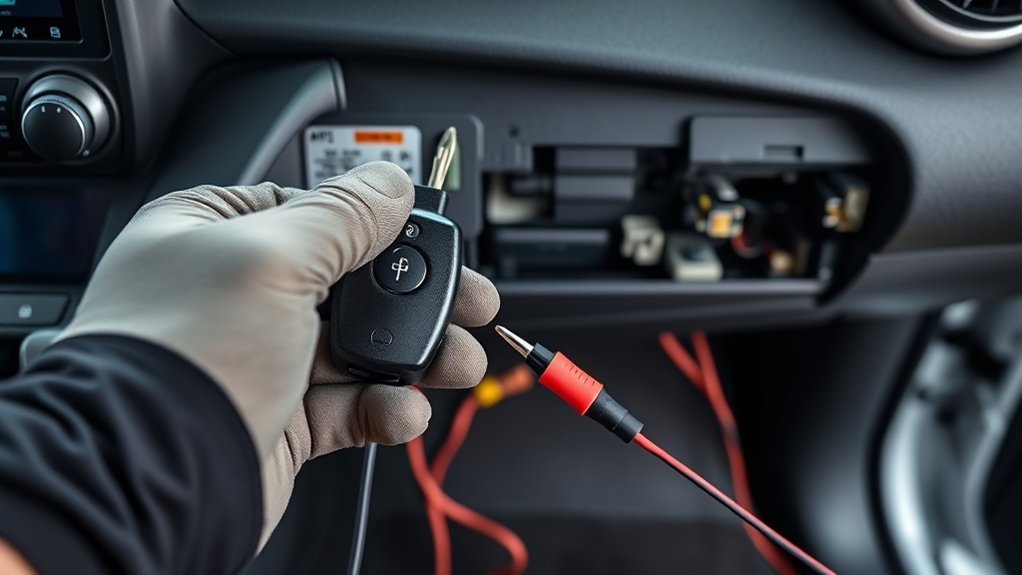
Because the Body ECU handles keyless-entry signals, you should verify the receiver and wiring if your RAV4’s fob buttons produce no response. You’ll focus on signal detection and ECU diagnostics to isolate receiver faults versus ECU failure. Scan with a Toyota-compatible tool to log received keyfob frames; no frames means receiver/wiring issue, frames present with no action points to ECU malfunction. Inspect antenna connectors, grounding points, and harness continuity. If diagnostics show intermittent frames, secure connectors and retest. If ECU reports errors or ignores valid frames, replace or reflash the Body ECU per service manual. Regular ECU diagnostics and receiver inspections free you from repeated lockouts.
| Step | Test | Expected result |
|---|---|---|
| 1 | Scan for frames | Frames logged |
| 2 | Press fob | Immediate frame capture |
| 3 | Wiggle harness | No dropouts |
| 4 | Check grounds | Solid continuity |
| 5 | ECU error codes | No persistent faults |
Rule Out Interference, Moisture, and Physical Damage
After you’ve checked the receiver and Body ECU, rule out external and fob-specific causes that can mimic system faults. You’ll want to isolate and confirm whether signal interference, moisture damage, or physical issues are at play before you escalate repairs.
- Test the key fob away from phones, routers, and other electronics to rule out signal interference; if range improves, change location habits.
- Perform a physical inspection for cracks, button wear, or loose seams; visible damage often flags intermittent failures.
- Open the fob and check for moisture damage or corrosion on the circuit board and battery contacts; drying and cleaning can restore function.
- Clean corroded contacts with isopropyl alcohol and a soft tool, reseat the battery, and verify operation as part of routine key fob maintenance.
- If multiple fobs fail identically, suspect the vehicle receiver and pursue further diagnostic steps rather than replacing every fob.
Decide: Repair or Replace Your Key Fob (What to Expect)
If diagnostics show the fob circuitry or contacts are fixable, you can have the unit inspected and repaired to restore function. If wear or internal damage is confirmed, you’ll need a replacement fob that must be programmed to your RAV4 using dealer or locksmith equipment. Always carry a manual entry tool or backup key while you arrange inspection, repair, or reprogramming.
Inspect And Repair
Start by thoroughly inspecting the key fob for physical damage, corrosion, or debris that could block buttons or contacts, since these are common causes of intermittent failures. You’ll perform a methodical key fob inspection to isolate faults and rule out signal interference before replacing components.
- Open the case carefully; check for corrosion on contacts and clean with isopropyl alcohol.
- Verify battery polarity and seating; replace with a fresh, correct-type battery.
- Test buttons for worn or stuck membranes; free debris or replace the shell if needed.
- Try a known-good fob to determine if the vehicle receiver is at fault.
- If faults persist after these steps, consult a technician for diagnostic tools and freedom from repeated failures.
Replace And Reprogram
Decide whether to repair, replace, or reprogram the RAV4 key fob by first confirming the failure mode: verify battery and contacts, test a known-good fob, and run a Toyota-compatible diagnostic to determine if the issue is mechanical, electronic, or a sync problem that reprogramming will fix. If internal corrosion or cracked housing appears, you’ll likely replace or repair the unit. If diagnostics show receiver OK but no fob signal, reprogramming may restore function after a battery change. Use certified programming tools or a locksmith with Toyota-compatible programming tools to preserve security. If repeated failures occur, consult a pro for replacement. Choose the cost-effective path that returns control and mobility.
| Action | Outcome |
|---|---|
| Inspect | Damage/Corrosion |
| Battery | Replace |
| Test | Known-good fob |
| Scan | Fault ID |
| Reprogram | Restore fob signal |
Prevention: Spare Parts, Maintenance, and What to Tell a Dealer/Locksmith
When you want to avoid lockout headaches, keep a small kit of spare CR2032 batteries, a flathead screwdriver, and a simple cleaning brush so you can quickly replace cells and clear debris that cause intermittent failures. Use fob maintenance tips: store batteries in a cool, dry case and rotate stock to avoid dead cells; label dates as part of battery storage solutions. Inspect seals, contacts, and the circuit board monthly; clean corrosion with isopropyl alcohol and a soft brush.
- Keep three spare CR2032 cells in sealed, labeled packs.
- Carry a compact flathead and a micro cleaning brush.
- Log symptoms, dates, and actions taken after each failure.
- Tell your dealer/locksmith previous battery swap dates, cleaning steps, and any error patterns.
- If reprogramming was attempted, note who performed it and the procedure used.
This approach gives you autonomy, speeds diagnosis, and reduces repeat service visits.
Frequently Asked Questions
Can a Dead Car Battery Prevent the Fob From Working?
Yes — a dead car battery can stop your fob from working. You’ll see dead battery symptoms like dim lights and no dash power; don’t assume key fob replacement yet — restore battery first, then test.
Will a Valet Key Start the RAV4 if the Fob Fails?
Yes—you can start the RAV4 with the valet key if the key fob fails; insert the valet key into the door and use the mechanical key slot at the ignition (or access override) per manual, ensuring controlled, independent access.
Are Aftermarket Fobs Fully Compatible With Toyota Security Features?
Imagine a locksmith wearing a cape, then yes and no: aftermarket fob compatibility varies; you’ll test programming, rolling codes, immobilizer syncing. You’ll follow precise steps, address security feature concerns, and choose certified, liberating solutions.
Can Cold Weather Permanently Damage the CR2032 Battery?
Yes — cold temperatures can permanently reduce CR2032 battery lifespan by causing internal chemical degradation; you should store and operate batteries at recommended temps, rotate stock, and replace weakened cells to maintain reliable power and autonomy.
How Much Does Dealer Programming Typically Cost?
Expect dealer programming to cost about $50–$200, often $100; you’ll get key fob activation, diagnostics, and security coding. Consider replacement options: aftermarket fobs, locksmith services, or dealer units for assured compatibility and liberation.
Conclusion
You’ve walked through battery tests, cleaning, reseating and reprogramming, and checked receiver, ECU, interference, moisture and damage—now decide whether repair or replacement makes sense. If the CR2032 swap and contact clean didn’t restore function, reprogramming or a new fob is usually the fix. Think of the fob as the bridge between you and the RAV4: if the bridge’s cables are corroded or broken, rebuild it. Keep a spare, log work, and tell your dealer/locksmith what you tried.