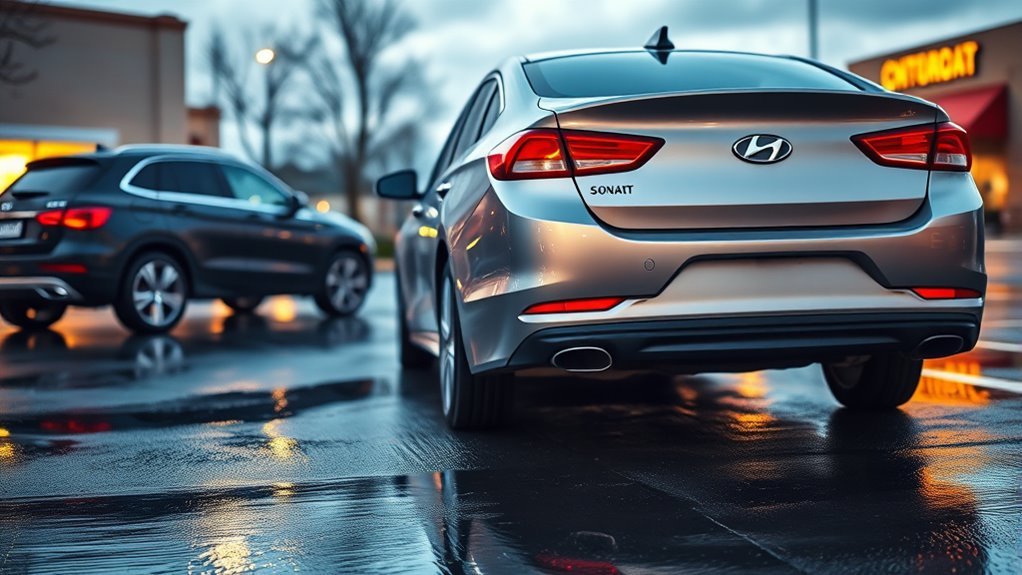
The Hyundai Sonata Rear Cross-Traffic Alert (RCTA)—upgraded to Rear Cross-Traffic Collision-Avoidance Assist (RCCA) on 2020 and newer models—uses dual rear corner radar sensors to watch for approaching traffic while you back out of tight parking spaces. It activates automatically in Reverse, flashing side-mirror LEDs, sounding an audible chime, and displaying directional arrows on the dash and center screen. On RCCA-equipped models, the car can also apply emergency braking automatically if you do not stop in time. Knowing the exact speed thresholds, menu settings, and radar blind spots helps you use the system safely.
Quick Answer
Hyundai Sonata Rear Cross-Traffic Alert (RCTA) uses two rear corner radar sensors to scan up to 65–82 feet laterally when reversing below 5 mph. It warns you of vehicles approaching above 3 mph via flashing side-mirror LEDs, dash arrows, and chimes, while 2020 and newer models add automatic emergency braking within 5 feet.
What Sonata Rear‑Cross Traffic Alert (RCTA) Does
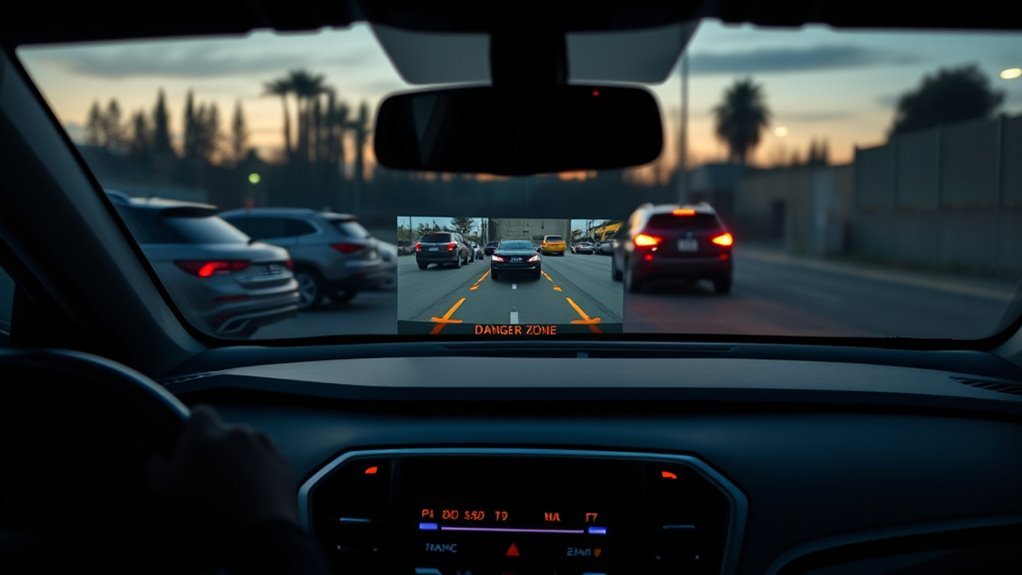
The Sonata’s Rear Cross-Traffic Alert (RCTA) and newer Rear Cross-Traffic Collision-Avoidance Assist (RCCA) monitor blind zones to the left and right of your rear bumper while you reverse. When an approaching vehicle enters the radar zone, the system triggers directional visual cues, warning tones, and steering-wheel vibrations. On 2020 and newer Sonatas, RCCA also applies the brakes automatically if a collision is imminent.
You get immediate activation whenever you shift into R (Reverse), making the feature ideal for backing out of perpendicular parking stalls blocked by tall SUVs, vans, or walls. Real-world crash data from the Insurance Institute for Highway Safety (IIHS) shows that vehicles equipped with rear cross-traffic systems experience 22% lower backing crash involvement than vehicles without them.
RCTA works alongside your wide-angle rearview camera and side mirrors, but it never replaces physical head checks. Always pause when an alert sounds, check both shoulders and mirrors, and reverse at a slow crawl so you can stop immediately if a person or vehicle crosses behind you.
How RCTA Detects Side Traffic: Sensors, Range, and Alerts
When you shift into Reverse, two rear corner radar sensors hidden inside the left and right edges of the rear bumper fascia scan laterally and slightly rearward. Depending on your Sonata’s generation, the radar tracks approaching vehicles up to 65 feet (20 meters) on 2015–2019 RCTA models or up to about 82 feet (25 meters) on 2020–2026 RCCA models, filtering out stationary parked cars and walls.
According to the Hyundai Sonata Owner’s Manual operation specifications, the system triggers warnings and braking in three distinct stages when specific speed and distance rules are met:
- Collision Warning: Activates when your Sonata is in R (Reverse) traveling below 5 mph (8 km/h) (including while stationary at 0 mph in Reverse) and a cross-traffic vehicle approaches at 3 mph (5 km/h) or faster within roughly 82 feet (25 meters). The outside mirror warning light blinks, an audible warning chimes, the steering wheel vibrates (if equipped), and a directional red arrow appears on the instrument cluster and infotainment screen.
- Emergency Braking (2020–2026 RCCA models): If the approaching vehicle closes to within about 5 feet (1.5 meters) from the left or right side while you are reversing below 5 mph, RCCA automatically applies emergency braking to prevent an impact.
- Stopping Vehicle and Ending Brake Control: Once emergency braking brings your Sonata to a stop, the instrument cluster displays a “Drive carefully” message. RCCA holds brake pressure for about 2 seconds and then releases the brakes automatically, requiring you to press the brake pedal manually right away.
| Operating Parameter | 2015–2019 Sonata (RCTA / RCCW) | 2020–2026 Sonata (RCCA) |
|---|---|---|
| Gear Requirement | R (Reverse) | R (Reverse) |
| Sonata Reversing Speed | Below 6 mph (10 km/h) | Below 5 mph (8 km/h), including 0 mph |
| Approaching Vehicle Speed | Approx. 2.5–22 mph (4–36 km/h) | Above 3 mph (5 km/h) |
| Lateral Detection Range | Up to about 65 ft (20 m) | Up to about 82 ft (25 m) |
| Automatic Emergency Braking | Not available (Warning only) | Assists within 5 ft (1.5 m); holds stop for 2 seconds |
| Alert Channels | Side-mirror LED, cluster icon, chime | Side-mirror LED, cluster & touchscreen arrows, chime, haptic steering |
How to Enable and Adjust RCTA on a Sonata
To enable or adjust RCTA or RCCA on a Hyundai Sonata, turn on the ignition and open either the center infotainment touchscreen (2020–2026 models) or the instrument cluster User Settings menu (2015–2020 models). From there, navigate to Driver Assistance → Parking Safety → Rear Cross-Traffic Safety to toggle the system and customize your warning preferences.
Per the Hyundai infotainment driver-assistance settings, Hyundai does not include a radar distance sensitivity slider. Instead, you can customize Warning Volume and Haptic Warning (steering wheel vibration) under the Warning Method submenu, and set Warning Timing (Normal or Late) on applicable models.
With the engine running, open Setup → Vehicle → Driver Assistance → Parking Safety → Rear Cross-Traffic Safety on the touchscreen (or User Settings → Driver Assistance on the cluster display) to enable alerts and adjust warning methods.
- Open the settings menu: On 2020–2026 Sonatas with the center touchscreen, press Setup → Vehicle → Driver Assistance → Parking Safety → Rear Cross-Traffic Safety. On 2015–2020 Sonatas using the steering-wheel LCD Display button, open User Settings → Driver Assistance → Blind-Spot Safety (or Parking Safety) and check Rear Cross-Traffic Safety.
- Configure Warning Volume and Haptic Warning: Navigate to Setup → Vehicle → Driver Assistance → Warning Method to adjust the chime volume (High, Medium, Low, or Off) and toggle Haptic Warning. Hyundai prevents turning off Warning Volume and Haptic Warning at the same time—if you mute one, the other activates automatically.
- Keep rear bumper corners clean: Wash snow, mud, road salt, and bumper stickers off both rear quarter panels regularly so the hidden radar modules maintain their full 65-to-82-foot range.
Pro Tip: On 2020 and newer Sonatas, Rear Cross-Traffic Collision-Avoidance Assist automatically resets to On every time you restart the engine, even if you turned it off during your previous drive. Your Warning Volume and Haptic Warning settings, however, stay saved across restarts.
When RCTA Can Fail : Common Causes and Safety Steps
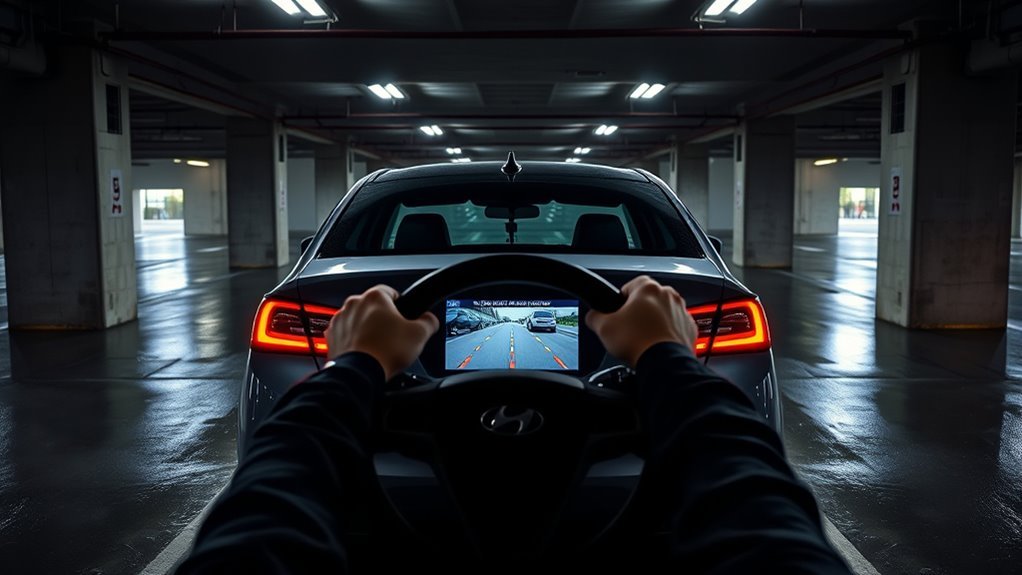
Even when properly enabled, Sonata RCTA and RCCA can miss approaching hazards or trigger false braking under specific environmental and parking geometry conditions. Radar waves travel in straight lines from the rear bumper corners and can be blocked, absorbed, or reflected before a target registers.
According to Hyundai’s official RCCA sensor limitations, watch out for these seven common failure scenarios:
- Angled or diagonal parking spaces: When backing out of a diagonal stall, the rear bumper corners point away from the travel lane, sharply reducing lateral radar coverage on one side.
- Parked next to large vehicles or structures: Tightly parked box trucks, full-size vans, or concrete pillars beside your Sonata can block the radar beam until your rear bumper is already sticking out into the aisle.
- Slopes, dips, and uneven pavement: Backing up or down a steep driveway or ramp tilts the radar beam above or below oncoming traffic.
- Adverse weather and wet roads: Heavy rain, snow, slush, or deep puddles degrade radar reflections, while ice, mud, or snow packed onto the rear bumper triggers the cluster’s master warning light and temporarily disables RCCA.
- Overgrown grass, bushes, or complex lots: Backing out near tall weeds, heavy foliage, or cars turning and parking simultaneously can cause either missed alerts or sudden false emergency braking.
- Extreme closing speeds: Vehicles speeding through a parking lot or creeping below 3 mph (5 km/h) may fall outside the radar’s tracking window.
- 3-second startup initialization delay: RCCA does not operate for approximately 3 seconds immediately after starting the engine while the rear corner radars initialize.
Warning: Never rely on RCTA or RCCA to detect children, pedestrians, pets, shopping carts, or slow-moving bicycles. Rear corner radars are calibrated for metal motor vehicles approaching above 3 mph and frequently fail to register small or low-profile targets.
Notice that RCCA automatic braking also disables itself—leaving you with warnings only—if the Electronic Stability Control (ESC) warning light is illuminated or ESC is actively intervening. Always reverse slowly, check over both shoulders, and keep your foot hovering over the brake pedal.
Note: Even a minor parking-lot tap on the rear bumper can bend a hidden radar bracket by a few millimeters, causing false alerts or missed detections. Have an authorized Hyundai technician inspect and recalibrate the rear corner radars after any rear bumper impact or repair.
Which Sonata Trims Have RCTA and How It Works With Other Safety Systems
Rear Cross-Traffic Collision-Avoidance Assist (RCCA) is standard across all 2026 Hyundai Sonata trims—including SE, SEL Sport, N Line, Blue Hybrid, SEL Hybrid, and Limited Hybrid—and has been standard on every gas and hybrid Sonata since the 2021 model year. On earlier Sonatas (2015–2020), availability and automatic braking capability depend on the model year and trim level.
| Sonata Model Years | System Type | Standard Trims | Optional / Excluded Trims |
|---|---|---|---|
| 2024–2026 Sonata (DN8 Refresh) | RCCA (Alerts + Auto Braking) | All trims (SE, SEL, SEL Sport, N Line, Blue Hybrid, SEL Hybrid, Limited Hybrid) | None (Standard on all) |
| 2021–2023 Sonata (DN8) | RCCA (Alerts + Auto Braking) | All trims (SE, SEL, SEL Plus, N Line, Limited, and all Hybrid trims) | None (Standard on all) |
| 2020 Sonata (DN8 Launch) | RCCA (Alerts + Auto Braking) | SEL, SEL Plus, Limited, and all Hybrid trims (Blue, SEL, Limited) | Not available on base 2020 SE |
| 2018–2019 Sonata (LF Refresh) | RCTA / RCCW (Warning only) | All trims (SE, Eco, SEL, Sport, Limited, 2.0T, and Hybrid SE/Limited) | None (Standard on all) |
| 2015–2017 Sonata (LF) | RCTA (Warning only) | Sport 2.0T, Limited, Limited 2.0T, Hybrid Limited | Optional on SE and Sport; excluded on base GLS/Eco |
Within Hyundai’s SmartSense safety suite, RCTA and RCCA share hardware and display channels with three complementary systems:
- Blind-Spot Collision Warning (BCW) / Blind-Spot Collision-Avoidance Assist (BCA): Uses the exact same rear corner radar sensors to monitor adjacent lanes while driving forward above 12 mph (20 km/h) and when pulling out of parallel parking spaces.
- Safe Exit Warning (SEW) / Safe Exit Assist (SEA): Uses the rear corner radars while the Sonata is parked or stationary to warn passengers if a vehicle approaches from behind just as someone unlatches a door.
- Reverse Parking Collision-Avoidance Assist (PCA-R) & Parking Distance Warning (PDW): Available on Limited trims, PCA-R combines the rear camera and ultrasonic bumper sensors to detect stationary objects and pedestrians directly behind the trunk—covering the straight-back blind zone that lateral cross-traffic radar misses.
Frequently Asked Questions
Can RCTA Detect Pedestrians or Cyclists as Well as Vehicles?
No, Sonata RCTA and RCCA are calibrated to detect approaching motor vehicles, not pedestrians or slow cyclists. Because people and bicycles have small radar cross-sections and often move below the 3 mph (5 km/h) threshold, they may not trigger an alert. Detecting pedestrians directly behind the car requires Reverse Parking Collision-Avoidance Assist (PCA-R) on Limited trims plus visual checks.
Does RCTA Work When Towing a Trailer?
No, Hyundai instructs drivers to turn off Rear Cross-Traffic Collision-Avoidance Assist when towing a trailer or using a hitch-mounted carrier. A trailer or bike rack blocks the rear corner radar beams and causes false braking or missed alerts. On models equipped with a factory trailer connector, RCCA turns off automatically when a trailer plug is connected.
Will Heavy Rain or Snow Temporarily Disable RCTA Warnings?
Yes, heavy rain, snow, road spray, or ice buildup on the rear bumper corners can block the radar signals and temporarily disable RCTA or RCCA. When the sensors are obscured, the master warning symbol illuminates on the instrument cluster and the system pauses operation until you clean the rear bumper and weather conditions improve.
Is RCTA Active When the Vehicle Is Stationary in Drive?
No, RCTA and RCCA only operate when the transmission is shifted into R (Reverse) and the Sonata is moving below 5 mph (8 km/h) or stopped in Reverse. When the car is stationary in Drive (D) or Park (P), cross-traffic alerts are inactive, though Safe Exit Warning still uses the rear radars to monitor approaching cars before you open a door.
Can Aftermarket Accessories Interfere With RCTA Performance?
Yes, aftermarket tow hitches, bike racks, bumper guards, metallic vinyl wraps, or thick bumper stickers placed over the rear quarter panels can block or deflect the radar beams. Never apply stickers, body filler, or non-approved paint over the rear bumper corners, and have a Hyundai dealer recalibrate the sensors after any rear body work.
Why Does My Sonata Slam on the Brakes by Itself While Backing Up?
Your 2020 or newer Sonata applies the brakes automatically because Rear Cross-Traffic Collision-Avoidance Assist (RCCA) detected a moving target—or a false reflection from a wall, bush, or turning car—within 5 feet (1.5 meters) of the rear corners. RCCA holds the brakes for about 2 seconds, or you can override it by pressing the brake pedal firmly.
How Do I Permanently Turn Off Rear Cross-Traffic Alert on a Hyundai Sonata?
On 2015–2019 Sonatas, unchecking Rear Cross-Traffic Alert in the instrument cluster User Settings menu keeps the system off across restarts. On 2020–2026 Sonatas equipped with RCCA, Hyundai safety logic automatically turns Rear Cross-Traffic Safety back on every time you restart the ignition, so it can only be disabled for the current drive cycle.
Conclusion
Your Sonata Rear Cross-Traffic Alert (or RCCA on 2020 and newer models) acts as a vital safety net when backing out of blind parking spaces, scanning up to 65–82 feet laterally and braking automatically if an approaching car enters the 5-foot danger zone. Before your next drive, check Setup → Vehicle → Driver Assistance → Parking Safety to confirm Rear Cross-Traffic Safety is active, keep the rear bumper corners clean, and always combine radar alerts with slow reversing and over-the-shoulder checks.
Sources
- Insurance Institute for Highway Safety (IIHS): Real-world study showing a 22% reduction in police-reported backing crashes for vehicles with rear cross-traffic alert.
- Hyundai Sonata Owner’s Manual – RCCA Operation: Official operating speeds (below 5 mph reversing, above 3 mph approaching), 82-foot warning range, 5-foot emergency braking zone, and 2-second brake hold.
- Hyundai Sonata Owner’s Manual – RCCA Settings: Official infotainment menu path, Warning Volume and Haptic Warning settings, and automatic reactivation on engine restart.
- Hyundai Sonata Owner’s Manual – RCCA Limitations and Malfunctions: Official radar limitations for diagonal parking, slopes, weather, towing, and the 3-second startup initialization delay.
- Hyundai USA – 2026 Sonata Specifications: Trim-by-trim standard equipment verification for Rear Cross-Traffic Collision-Avoidance Assist and Blind-Spot Collision Warning.