
To read OBD2 codes on your Toyota Camry, find the OBD-II port under the driver’s dashboard. Plug in your Launch code reader and power it on. Set your preferences, then use the autodetect feature to identify your vehicle. OBD-II codes will appear, usually starting with “P” and followed by four digits, indicating specific issues. Keeping track of these codes helps in diagnosing problems. Continue exploring for tips on interpreting codes and when to seek professional help.
Locate the OBD-II Port Under Your Dashboard

To locate the OBD-II port in your 2018 Toyota Camry, start by checking under the driver’s side dashboard, just near the steering column. You might find the port covered by a small plastic panel that you’ll need to remove for access. Look for the standard 16-pin connector, which is white in color, making it easy to identify among other wiring.
Once you’ve located the port, verify the vehicle is turned on but not started. This step is vital for accurate readings when you connect your diagnostic tools. Properly connecting the OBD-II scanner to the port will cause it to power up automatically, indicating it’s ready for use. Familiarizing yourself with this process enhances your troubleshooting techniques, allowing you to efficiently diagnose and resolve any issues your vehicle may face.
Connect Your Launch Code Reader
To connect your Launch Code Reader, first locate the OBD-II port under the driver side column. Plug the reader into the white data port securely, ensuring a solid connection. Once connected, the device should power on automatically, signaling it’s ready for setup.
Locate OBD-II Port
Finding the OBD-II port in your 2018 Toyota Camry is vital for connecting your Launch code reader. The OBD II location is typically under the driver side dashboard, close to the steering column. You might find it covered by a small panel, which you’ll need to remove for dashboard access. Once you expose the port, you’ll see a white data connector designed for your OBD-II scanner. It’s important to verify the scanner is properly connected; it should power up automatically upon connection. Familiarizing yourself with the layout of the port will help you avoid damaging the connector during use. With this knowledge, you’re one step closer to reading your vehicle’s diagnostic codes effectively.
Connect to Data Link
Connecting your Launch code reader to the OBD-II port is a straightforward process. Follow these steps to guarantee a proper connection:
- Locate the OBD-II port under the driver’s side column, usually covered by a small panel.
- Remove the panel if necessary for access.
- Connect your Launch code reader’s data link connector to the white OBD-II port, ensuring a snug fit.
- Your reader should power up automatically, confirming a successful link to the vehicle’s diagnostic system.
- Use the touchscreen to navigate the setup, selecting your preferred language and time zone.
Once set up, utilize the autodetect feature to identify your Toyota Camry and proceed to read any error messages or clear fault codes.
Power On Device
Powering on your Launch Code Reader is essential for accessing your Toyota Camry’s diagnostic information. First, locate the OBD-II port under the driver’s side column; you might need to remove a small panel to reach the white data port. Connect your Launch Code Reader to this port, and it should power up automatically. Use the touchscreen interface to navigate through the initial setup, including language selection and time zone settings. For enhanced functionality and updates, make sure your device is connected to Wi-Fi. Once you’ve completed these steps, accept the user agreement to proceed with vehicle identification and code reading features. These setup tips will streamline device troubleshooting and help you efficiently diagnose your vehicle’s issues.
Power On the Device and Set Up Your Preferences
Once you’ve connected the OBD-II scanner to the data port, power on the device. It should activate automatically, allowing you to navigate the setup options on the touchscreen. Configure your preferences, including language and time zone, to guarantee ideal use of the scanner.
Device Powering Process
To begin the device powering process, connect your OBD-II code reader to the vehicle’s data link connector, usually found under the driver’s side column. Confirm the connection is secure; the reader should automatically power on. Follow these steps to get started:
- Set your language preference for clear navigation.
- Choose your time zone for accurate data interpretation.
- If available, connect to Wi-Fi for updates and enhanced functionality.
- Accept the user agreement to access full capabilities.
- Verify device compatibility with your Toyota Camry for effective user troubleshooting.
Preference Configuration Steps
Setting up your OBD-II code reader is straightforward. First, power on the device by connecting it to the OBD-II port under the driver’s side column, usually concealed by a small panel. Follow the on-screen prompts to select your preferred language, like English, for easier navigation through the user interface. Next, set the correct time zone to guarantee accurate data logging and diagnostics. If available, connect to Wi-Fi; this enhances functionality and allows for updates. Finally, accept the user agreement to proceed with the setup. These steps enable device customization tailored to your needs, empowering you to maximize diagnostic capabilities and efficiency as you monitor your Toyota Camry’s performance.
Use the Autodetect Feature to Identify Your Vehicle
The autodetect feature on the Launch Code Reader streamlines your diagnostic process by automatically identifying your Toyota Camry when you connect it to the OBD-II port. This innovative tool enhances troubleshooting efficiency by retrieving critical vehicle information without manual input.
Here are some key autodetect benefits:
- Automatic Identification: Quickly recognizes make, model, and year.
- Direct Communication: Connects with the vehicle’s onboard computer for accurate diagnostics.
- Time-Saving: Eliminates the hassle of entering vehicle details.
- Immediate Access: Retrieves fault codes for prompt diagnosis of issues.
- User-Friendly: Simplifies the entire diagnostic experience.
Understanding OBD-II Codes
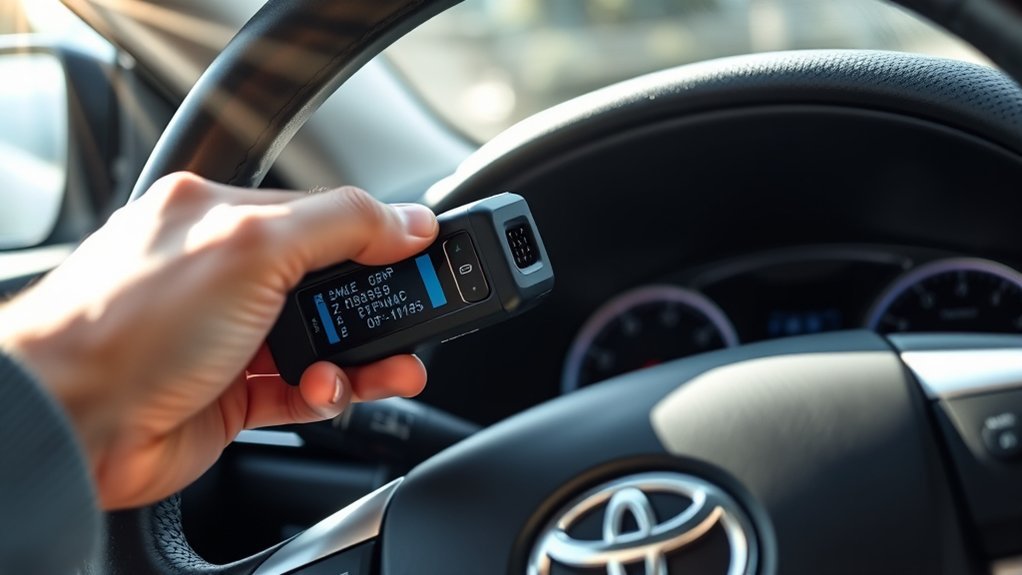
Once you’ve identified your Toyota Camry using the autodetect feature, understanding OBD-II codes becomes essential for effective diagnostics. These codes, which typically start with “P” and are followed by four digits, indicate specific sensor or system issues. For instance, P0171 points to a lean fuel system, while P0420 signals a catalyst efficiency problem.
By mastering code interpretation, you can quickly identify common issues and use diagnostic tools to aid in troubleshooting steps. This empowers you to engage in error analysis and develop repair strategies effectively.
Here’s a quick reference table to help you:
| Code | Description |
|---|---|
| P0110 | Intake Air Temperature Sensor |
| P0171 | Lean Fuel System |
| P0420 | Catalyst Efficiency Below Threshold |
| P0131 | Oxygen Sensor Circuit Low Voltage |
| P0300 | Random/Multiple Cylinder Misfire |
Understanding these codes will enhance your repair efforts and discussions with technicians.
Top OBD-II Trouble Codes for Toyota Camry Owners
When it comes to maintaining your Toyota Camry, knowing the top OBD-II trouble codes can save you time and money. Familiarity with these codes not only aids in trouble code analysis but also enhances your engine performance diagnostics. Here are the key codes to watch for:
- P0171: System too lean
- P0420: Catalyst system efficiency below threshold
- P0300: Random misfire detected
- P0110: Intake air temperature circuit issue
- P0130: Heated oxygen sensor circuit problem in Bank 1
Recognizing these codes can help you engage more effectively with technicians and diagnose issues early. By addressing these problems promptly, you’ll guarantee peak performance and fuel efficiency, keeping your Camry running smoothly. Stay proactive, and your vehicle will thank you!
Should You Clear Your Codes or Keep Them?
Should you clear your OBD2 codes or keep them? This decision hinges on code significance and diagnostic importance. Clearing codes erases error history, complicating future troubleshooting strategies. If you clear the codes and the check engine light returns, it signals unresolved issues, undermining your maintenance planning.
Keeping the codes allows you to track specific problems, facilitating discussions with technicians or during DIY repairs. Some codes indicate serious issues that may require immediate attention, so it’s wise to document them before clearing. Utilize resources like OBD-CODES.com to understand their meanings.
In essence, while clearing codes can provide temporary relief, retaining them offers a clearer view of your vehicle’s health. Prioritize understanding and resolving underlying issues to guarantee long-term performance and safety. Always weigh the benefits of keeping those codes against the desire for a clean slate.
Finding Online Resources for OBD-II Help
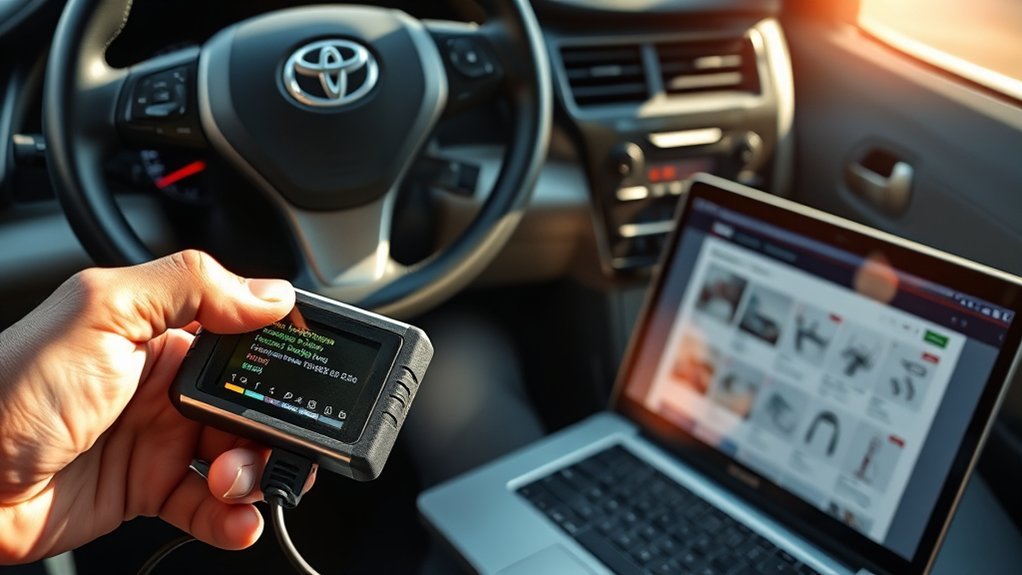
Finding reliable online resources for OBD-II help is essential for effective vehicle diagnostics. You can tap into various platforms to enhance your understanding and troubleshooting skills for your Toyota Camry. Here are some valuable resources:
Discovering trustworthy online resources for OBD-II is crucial for mastering vehicle diagnostics and troubleshooting your Toyota Camry effectively.
- OBD-CODES.com: Offers extensive databases for Toyota-specific codes.
- YouTube: Features instructional videos on using OBD-II scanners and interpreting codes.
- ToyotaNation: A community-driven forum where you can share experiences and get advice.
- Automotive websites: Provide articles detailing common OBD-II codes and their meanings.
- Social media groups: Connect with Toyota enthusiasts sharing tips and resources.
Using diagnostic apps can further streamline your process, providing instant access to code interpretations and troubleshooting steps. By leveraging these resources, you’ll empower yourself to tackle OBD-II issues with confidence and precision.
When to Seek Professional Assistance
Maneuvering OBD-II codes can be straightforward, but some situations call for professional assistance. If you encounter complex issues, such as a transmission fault code, it’s wise to consult a certified technician to prevent further damage. Safety-related codes, like those from airbags or ABS systems, demand immediate professional diagnostics.
Persistent error codes that resist simple fixes indicate deeper problems requiring expert analysis. Multiple codes across various systems also warrant a visit to a professional for thorough diagnostics. When uncertain about error code interpretation or next steps, don’t hesitate to seek help.
Here’s a quick reference for when to seek assistance:
| Scenario | Action Required | Reason |
|---|---|---|
| Complex issue (e.g., trans) | Consult a professional | Avoid further damage |
| Safety system codes | Immediate diagnostics | Critical for vehicle safety |
| Persistent codes | Visit a technician | Indicates deeper issues |
| Multiple codes | Seek expert help | Guarantees thorough diagnosis |
| Uncertainty in codes | Consult a professional | Prevents costly repairs |
Frequently Asked Questions
How to Read Toyota OBD II Fault Code?
To read Toyota OBD II fault codes, connect an OBD2 scanner to the port under the dashboard. Choose your vehicle in the scanner’s menu, then retrieve and interpret the codes using Toyota diagnostic tools.
How Do I Read My Toyota Engine Code?
To read your Toyota engine code, connect an OBD-II scanner to the port under your dashboard. This allows for engine diagnostics and code interpretation, helping you troubleshoot issues effectively. Don’t forget to note the codes.
Conclusion
In conclusion, reading OBD-II codes on your Toyota Camry is like opening a treasure chest of information about your vehicle’s health. By following the steps outlined, you can easily diagnose issues and make informed decisions about repairs. Whether you choose to clear codes or seek further assistance, being proactive guarantees your Camry runs smoothly. Remember, knowledge is power, and understanding these codes can save you time and money down the road.