If you see the “Check Driver Assistance System” warning in your Hyundai Sonata, it likely indicates a malfunction. Start by checking for obstructions on the front windscreen, such as dirt or snow, and verify the camera and sensors are clean. If the warning persists or is accompanied by the master warning light, it’s best to consult your authorized Hyundai dealer.
Understanding the “Check Driver Assistance System” Warning
When you see the “Check Driver Assistance System” warning, it signals a malfunction in one or more of your vehicle’s driver assistance features. This warning may appear together with the master warning light on your instrument cluster.
Various factors can trigger this warning, including obstructions like dirt or snow on the front windscreen, which may limit camera functionality. If you’ve cleared these obstructions and the warning persists, it’s essential to seek further inspection by an authorized HYUNDAI dealer. They can address sensor calibration issues and identify any underlying problems that could be causing feature limitations.
Common Causes of the Warning in Hyundai Sonata
The “Check Driver Assist System” warning in your Hyundai Sonata can arise from several common issues. Understanding these can help you address the problem effectively. Here are three key causes:
- Camera Alignment: Misalignment of the front-view camera can disrupt functionality, triggering the warning. A windshield replacement or a collision can leave the camera needing recalibration, which a dealer can do.
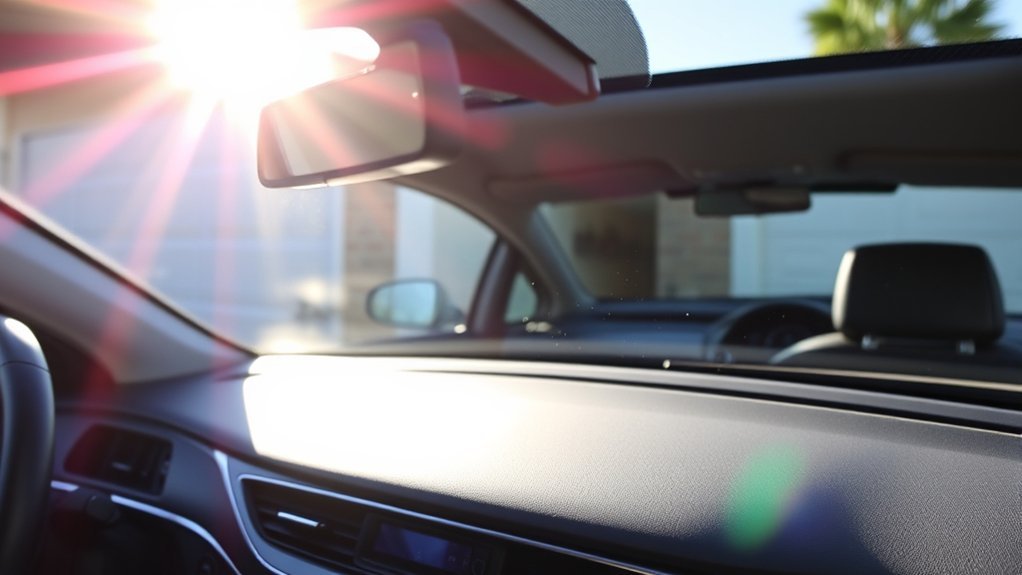
- Sensor Maintenance: Obstructions like dirt, snow, or rain on the windscreen can impair sensor performance. Keep your windshield clean for ideal operation.
- Weather and Conditions: Heavy rain, fog, glare or snow can temporarily limit the camera and radar; the message usually clears when conditions improve.
If you notice the warning, consider these factors before seeking professional help. Keeping the windshield and sensor areas clean helps avoid disruptions to the driver assistance systems.
Troubleshooting Steps for the “Check Driver Assistance System” Warning
Start by inspecting your vehicle for any visible obstructions that might be affecting the driver assistance system. Check the front windscreen for snow, rain, or dirt; these can limit camera functionality and trigger the warning. Look for other indicators on the instrument cluster, such as the master warning light, which may accompany the alert. If you’ve cleared obstructions but the warning persists, it’s time for a professional assessment to diagnose issues like sensor calibration errors.
Be aware that weather impact can also affect sensor performance, causing temporary delays in activation after starting your vehicle. Wait a moment to see if functionality resumes. If not, consult an authorized HYUNDAI dealer for a thorough inspection.
Maintaining Your Driver Assistance System
Keep the driver assistance system working with these three practices:
- Inspect and Clean: Regularly check the front windshield and camera area for obstructions. Remove any foreign materials like snow or rain that could limit functionality.
- Monitor Driving Conditions: Be aware that rain, snow, fog and glare can temporarily limit the systems; they usually recover when conditions improve.
- Consult the Manual: Familiarize yourself with the owner’s manual for specific guidelines on maintaining and troubleshooting your driver assistance features.
If the warning keeps coming back, have an authorized HYUNDAI dealer inspect the system.
When to Get Professional Help for Your Sonata
While it’s important to stay proactive about maintaining your Sonata’s driver assistance system, there are times when professional help is essential. If you see the “Check Driver Assistance System” warning alongside the master warning light, it usually indicates a malfunction that needs inspection by an authorized HYUNDAI dealer. A persistent message like “Driver assistance system limited. Camera obscured,” suggests the front windscreen may be blocked, requiring professional evaluation if simple cleaning doesn’t fix it.
Frequent or random deactivations of the Driver Attention Warning are another sign that you should consult a dealer for a thorough diagnostic assessment. A malfunction message that doesn’t clear should be checked by a dealer. For ongoing issues, even after maintenance, don’t hesitate to seek dealership assistance to tackle potential underlying technical problems.
Frequently Asked Questions
How Do I Turn off the Driver Attention Warning System on My Hyundai?
In many Sonatas you can turn Driver Attention Warning off or adjust its sensitivity in the vehicle settings menu (look under Driver Assistance). Menus vary by model year, so check your owner’s manual.
Conclusion
Start with the simple checks: clean the windshield and camera area and see whether the message clears. If it keeps coming back or comes with the master warning light, have an authorized HYUNDAI dealer inspect the system.