If your Tundra’s fob is dead, pull the small latch to remove the compact mechanical key and manually open the driver door; don’t force the cylinder. To start the truck, press your foot on the brake and hold the fob against the push‑start button until the dash registers proximity, then press to start. You can also replace the CR2032 cell in minutes and test lock/open and range; follow the step‑by‑step checks below to fully resolve issues.
Get Into Your Tundra: Remove the Physical Key and Manually Unlock the Door
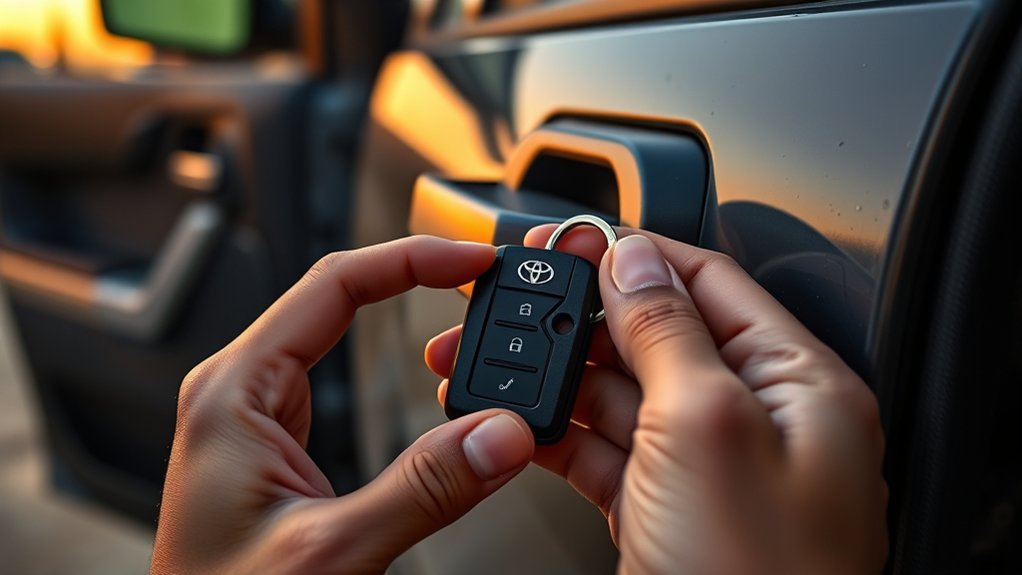
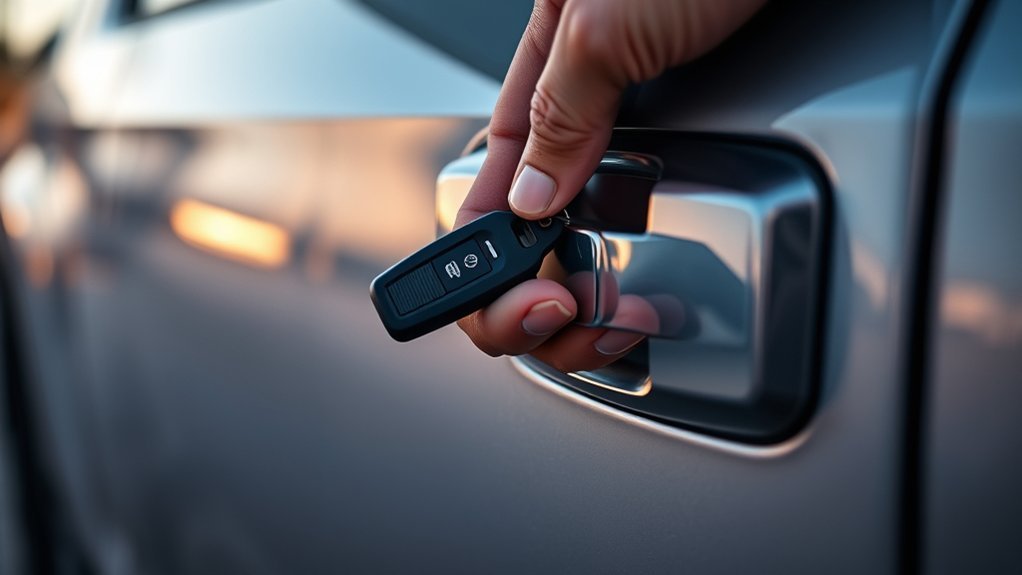
Pull the small release latch on your Toyota Tundra key fob, slide out the compact physical key, and insert it into the driver’s side door lock. You’ll handle a smaller-than-standard key, so prioritize key fob safety: grip it securely and stow it in a protected pocket when not in use to avoid loss or damage. Align the bit with the lock, seat it fully, and rotate clockwise with steady force to engage the tumblers. Expect a firm mechanical detent as the lock releases; don’t force beyond resistance.
Once the door opens, enter promptly to maintain situational control. Use manual locking procedures only when necessary: reinsert and turn the key to lock after exiting, verifying engagement by checking the handle or observing the latch. After regaining access, replace the key fob battery to restore electronic functions. This methodical approach gives you practical autonomy and preserves your vehicle access while you secure a long-term solution.
Start Your Tundra With a Dead Key Fob by Holding It to the Push‑Start Button
If the key fob’s battery dies, you can still start your Tundra by holding the fob directly against the push‑start button while your foot is on the brake. You’ll use key fob proximity to communicate with the vehicle’s immobilizer despite a dead battery. Place the fob flat against the push‑start button, keep steady pressure, and watch the dashboard prompt to confirm proximity. With the brake depressed and the display acknowledging the fob, press the push‑start button to engage push start mechanics and crank the engine. This method frees you from being stranded and preserves momentum toward your destination.
- Hold fob against push‑start button
- Keep foot firmly on brake pedal
- Wait for dashboard proximity confirmation
- Press push‑start button once confirmed
- Start engine and disengage immobilizer
Follow this process methodically; it bypasses a non-functional battery without forcing hardware changes, granting immediate control and continued mobility.
Replace the Tundra Key Fob CR2032 Battery (Step‑By‑Step)
Start by removing the physical key from the fob by sliding the latch and pulling the blade out. Use a small flathead to pry the case open, swap the old battery for a CR2032 with correct polarity, then snap the case back together. Reinsert the physical key and test each button to confirm full function.
Remove Physical Key
Locate the small release latch on the Tundra key fob and gently press or slide it to extract the integrated physical key from the fob housing. You’ll hold the metal key, giving you immediate emergency access when the fob fails. This step is key fob maintenance baseline: it’s simple, reliable, and empowers you to regain mobility without waiting.
- Verify latch direction before force
- Extract straight to avoid bending
- Store key where you can reach it fast
- Keep fob housing closed when possible
- Inspect for wear or debris
After removal, you can proceed to open the fob for battery work or use the key on the driver door. Act deliberately, stay free from dependence on electronics, and confirm mechanical lock operation.
Swap CR2032 Battery
With the physical key removed, pry the fob halves apart using a small flathead screwdriver to expose the circuit board and CR2032 cell. Remove the old CR2032 gently, noting its orientation; the positive side usually faces up. Acquire a fresh CR2032 from a retailer or online source—these cells are common and affordable. Insert the new battery in the same orientation, ensuring firm contact with the terminals to restore circuit continuity. This simple swap extends battery lifespan and supports routine fob maintenance, returning control to you. Avoid touching the circuit board with oily fingers; use gloves or a clean cloth to prevent corrosion or poor connections. Proceed deliberately and confidently so your key fob serves reliably when you need freedom to move.
Reassemble And Test
Snap the two fob halves together firmly, guaranteeing the circuit board and new CR2032 sit flush and all edges align, then reinsert the physical key into its slot. You want a tight seal to prevent moisture and dust intrusion; this is core fob maintenance tips and your first act of reclaiming control. Test each button: lock, release, trunk, panic. If any feel mushy or fail, reopen and check battery orientation and board placement.
- Confirm battery polarity before closing.
- Verify circuit board sits flat without flex.
- Align casing snaps until they click.
- Reinsert physical key fully and securely.
- Test functions at short range, then at distance.
These steps provide battery longevity advice and empower you to maintain freedom of access.
Test the Fob After Reassembly: Lock/Unlock, Push‑Start Recognition, and Range Check
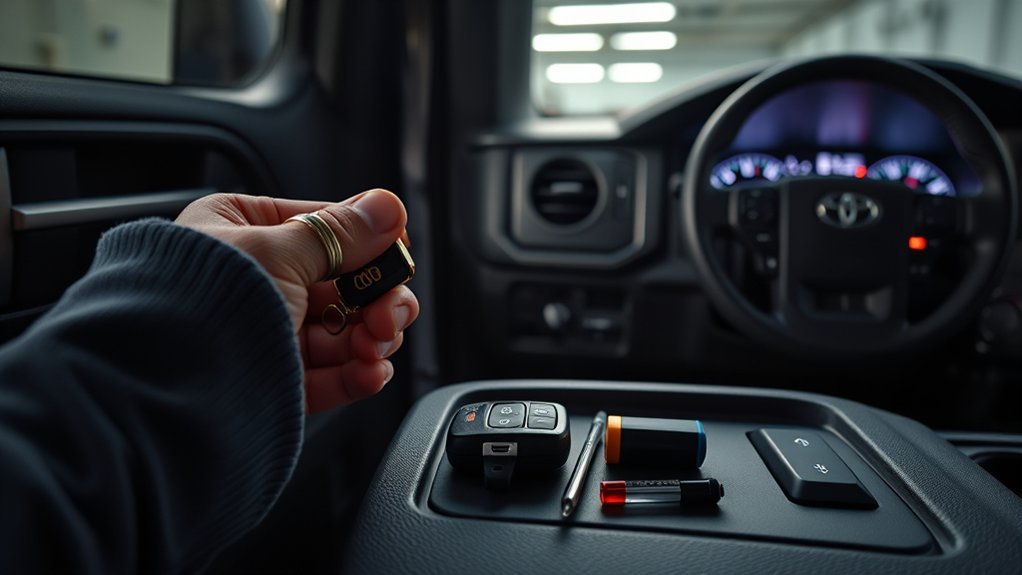
Test the fob immediately after reassembly by confirming lock/unlock button response, push‑start recognition, and effective range. You’ll first confirm key fob functionality by pressing lock and release while standing beside the Tundra; each press should engage the security lights and door actuators. If you don’t see a response, open the shell and verify battery maintenance steps: correct orientation, clean contacts, and secure seating. Reassemble and retest.
Next, verify push‑start recognition: sit in the driver’s seat, foot on the brake, and press the start button with the fob near the button. The vehicle should acknowledge and start; if it won’t, recheck contact alignment and battery seating. Finally, perform a range check by stepping several feet away and operating lock/release to confirm signal strength. Regular, methodical testing prevents entrapment and preserves your autonomy; document failures and repeat basic checks before escalating to focused troubleshooting.
If Your Tundra Still Won’t Unlock or Start: Focused Troubleshooting Steps
If your Tundra still won’t open or start after a battery change, proceed methodically through focused checks to isolate the fault. Begin with the simple mechanical and electrical verifications before escalating. Confirm battery orientation in the fob; an inverted cell will prevent transmission. Verify the physical key seats fully in the fob assembly and that contacts are clean. If the dash still asks for proximity, hold the fob directly against the push‑start button while pressing the brake.
- Verify correct battery orientation and secure contact points.
- Insert the physical key fully into the fob; check spring and clip engagement.
- Clean visible dirt or corrosion from the fob housing and terminals.
- Hold the fob against the push‑start register during brake pedal actuation for recognition.
- Consult the vehicle manual for model‑specific key fob troubleshooting sequence.
If these steps fail, you’ll need professional diagnosis; resist random parts-swaps. Stay methodical, document steps taken, and demand clear explanations from technicians.
Preventive Care for Tundra Key Fobs: Spare Batteries, Checks, and When to Get Help
One simple habit can prevent most fob failures: check and replace the CR2032 battery regularly—about once every 12–18 months or sooner if you notice weaker range or intermittent operation. Adopt a routine for key fob maintenance: inspect contacts for corrosion, verify that buttons respond, and confirm the shell locks securely. Carry a spare CR2032 battery and a small flat tool; replacing the cell takes seconds and restores function, reducing lockout risk.
Schedule periodic checks aligned with other vehicle maintenance—log battery age, test range, and exercise the physical key release latch so you can extract it under stress. Consult your Tundra manual for model-specific procedures and troubleshooting steps. If replacement doesn’t restore operation or the fob shows erratic signaling, seek professional diagnostics: authorized service or a locksmith can test transmitter output and reprogram keys. Maintain these habits to preserve battery longevity, autonomy, and freedom from avoidable interruptions.
Frequently Asked Questions
Can a Dead Fob Prevent the Truck From Locking via Power Door Locks?
Yes — a dead key fob can prevent remote key fob functionality, but it shouldn’t disable the truck’s local door lock mechanisms; you’ll still be able to use manual locks or internal switches to regain control and freedom.
Will Smartphone Apps or Connected Services Unlock a Tundra Without the Fob?
Yes — you can sometimes use manufacturer apps or connected services to access your Tundra remotely; check app functionality and smartphone security settings, enable verified accounts, use MFA, and test features before relying on them for emergency access.
Can I Start the Tundra Remotely With a Dead Key Fob?
No—you can’t start the Tundra remotely with a dead key fob; you’ll need key fob replacement, wired diagnostics, or dealer programming. Consider remote start alternatives like aftermarket modules or smartphone integrations installed and authorized by professionals.
Does a Damaged Physical Key Still Operate the Door Lock?
Yes—you’ll likely still operate the door lock if the physical key isn’t severely damaged. Assess key fob durability and physical key functionality; inspect blade integrity, file burrs, and test tumbler engagement before forcing entry or seeking replacement.
Are There Valet or Dealer Override Procedures for Lost Fobs?
Like a backup parachute, yes — you can use a valet key or seek dealer assistance. You’ll follow ID verification, VIN checks, and reprogramming procedures; the dealer handles secure overrides when you prove ownership.
Conclusion
When your Tundra’s fob dies, stay calm — “an ounce of prevention is worth a pound of cure.” You’ve learned how to remove and use the physical key, hold the fob to the push‑start to start the truck, replace the CR2032 battery step‑by‑step, and test locking, recognition, and range. If problems persist, follow the troubleshooting steps or get professional help. Keep spare batteries and perform periodic checks to avoid getting stranded.