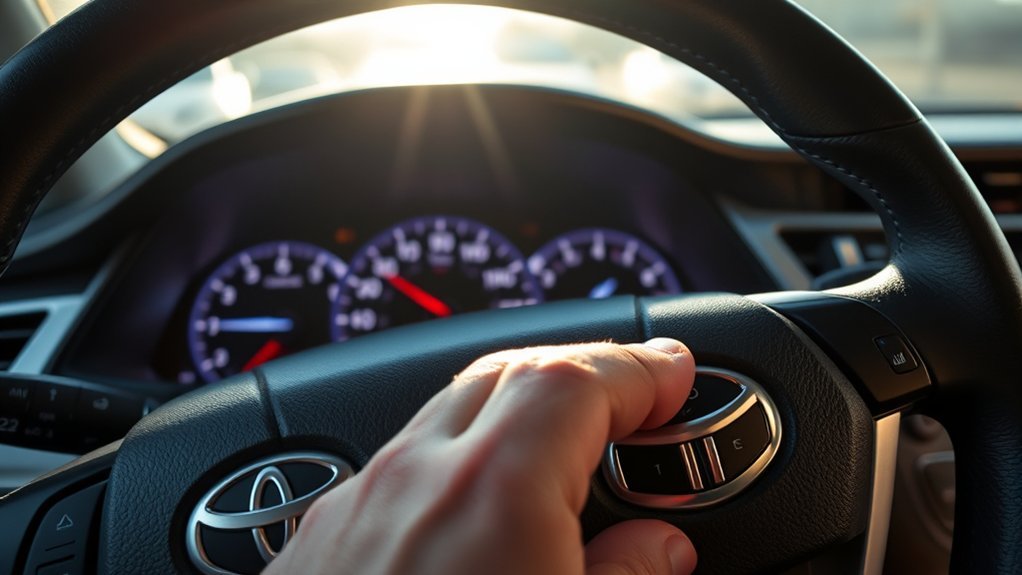
Dynamic Radar Cruise Control, often called DRCC or radar cruise control, can make highway driving in a Toyota Camry feel smoother by helping hold your set speed and following distance. It is still a driver-assistance feature, not self-driving technology, so you must keep your hands on the wheel, watch traffic, and be ready to brake or steer at any time.
Quick Answer
To use Dynamic Radar Cruise Control in a Toyota Camry, select adaptive cruise mode, drive at about 20 mph or faster on a suitable road, press the driving assist switch to set your speed, then use the distance button and +/RES or – switches to adjust the gap and speed.
Key Takeaways
- Use radar cruise control mainly on highways, expressways, and steady-flow roads where cruise control is appropriate.
- Dynamic Radar Cruise Control can help maintain a preset distance from the vehicle ahead, but it does not replace attentive driving.
- Keep the front radar area, grille/emblem area, and windshield camera area clean so the system can “see” properly.
- Cancel with the brake pedal or cancel switch, then resume with +/RES when conditions are safe.
At a Glance
| Time Required | 1–2 minutes to learn the controls |
| Difficulty | Easy |
| Tools Needed | None; use the steering-wheel driving assist controls |
| Cost | $0 if your Camry is already equipped with the feature |
What Is Dynamic Radar Cruise Control?
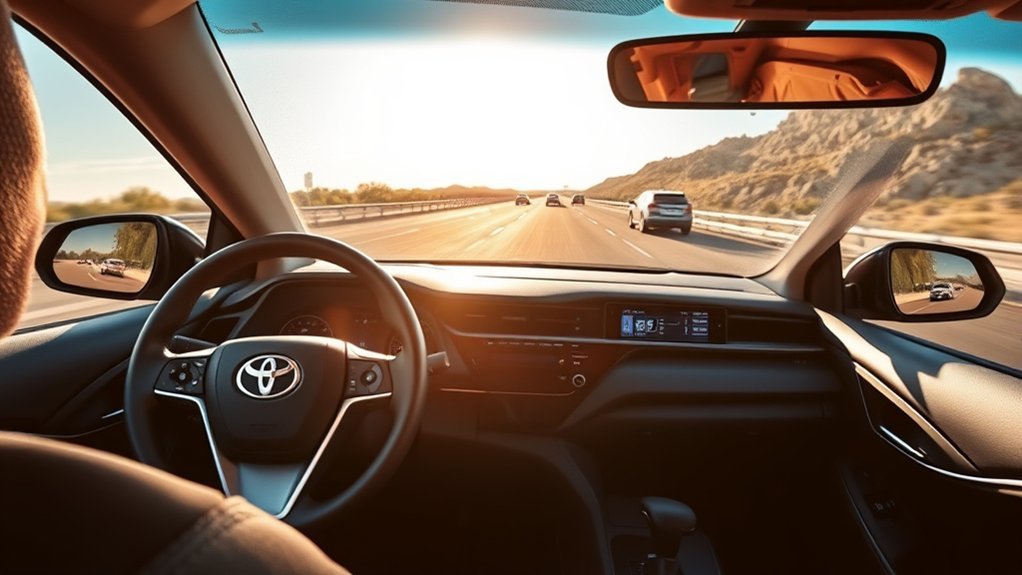
Dynamic Radar Cruise Control is Toyota’s adaptive cruise control system. Instead of only holding one fixed speed like traditional cruise control, DRCC uses vehicle-to-vehicle distance control to help your Camry keep a preset gap from the car ahead. Toyota’s current Camry owner’s manual information describes the system as detecting vehicles ahead, checking the current vehicle-to-vehicle distance, and helping maintain a suitable distance.
On many newer Camry models, DRCC is part of Toyota Safety Sense. Toyota describes newer DRCC systems as intended for highway use and designed to be set at speeds above about 20 mph. Exact controls, display icons, and distance settings can vary by model year, trim, market, and software version, so always compare these steps with the owner’s manual for your specific Camry.
Warning: Radar cruise control is not hands-free driving, autonomous driving, or a collision-avoidance guarantee. You are still responsible for steering, braking, checking speed, and watching surrounding traffic.
How to Activate Radar Cruise Control in Your Camry
Before turning on Radar Cruise Control, choose a suitable road. A highway, expressway, or open road with steady traffic is best. Avoid using it in city streets, parking areas, tight curves, heavy rain, snow, fog, construction zones, or anywhere you need frequent braking and steering changes.
Before You Start
- Confirm the road is suitable for cruise control.
- Make sure the windshield area in front of the camera is clear.
- Make sure the front grille, Toyota badge area, radar cover, and bumper area are not blocked by mud, snow, ice, stickers, or accessories.
- Check that no radar cruise or Toyota Safety Sense warning message is showing on the multi-information display.
- Keep your foot ready near the brake until you are comfortable with how the system responds.
Camry Radar Cruise Control Buttons
| Control | What It Does |
|---|---|
| Driving Assist mode select switch | Selects adaptive cruise mode or switches between available driving assist modes, depending on model year. |
| Driving Assist switch | Sets the current vehicle speed after adaptive cruise mode is selected. |
| + / RES switch | Raises the set speed or resumes the previous set speed after canceling. |
| – switch | Lowers the set speed. |
| Cancel switch | Cancels cruise control without turning the car off. |
| Vehicle-to-Vehicle Distance switch | Changes the following-distance setting shown on the display. |
Step-by-Step Activation
- Drive at a suitable speed. On many newer Toyota systems, the set speed can be selected at about 20 mph or higher. Check your Camry’s display and manual for the exact operating range.
- Press the Driving Assist mode select switch. Select the adaptive cruise or Dynamic Radar Cruise Control mode. Look for the DRCC indicator on the multi-information display.
- Accelerate or slow down to your desired cruising speed. Choose a legal speed that matches traffic, weather, and road conditions.
- Press the Driving Assist switch to set the speed. The selected speed should appear on the multi-information display.
- Choose your following distance. Press the Vehicle-to-Vehicle Distance switch until the display shows the gap you want.
- Keep monitoring the road. DRCC may adjust speed for a detected vehicle ahead, but you must still steer, brake, and take over when needed.
Pro Tip: Start with the longest following-distance setting while learning. It gives you more space to understand how your Camry responds when traffic slows.
Adjust Your Speed and Distance Safely
Once DRCC is active, you can make small changes without turning the system off. Use the + / RES switch to raise your set speed and the – switch to lower it. On many U.S. Toyota models, a short press changes the set speed by about 1 mph, while holding the switch changes it continuously. Canadian or metric displays may use km/h increments, so check the display as you adjust.
For following distance, press the Vehicle-to-Vehicle Distance switch. Depending on the Camry model year and Toyota Safety Sense version, you may see three or four distance bars. More bars mean a longer following distance.
| Driving Situation | Recommended Distance Setting | Why |
|---|---|---|
| Clear highway, light traffic | Medium or long | Keeps a comfortable buffer without constant speed changes. |
| Heavy traffic | Long or extra-long if available | Gives you more time to react if traffic brakes suddenly. |
| Rain, spray, snow, or poor visibility | Use the longest setting or turn cruise control off | Sensors and tires may not perform normally in bad conditions. |
| Curves, ramps, construction, or merging traffic | Cancel DRCC if needed | The system may not judge complex traffic the way you do. |
DRCC can slow your Camry when it detects a slower vehicle ahead. If that vehicle moves away or traffic clears, the system may accelerate back toward your set speed. Always check that the set speed is still appropriate before letting the car resume.
Canceling and Resuming Cruise Control
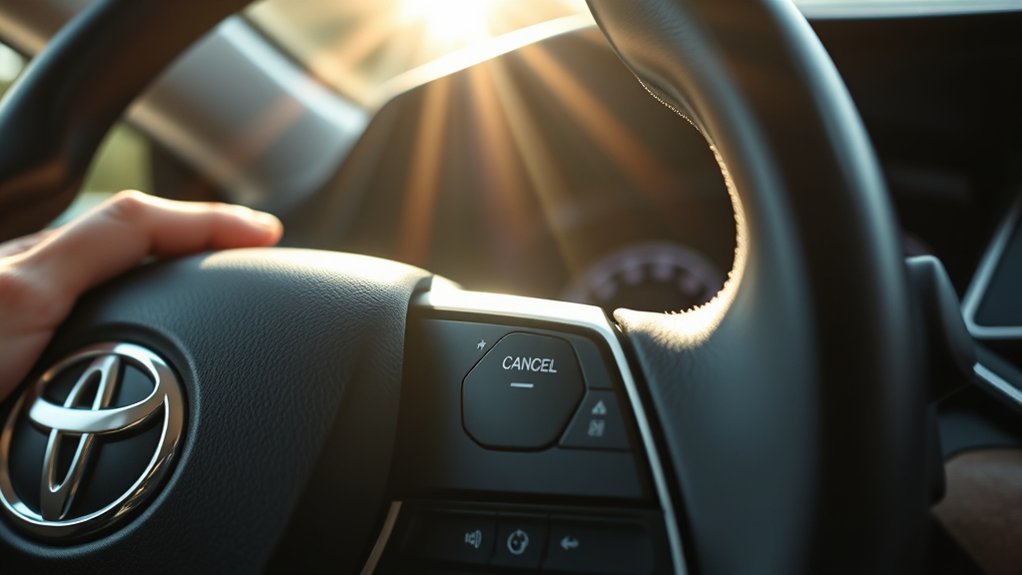
Knowing how to cancel DRCC quickly is just as important as knowing how to set it. To cancel Dynamic Radar Cruise Control, press the brake pedal or press the cancel switch. In many Camry models, canceling pauses cruise control while keeping the previous set speed available for resume.
When traffic and road conditions are safe, press the + / RES switch to resume the previous set speed. Watch the multi-information display to confirm the system has resumed and that the displayed speed is still safe for current conditions.
Note: Button names and behavior can vary between older Camry models, newer Toyota Safety Sense versions, and different markets. If your display message does not match these steps, follow your exact owner’s manual.
Best Practices for Using Radar Cruise Control Safely
Radar cruise control works best when traffic is predictable and lane flow is steady. It should reduce repetitive accelerator and brake inputs, not reduce your attention. The National Highway Traffic Safety Administration explains that adaptive cruise control adjusts vehicle speed to keep a preset distance, but driver-assistance features still require the driver to remain responsible for driving.
- Use it mainly on highways and expressways. DRCC is not ideal for city driving, sharp curves, parking lots, or roads with pedestrians and cyclists.
- Do not rely on it in bad weather. Heavy rain, snow, fog, road spray, glare, and dirty sensors can limit detection.
- Keep your foot ready. If traffic cuts in, brakes hard, or stops unexpectedly, take over immediately.
- Use a longer following distance at higher speeds. More speed means more stopping distance.
- Turn the system off when you are not using it. This helps avoid unintended activation.
- Do not use DRCC as a substitute for safe speed choice. You are responsible for obeying speed limits and matching road conditions.
The safest way to use radar cruise control is to treat it as speed-and-distance assistance, not as a replacement for your eyes, hands, or judgment.
Dynamic Radar Cruise Control vs. Conventional Cruise Control
The Camry may let you switch between adaptive radar cruise and conventional cruise control, depending on model year. The difference matters:
- Dynamic Radar Cruise Control: Helps maintain your set speed and adjusts speed when it detects a slower vehicle ahead.
- Conventional cruise control: Holds a fixed speed and does not automatically adjust to the vehicle ahead.
Use Dynamic Radar Cruise Control when you want the Camry to help manage following distance on suitable highways. Use conventional cruise only when traffic is light, the road is clear, and you understand that the car will not slow for traffic ahead unless you brake or cancel the system.
When Not to Use Radar Cruise Control
Do not use radar cruise control just because it is available. Turn it off and drive manually in situations where automatic speed control could feel abrupt or inappropriate.
- Heavy rain, snow, fog, ice, or standing water
- Slippery roads or low-traction conditions
- Sharp curves, winding roads, ramps, or steep downhill sections
- Construction zones or lane shifts
- City streets, school zones, parking lots, or roads with pedestrians and cyclists
- Heavy merging traffic where vehicles may cut in closely
- When towing or carrying a load if your owner’s manual warns against cruise-control use in that condition
- Any time the radar cruise, camera, pre-collision, or Toyota Safety Sense warning light/message appears
Troubleshooting Radar Cruise Control Problems
If your Camry says Radar Cruise Control Unavailable, Clean Sensor, Pre-Collision System Malfunction, or shows a similar driver-assistance warning, start with the simple checks first.
Clean the Sensor and Camera Areas
Toyota Safety Sense systems use radar and camera information. Toyota materials describe DRCC as using a front grille-mounted radar and a forward-facing camera to detect vehicles ahead. Clean the front Toyota badge/grille/radar cover area gently with a soft cloth, and clean the windshield area in front of the camera near the rearview mirror.
Check for Blockages
Remove snow, ice, mud, bugs, leaves, stickers, license plate accessories, or aftermarket parts that may block the radar or camera. Do not attach accessories near the radar cover or camera viewing area unless Toyota says they are compatible.
Consider Weather and Road Conditions
Heavy rain, fog, snow, road spray, glare, and low-contrast conditions can temporarily reduce sensor performance. If the warning appears only in bad weather, drive manually until conditions improve.
Get Service After Front-End Work
If the front bumper, grille, radar sensor area, windshield, or camera area has been repaired or replaced, the system may need inspection or calibration by a Toyota dealer or qualified repair facility. Do not ignore warning messages after collision repair or windshield replacement.
Frequently Asked Questions
Does the Toyota Camry have radar cruise control?
Many modern Toyota Camry models include Dynamic Radar Cruise Control as part of Toyota Safety Sense, but availability and exact controls depend on model year, trim, and market. Check your steering-wheel controls and your specific owner’s manual to confirm which version your Camry has.
Where is the radar sensor on a Toyota Camry?
The radar sensor is generally mounted at the front of the vehicle, often behind the Toyota badge, grille, or front radar cover area. Toyota Safety Sense systems also use a forward-facing camera near the upper windshield. Keep both areas clean and unobstructed.
Can I use Dynamic Radar Cruise Control in stop-and-go traffic?
Some newer Toyota systems have full-speed range capability, but behavior varies by model year and equipment. Even if your Camry can slow or stop behind traffic, you must stay alert and be ready to brake. Check your owner’s manual for your exact system limits.
Is radar cruise control the same as self-driving?
No. Radar cruise control helps with speed and following distance only. It does not make the Camry autonomous, and it does not remove your responsibility to steer, brake, watch traffic, and take over when needed.
Why does my Camry say radar cruise control is unavailable?
Common causes include a dirty or blocked radar area, a dirty windshield camera area, heavy rain, snow, fog, bright glare, sensor misalignment, or a system fault. Clean the sensor and camera areas first. If the message remains, have the vehicle inspected.
Conclusion
Dynamic Radar Cruise Control can make your Toyota Camry easier to drive on long highway trips, but it works best when you use it with realistic expectations. Set a safe speed, choose a generous following distance, keep the sensors clean, and cancel the system whenever traffic, weather, or road conditions demand full manual control. Used correctly, DRCC is a helpful driving aid—not a substitute for an attentive driver.
Sources
- Toyota Owners — 2025 Camry Hybrid Dynamic Radar Cruise Control — supports Camry DRCC function, distance control, and owner’s manual reference.
- Toyota Safety Sense — supports Toyota Safety Sense / DRCC feature descriptions and highway-use context.
- NHTSA Driver Assistance Technologies — supports adaptive cruise control definition and driver-responsibility safety language.
- IIHS-HLDI Advanced Driver Assistance — supports limitations of driver-assistance and automation features.