The Toyota Camry maintenance reminder system is there to keep routine service from slipping past you. The most important thing to know is that the maintenance reminder is usually a mileage-and-time-based service prompt, not a warning that the car has diagnosed a specific mechanical failure.
Quick Answer
The Toyota Camry maintenance reminder tracks scheduled service intervals and reminds you when maintenance is due. On many modern Camrys, Toyota recommends scheduled maintenance every 5,000 miles or six months, whichever comes first. Reset the reminder only after the required service has been completed.
Key Takeaways
- The maintenance reminder is a scheduled-service reminder, not the same as the check engine, oil pressure, brake, ABS, SRS, or TPMS warning light.
- Toyota’s 2025 Camry maintenance guide recommends scheduled maintenance every 5,000 miles or six months, whichever comes first.
- Oil-change timing can vary by model year, engine, oil type, and driving conditions, so your owner’s manual and maintenance guide should be the final authority.
- Resetting the light before service can hide an overdue maintenance interval and make future reminders inaccurate.
At a Glance
| Time Required | 1–3 minutes to reset after service |
| Difficulty | Easy |
| Tools Needed | None for the reset; service tools depend on the maintenance performed |
| Cost | $0 to reset; maintenance cost varies by service |
What Is the Toyota Camry Maintenance Reminder System?
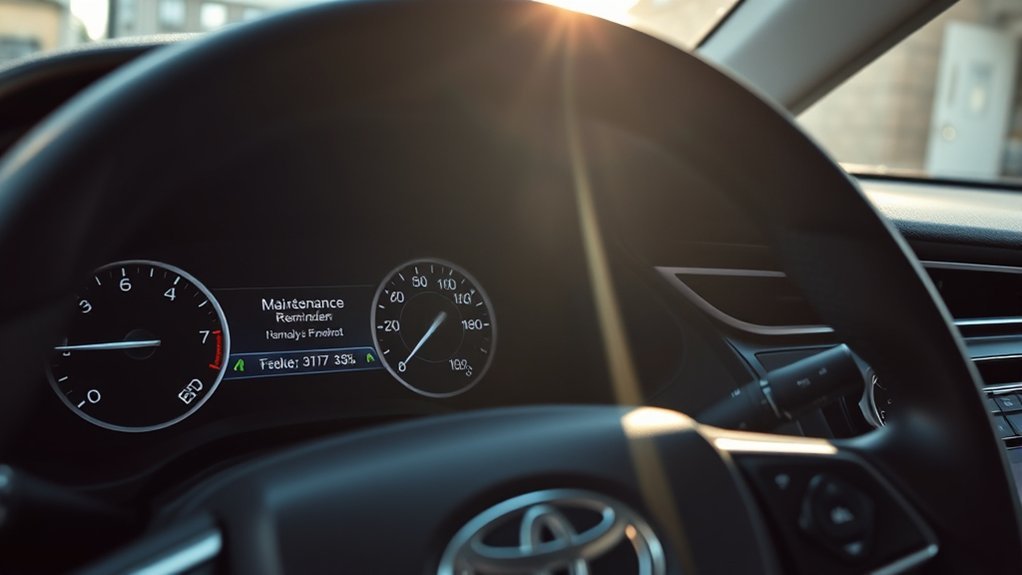
The Toyota Camry maintenance reminder system is designed to remind you when scheduled maintenance is due. It helps you stay on top of routine services such as inspections, tire rotation, fluid checks, filter replacement, and oil-and-filter service when required by your maintenance schedule.
For modern Camry models, Toyota explains in its 2025 Camry Warranty & Maintenance Guide that scheduled maintenance should be obtained every 5,000 miles or six months, whichever comes first. That does not always mean the engine oil is replaced at every 5,000-mile visit. On some newer Camry models, oil-and-filter replacement may be scheduled at longer intervals under normal conditions, while severe or special operating conditions can require more frequent service.
Note: The maintenance reminder does not evaluate your driving habits as carefully as a technician can. Always follow the maintenance schedule for your exact model year, engine, trim, and driving conditions.
How Does the Maintenance Light Work?
The maintenance light or “Maintenance Required” message is mainly a scheduled-service reminder. It tracks the interval since the last reset and lets you know when the next maintenance visit is due. On many Camrys, the reminder appears around the scheduled maintenance interval after the system was last reset.
This system is helpful, but it is not the same as a diagnostic warning system. It does not necessarily mean the engine oil is low, the oil pressure is unsafe, or a mechanical failure has been detected. It simply means the vehicle is due for scheduled maintenance based on the service reminder logic.
Maintenance Light Functionality
In your Toyota Camry, the maintenance reminder works like a built-in service calendar. When the message appears, check your maintenance guide to see which service is due at your mileage and month interval. Common scheduled items can include tire rotation, brake inspection, fluid-level checks, wiper inspection, cabin air filter replacement, engine air filter inspection, and oil-and-filter replacement when specified.
Toyota’s interactive owner’s manual for the 2025 Camry notes that after required maintenance is performed, the message should be reset through the multi-information display. You can review Toyota’s official instructions in the Toyota Owners maintenance requirements article.
What the Maintenance Light Does Not Mean
The maintenance reminder is easy to confuse with other dashboard warnings, but they are not the same. A maintenance reminder does not replace your check engine light, oil pressure warning, brake warning, ABS warning, SRS airbag warning, or tire pressure monitoring warning.
Warning: If a red oil pressure, brake, battery, engine temperature, or other urgent warning light appears, do not treat it like a routine maintenance reminder. Pull over safely when appropriate, check the owner’s manual, and arrange service before continuing if the vehicle may be unsafe.
Resetting the Maintenance Light
Resetting the maintenance light is simple on many newer Camry models, but it should only be done after the required maintenance has been completed. Toyota’s support page also advises owners to check the owner’s manual for the reset procedure for their specific vehicle.
For many newer Camry models with a multi-information display, the reset process is generally:
- Turn the vehicle on or switch it to the appropriate ignition mode without starting if your model requires that step.
- Use the steering-wheel controls to open the multi-information display settings.
- Select “Vehicle Settings.”
- Choose “Scheduled Maintenance.”
- Select “Yes” to reset.
- Confirm that “Reset Complete” or a similar confirmation appears.
If your Camry has a different display, a traditional odometer button, or an older dashboard layout, the steps can vary. Use your owner’s manual for the exact procedure.
Pro Tip: Write down the service date, mileage, and work performed before resetting the reminder. This keeps your records clear and helps the next reminder stay meaningful.
Importance of Timely Service
Keeping up with your Toyota Camry’s maintenance schedule helps protect performance, safety, reliability, and long-term value. Toyota’s maintenance guide states that regular maintenance is essential for performance, safety, and reliability, and that poor maintenance can lead to failures that may not be covered by warranty.
To stay on track, use these three habits:
- Follow mileage and time intervals: If six months pass before you reach the mileage interval, service is still due.
- Consider your driving conditions: Towing, dusty roads, repeated short trips, heavy loading, and harsh weather can require extra or more frequent maintenance.
- Reset after service only: Resetting too early can make the system inaccurate and may cause you to miss future service.
What Do Those Warning Lights Mean?
Your Camry’s dashboard lights are not all equal. Some are reminders, some are safety warnings, and some are urgent alerts. The maintenance reminder is usually not an emergency, but other warning lights can require immediate attention.
Here’s a quick reference table:
| Dashboard Light or Message | What It Usually Means | What to Do |
|---|---|---|
| Maintenance Required | Scheduled service is due | Check the maintenance guide, complete service, then reset the reminder |
| Check Engine Light | The engine or emissions system detected a fault | Schedule diagnosis; do not ignore a flashing check engine light |
| Oil Pressure Warning | Oil pressure may be dangerously low | Stop safely and shut off the engine as soon as it is safe |
| Brake Warning | Parking brake, brake fluid, or brake system issue | Check the parking brake first; seek service if the light stays on |
| ABS Light | Anti-lock brake system fault | Normal braking may remain, but ABS may be unavailable; schedule service |
| SRS Airbag Light | Supplemental restraint system fault | Have the airbag system inspected promptly |
| TPMS / Tire Pressure Light | One or more tires may be significantly underinflated or the TPMS may have a fault | Check cold tire pressure and inspect tires for damage |
| Low Fuel Light | Fuel level is low | Refuel soon |
The National Highway Traffic Safety Administration recommends regular tire pressure checks, tire rotation, and tread checks as part of tire safety. Federal TPMS rules are designed to warn drivers about significant tire underinflation and related safety risks.
Reset Your Maintenance Light After Service
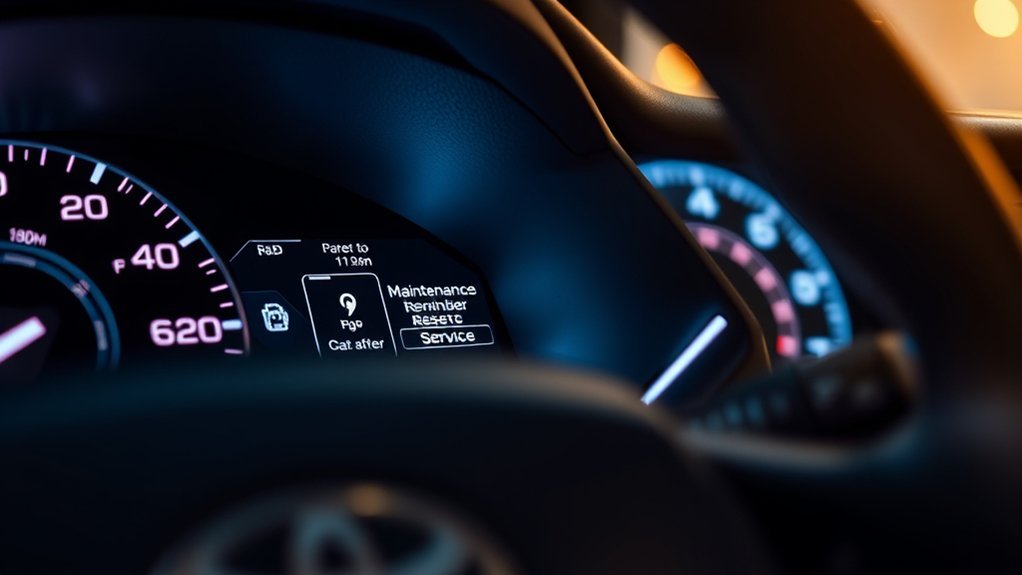
Resetting your Toyota Camry’s maintenance light after service keeps the reminder system accurate. Do not reset the light just to clear the dashboard. Service first, reset second.
For many newer Camrys, use this reset sequence:
- Park the vehicle safely and confirm that required maintenance has been completed.
- Turn the vehicle on and use the steering-wheel meter controls.
- Open the settings menu on the multi-information display.
- Select “Vehicle Settings.”
- Select “Scheduled Maintenance.”
- Choose “Yes” to confirm the reset.
- Look for the reset confirmation message.
If these menu names do not match your Camry, follow the owner’s manual for your model year. Older Camry models may use the odometer or trip-meter button instead of the display menu.
Note: If the reminder returns immediately after reset, the reset may not have completed, the wrong menu may have been selected, or another warning light may be active. Recheck the display message carefully.
Why Regular Maintenance Matters for Your Camry
Maintaining your Toyota Camry is not just about turning off a dashboard message. Regular maintenance helps protect the engine, brakes, tires, cooling system, filters, fluids, hybrid components where equipped, and overall vehicle reliability.
Toyota’s maintenance guide says owners should keep detailed records showing the date of service, mileage at service, and description of work performed. Toyota also explains that warranty coverage is not denied solely because you lack records or used a provider other than a Toyota dealership, but damage caused by lack of proper maintenance or improper repairs may not be covered.
Toyota recommends scheduled maintenance every 5,000 miles or six months, whichever comes first, for the 2025 Camry.
That six-month rule matters for low-mileage drivers. If you drive only 2,000 miles in six months, your Camry may still be due for scheduled maintenance because time-based checks are part of the maintenance plan.
Common Maintenance Tasks for Your Camry
Although maintenance can feel like a chore, staying ahead of basic service helps your Toyota Camry run safely and efficiently. The exact schedule depends on your model year and driving conditions, but these are common items owners should understand:
| Maintenance Task | Why It Matters | Typical Timing |
|---|---|---|
| Tire rotation | Promotes even tire wear and stable handling | Often part of 5,000-mile scheduled maintenance |
| Brake inspection | Checks pads, discs, lines, hoses, and braking performance | At scheduled intervals or sooner if symptoms appear |
| Engine oil and oil filter | Protects engine lubrication and helps prevent wear | Follow your maintenance guide; severe use may require shorter intervals |
| Fluid-level checks | Helps catch leaks or low fluid before damage occurs | Regularly and at scheduled service visits |
| Cabin air filter | Helps maintain airflow and interior air quality | As scheduled or sooner in dusty conditions |
| Engine air filter | Helps the engine breathe properly | Inspect or replace based on schedule and driving conditions |
| Wiper blades | Maintains visibility in rain, snow, and road spray | Inspect regularly and replace when streaking or cracking |
| Hybrid battery cooling intake filter | Helps airflow to hybrid battery components where equipped | Follow the hybrid Camry maintenance schedule |
The official Toyota general maintenance section also lists owner-check items such as brake fluid, coolant, engine oil, washer fluid, exhaust condition, brake operation, and tire condition.
Troubleshooting Your Camry’s Maintenance Light
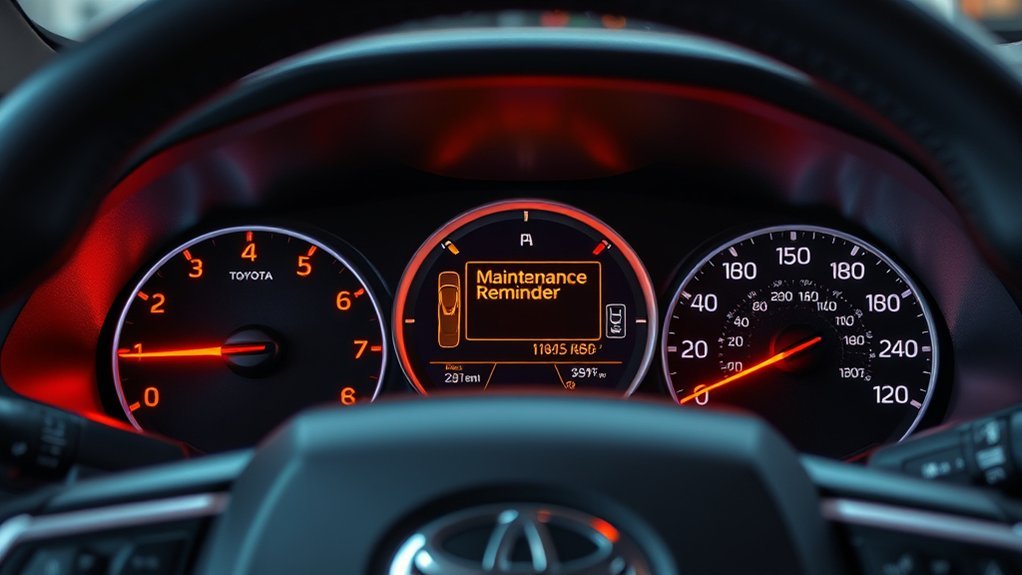
If your Camry’s maintenance light stays on or returns quickly after a reset, work through the issue step by step instead of repeatedly clearing the reminder.
If the Light Is On Before Service
Check your mileage, the date of your last service, and your maintenance records. If a scheduled service is due, complete the service first. The light is doing its job.
If the Light Stays On After Service
The reset may not have been completed correctly. Return to the settings menu, select “Scheduled Maintenance,” confirm the reset, and watch for a completion message. If your dashboard does not match the newer menu-based steps, use your owner’s manual.
If Another Warning Light Is On
Make sure you are not confusing the maintenance reminder with another warning light. A check engine light, oil pressure light, brake warning, ABS warning, SRS warning, or TPMS light needs separate attention and should not be dismissed by resetting the maintenance reminder.
If Service Was Done by a Shop
Ask the shop whether the reminder was reset and which maintenance items were performed. Keep the invoice with your records. A clear record should include mileage, date, parts used, and the services completed.
When to Check Your Owner’s Manual or See a Technician
You can reset the maintenance reminder yourself after service, but some situations call for more help. Check your owner’s manual or schedule service if:
- The maintenance message keeps returning after a confirmed reset.
- You see a red warning light or a flashing check engine light.
- The vehicle has unusual noises, vibration, pulling, smoke, overheating, fluid leaks, or braking changes.
- You recently drove in severe conditions such as deep water, heavy dust, extreme heat, towing, or repeated short trips.
- You are unsure which service is due at your current mileage.
For official reset guidance, Toyota’s support article says to check your owner’s manual for the procedure that applies to your vehicle. You can start with the Toyota maintenance light reset support page.
Frequently Asked Questions
How do I figure out what maintenance is required on my Toyota Camry?
Check your owner’s manual, warranty and maintenance guide, and service records. Match your current mileage and months since the last service to the maintenance schedule. If the maintenance reminder is on, complete the listed service for that interval before resetting it.
Does the Toyota Camry maintenance light always mean I need an oil change?
No. The maintenance light means scheduled maintenance is due. Depending on your model year, mileage, time interval, and driving conditions, the required service might include tire rotation, inspections, fluid checks, filter service, or oil-and-filter replacement.
Can I drive with the maintenance required light on?
In most cases, the maintenance reminder is not an immediate emergency, but you should schedule service soon. Do not ignore other warning lights, especially red lights, a flashing check engine light, an oil pressure warning, or a brake warning.
Why did my Camry maintenance light come back after I reset it?
The reset may not have completed, the wrong menu may have been selected, or another dashboard warning may be active. Confirm that the required service was performed, repeat the correct reset procedure, and check the exact dashboard message.
Should I reset the maintenance light before doing the service?
No. Resetting before service can make the reminder system inaccurate and may cause you to miss important maintenance. Complete the required maintenance first, then reset the reminder.
Conclusion
The Toyota Camry maintenance reminder system is a useful tool, but it is not a substitute for your owner’s manual or regular inspections. Treat the reminder as a prompt to check the maintenance schedule, complete the required service, record the work, and then reset the message. That simple routine helps keep your Camry safer, more reliable, and easier to maintain over the long term.
Sources
- Toyota 2025 Camry Warranty & Maintenance Guide — scheduled maintenance intervals, maintenance records, warranty responsibilities, and maintenance log items
- Toyota Owners: 2025 Camry Maintenance Requirements — official reset procedure for the maintenance required message on newer Camry models
- Toyota Support: How Do I Reset the Maintenance Required Light? — Toyota guidance to use the owner’s manual for vehicle-specific reset instructions
- Toyota Owners: 2025 Camry General Maintenance — owner-check maintenance items and inspection guidance
- NHTSA TireWise — tire pressure, tire rotation, tread checks, and tire safety guidance
- eCFR 49 CFR § 571.138 — federal TPMS performance standard for tire pressure monitoring systems