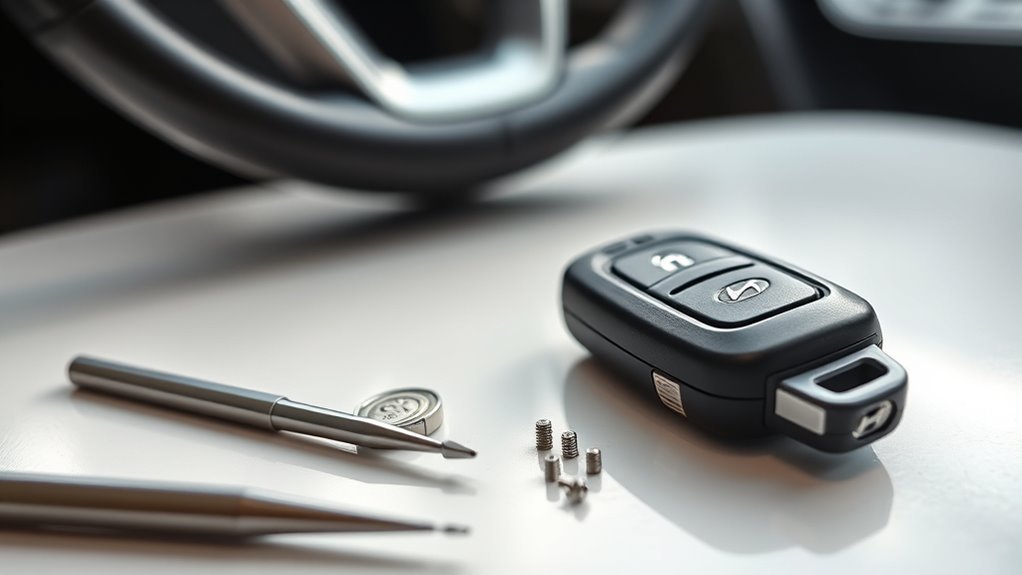
When your key fob battery dies, knowing how to use the Sonata emergency key gets you back inside your car in under two minutes. Depending on your model year, you either slide the mechanical blade out of the fob or unsheathe the separate backup key, pop off the small plastic cap on the driver’s side door handle, and turn the hidden lock cylinder. Below, you will learn how to remove that tricky keyhole cover without scratching your paint, keep the new two-piece key from flopping on your keychain, and start your engine once you are inside.
Quick Answer
Release the mechanical key from your fob (or remove its protective sleeve on 2024–2026 models). Insert the key blade upward into the small slot underneath the rear cap of the driver’s door handle to press the internal lever, slide the cap rearward to remove it, and turn the exposed keyhole to unlock your Sonata.
Last checked: October 17, 2026. Dates and figures were verified against official sources.
At a Glance
| Time Required | 1 to 2 minutes |
| Difficulty | Easy (once you locate the bottom release slot) |
| Tools Needed | Mechanical emergency key (included with your fob) |
| Replacement Fob Battery | CR2450 (2024–2026 Sonata) or CR2032 (2023 and older) |
How to Use the Sonata Emergency Key

When your Hyundai Sonata key fob stops responding due to a dead battery or radio interference, the physical mechanical key lets you unlock the driver’s door manually. How you retrieve the blade depends on which smart key generation your Sonata uses, as shown in the Hyundai Owner’s Manual smart key guide.
- Retrieve the mechanical key blade: On 2023 and older Sonatas, press and hold the small release button on the back or side of the fob and pull the key ring end straight out. On 2024, 2025, and 2026 Sonatas with the pebble-shaped “H” fob, the emergency key is a separate piece—pull off its plastic key protector sleeve and turn the top knob down so it forms a handle.
- Release the door handle keyhole cover: Stand at the driver’s side door and look underneath the small plastic cap at the rear end of the door handle. Insert the tip of the mechanical key upward into the bottom slot to press the internal release lever, then gently push the cap toward the rear of the car until it pops free.
- Unlock the driver’s door: Insert the emergency key into the exposed physical keyhole and turn it toward the rear of the vehicle (clockwise) to unlock the driver’s door, or toward the front (counterclockwise) to lock it.
- Start the engine with the dead fob: Once inside, step firmly on the brake pedal with the gear selector in Park (P), and press the Engine Start/Stop button directly using the nose of the smart key fob rather than your finger.
Because the separate mechanical key on 2024 and newer models sits outside the main fob body, it can flop around on a key ring if not secured properly. Many owners use a small split ring, key organizer pouch, or tape to keep it tidy. Practicing how to pop off the keyhole cover in daylight ensures you are never stuck fumbling in the rain or dark when you need to bypass fob battery issues.
What Frustrations Come With the New Key Fob Design?
The updated key fob design introduced on the refreshed 2024 and 2025 Sonata—including the 2025 Sonata Hybrid SEL—brings several day-to-day annoyances. Owners frequently report that the separated emergency key dangles awkwardly on a keychain, while the flush driver’s door keyhole cover feels stiff and fragile when you try to pry it off in an urgent situation.
Design Compromises Made
While the pebble-shaped “H” logo key fob design on the 2024–2025 Sonata Hybrid SEL aims for a distinctive modern look, it introduces clear trade-offs in everyday carry. Unlike earlier fobs that tucked the metal blade neatly inside the remote housing, the new fob has no internal key slot at all. That leaves the separate emergency key hanging loose in a plastic sheath alongside the remote.
Despite omitting the internal blade, the fob itself is wider and smoother than previous compact remotes, which leaves many drivers missing the solid, weighty feel of older designs. Prioritizing the sculpted “H” branding over functional aesthetics forces owners to either carry two pieces on their keyring or leave the backup key at home—defeating its purpose in a lockout. Combined with a tight keyhole cover that can be tricky to snap back on, these compromises detract from the overall user experience.
Accessing Emergency Key Issues
Using the emergency key on a 2025 Sonata Hybrid SEL exposes two practical pain points regarding key accessibility and security. First, because the mechanical blade sits in an external plastic sleeve rather than locking into the fob, it flops around in pockets and can separate if the sleeve wears loose, prompting makeshift fixes with zip ties or tape.
Second, removing and reinstalling the driver’s door keyhole cap feels cumbersome if you have not done it before. Because only the driver’s door has a physical lock cylinder, a jammed or frozen cap blocks your only mechanical way into the cabin. Together, the bulky smooth fob and external blade have lowered user satisfaction among drivers who prefer a single, self-contained key.
How to Secure Your Emergency Key
Securing your emergency key on a newer Sonata key fob is essential so the blade is actually with you during an unexpected battery failure. Because the separated key and its plastic protector dangle loosely from the keyring loop, they can snag on pockets or slip off if the ring spreads. To keep the blade firmly attached and prevent rattling, you can bind the sheathed key flat against the keyring strap with a miniature zip tie, wrap a band of high-grip silicone tape around the sleeve, or tuck it into a fitted leather or TPU key fob case.
Pair a solid securing method with basic key fob maintenance. Check the tightness of the plastic key sleeve and inspect your fob battery every 12 to 18 months—2024 and newer Sonata fobs take a CR2450 coin battery, while 2015–2023 fobs use a CR2032 battery. Keeping the backup blade secure on your keyring ensures immediate mechanical entry whenever electronic systems fail.
Best Practices for Accessing the Keyhole Cover
Before you touch the door handle, get your emergency key ready—either by pressing the release button on the side or back of a 2023-and-older fob, or by pulling the protective cover off the separate blade on a 2024–2026 fob. Following the official exterior door lock procedure prevents broken plastic tabs and scratched paint:
- Use the bottom release slot, not the painted edges: Look directly underneath the small cap at the back of the driver’s door handle. Push the tip of your mechanical key straight up into the rectangular slot to depress the hidden release lever inside.
- Slide the cover toward the rear of the car: While keeping upward pressure on that internal lever so the key does not slip out, push the plastic cap rearward (toward the trunk) until it unclips from the handle assembly.
- Warm a frozen cover before pulling: If winter ice locks the plastic cap in place, cup your hands around the handle or blow warm air on it for 30 seconds rather than forcing the key.
- Align the front tabs when reassembling: To put the keyhole cover back on, hook the inner lip into place first and press firmly until it clicks flush with the main handle.
Warning: Never pry between the keyhole cover and the painted metal door skin with a bare metal screwdriver. Always release the cover from the slot underneath the handle to avoid chipping the paint or snapping the plastic retention tab.
Alternatives When Your Key Fob Fails

When your key fob stops working, the mechanical emergency key is your primary way into the cabin, followed by the built-in backup transponder that starts the engine. On equipped trims, setting up digital key alternatives ahead of time gives you a second, fob-free way to unlock and drive your Sonata.
Emergency Key Usage Tips
If your key fob fails in a parking lot, a few key details will save you time and prevent a loud surprise:
- Expect the factory alarm to sound: Unlocking a locked Sonata with the physical emergency key often triggers the horn alarm because the car did not receive a wireless disarm signal. Step inside and start the engine with the fob to silence it immediately.
- Start the ignition with the fob nose: While the metal blade only unlocks the door and has no ignition cylinder, your dead fob still contains a passive transponder chip. Per Hyundai’s Engine Start/Stop button emergency instructions, hold the brake pedal and press the Start/Stop button directly with the tip of the fob to start the car.
- Secure the separated blade: If your 2024–2025+ emergency key flops around on your ring, secure its sleeve with a small zip tie, tape, or key pouch so you never leave it behind.
- Watch for dashboard battery warnings: Replace your fob battery as soon as the instrument cluster displays a “Key Battery Low” alert so you rarely have to rely on emergency entry.
Pro Tip: Keep a spare CR2450 battery (for 2024–2026 Sonatas) or CR2032 battery (for 2023 and older models) in your glove box. You can pop open the fob seam using the flat tip of your mechanical key wrapped in a cloth and swap the battery in under 60 seconds.
Digital Key Alternatives
If your Sonata is equipped with Hyundai Digital Key (available on select SEL Convenience, N Line, and Limited trims), you can set up a smartphone key or a credit-card-sized Hyundai NFC Key Card as a permanent backup. According to the Hyundai Digital Key 2 guide, compatible 2024–2025+ models support Apple Wallet, Google Wallet, and Samsung Wallet, while Hyundai dealers sell the physical NFC key card (part number L0H81-AK000 or L0H81-AB000) for an MSRP of about $35 to $55.
Keep in mind an important distinction: a smartphone digital key depends on your phone’s battery (though recent iPhones retain Express Mode power reserve for up to five hours after the phone dies), whereas the physical NFC key card is a passive card with no internal battery at all. However, both digital options require your Sonata’s 12-volt car battery to have power, and both must be paired in the vehicle settings while you still have an active key fob.
Here is a quick comparison of the smartphone Digital Key and the NFC Key Card:
| Feature | Digital Key Advantages (Smartphone) | NFC Key Card Details & Concerns |
|---|---|---|
| Accessibility | Unlocks and starts without a physical fob | Passive NFC card (no internal card battery, but requires car 12V battery power) |
| Cost | Included with eligible trims and Bluelink | Costs $35–$55 from Hyundai parts dealers |
| Convenience | Supports sharing with up to 3 family members | Fits flat in a wallet; must be tapped on door handle and wireless charger |
| Compatibility | iPhone, Samsung, and Pixel (Digital Key 2); Android only (Digital Key 1) | Requires SEL/Limited trim with factory wireless charging pad |
| Security | Biometric phone lock and encrypted wallet credentials | No PIN required if wallet is lost; only 1 card can be paired per car |
User Insights on Emergency Key Functionality
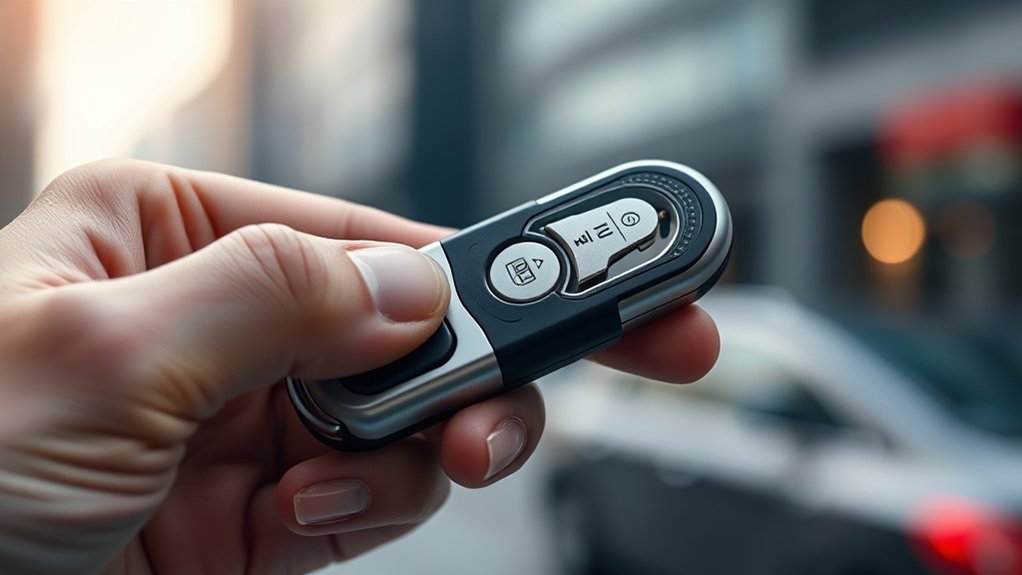
While the separate emergency key on the newer Sonata key fob works reliably once inserted into the lock cylinder, owner feedback across Hyundai forums highlights four recurring complaints about its day-to-day usability:
- The external key sleeve flops around on the keyring when not secured, prompting drivers to use zip ties, tape, or aftermarket leather cases for stability.
- Releasing the tight driver’s door keyhole cover takes practice, adding frustration when you are trying to get into your car in bad weather.
- Many owners express nostalgia for 2023 and earlier fobs with an integrated slide-out blade, which kept everything in one compact housing.
- While the mechanical blade still unlocks the door in a total electrical blackout, separating it from the fob body makes it easier to misplace before an emergency happens.
These owner experiences point to a clear takeaway: the backup key is still an essential mechanical fail-safe, but keeping it attached to your main fob and testing the door cap release once at home makes all the difference.
Frequently Asked Questions
Can I Start My Hyundai Sonata With a Dead Key Fob?
Yes, you can start your Hyundai Sonata with a dead key fob using its built-in passive transponder. Shift into Park, hold down the brake pedal, and press the Engine Start/Stop button directly with the nose of the smart key fob. Replace the fob battery soon after to restore normal keyless entry.
What Battery Does a Hyundai Sonata Key Fob Take?
The 2024, 2025, and 2026 Hyundai Sonata pebble-shaped “H” smart key fob uses a single CR2450 3-volt coin cell battery. Earlier 2015 through 2023 Hyundai Sonata key fobs use a thinner CR2032 3-volt coin battery.
Why Does My Car Alarm Go Off When I Use the Sonata Emergency Key?
Your Sonata’s perimeter alarm sounds because unlocking the door cylinder mechanically does not send the electronic disarm signal that pressing the fob button normally provides. To silence the horn, sit in the driver’s seat, press the brake pedal, and push the Engine Start/Stop button using the tip of your key fob.
Can I Lock All Doors With the Sonata Emergency Key if the Car Battery Dies?
The outside keyhole only locks and unlocks the driver’s door mechanically. If your vehicle’s 12-volt battery is dead and you need to lock the passenger and rear doors, open each door, insert the mechanical key into the small emergency lock slot on the inner door edge, turn it, and close the door.
Conclusion
Your Sonata emergency key is a reliable mechanical backup that guarantees a dead coin battery never leaves you stranded. By securing the blade on your keyring, practicing the bottom-slot release for the driver’s door keyhole cover, and pressing the Start/Stop button directly with the fob nose, you can unlock and start your Hyundai in under two minutes. Take a moment today to check that your mechanical blade is attached to your fob and stash a spare CR2450 or CR2032 battery in your glove compartment for easy peace of mind.
Sources
- Hyundai 2025 Sonata Owner’s Manual – Smart Key: Mechanical key operation and CR2450 smart key battery replacement specifications.
- Hyundai 2025 Sonata Owner’s Manual – Operating Door Locks from Outside: Step-by-step instructions for releasing the driver’s door handle key cylinder cover and locking doors in an emergency.
- Hyundai 2025 Sonata Owner’s Manual – Engine Start/Stop Button: Procedure for starting the engine by pressing the Start/Stop button directly with a weak or dead smart key.
- MyHyundai – Digital Key 2 Guide: Smartphone Digital Key 2 and backup NFC Key Card compatibility, setup, and usage guidelines.