
You’ll use Toyota’s Multi‑Terrain Select to automatically modulate throttle and apply brake‑based wheel control across Mud & Sand, Rock & Dirt, Snow and Normal modes, reducing driver input for low‑speed traction events.
It adjusts throttle mapping and uses targeted braking (integrated with A‑TRAC) to limit wheel spin and manage torque, especially in 4LO/Crawl Control situations. Activate from a stop, select the terrain, then proceed slowly; continue for details on mode selection, activation and troubleshooting.
What 4Runner Multi‑Terrain Select Does and Who Needs It
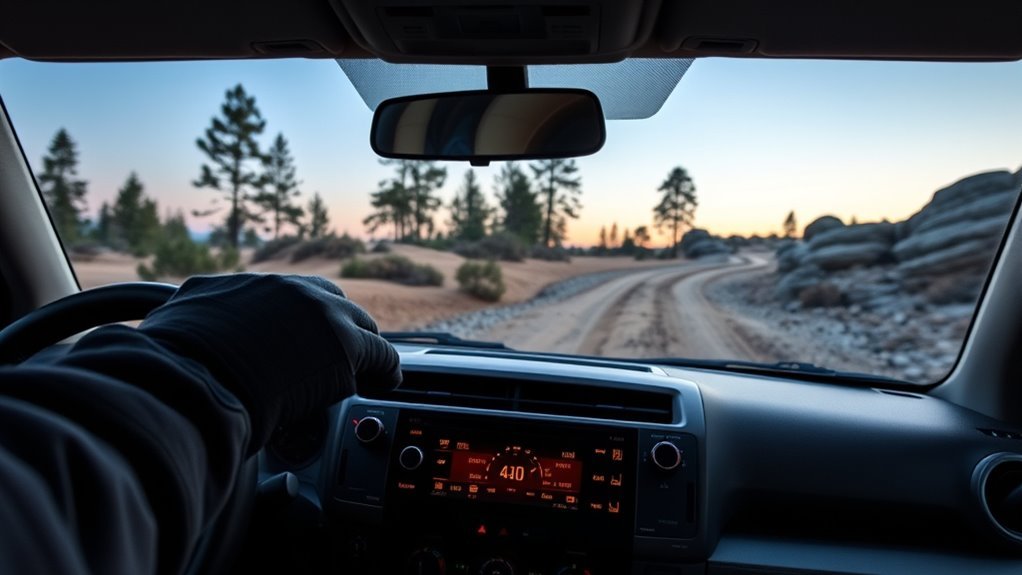
The 4Runner’s Multi‑Terrain Select (MTS) actively adjusts throttle mapping and braking to the surface you choose. On the fifth-generation 4Runner the modes are Mud & Sand, Loose Rock, Mogul and Rock; the 2025-and-newer sixth generation uses a revised set that includes Mud, Sand and Dirt and, per Toyota, works in both 4WD High and 4WD Low.
Either way, you get optimized traction and stability without manual modulation. You’ll engage MTS from a stop (and shift into 4WD Low when needed) via a dedicated control, then let the system tailor engine response and individual-wheel braking to the chosen mode.
That procedural simplicity increases off road benefits by reducing driver workload and widening the envelope of recoverable conditions.
Technically, MTS shifts control authority toward traction management, so you can focus on route choice and momentum instead of fine throttle or brake inputs.
If you seek freedom to traverse variable landscapes—overland travelers, weekend adventurers, or anyone who values autonomy in mobility—you’ll find the terrain adaptability deliberate and mission-oriented. Combined with Crawl Control, MTS forms a layered control strategy that extends capability on steep, uneven, or low-traction surfaces.
How 4Runner MTS Controls Traction, Throttle & Brakes
When you select an MTS mode the 4Runner immediately changes throttle mapping to smooth power delivery for the chosen terrain, limiting spike torque on loose or slippery surfaces.
It also uses targeted brake-based wheel control to slow slipping wheels and redistribute torque to tractioned wheels. Mode-specific slip management algorithms adjust thresholds and intervention timing so Mud & Sand, Rock & Dirt, Snow and Normal each tradeoff traction, momentum and wheelspin differently.
Throttle Mapping Adjustments
Although you may not notice it, Multi‑Terrain Select actively alters throttle mapping and braking logic to manage wheel slip and maintain momentum across different surfaces.
You’ll feel precise throttle dynamics tuned to terrain interaction: Snow mode softens response to prevent slippage; Mud & Sand allows more aggressive input to preserve momentum; Rock refines inputs for deliberate torque delivery at low speeds.
Each mode holds within low-speed parameters (≈7 mph/12 km/h) for effective engagement. You retain control while the system modulates power and applies selective braking where needed, freeing you to pick lines confidently.
- Snow: reduced throttle sensitivity for stability.
- Mud & Sand: increased responsiveness to overcome sink.
- Rock: measured, low‑speed torque for grip and climb.
Brake-Based Wheel Control
One key element you’ll notice in Multi‑Terrain Select is its brake‑based wheel control, which actively supplements throttle mapping to manage slip and redistribute torque.
You’ll find MTS applies calculated brake distribution to spinning wheels, leveraging ABS routines to modulate pressure and force power toward wheels with traction. This brake intervention mirrors A‑TRAC logic but pairs tightly with mode-specific throttle tuning so you don’t overwork tires or engines.
In 4WD Low modes, the system increases braking efficiency and torque allocation for steep or rocky terrain. You retain control while electronics enforce stability: when wheel slip occurs, targeted braking curbs rotation, restores bite, and enables forward motion.
Mode-Specific Slip Management
Because Multi‑Terrain Select ties throttle mapping and braking to the terrain mode you choose, the system actively controls slip to match surface demands: you get mode-specific slip management strategies that combine throttle, brake, and drivetrain actions for terrain adaptability. MTS engages in 4WD Low with the selected mode, then adapts its control logic to the surface.
- Mud & Sand Mode permits measured slippage to preserve momentum and prevent bogging by relaxing traction cut.
- Snow Mode softens throttle response and tightens slip thresholds to minimize wheelspin on low-friction surfaces.
- Rock Mode refines throttle and brake interplay for precise crawl control and maximal wheel contact.
When to Use Each Mode: Mud & Sand, Loose Rock, Mogul, Rock
You’ll choose Mud & Sand when you need reduced wheel spin to sustain momentum on soft surfaces like muck or dunes. Use Loose Rock for winding trails with shifting gravel to maintain steady traction through lateral shifts. Switch to Mogul for deep-rutted, steep climbs and Rock for low-speed boulder crawling, keeping speeds near 7 mph (12 km/h) for ideal system response.
Choosing Mud & Sand
Selecting the correct Multi-Terrain Select mode starts with matching surface conditions to the system’s control strategies: you’ll choose Mud & Sand when soft, shifting ground demands reduced wheel spin and controlled momentum.
Mud traction and sand navigation rely on modified throttle mapping and traction control to prevent bogging. Use this mode when you need steady forward thrust without aggressive wheel slip.
- Deep mud or loose sand where momentum beats torque spikes
- Shifts from soft to firmer patches where controlled throttle avoids digging
- Escaping ruts or soft fjord-like sections without high-speed inputs
You’ll avoid modes optimized for solid obstacles; Mud & Sand frees you to press forward without fighting spin, maintaining escape routes and preserving mobility on yielding surfaces.
Tackling Loose Rock
After using Mud & Sand to keep momentum through soft, shifting ground, you’ll encounter trail sections where loose rock demands a different approach.
Engage Loose Rock Mode at low speeds (≈7 mph/12 km/h) to activate calibrated ABS and refined throttle control; this combination stabilizes traction on gravel and scattered stones.
You’ll use loose rock techniques that prioritize steady, measured inputs over aggressive throttle or braking, letting the system modulate slip while you focus on line choice. Monitor terrain feedback through wheel slip and steering feel; adjust speed to maintain controlled momentum without wheelspin.
Mastering Mogul & Rock
Distinguish Mogul and Rock modes by matching their calibrations to the obstacle profile: use Mogul for steep, rut-filled climbs and descents where the system prioritizes throttle modulation and traction control to maintain stability through uneven, repeated impacts.
You’ll choose modes based on surface consistency—Mud & Sand for momentum, Loose Rock for shifting gravel, Mogul for repeated impacts, Rock for boulder crawling. This lets you push limits while staying safe.
- Mud & Sand preserves momentum to avoid bogging; think flow, not grip.
- Loose Rock trades fine ABS and throttle mapping for dynamic traction on shifting fragments.
- Mogul challenges demand predictive throttle control; Rock strategy focuses on slow, maximal grip and articulation.
Use the correct mode to free yourself from terrain-imposed compromises.
How to Activate MTS and Switch Modes Safely

When you need MTS, stop the vehicle, shift into 4WD Low if required, and press the MTS button on the center console; then choose the terrain mode via the dial or touchscreen that best matches surface conditions.
You’ll engage MTS benefits immediately: optimized torque distribution and controlled traction tailored to sand, mud, rock, or moguls. After selection, drive forward near 7 mph (12 km/h) so the system can adjust throttle and brake control for the chosen profile.
Apply throttle progressively in deep sand or rocky sections to prevent wheel spin and let MTS modulate traction. Monitor feedback—engine response and wheel slip indicators—and be ready to revert to Normal Mode once trail hazards clear to restore predictable on-road handling.
Safety precautions include stopping before mode changes when the procedure requires it, confirming 4WD Low engagement if necessary, and avoiding abrupt inputs that defeat the system’s controls. This disciplined workflow frees you to push limits without sacrificing control.
Using MTS With A‑Trac, Crawl Control & 4WD Settings
Coordinate MTS with A-TRAC and Crawl Control by matching drive mode, transfer case setting, and MTS profile to the terrain before you engage difficult sections. You’ll exploit MTS benefits when you select Mud & Sand, Rock, or Loose Rock to tune throttle, braking, and wheel-slip thresholds.
Put the transfer case in 4H for rolling obstacles and 4LO for technical crawls; A TRAC integration activates once 4WD engages to brake spinning wheels and redistribute torque.
Crawl Control works only in 4LO and gives you five low-speed settings so you can focus on steering while the system meters brakes and throttle. Both A-TRAC and Crawl Control suspend standard traction/stability interventions, so choose modes deliberately.
- Select MTS profile to match substrate and expected wheel slip.
- Engage 4H for momentum, switch to 4LO plus Crawl Control for precision climbs.
- Rely on A TRAC integration to manage torque distribution when traction is intermittent.
Troubleshooting MTS: Won’t Engage, Flashing Lights, Poor Performance
If MTS won’t engage, start by confirming the vehicle is stopped and the transfer case is in 4LO, because MTS requires that configuration for certain terrain profiles and will refuse activation otherwise.
First, diagnose MTS engagement issues systematically: verify you’re at the required speed (~7 mph/12 km/h) when prompted, confirm lever positions (4HI vs 4LO), and ascertain the vehicle is stationary when a profile mandates it.
Flashing indicator lights on the MTS knob often mean the selection process is failing due to speed or gear mismatch. Next, check interacting systems—A-TRAC, rear differential lock, and Crawl Control—since their faults can render MTS unresponsive or degrade performance. Scan for non‑MTS error codes that might inhibit the system.
Consult the owner’s manual for specific fault codes and reset procedures. You’ll maintain off‑road autonomy by diagnosing logically, isolating subsystem faults, and restoring normal system operation before trusting MTS in demanding terrain.
Practical Off‑Road Tips: Mode Choice, Speed, Tire Spin, and Resetting to Normal
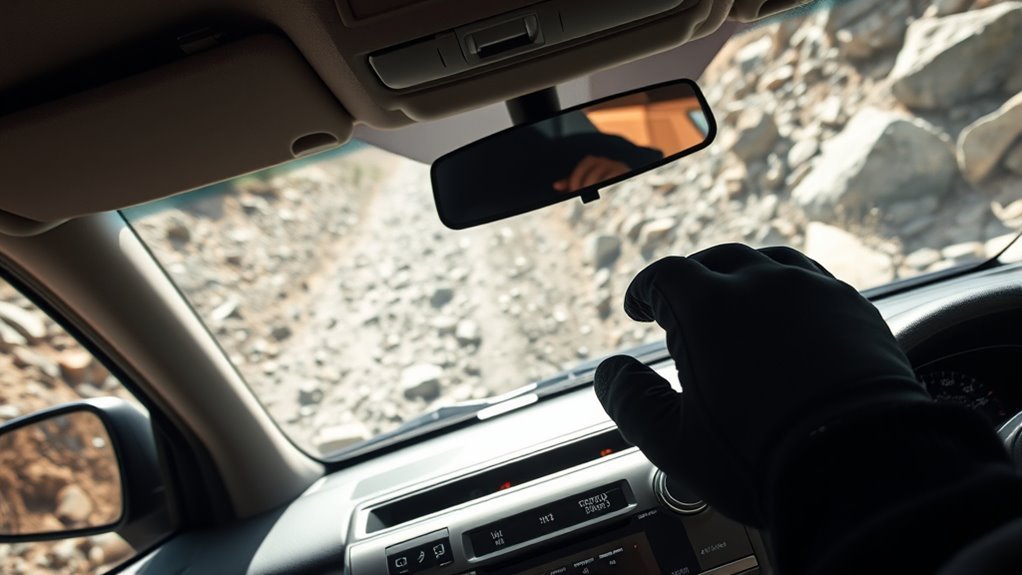
Because selecting the right Multi-Terrain Select mode directly changes how the drivetrain, braking and traction controls allocate torque, pick Mud & Sand on soft surfaces, Rock for boulders, and Mogul for steep, uneven runs to optimize grip and wheel speed regulation.
You’ll use mode essentials and terrain awareness to match settings to conditions, learning lever positions for smooth engagement. Keep speed low—about 7 mph (12 km/h) or less—so the system can modulate torque and braking precisely.
Avoid excessive tire spin; controlled momentum prevents digging in and losing progress. After finishing the trail, reset to Normal mode to restore everyday traction and handling.
- Verify lever positions and confirm mode selection before committing to a line.
- Maintain steady throttle input; monitor wheel slip and back off to regain traction.
- Post-trip, switch to Normal, inspect tires, and confirm no warning lights remain.
This approach gives you mechanical control and freedom on varied terrain while minimizing recovery needs.
Frequently Asked Questions
When to Use Multi-Terrain Select?
Conclusion
Think of Multi‑Terrain Select like a gearbox of choices for a rover crossing varied ground: each mode is a calculated strategy, not a magic fix. You’ll choose Mud & Sand, Loose Rock, Mogul or Rock like selecting the right gear—matching traction control, throttle mapping and braking to conditions.
Use it deliberately, monitor wheel slip and vehicle feedback, and combine it with A‑Trac or Crawl Control when needed. Treat MTS as a precise tool; misuse or guesswork reduces capability and increases risk.