

Hyundai Sonata Lane Keeping Assist (LKA) is a driver-assistance feature that watches lane markings with a front-view camera and can warn you or provide corrective steering if the car begins leaving its lane without a turn signal. The exact button, dashboard graphics, operating speed, and restart behavior can vary by Sonata model year and market, so your specific owner’s manual remains the final authority.
Quick Answer
Sonata Lane Keeping Assist uses the camera near the top of the windshield to detect lane markings. If you unintentionally approach or cross a detected lane boundary, LKA can warn you and may make a gentle steering correction. It is not self-driving, and Lane Following Assist—not LKA—is the Hyundai feature designed primarily to help keep the vehicle centered.
Key Takeaways
- LKA helps prevent an unintended lane departure; Lane Following Assist (LFA) is the feature aimed more directly at lane centering.
- The front-view camera must be able to see usable lane markings or road edges for reliable operation.
- Operating speeds vary by model year. Current Hyundai USA guidance says Sonata LKA operates above 40 mph, while older documentation can specify a different threshold.
- Keep your hands on the steering wheel and remain responsible for steering at all times.
- Do not intentionally drift toward another lane just to test the system.
At a Glance
| Time Required | About 5 minutes to check the setting and dashboard status |
| Difficulty | Easy |
| Tools Needed | Your Sonata owner’s manual; no physical tools normally required |
| Cost | $0 for normal setup and checks; diagnosis or camera repair may cost extra |
Warning: Lane Keeping Assist is supplemental. Keep your hands on the wheel, watch traffic and road conditions, and steer normally. Never intentionally cross or approach a lane boundary to see whether LKA will correct the vehicle.
What Sonata Lane Keeping Assist Does
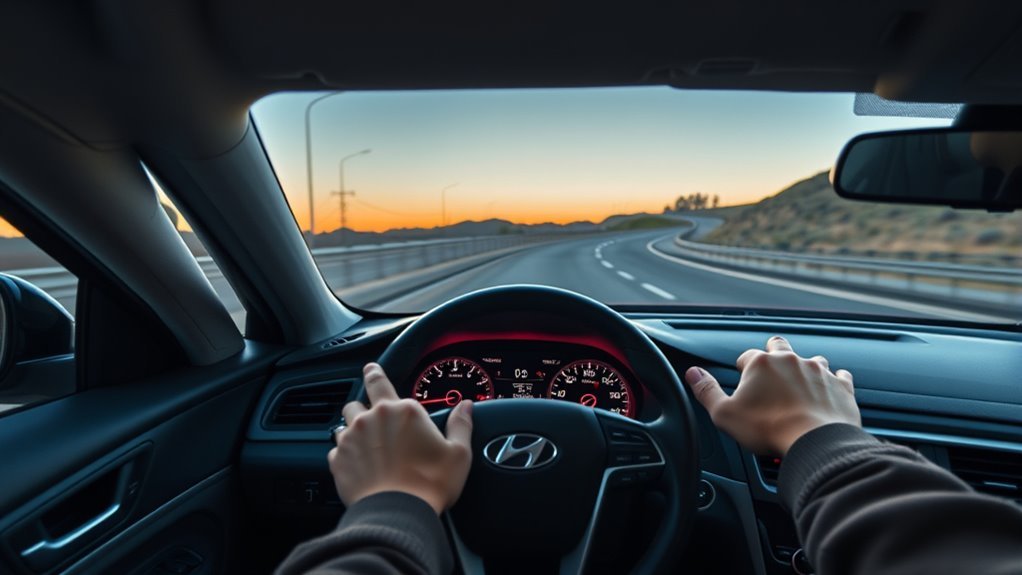
While you drive, the Sonata’s Lane Keeping Assist uses a front-view camera near the upper windshield to look for lane markings or road edges. When the system determines that the vehicle is unintentionally leaving the detected lane, it can provide a visual or audible warning and may apply a small amount of steering assistance to help prevent the departure.
That distinction matters because LKA is often confused with Lane Following Assist (LFA). Hyundai describes the two functions separately. LKA responds mainly when the vehicle approaches or departs a lane boundary, while LFA is designed to provide more continuous assistance toward the center of a detected lane. Current U.S.-market Sonata models can include both functions.
| Feature | Main job | What you may feel |
|---|---|---|
| Lane Keeping Assist (LKA) | Helps warn against and prevent an unintended lane departure | Occasional corrective steering near a lane boundary |
| Lane Following Assist (LFA) | Helps keep the vehicle centered in a detected lane | More continuous centering assistance when conditions allow |
Hyundai describes current Sonata LKA as a supplemental assistance feature rather than a substitute for attentive driving. See Hyundai’s current Sonata safety information for the latest U.S.-market overview.
How Sonata LKA Works (Sensors, Camera, Steering Inputs)
The primary detecting sensor for Sonata LKA is the front-view camera. It watches the road ahead and analyzes visible lane markings or road edges. If the camera cannot obtain a reliable lane picture, steering assistance may become unavailable even though you have turned LKA on.
When conditions are suitable, the system compares the vehicle’s path with the detected lane. If you begin leaving the lane without signaling, LKA can issue a warning and apply measured steering assistance. Deliberate steering input still takes priority, so you remain in control of the wheel.
Do not confuse a system being switched on with the system actively steering. LKA can be enabled but temporarily unable to assist because the camera cannot see a usable lane, the vehicle is outside the applicable operating conditions, or another condition is suppressing assistance.
Note: Exact operating speeds are model-year dependent. Current Hyundai USA Sonata information says LKA operates above 40 mph. Hyundai documentation for some recent versions specifies an approximate 40–120 mph (60–200 km/h) operating range, while Hyundai’s 2020 Sonata guidance used an approximately 44 mph lower threshold. Check the manual for your exact Sonata.
Turn Sonata LKA On and Off (Step-by-Step)
Sonata controls have changed over the years, so first identify which control layout your vehicle uses. Many recent Hyundai models use the Lane Driving Assist button on the steering wheel together with a Lane Safety setting in the vehicle menu. Earlier Sonata versions may use a separate Lane Safety/LKA button.
- Start the vehicle and look for the lane-assistance indicator in the instrument cluster.
- Check the Lane Safety setting. On recent vehicles, look under a menu similar to Setup > Vehicle > Driver Assistance > Driving Safety > Lane Safety. Menu names can differ by year.
- Use the Lane Driving Assist or Lane Safety button according to your model-year manual. On many recent Hyundai layouts, pressing and holding the Lane Driving Assist button controls LKA, while a short press controls LFA.
- Watch the cluster status rather than assuming the button press means steering assistance is active. Lane detection and other operating conditions must also be satisfied.
- To switch LKA off, use the same control or the Lane Safety menu specified in your manual.
Do not assume every Sonata keeps the same LKA setting after an ignition cycle. Restart behavior can differ by year, market, software specification, and applicable regulations.
Pro Tip: If your steering-wheel button seems to behave differently from instructions you find online, check the exact model year in your owner’s manual. Hyundai has changed both the button layout and the relationship between LKA and LFA over time.
[Products Worth Considering]

HAFIDI floor mats are custom-fit for select Kia Optima and Hyundai Sonata Hybrid models, using 3D laser scanning for precise coverage of the front and rear rows. Built from durable TPE with raised edges and anti-slip backing, they help contain dirt, water, snow, and spills while staying secure and easy to clean.

This heavy-duty steering wheel cover is made from thick microfiber leather with a natural rubber inner layer for a secure, comfortable grip. Its anti-slip, full-surround design helps improve control and driving safety while staying breathable and odor-free for everyday use. Designed to fit standard steering wheels, it adds a sporty look and lasting protection to your vehicle interior.

This activated carbon cabin air filter is designed as a replacement for select Hyundai Sonata gas models and Kia Cadenza vehicles, helping improve in-cabin air quality. It is engineered to capture odors, VOCs, and common pollutants for a fresher driving environment, while matching multiple OE and reference numbers for convenient fitment confirmation.
Dashboard Lights and Warnings Explained
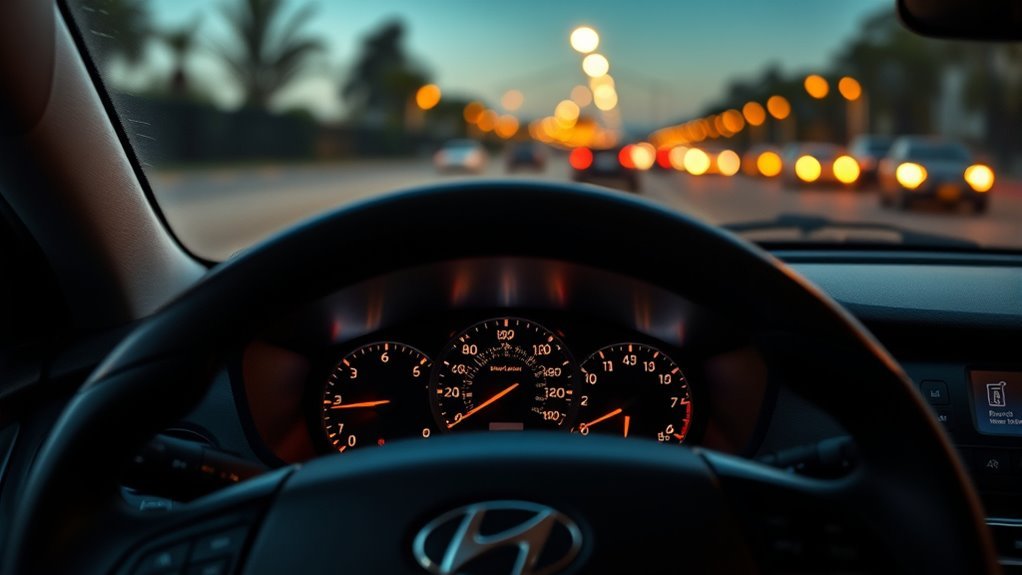
The instrument cluster tells you whether lane information is being detected and whether LKA is warning or assisting. However, colors and icons are not identical across every Sonata year and cluster theme.
In recent Hyundai documentation, lane graphics can change from gray to white when lane markings or road edges are detected. During an unintended lane departure, the applicable lane line and/or green LKA indicator may blink and an audible or haptic warning may occur. The steering wheel can then provide corrective assistance when the operating conditions are met.
[Products Worth Considering]

Replace worn or damaged key fob buttons with this rubber keypad insert designed for compatible Hyundai remote key cases. It restores the look and feel of your car key, offering a simple installation and a snug fit for supported Santa Fe and Sonata models. The set includes two replacement pads and a mini screwdriver for convenience.
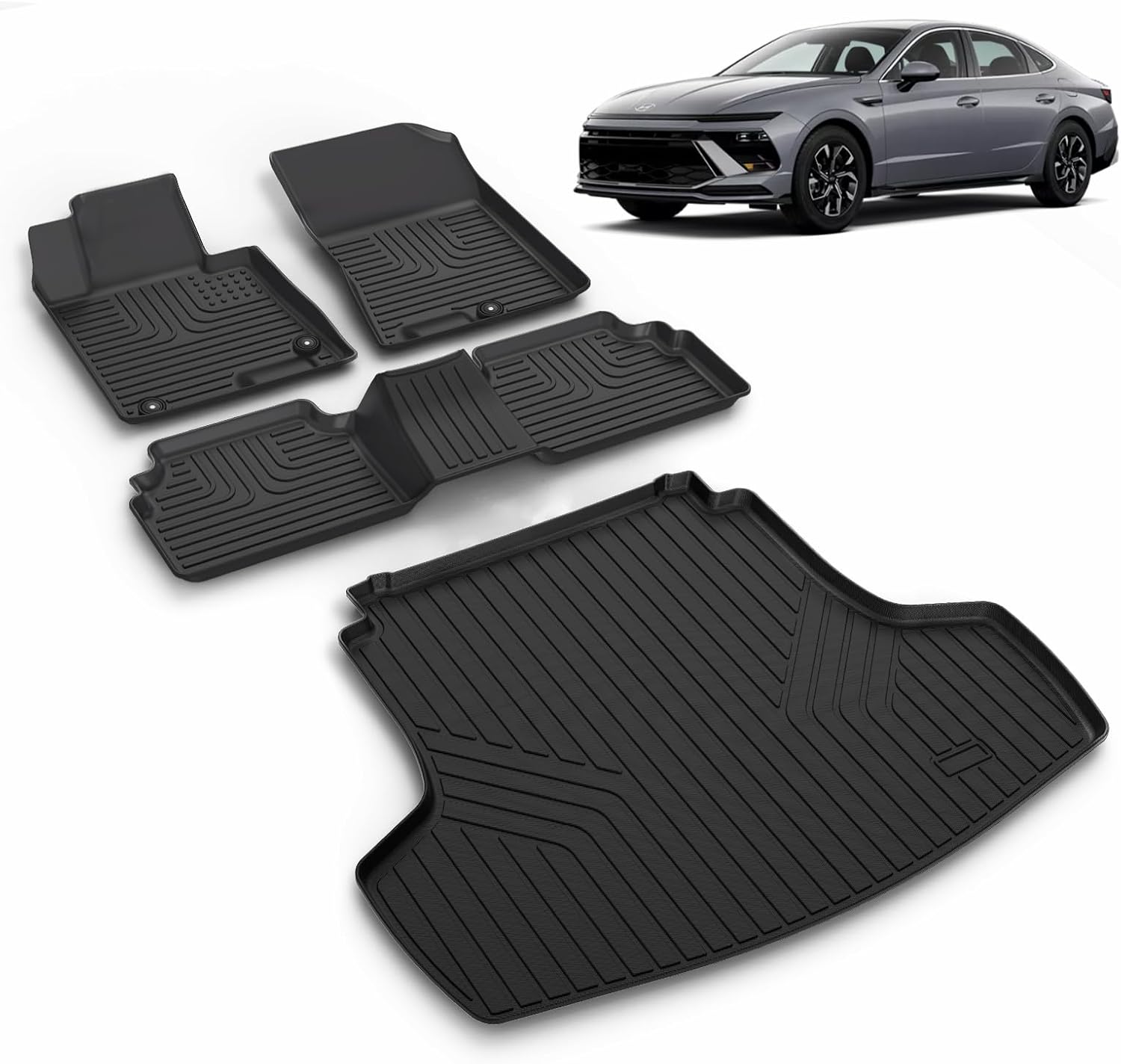
This custom-fit floor mat and cargo liner set is designed for select Kia K5 and Hyundai Sonata models to help protect your interior from dirt, spills, snow, and everyday messes. Made with durable TPE and shaped with raised edges and precise channeling, it offers secure coverage, easy cleanup, and reliable all-weather performance. The set includes front, rear, and cargo protection for a cleaner, safer driving experience.
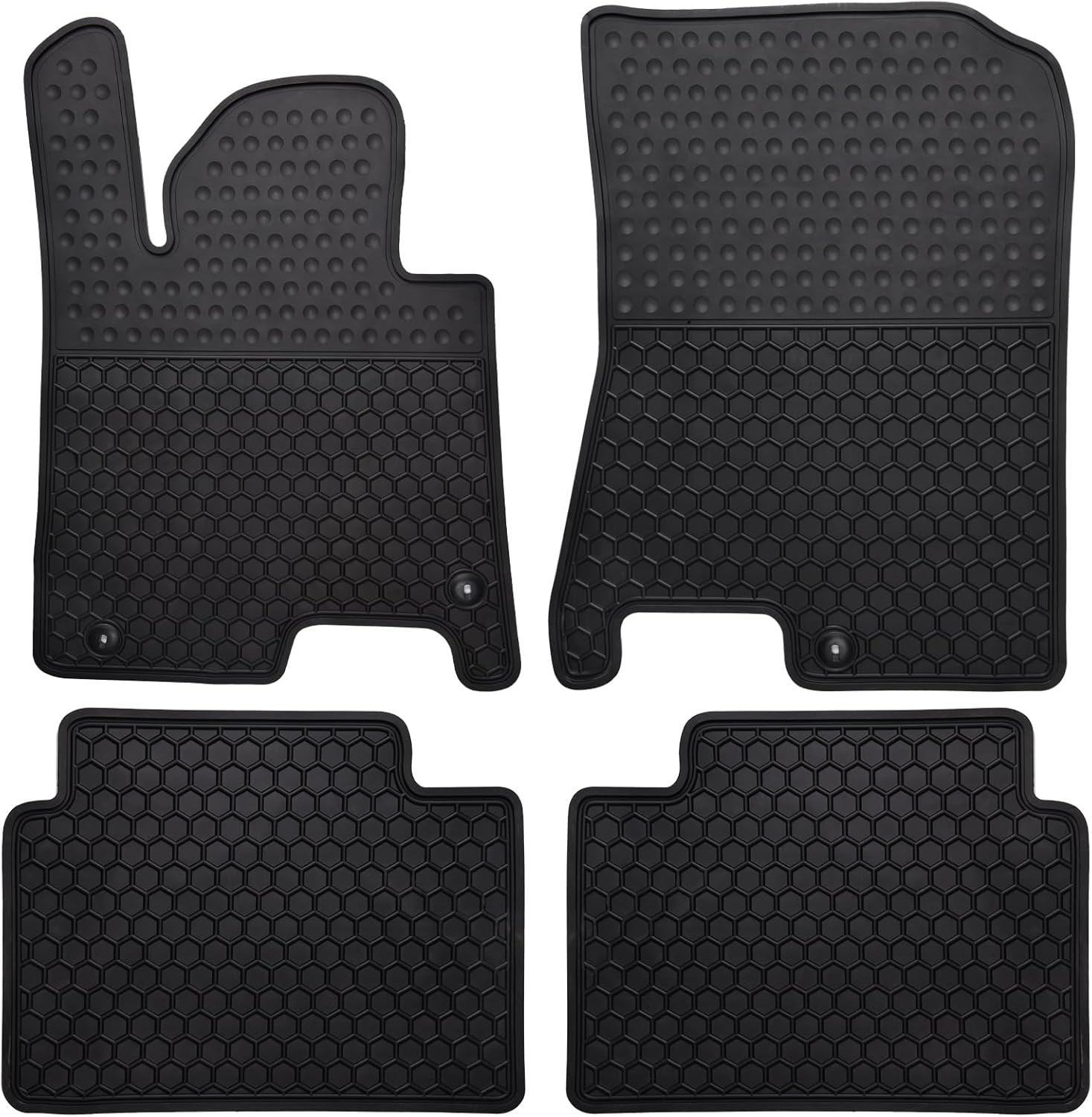
These custom-fit all-weather floor mats are designed for compatible Hyundai Sonata and Kia K5 models to help protect your vehicle's interior from mud, slush, dirt, and spills. Made from odorless, durable rubber with a deep hexagon pattern, they offer reliable anti-slip coverage and are easy to remove and clean with water or a damp towel. The set is built for long-lasting use in every season and helps keep your car looking clean while supporting resale value.
Indicator Lights Meaning
| What you may see | Typical meaning |
|---|---|
| Gray lane graphics | Lane markings or road edges are not currently detected, or assistance is not ready. |
| White/detected lane graphics | The camera recognizes usable lane information on many recent clusters. |
| Green LKA indication | Operating conditions for lane assistance are satisfied on many Hyundai systems. |
| Blinking lane/LKA indication with warning | The vehicle is approaching or departing a detected lane and LKA is warning and/or assisting. |
| Yellow warning or system message | The system may be switched off, limited, or reporting a fault; read the accompanying message. |
Use that table as a general guide only. Hyundai notes that images and colors can differ depending on instrument-cluster type or theme.
Hands-Off Warning Signs
If the system determines that you have not maintained appropriate steering-wheel contact for several seconds, the cluster can display a “Keep hands on steering wheel” message and issue staged audible warnings.
Hyundai also warns that holding the wheel extremely lightly can sometimes make the system think your hands are absent. At the opposite extreme, holding or steering the wheel very firmly can reduce steering assistance because your deliberate steering input takes priority.
Keep a normal, relaxed grip and steer the car yourself. Do not rely on a warning to tell you when to pay attention.
Why LKA Warns When Your Hands Are Off the Wheel
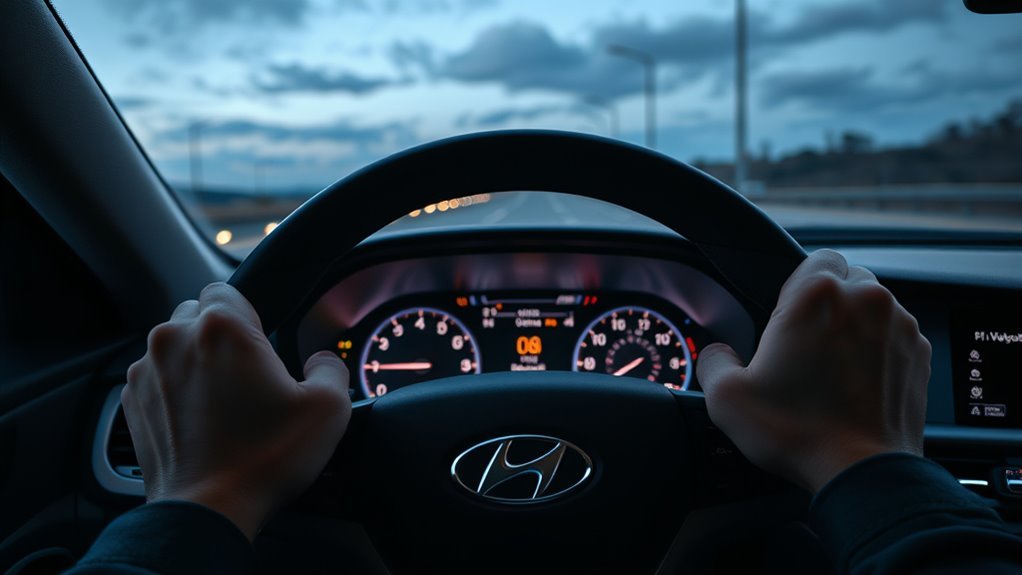
The hands-off warning exists because LKA is a driver-assistance system, not autonomous driving. You are expected to remain ready to steer whenever lane markings disappear, traffic changes, the road curves sharply, or the system reaches one of its operating limits.
Hands-On Safety Requirement
Hyundai instructs drivers to keep their hands on the steering wheel while using lane assistance. If the system does not detect adequate driver involvement, it can escalate the warning. Depending on the model and assistance function, steering assistance may eventually be limited or canceled until you resume control.
- Keep both attention and steering responsibility with the driver.
- Use a normal steering grip rather than deliberately testing the hands-off warning.
- Respond promptly to any dashboard warning.
- Do not attach accessories to the wheel if they could interfere with steering or driver-detection functions.
Preventing Driver Overreliance
Hands-off warnings also discourage treating LKA as self-driving technology. The camera can lose track of a lane abruptly because of faded paint, weather, glare, road construction, a sharp curve, another vehicle blocking the markings, or a dirty windshield.
| Why it warns | What you do |
|---|---|
| Promote driver awareness | Keep hands naturally on the wheel and watch the road |
| Prevent overreliance | Be ready to steer immediately if assistance stops |
Detecting Grip And Torque
You should not try to calibrate or adjust a supposed LKA “grip sensitivity” or steering-torque threshold yourself. Hyundai’s owner guidance focuses instead on how you hold and steer the wheel: very light contact may not always be recognized, while strong deliberate steering can override or reduce assistance.
- Use a normal, comfortable grip.
- Do not deliberately remove your hands to test the alert timing.
- Avoid wheel accessories that could interfere with normal operation.
- If hands-off warnings repeatedly appear while you are holding the wheel normally, check your specific manual and have the system inspected if the behavior continues.
When LKA Won’t Help: Weather, Road, Speed, and Obstructions
LKA depends on the camera obtaining a usable view of the road. Hyundai warns that the system may not operate correctly when markings are difficult to distinguish, when the windshield/camera area is blocked, or when driving conditions fall outside the system’s design limits.
| Factor | Effect on LKA | What you should do |
|---|---|---|
| Heavy rain, snow, fog, glare, or poor lighting | Lane contrast or camera visibility can fall | Drive normally and do not depend on LKA |
| Faded, damaged, covered, or confusing lane markings | Camera may not identify a reliable lane | Use manual steering and extra attention |
| Construction, intersections, merging lanes, curbs, or barriers | Lane geometry may become ambiguous | Expect limited or unexpected assistance |
| Dirty or obstructed windshield near the camera | Detection performance can be reduced or disabled | Safely clean the windshield/camera viewing area |
| Speed outside the applicable range | Steering assistance may not be available | Follow your model-year manual and posted speed limits |
Depending on the Sonata version, LKA may also limit or stop steering assistance during a sharp curve, sudden lane change, sudden braking event, or when stability-control systems are actively intervening. Using the turn signal normally tells the system that your lane change is intentional, so a lane-departure intervention should not be expected in the same way.
Hyundai’s current U.S. Sonata information also warns that poor road conditions, rough surfaces, nearby walls or concrete barriers, and following another vehicle too closely can interfere with LKA operation.
Practical Tips to Get Reliable LKA Performance
You cannot make LKA work in every situation, but several simple habits reduce preventable interruptions.
- Keep the upper windshield clear. Dirt, snow, stickers, tint material, or other obstructions around the front-view camera can interfere with lane detection.
- Watch the cluster’s lane graphics. If the lane is not detected, do not expect steering assistance simply because LKA is switched on.
- Use normal steering input. Keep your hands on the wheel and allow the system to supplement—not replace—your steering.
- Use turn signals for lane changes. LKA is designed around detecting unintended departures.
- Read warning messages. A camera-obscured or Driver Assistance warning is more useful than guessing why the system stopped assisting.
- Have persistent faults inspected. If cleaning the windshield and restarting the vehicle do not clear a recurring Driver Assistance/LKA fault, contact an authorized Hyundai service facility.
Note: If the windshield or camera area has been replaced, damaged, or serviced and LKA behavior changes afterward, use Hyundai service procedures rather than attempting to reposition or calibrate the camera yourself.
Which Sonata Trims and Years Include LKA and How to Test It
Lane Keeping Assist has been widely available on recent Sonatas, but it is better to verify specific model years than assume every generation has identical equipment.
| U.S. Sonata model year | Verified LKA availability |
|---|---|
| 2020 | Hyundai states LKA was standard on all 2020 Sonata models. |
| 2025 | Hyundai USA lists LKA as standard on all trims. |
| 2026 | Hyundai USA lists LKA as standard across the current Sonata lineup. |
For other years or non-U.S. markets, verify the original window sticker, build specification, VIN-specific equipment information, or owner’s manual rather than assuming the controls and operating conditions are identical.
Hyundai’s 2020 Sonata SmartSense guide confirms that LKA was included on all 2020 Sonata models. Hyundai’s current Sonata page likewise lists LKA as standard on all current trims.
[Products Worth Considering]

This custom-fit floor mat and cargo liner set is designed for select Kia K5 and Hyundai Sonata models, offering full interior coverage for the front row, second row, and trunk. Made from odorless TPE with raised edges and anti-slip backing, it helps block dirt, water, snow, and spills while staying securely in place. The durable, easy-to-clean design is ideal for daily driving, family use, and messy outdoor adventures.
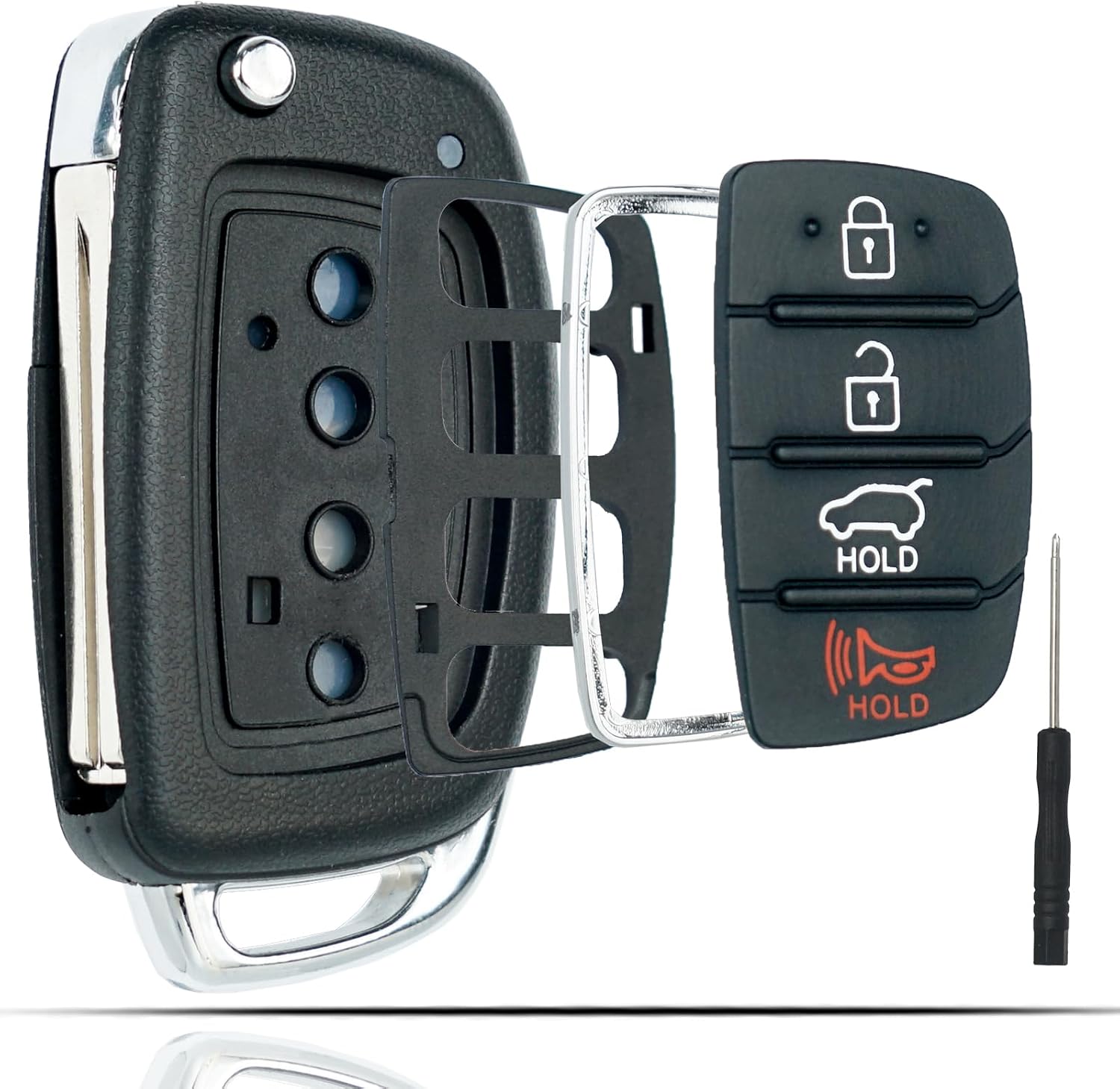
This flip key fob shell is a replacement case designed for compatible Hyundai Sonata and Santa Fe models, helping restore a worn or broken remote housing without replacing the electronics. It includes a 4-button layout and is made for easy transfer of your original internal components, with no reprogramming required. The durable metal and plastic construction makes it a practical fix for damaged key fobs, and the replacement blade must be cut by a locksmith or hardware store.

This frameless convex blind spot mirror helps expand your field of view for safer lane changes, passing, and merging. The HD glass design offers a clear, wide-angle rear view, while the swivel mount supports flexible positioning for cars, SUVs, trucks, vans, and RVs. Easy to install and built for all-weather use, it is a practical upgrade for everyday driving confidence.
How to Check LKA Safely
- Confirm that Lane Safety/LKA is switched on according to your model-year instructions.
- Choose a legal, dry, clearly marked road with normal traffic conditions.
- Drive normally with both hands on the steering wheel.
- Watch whether the cluster recognizes the lane markings when the required operating conditions are met.
- Do not intentionally drift toward another lane, shoulder, barrier, cyclist, or vehicle to trigger steering assistance.
- If the system recognizes lanes but repeatedly shows a fault or fails to behave as described in your manual, arrange professional diagnosis.
The safest LKA test is to confirm its settings and lane-detection status during normal driving—not to create an unintended lane departure on purpose.
Frequently Asked Questions
Does Lane Assist Deactivate Under 40 Mph?
Steering assistance may be unavailable below the minimum operating speed, but the exact threshold depends on the Sonata year and market. Current Hyundai USA Sonata information says LKA operates above 40 mph, while Hyundai’s 2020 Sonata guidance used approximately 44 mph. Check your specific owner’s manual instead of applying one threshold to every Sonata.
Why Is Lane Assist Bad?
Lane assistance is not inherently bad, but it has limits. A camera can lose lane markings because of weather, faded paint, glare, construction, road geometry, or obstructions. Steering corrections can also feel unexpected if a driver does not understand the system. Treat LKA as backup assistance and remain responsible for steering.
What Is the Difference Between Sonata LKA and LFA?
Lane Keeping Assist mainly helps warn against and correct an unintended lane departure. Lane Following Assist is designed to provide steering assistance that helps keep the Sonata centered in a detected lane. They are separate functions even though some Sonata controls operate both systems.
Why Does My Sonata Lane Indicator Stay Gray?
A gray lane display commonly means the camera has not detected usable lane markings or the system is not ready to assist. Speed, faded markings, rain, glare, road shape, camera obstruction, or another operating condition may be responsible. Cluster colors vary by model year, so confirm the exact symbol in your manual.
Why Does the Sonata Say Keep Hands on Steering Wheel When I Am Holding It?
Hyundai notes that very light steering-wheel contact may not always be recognized. Keep a normal, relaxed grip. If repeated warnings continue while you are holding and steering the wheel normally, check for interfering wheel accessories and consult the owner’s manual or Hyundai service.
Can I Turn Hyundai Sonata Lane Keeping Assist Off?
Many Sonata versions let you change Lane Safety/LKA using a dashboard or steering-wheel control and/or the Driver Assistance settings menu. Exact behavior—including whether the setting remains after restarting—varies by model year and market, so follow the instructions for your specific vehicle.
Conclusion
Hyundai Sonata Lane Keeping Assist can provide useful backup when the vehicle begins unintentionally leaving a detected lane, but it should never replace normal steering or attention. Keep the front-view camera area clean, understand your dashboard indicators, use turn signals normally, and remember that LKA and LFA perform different jobs.
Most importantly, use specifications for your exact Sonata model year. Speed thresholds, controls, display graphics, and restart behavior have changed over time. If LKA repeatedly reports a fault or behaves differently from the instructions in your owner’s manual, have the Driver Assistance system inspected rather than trying to calibrate or test it through deliberate lane departures.
Sources
- Hyundai USA — Sonata — current U.S. LKA/LFA descriptions, availability, operating conditions, and limitations.
- MyHyundai — 2020 Hyundai Sonata SmartSense Features — verifies LKA equipment and 2020 operating-speed guidance.
- Hyundai 2025 Sonata Owner’s Manual — official Sonata driver-assistance documentation and model-specific LKA reference.
- Hyundai Sonata Lane Keeping Assist Operation — operating range, hands-off warnings, lane detection, and steering-assistance behavior for the documented Sonata configuration.
- Hyundai Sonata Lane Keeping Assist — front-view camera and LKA detection-system information.

[…] at every engine start. For a closer look at how LKA and LFA actually behave on the road, see our Hyundai Sonata Lane Keeping Assist guide and our Hyundai Sonata Lane Following Assist […]