Dynamic Radar Cruise Control (DRCC) can make a Toyota RAV4 feel calmer on open roads by helping hold your chosen speed and following distance. It is not self-driving, though. You still steer, watch traffic, brake when needed, and decide when conditions are safe enough to use it.
Quick Answer
To use DRCC in a Toyota RAV4, choose the DRCC mode, drive at a safe cruising speed, press the set switch, then adjust speed with the plus/minus controls and following distance with the distance button. Use it mainly on highways, keep the camera and radar clean, and stay ready to brake or cancel at any time.
Key Takeaways
- DRCC is Toyota’s adaptive cruise control system; it helps maintain a preset speed and gap from the vehicle ahead.
- Toyota describes DRCC and Full-Speed Range DRCC as highway-use systems designed to be set at speeds above 20 mph on many newer Toyota Safety Sense systems.
- RAV4 controls and behavior vary by model year, trim, and Toyota Safety Sense version, so use your Owner’s Manual for exact button names and limits.
- Dirty sensors, heavy rain, fog, snow, sharp curves, and unusual traffic situations can reduce performance.
- DRCC does not replace attentive driving. You remain responsible for steering, braking, and safe control of the vehicle.
At a Glance
| Time Required | 1–2 minutes to learn the controls; a few drives to get comfortable |
| Difficulty | Easy |
| Tools Needed | Clean cloth for sensors; your RAV4 Owner’s Manual |
| Cost | $0 |
Quick Overview: What This Guide Covers
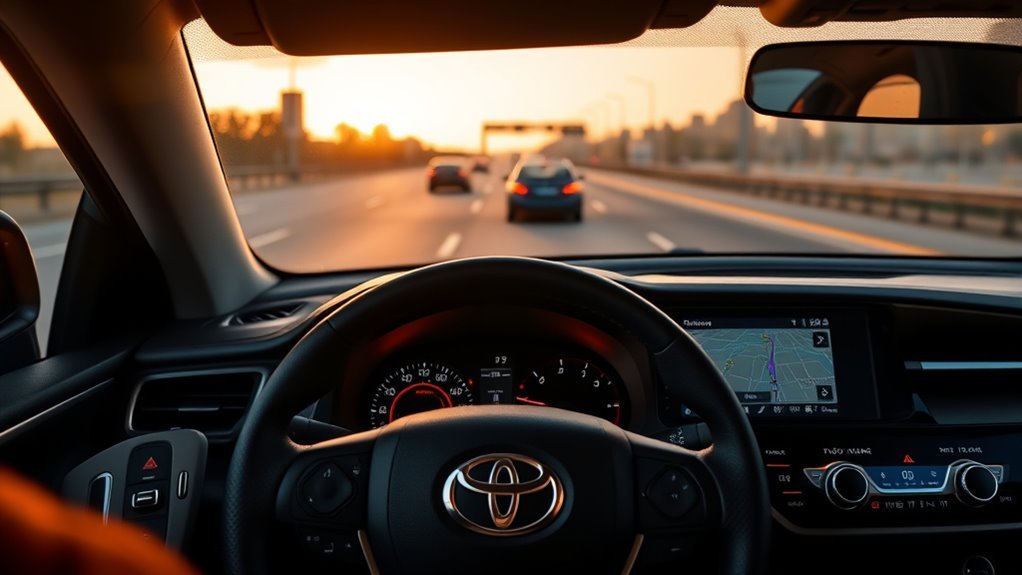
This guide shows how to use Dynamic Radar Cruise Control in a RAV4: when to turn it on, how to set speed, how to change following distance, how to cancel and resume, and what to do when warning messages appear. It also clears up a common mistake: DRCC is driver assistance, not autopilot.
On newer Toyota Safety Sense systems, Toyota describes DRCC and Full-Speed Range DRCC as adaptive cruise control features intended for highway use that help maintain a preset distance from the vehicle ahead. For the exact procedure on your vehicle, use the Toyota RAV4 manuals and warranties page or the printed Owner’s Manual in your glove box.
Warning: DRCC does not make the RAV4 drive itself. Keep your hands on the wheel, watch the road, and be ready to brake, steer, or cancel the system immediately.
When to Use DRCC and What It Does
Use DRCC on open highways, freeways, and steady-flow roads where traffic is predictable. It is most helpful when you want to reduce constant speed adjustments on a long drive while still keeping control of the vehicle.
DRCC uses a forward-facing camera and radar to help detect a vehicle ahead. When the lane ahead is clear, it works like cruise control and aims to hold your set speed. When a slower vehicle is detected, it can reduce speed to help maintain your selected following distance. When the road clears, it can accelerate back toward your set speed.
Some RAV4 models have Full-Speed Range Dynamic Radar Cruise Control, which can help follow traffic down to very low speeds or a stop under certain conditions. Other versions may operate differently. That is why model year and trim matter.
Think of DRCC as a speed-and-distance assistant. It can help with accelerator and brake control, but you are still the driver.
Pre-Drive Checks and DRCC Settings
Before you engage DRCC, take a few seconds to confirm the system can “see” clearly. Camera and radar-based systems depend on clean sensor areas and suitable weather.
- Check the windshield area in front of the camera for fog, dirt, stickers, or snow.
- Check the front grille or emblem area where the radar sensor may be located.
- Confirm your tires, brakes, and windshield wipers are in normal working condition.
- Use DRCC only when road, traffic, and weather conditions make cruise control appropriate.
- Review the DRCC icon and switch layout in your Owner’s Manual if this is your first time using it.
Note: Button names vary. Depending on model year, your RAV4 may refer to a cruise control switch, Driving Assist switch, mode select switch, vehicle-to-vehicle distance switch, cancel switch, and plus/minus or RES/SET controls.
[Products Worth Considering]

The ANCEL AD410 PRO combines engine diagnostics and 12V battery testing in one easy-to-use tool, helping you read and clear check engine codes while checking battery health, cranking, and charging performance. It also provides live data, freeze frame details, and I/M readiness checks to help you diagnose issues faster and prepare for emissions testing. With plug-and-play operation, a clear screen, and broad vehicle compatibility, it is a practical solution for home mechanics and everyday drivers.

The ANCEL AD410 helps drivers quickly read and clear engine-related fault codes, view live data, and understand why the check engine light is on before heading to a repair shop. With built-in code definitions, readiness checks, and support for common OBD2 functions, it makes basic diagnostics straightforward for beginners and DIY users. Powered directly from the vehicle and easy to use with no app required, it offers practical value for everyday vehicle troubleshooting.
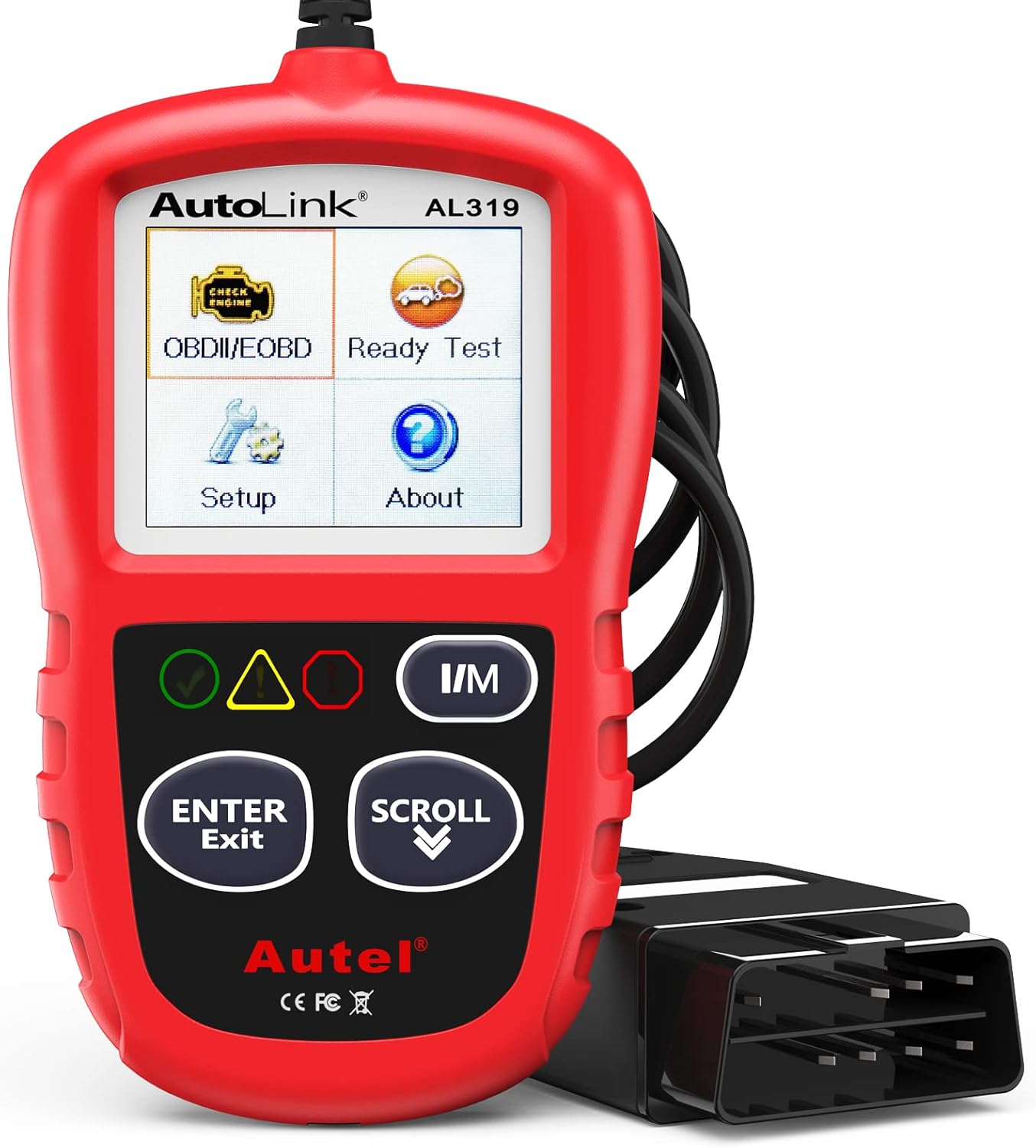
The Autel AL319 is a user-friendly OBD2 scan tool designed to help drivers quickly diagnose check engine light issues and understand vehicle fault codes. It supports reading and clearing DTCs, live data, freeze frame, I/M readiness, and vehicle information, making it a practical choice for DIYers and everyday car owners. With plug-and-play operation, a color display, built-in speaker, and broad vehicle compatibility, it delivers fast, reliable diagnostics without complicated setup.
Set Speed With DRCC Step-by-Step
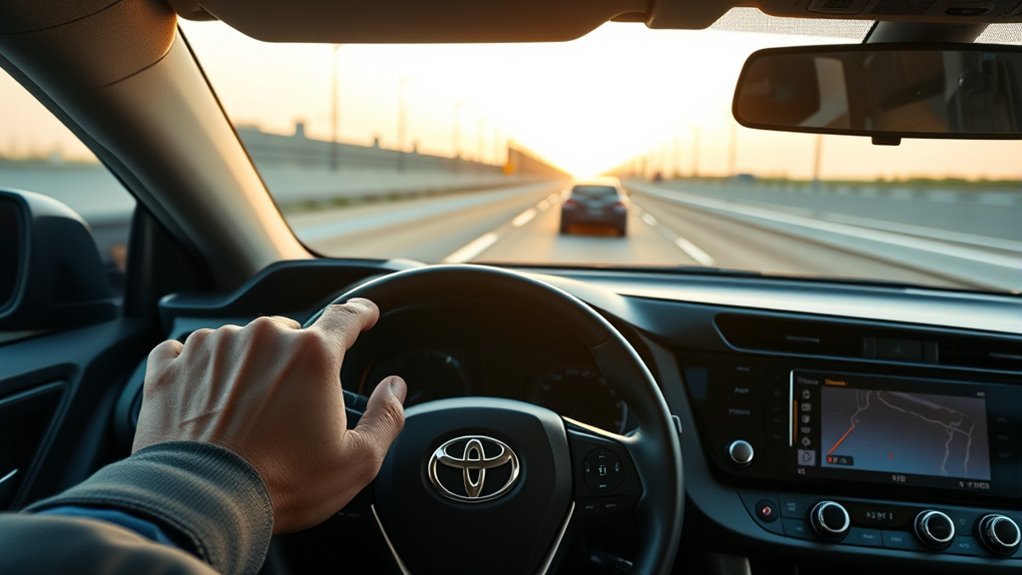
Once you are on a suitable road, use these steps to set DRCC. The exact switch shape may differ, but the process is similar across many RAV4 models.
- Choose DRCC mode. Press the cruise control or Driving Assist mode switch until the DRCC indicator appears on the display.
- Reach your desired speed. Drive at a steady, legal speed that matches traffic and road conditions.
- Set the speed. Press the SET or minus/set control. The display should show the set speed.
- Choose a following distance. Press the vehicle-to-vehicle distance button to select a shorter, medium, or longer gap.
- Stay alert. Keep steering, scanning traffic, and covering the brake when conditions change.
Pro Tip: Start with the longest following-distance setting while you are learning DRCC. It gives you more time to understand how your RAV4 responds.
[Products Worth Considering]
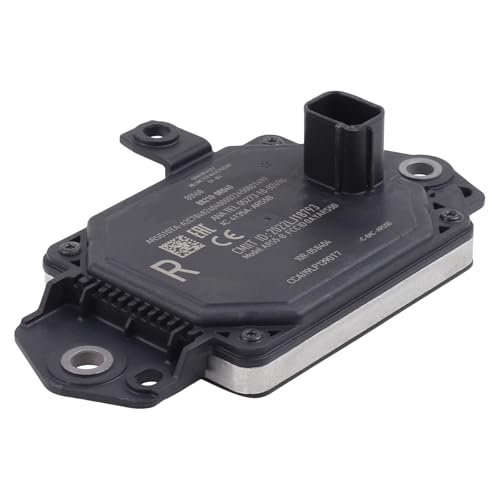
Compatible with Toyota RAV4 2019-2025

【Complete Remote Key】This is a full remote key fob, including battery, chip, circuit board and uncut emergency key. The product is an aftermarket item without logo and part number on the back

Replacement: For Remote fob P/N: 89904-0R080,89904-42070; FCC ID: HYQ14FBA ; Board: 281451-0020 (G); 315mhZ; Key Fob Replacement Suitable for Toyota RAV-4 2013 2014 2015 2016 2017 2018
Adjust Speed on the Fly: Plus, Minus, and Hold
After DRCC is active, you can fine-tune your set speed without turning the system off.
- Increase speed: Tap the plus or RES/+ control to raise the set speed in small steps. Hold it to increase more quickly, if your model supports that behavior.
- Decrease speed: Tap the minus or SET/- control to lower the set speed. Hold it for a larger reduction, if supported.
- Use the brake for real traffic changes: If traffic slows sharply, brake yourself. Do not wait for DRCC to solve every situation.
DRCC may slow below your set speed when it detects a vehicle ahead. That does not mean your set speed disappeared. It means the system is prioritizing the selected following distance until the road ahead clears.
Follow Distance and Adaptive Behavior
The following-distance setting tells DRCC how much space to target behind the vehicle ahead. Many RAV4 models offer three gap choices, often shown as bars or vehicle-distance icons on the multi-information display.
Following Distance Settings
- Short: Keeps a closer gap. Use cautiously and only when traffic and weather are calm.
- Medium: A balanced setting for many highway drives.
- Long: Gives the most room and is usually the best starting point for new DRCC users, wet roads, or heavier traffic.
The actual distance changes with speed. A long gap at highway speed is much farther than a long gap at low speed. If another vehicle cuts in, DRCC may react after it detects the new vehicle, but you should be ready to brake.
Behavior in Traffic
In steady traffic, DRCC can reduce accelerator and brake work by slowing and accelerating with the vehicle ahead. On RAV4s equipped with Full-Speed Range DRCC, the system may help follow traffic to a stop and may resume when conditions allow. In some situations, you may need to press RES/+ or the accelerator to continue.
Do not use DRCC as a substitute for judgment in city traffic, construction zones, winding roads, ramps, bad weather, or areas with pedestrians and cyclists.
Cancel, Pause, and Resume DRCC
You can cancel or pause DRCC quickly whenever you want full manual control.
Canceling DRCC Quickly
- Press the brake pedal. This is the fastest way to cancel active speed control.
- Press the cancel switch. This pauses cruise control without braking.
- Turn cruise control off. Use the main cruise or Driving Assist switch to shut the system off completely.
In many cases, canceling keeps the last set speed available for resume. Turning the system fully off may clear it. Your RAV4 display will show what is active.
Pausing and Resuming
To resume a previously set speed, press the RES/+ control when conditions are safe. The RAV4 will try to return to the stored speed unless a vehicle ahead requires it to stay slower.
Warning: Never press resume unless the stored speed is safe for current traffic, weather, and speed limits. If the last speed was set on a faster road, the vehicle may accelerate harder than expected.
When Not to Use DRCC
DRCC works best in simple highway conditions. Turn it off and drive manually when conditions make automatic speed control risky.
- Heavy rain, snow, fog, dust, or spray blocks sensor visibility.
- Roads are icy, slippery, or covered with standing water.
- You are driving on sharp curves, steep hills, winding roads, or ramps.
- Traffic is chaotic, merging aggressively, or stopping suddenly.
- You are in a construction zone or around workers, pedestrians, bicycles, or parked vehicles.
- The system shows a warning message or cannot detect vehicles reliably.
Safety organizations such as NHTSA describe adaptive cruise control as a driver assistance technology that adjusts speed to help keep a preset distance. That still requires the driver to supervise the system at all times.
Troubleshooting Common DRCC Warnings and Issues
If DRCC cancels unexpectedly or shows a warning, start with the simple causes first.
- Clean the sensor areas. Gently wipe the windshield camera area and the front radar area with a soft cloth.
- Check the weather. Heavy rain, fog, snow, direct sunlight, and road spray can temporarily limit detection.
- Look for blocked views. Stickers, dash accessories, cargo, front-end damage, or aftermarket parts can interfere with sensors.
- Confirm you did not cancel it. A brake press, cancel switch press, low-speed situation, or stability-control event may pause DRCC.
- Read the message exactly. The multi-information display often tells you whether the issue is temporary or needs service.
- See a Toyota dealer if warnings persist. Sensor alignment and calibration are not guesswork repairs.
If DRCC cannot see clearly, it cannot assist reliably. Clean sensors and bad-weather judgment matter as much as the buttons.
Model Differences and Owner’s Manual Resources
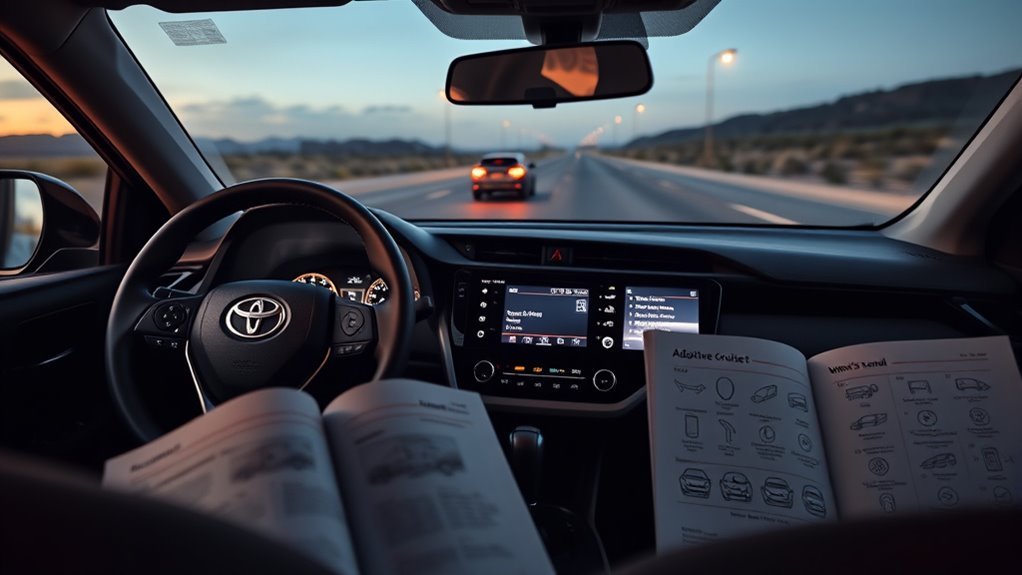
RAV4 DRCC details vary by model year, trim, market, and Toyota Safety Sense version. For example, older Toyota Safety Sense systems may describe different activation speeds or operating limits than newer Toyota Safety Sense 2.5, 3.0, or 4.0 references. Some vehicles also pair DRCC with Lane Tracing Assist, while others have different steering-assist features.
Use these official resources before relying on memory or a generic video:
- Toyota RAV4 Owner’s Manuals — exact procedures for your model year.
- Toyota Safety Sense — current Toyota safety-feature descriptions.
- Toyota 2025 RAV4 Driving Support Systems excerpt — official driving-support reference for the 2025 RAV4.
Frequently Asked Questions
What is Full-Speed Range Dynamic Radar Cruise Control?
Full-Speed Range Dynamic Radar Cruise Control is Toyota’s adaptive cruise control feature that can help maintain a set speed and following distance and, on equipped vehicles, may help slow to very low speeds or a stop in traffic. The exact behavior depends on the RAV4 model year and system version.
Can I use DRCC in city traffic?
DRCC is intended mainly for highway use. Avoid relying on it in city traffic, construction zones, parking areas, pedestrian-heavy areas, or any place where vehicles and people may move unpredictably.
Does DRCC steer the RAV4?
DRCC controls speed and following distance, not steering. Some RAV4 models also include Lane Tracing Assist or lane-support features that can provide steering assistance under certain conditions, but you must keep steering and supervising the vehicle.
Why did my RAV4 DRCC turn off by itself?
Common reasons include pressing the brake, pressing cancel, poor weather, dirty sensors, blocked camera or radar views, sharp curves, slippery-road events, or conditions outside the system’s operating range. Check the display message and clean the sensor areas first.
Is Dynamic Radar Cruise Control the same as adaptive cruise control?
Yes. DRCC is Toyota’s name for an adaptive cruise control system. It helps maintain a preset speed and can adjust speed to help keep a selected gap from the vehicle ahead.
Conclusion
DRCC can make a RAV4 easier to drive on long, steady highway trips, but it works best when you treat it like a helper instead of a replacement driver. Clean the sensors, set a sensible speed, choose a comfortable following distance, and cancel early when traffic, weather, or road shape gets complicated. You are still in charge; DRCC just takes some of the speed-and-gap work off your plate.
Sources
- Toyota Safety Sense — DRCC, Full-Speed Range DRCC, Lane Tracing Assist, and Toyota safety-feature descriptions.
- Toyota RAV4 Manuals and Warranties — official RAV4 manual access by model year.
- Toyota 2025 RAV4 Owner’s Manual Driving Support Systems Excerpt — model-specific driving support system reference.
- Toyota 2025 RAV4 Hybrid Owner’s Manual Driving Support Systems Excerpt — hybrid model driving support system reference.
- NHTSA Driver Assistance Technologies — general explanation of adaptive cruise control and driver-assistance technologies.