A Toyota RAV4 touchscreen collects fingerprints quickly, but it is not the same as a household window. The safest cleaning method is simple: use a clean, soft microfiber or glasses-cleaning cloth, lightly dampen it with lukewarm water, wipe gently, and dry the screen right away. Avoid alcohol, glass cleaner, ammonia, solvents, paper towels, and heavy pressure because they can stain, discolor, or scratch the display.
Quick Answer
To clean a Toyota RAV4 touchscreen safely, turn the screen off, lightly dampen a clean microfiber or glasses-cleaning cloth with lukewarm water, wipe with gentle pressure, then dry with a second soft cloth. Toyota recommends avoiding alcohol, solvents, gasoline, alkaline solutions, acidic cleaners, and rough cloths.
Key Takeaways
- Use a soft microfiber cloth, eyeglass cloth, or similar lint-free cloth.
- Dampen the cloth with lukewarm water; do not soak the screen.
- Never spray liquid directly onto the display or around the screen edges.
- Avoid alcohol, glass cleaner, ammonia, benzine, solvents, acidic cleaners, alkaline cleaners, and paper towels.
- Dry the touchscreen after cleaning to prevent streaks and moisture from settling near the bezel.
At a Glance
| Time Required | 2–5 minutes |
| Difficulty | Easy |
| Tools Needed | Two clean microfiber cloths or glasses-cleaning cloths, lukewarm water |
| Cost | Usually $0 if you already have microfiber cloths |
Step-By-Step Guide to Safe Screen Cleaning
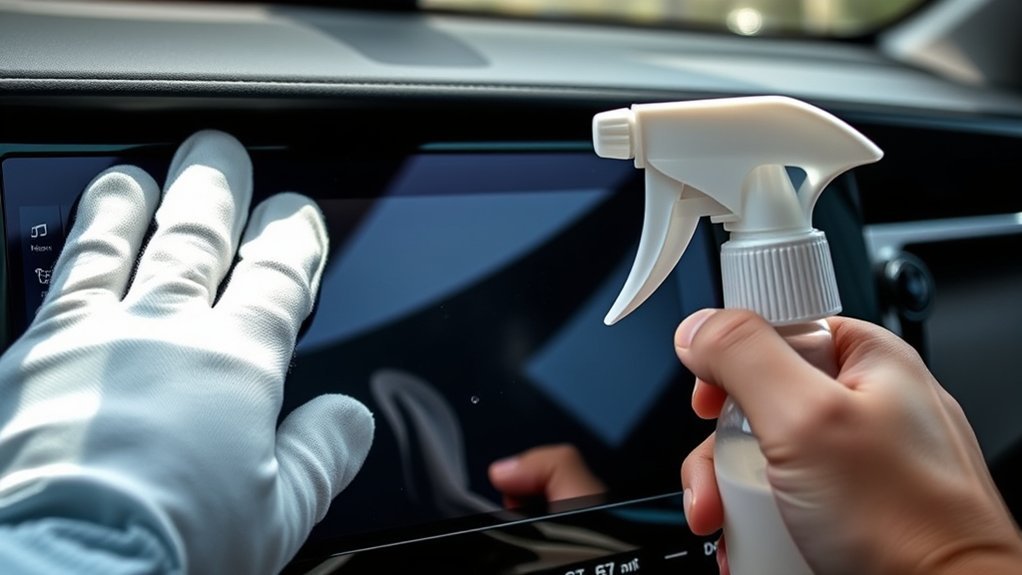
Cleaning your Toyota RAV4 touchscreen does not have to be complicated. The goal is to remove fingerprints and light dust without damaging the screen surface, protective coating, or electronics behind the display.
- Park safely and turn the screen off. Cleaning a dark screen makes smudges easier to see and helps prevent accidental taps.
- Dust first with a dry microfiber cloth. Lightly lift away loose grit before using moisture. This helps reduce the chance of dragging dust across the screen.
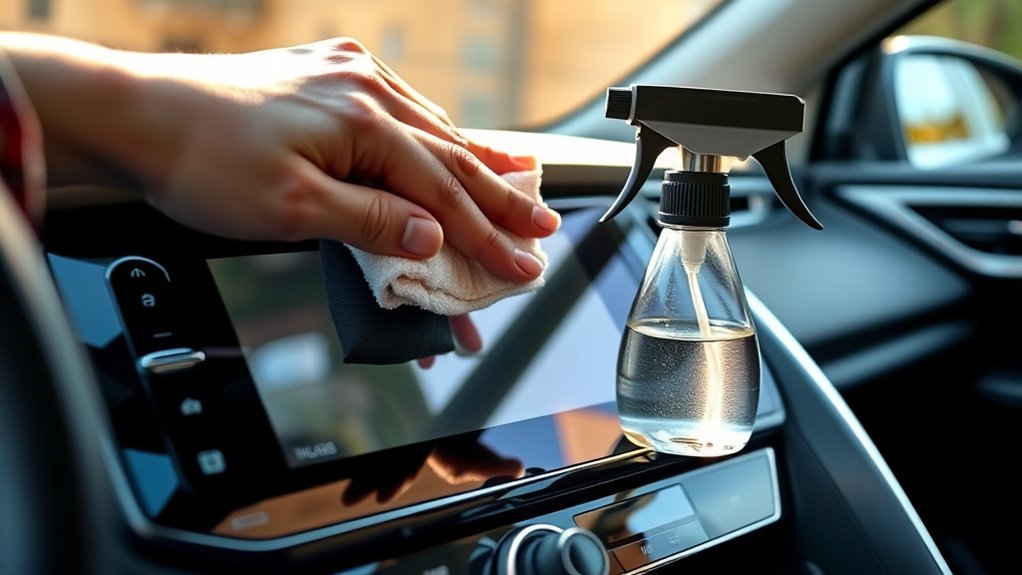
- Dampen a clean soft cloth with lukewarm water. Toyota recommends a soft damp cloth for touch screen panels and warns against several chemical cleaners, including alcohol and solvents. Use only enough water to make the cloth slightly damp, not dripping.
- Wipe gently. Use light pressure and smooth strokes. A small circular motion is fine for fingerprints, but do not scrub.
- Clean around the edges carefully. Keep moisture away from the bezel, buttons, vents, and seams around the display.
- Dry the screen right away. Use a second dry microfiber cloth or glasses-cleaning cloth to remove remaining moisture and reduce streaks.
- Check the screen before turning it back on. Make sure it is dry and free of lint.
Warning: Do not use a 50/50 isopropyl alcohol mix on a Toyota RAV4 touchscreen unless your specific owner’s manual says it is allowed. Toyota’s support guidance says not to use alcohol, solvents, kerosene, gasoline, alkaline solutions, or acidic solutions on vehicle touch screen panels because they can cause staining or discoloration.
Essential Tools for Cleaning Your RAV4 Touchscreen
To clean your RAV4 touchscreen safely, keep the tool list short. More products are not better when you are working on a coated display.
| Tool | Use It For | Safe Choice? |
|---|---|---|
| Clean microfiber cloth | Dust, fingerprints, final drying | Yes |
| Glasses-cleaning cloth | Gentle wiping on coated screens | Yes |
| Lukewarm water | Dampening the cloth for smudges | Yes, when used lightly |
| Paper towels, napkins, rough rags | Not recommended for the display | No |
| Alcohol, Windex, ammonia, all-purpose cleaner | Not recommended for the touchscreen | No |
Start with a high-quality microfiber towel or eyeglass cloth. If the screen only has dust or light fingerprints, a dry cloth may be enough. For heavier smudges, dampen the cloth with lukewarm water, wring it out well, and wipe gently. Follow with a dry microfiber cloth for a streak-free finish.
Pro Tip: Keep one small microfiber cloth in the glove box for quick fingerprint removal. Wash it regularly and do not use the same cloth for greasy trim, cupholders, or exterior glass.
[Products Worth Considering]

This passenger storage organizer mat is designed to fit the 2026 Toyota RAV4 for a clean, factory-style look with no gaps. It helps protect the original console area from scratches and daily wear while giving you a handy place to store phones, sunglasses, wallets, coins, and cards. Made from durable silicone, it stays in place, reduces rattling, and is easy to remove and clean.
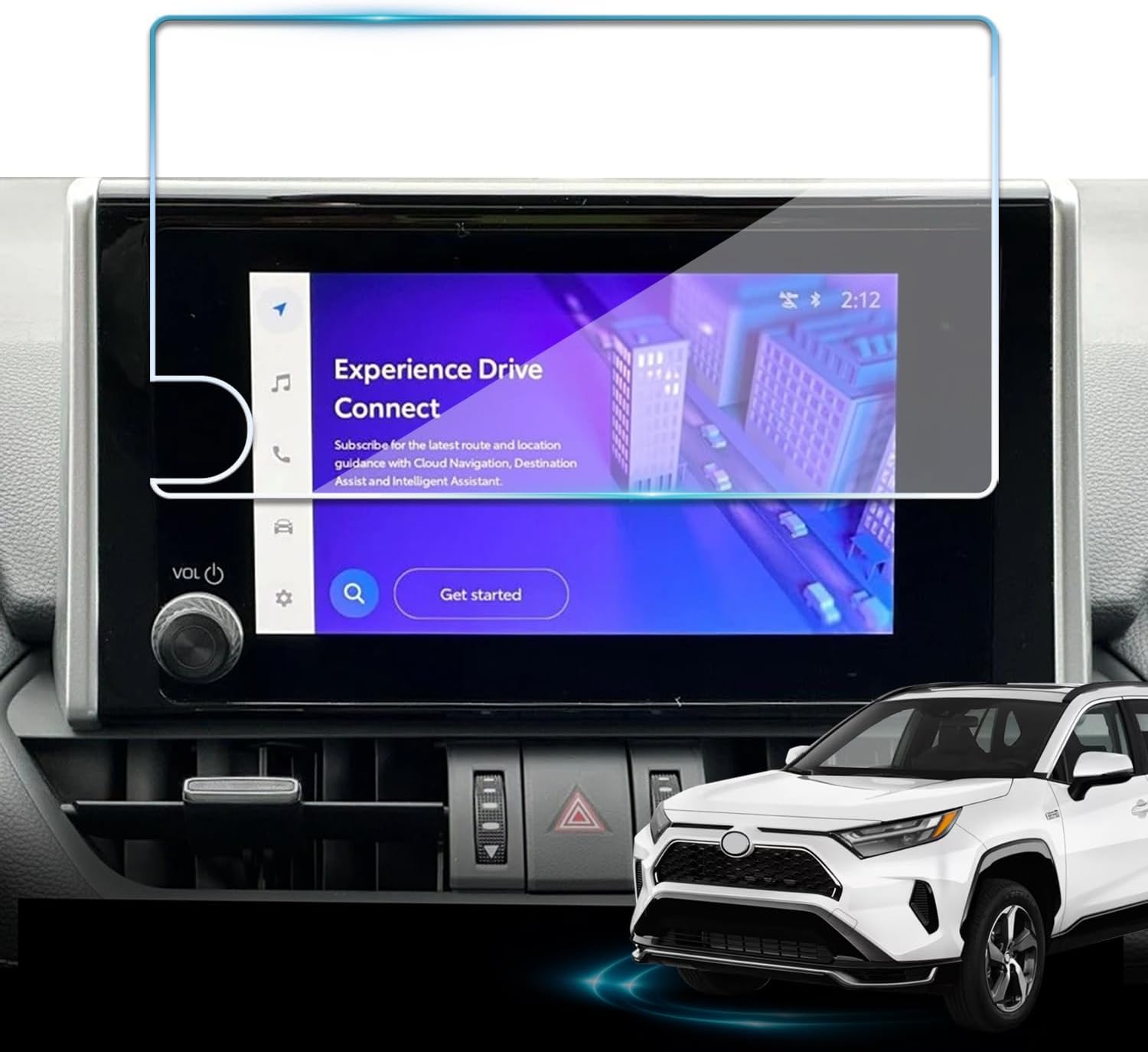
Protect your Toyota RAV4 infotainment display with this tempered glass screen protector designed for 2023-2025 LE, XLE, Adventure, XLE Premium, SE, and Woodland Edition models. It helps guard against scratches and fingerprints while preserving touch sensitivity and delivering a clear, low-glare viewing experience. Installation is quick and convenient with the included tools and guidance.

Restore responsive touch control to your Toyota navigation system with this 6.1-inch digitizer replacement designed for select Camry, Corolla, Prius C, and RAV4 models. It helps fix unresponsive, ghost-touch, and cracked-screen issues while matching OEM fitment for a straightforward repair and improved in-car usability.
Top 5 Mistakes to Avoid When Cleaning Your RAV4 Touchscreen
When cleaning your RAV4 touchscreen, the biggest problems come from using strong chemicals, too much liquid, or rough materials. Avoid these five mistakes to keep the display clear and responsive.
1. Using Harsh Cleaners
Do not use all-purpose cleaner, window cleaner, ammonia, alcohol, bleach, benzine, gasoline, acidic cleaner, alkaline cleaner, or solvent-based products on the touchscreen. These can stain, discolor, haze, or damage the display surface. Toyota’s own touch screen cleaning guidance recommends a soft cloth dampened with lukewarm water instead of chemical cleaners.
2. Spraying Liquid Directly on the Screen
Never spray water or cleaner directly onto the RAV4 touchscreen. Liquid can run toward the edges of the display and settle near seams, buttons, or electronics. Dampen the cloth first, then wipe the screen.
3. Pressing Too Hard
A touchscreen does not need scrubbing. Heavy pressure can create streaks, scuffs, or scratches, especially if the cloth has dust trapped in it. Use light pressure and repeat gentle passes if needed.
4. Using Rough Fabrics or Paper Towels
Paper towels, napkins, shop towels, and dirty rags may feel soft, but they can drag dust across the display or leave lint behind. Toyota multimedia guidance recommends a glasses-cleaning cloth or a similar soft cloth for the screen.
5. Neglecting Regular Maintenance
Letting fingerprints, dust, sunscreen, hand lotion, and food residue build up makes cleaning harder. A quick dry wipe every few days is safer than heavy scrubbing after weeks of buildup.
Improper Drying Techniques
Regular cleaning is only part of the process. Improper drying can leave water spots and streaks that reduce visibility. After using a damp cloth, always finish with a separate dry microfiber cloth. Do not let moisture sit along the screen edges.
Best Cleaning Products for RAV4 Screen Materials
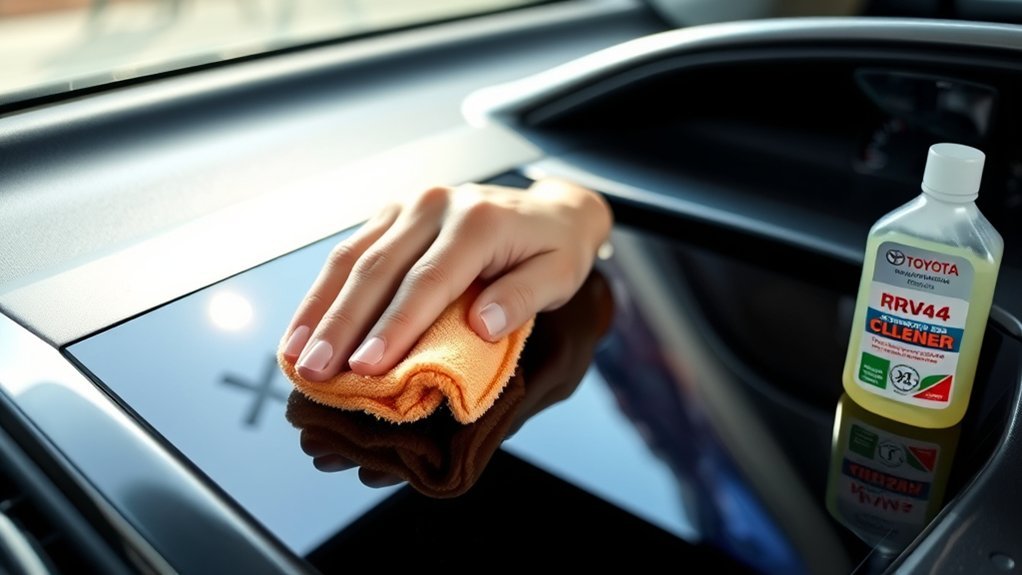
The best cleaning product for a Toyota RAV4 touchscreen is not a strong cleaner. It is usually a clean soft cloth and a small amount of lukewarm water. That matches Toyota’s support guidance for vehicle touch screen panels and avoids chemical damage.
[Products Worth Considering]

This anti-glare matte tempered glass screen protector is designed for compatible 2026 Toyota RAV4 and RAV4 Hybrid models with a 12.9-inch touchscreen. It helps reduce glare, resists scratches and fingerprints, and maintains responsive touch performance for a clearer, cleaner driving experience.

AstroAI’s extra-long windshield cleaner kit makes interior and exterior glass cleaning easier with an extendable handle and 180° rotating head that reaches tight corners without strain. It includes reusable microfiber pads, a spray bottle, and a storage bag for streak-free, lint-free results at home or on the road. Designed for cars, SUVs, RVs, and household windows, it helps deliver clearer visibility with less effort.

These HOMEXCEL microfiber cleaning cloths deliver excellent absorbency and gentle, scratch-free cleaning for cars, homes, and glass surfaces. The soft, lint-free towels help remove dirt, water, and streaks quickly for a polished finish, and they are machine washable for repeated everyday use.
Recommended Cleaning Solutions
For most RAV4 screens, use these options in this order:
- Dry microfiber cloth: Best for dust and light fingerprints.
- Microfiber cloth lightly dampened with lukewarm water: Best for normal smudges and everyday cleaning.
- Model-specific Toyota manual guidance: If your owner’s manual gives different instructions for your exact model year or multimedia system, follow the manual first.
Avoid using Zeiss spray, Stoner Invisible Glass, Lemon Pledge, traditional Windex, disinfecting wipes, alcohol mixes, or dish soap on the touchscreen unless your specific Toyota manual or the cleaner’s manufacturer clearly says it is safe for your exact automotive display. These products may be fine for other surfaces, but the RAV4 touchscreen should be treated as a coated electronic display.
Appropriate Tool Selection
Selecting the right cloth matters as much as selecting the right liquid. Use a clean microfiber cloth, eyeglass cloth, or similar soft lint-free cloth. Keep that cloth dedicated to the screen so it does not pick up grit, dashboard protectant, or glass cleaner from other parts of the cabin.
Note: The touchscreen and the surrounding dashboard trim may have different cleaning needs. A mild interior cleaner may be suitable for some trim areas, but keep it off the display unless your manual specifically allows it.
Tips for Maintaining Your Touchscreen’s Clarity and Functionality
Maintaining the clarity and functionality of your Toyota RAV4 touchscreen comes down to light, regular care. The less buildup you allow, the less pressure and moisture you need during cleaning.
| Tip | Description |
|---|---|
| Cleaning Solution | Use lukewarm water on a soft cloth; avoid alcohol and harsh cleaners. |
| Application Method | Dampen the cloth, not the screen, and wring out excess water. |
| Follow-Up Care | Dry with a clean microfiber cloth for a clearer, streak-free finish. |
| Daily Habit | Wipe fingerprints before they mix with dust, lotion, or food residue. |
To reduce fingerprints, wash or wipe your hands before long drives, avoid touching the screen with greasy fingers, and do not use pens, keys, fingernails, or other hard objects on the display. Toyota warns that touching the screen forcibly or with a hard cloth may scratch the surface.
A RAV4 touchscreen is easiest to protect when you clean it early, gently, and with fewer chemicals—not more.
How to Remove Stubborn Fingerprints and Greasy Smudges
If normal wiping does not remove a greasy fingerprint, do not jump straight to alcohol or glass cleaner. Try this safer method first:
- Fold a clean microfiber cloth into quarters so you have a fresh surface.
- Lightly dampen one corner with lukewarm water.
- Hold the damp area on the smudge for a few seconds to soften the residue.
- Wipe gently with short strokes.
- Turn to a dry section of the cloth and buff the area.
- Repeat once if needed, using a clean part of the cloth.
If a mark still will not come off, check your exact Toyota owner’s manual or ask a Toyota dealer before trying a stronger product. A stubborn mark is less risky than permanent screen haze from the wrong cleaner.
[Products Worth Considering]

This custom-fit passenger storage organizer mat is designed for the Toyota RAV4 2026 to help protect and organize the center console storage area. Made from soft silicone with an anti-slip surface, it keeps small items neatly in place while adding a clean, refined look to the interior. Installation is quick and tool-free, making it an easy upgrade for everyday convenience.

This central dashboard cover strip trim is designed as a replacement for the instrument cluster panel area on compatible Toyota RAV4 models. It helps restore the look of your interior with a precise fit, durable construction, and reliable long-term performance. Ideal for replacing worn or damaged trim while maintaining a clean factory-style appearance.

Replace a cracked or unresponsive navigation screen with this touch screen glass digitizer designed for compatible Toyota infotainment units. It restores touch functionality for supported RAV4, Prius C, Corolla, and Camry models with a precise 12-pin interface and the correct cable position requirements. Built with a slim 1.5mm profile, it is a practical repair solution for keeping your factory navigation system working properly.
What Not to Use on a Toyota RAV4 Touchscreen
Some common car-cleaning products are too aggressive for a touchscreen. Keep these away from the display:
- Isopropyl alcohol mixtures
- Glass cleaner or ammonia-based cleaner
- Disinfecting wipes
- Bleach or peroxide cleaners
- Solvents, kerosene, gasoline, benzine, or degreasers
- Acidic or alkaline cleaning solutions
- Polishes, protectants, waxes, or furniture sprays
- Paper towels, rough towels, magic erasers, brushes, or abrasive pads
Also avoid using compressed air around the screen edge at close range. It can push dust or moisture into gaps instead of removing it.
Cleaning Frequency for Your RAV4 Touchscreen
Clean your Toyota RAV4 touchscreen as often as needed to keep it easy to read and use. For most drivers, a dry microfiber wipe once or twice a week is enough. If you use the screen heavily for navigation, music, phone calls, or climate controls, a quick wipe every few days may be better.
Use a damp cloth only when dry wiping is not enough. This keeps moisture exposure low and helps protect the touchscreen over time. Toyota also recommends cleaning vehicle interior surfaces regularly, so treat the touchscreen as part of your normal cabin-care routine—but use the gentlest method on the display.
Troubleshooting After Cleaning
The Screen Looks Streaky
Use a clean, dry microfiber cloth and buff the screen gently. Streaks usually mean too much moisture was used or the cloth had residue from another cleaner.
The Touchscreen Feels Less Responsive
Make sure the screen is completely dry. If the system was touched while starting, some Toyota multimedia guidance says screen buttons may not respond normally; remove your finger, restart the system if needed, and check again.
There Is Lint on the Screen
Switch to a cleaner microfiber cloth or an eyeglass cloth. Wash microfiber cloths without fabric softener, because residue can smear on screens.
There Is Cleaner Residue From a Past Cleaning
Lightly dampen a fresh microfiber cloth with lukewarm water and wipe gently. Dry right away. Do not add another chemical cleaner on top of the residue.
Frequently Asked Questions
How do you safely clean a Toyota RAV4 touchscreen?
Turn the screen off, dust it with a dry microfiber cloth, then wipe it with a clean soft cloth lightly dampened with lukewarm water. Use gentle pressure and dry the screen with a second soft cloth.
Can I use isopropyl alcohol on my RAV4 touchscreen?
It is better not to. Toyota’s touch screen cleaning guidance says not to use alcohol on vehicle touch screen panels because it can cause staining or discoloration. Use a soft cloth dampened with lukewarm water instead.
How do I remove fingerprints from a car touchscreen?
Use a clean microfiber or glasses-cleaning cloth. For light fingerprints, wipe the screen dry. For greasy fingerprints, lightly dampen the cloth with lukewarm water, wipe gently, and dry the screen immediately.
Can I use Windex or glass cleaner on a Toyota RAV4 touchscreen?
No. Glass cleaners and all-purpose cleaners may contain chemicals that are too harsh for coated touchscreens. Use lukewarm water on a soft cloth unless your exact Toyota manual says otherwise.
How often should I clean my RAV4 touchscreen?
A light dry wipe once or twice a week works for most drivers. Clean it more often if you use the screen heavily or notice fingerprints, glare, or smudges.
Conclusion
Keeping your Toyota RAV4 touchscreen clean is easy when you keep the process gentle. Skip the alcohol mix, window cleaner, paper towels, and heavy scrubbing. Use a soft microfiber or glasses-cleaning cloth, a small amount of lukewarm water when needed, and a dry cloth to finish. With regular light cleaning, your touchscreen will stay clearer, easier to read, and safer to use on every drive.
Sources
- Toyota Support: How should I clean the touch screen panel in my vehicle? — backs up Toyota’s recommendation to use a soft damp cloth with lukewarm water and avoid alcohol, solvents, gasoline, alkaline solutions, and acidic solutions.
- Toyota Owners: 2025 RAV4 Hybrid Operating the Touch Screen — backs up using a glasses-cleaning cloth or similar soft cloth and avoiding force or hard cloths that may scratch the screen.
- Toyota 2026 RAV4 Multimedia Owner’s Manual PDF — backs up Toyota multimedia screen care warnings for the RAV4 system.
- Toyota Owners: 2024 RAV4 Cleaning and Protecting the Vehicle Interior — backs up general Toyota interior-care guidance and the need to use gentle methods on interior surfaces.