Last updated: July 22, 2026 — verified against Toyota’s 2025 U.S./Canada Land Cruiser owner information.
To use Downhill Assist Control (DAC) on a 2025 U.S./Canada Toyota Land Cruiser, select H4, keep the rear differential unlocked, slow below about 18 mph, release the accelerator and brake pedals, and press the DAC/CRAWL switch. Use the MODE SELECT switch to choose a target speed of about 3 to 18 mph. You still steer, judge traction, and decide whether the descent is safe.
Quick Answer
DAC automatically manages brake pressure to help hold a low downhill speed. On the 2025 U.S./Canada Land Cruiser, it operates in H4, below about 18 mph, with both pedals released. It will not operate in L4 or with the rear differential locked. Press the DAC/CRAWL switch again to turn it off.
Key Takeaways
- DAC is a descent aid, not an off-road autopilot. You still choose the line, steer, and judge traction.
- For the 2025 U.S./Canada Land Cruiser, Toyota lists H4, a speed below about 18 mph, and released accelerator and brake pedals as operating conditions.
- DAC will not operate in L4, with the rear differential locked, or while the shift lever is in P. In N, the system gradually stops operating.
- Brake Hold and DAC cannot be active at the same time. Turn Brake Hold off before attempting to use DAC.
- Use Crawl Control in L4 when the main task is slow progress across very rough terrain rather than downhill speed control.
- Always follow the owner’s manual for your exact model year, trim, and market because Land Cruiser systems vary by generation.
At a Glance
| Time Required | Less than a minute once you know the controls |
| 2025 U.S./Canada Transfer Mode | H4; DAC does not operate in L4 |
| Set-Speed Range | Approximately 3 to 18 mph |
| Key Conflicts | Rear differential lock, Brake Hold, P, excessive speed, or brake-system overheating |
| Difficulty | Easy to activate, but safe use requires route and traction judgment |
| Tools Needed | Your Land Cruiser, its owner’s manual, and a safe low-speed practice area |
| Cost | No added cost if your vehicle is equipped with DAC |
Scope: This is a manual-based guide for the 2025 U.S./Canada Land Cruiser. It does not claim hands-on testing, and it does not replace the instructions or warnings for your exact model year and market.
What Downhill Assist Control (DAC) Does on a Land Cruiser
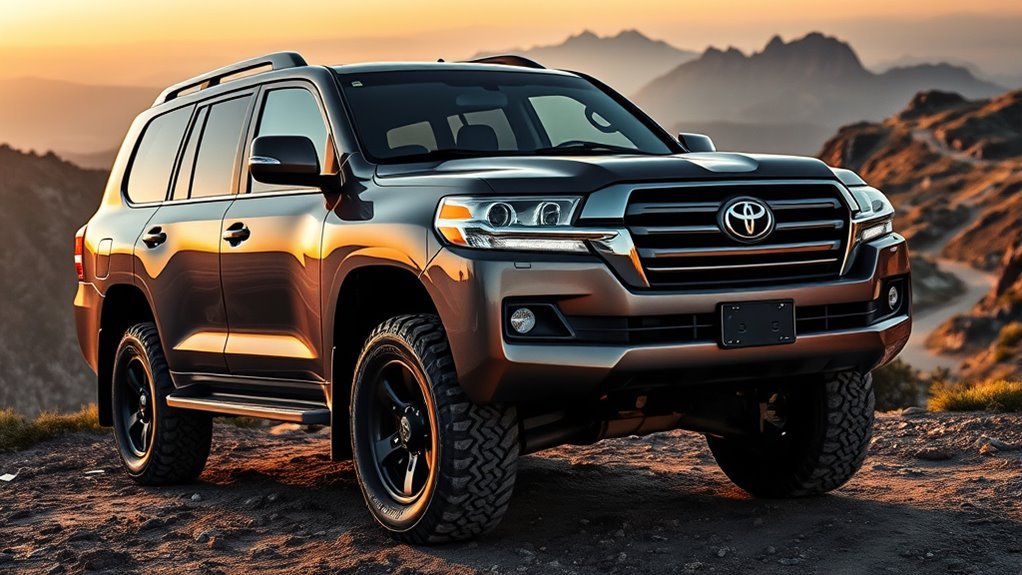
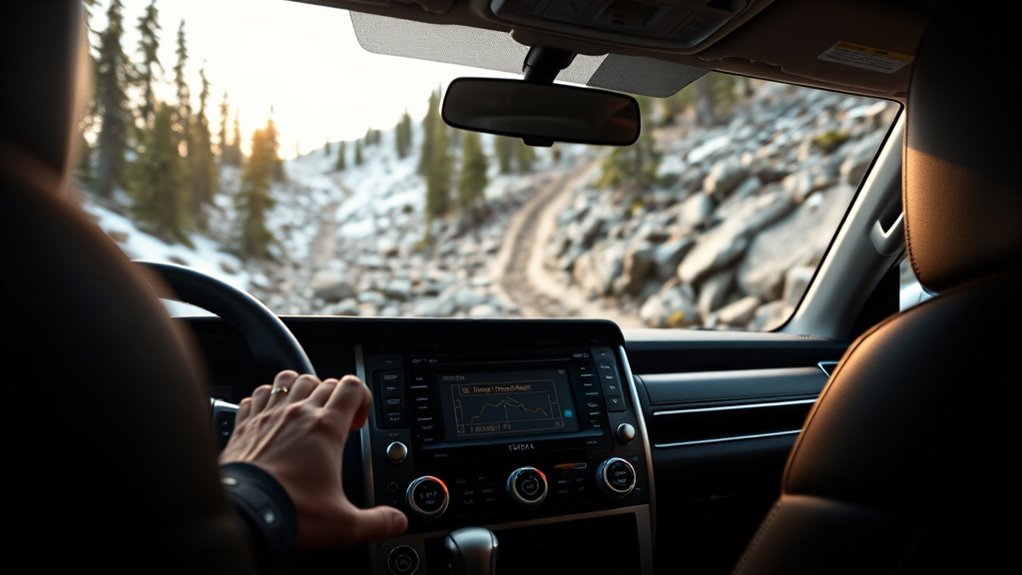
Downhill Assist Control is designed to help prevent excessive speed on steep downhill slopes. Instead of you constantly feathering the brake pedal, DAC uses the vehicle’s brake control system to help hold a low, steady speed while you steer.
That matters most when a descent is steep enough that brake pressure, wheel placement, and steering all compete for your attention. DAC reduces some braking workload, but it does not choose the safest route, add traction, or extend the vehicle’s physical limits.
Warning: Do not treat DAC as a guarantee of control. Toyota warns drivers not to over-rely on Downhill Assist Control and to thoroughly check road conditions. The system may not operate properly on slippery surfaces such as wet roads, muddy roads, icy surfaces, or unpaved roads.
Check Your Exact Land Cruiser Model Before Using DAC
Land Cruiser systems vary by generation, trim, and market. A 2025 U.S./Canada Land Cruiser 250, an older LC200, an LC300, and a Prado-market vehicle may use different switches, transfer modes, speed ranges, or warning messages.
This guide uses Toyota’s 2025 Land Cruiser owner information for Downhill Assist Control as the main reference. For platform and generation context, see the site’s TNGA-F Land Cruiser platform guide. If your vehicle is from another year or market, let its own manual control the exact procedure.
Note: Do not assume older “use 4LO” advice applies to every Land Cruiser. Toyota’s 2025 U.S./Canada guidance lists DAC operation in H4, while other generations or markets can differ.
What DAC Controls: Brakes, Speed, and Driver Workload
DAC uses automatic brake control to help prevent excessive speed on a steep downhill slope. On the 2025 U.S./Canada Land Cruiser, the MODE SELECT switch lets you set a target speed of approximately 3 to 18 mph, and the selected speed appears on the multi-information display.
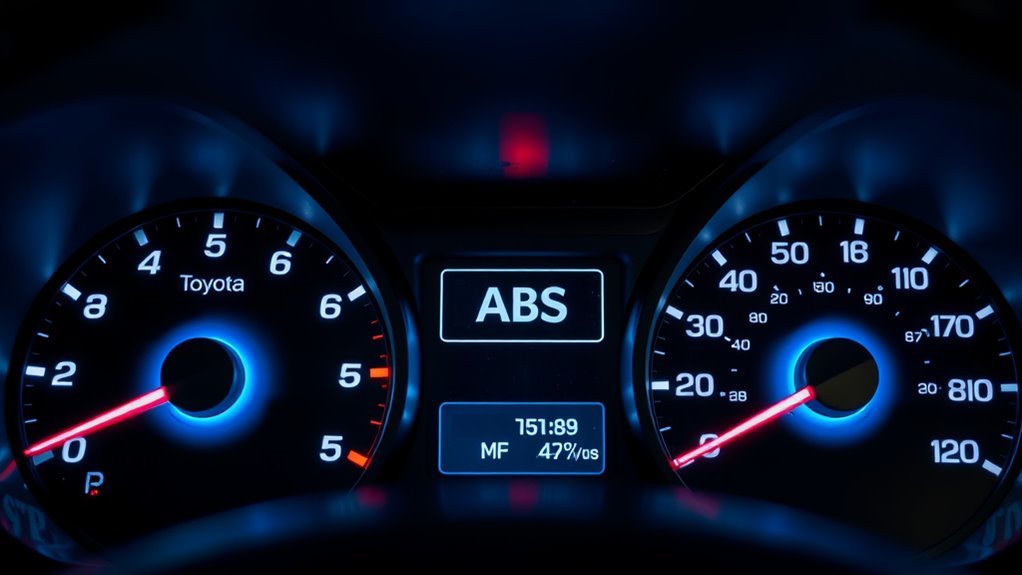
When DAC is working, the slip indicator may flash, the stop lights and high-mounted stop light may illuminate, and you may hear operating sounds. Toyota also says vibration through the body or steering and motor sounds after the vehicle stops can be normal. Those signs are different from a warning light that remains on or a message telling you the system has stopped.
DAC helps manage speed. It does not replace tire grip, driver judgment, or a safe descent plan.
When to Use DAC
Use DAC when you are facing a steep downhill grade and want the vehicle to help hold a low, steady speed while you concentrate on steering. It is most useful when the descent is controlled, visible, and within the vehicle’s limits.
| Situation | Better choice | Why |
|---|---|---|
| Steep but manageable downhill slope | DAC | Helps hold a slow, steady descent speed |
| Very rough obstacles, rocks, or ruts | Crawl Control or careful manual control | Helps manage low-speed progress over uneven ground |
| Loose, icy, muddy, or uncertain traction | Stop, assess, and use manual control if safer | Toyota warns DAC may not operate properly on these surfaces |
| Long descent where brakes may heat up | Use proper gearing and monitor brake feel | Continuous DAC operation can overheat the brake actuator |
When Not to Use DAC
Do not use DAC just because the trail points downhill. Avoid relying on it when the surface is slick, the descent is blind, the vehicle is sliding sideways, brake warnings appear, or the route exceeds your tires, clearance, recovery options, or driving skill.
If the descent looks unsafe, stop before entering it. Walk the route if conditions allow, choose another line, wait for better traction, use proper recovery support, or turn around while you still have room.
How to Engage DAC: Step by Step
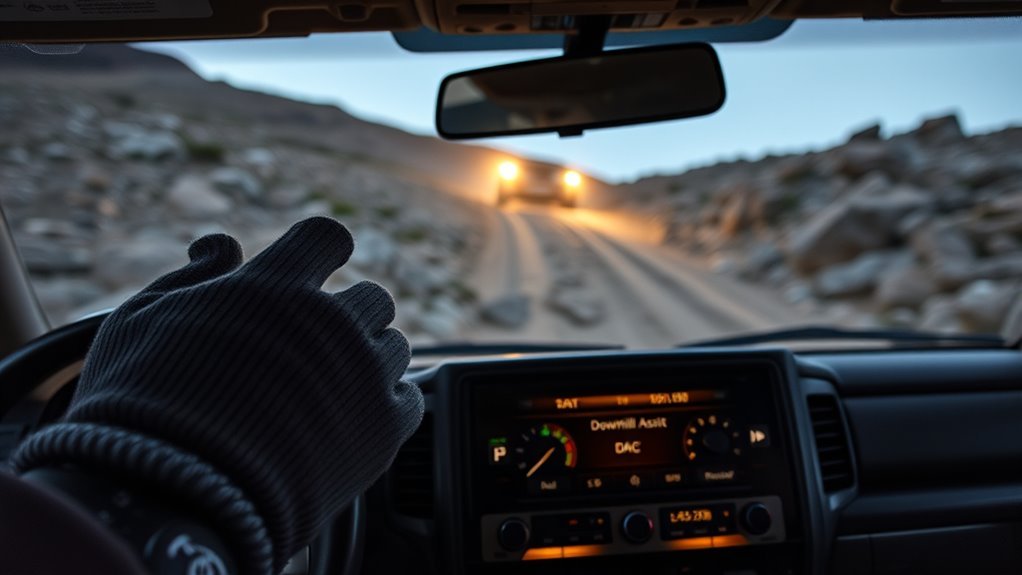
These steps follow Toyota’s 2025 U.S./Canada Land Cruiser instructions. Check your own manual first if you drive a different generation or market version.
- Stop and assess the descent. Check the slope, exit path, traction, obstacles, and room to recover before the vehicle begins descending.
- Select H4. On the 2025 U.S./Canada Land Cruiser, DAC operates in H4 and does not operate in L4.
- Unlock the rear differential. DAC will not operate while the rear differential is locked. Toyota explains the lock system in its rear differential lock owner information.
- Turn Brake Hold off. Brake Hold and DAC cannot be active at the same time.
- Use a drive position other than P or N. DAC will not operate in P. If you shift to N while it is active, the system gradually stops operating.
- Slow below about 18 mph. Engage DAC before speed builds.
- Release the accelerator and brake pedals. Toyota lists released pedals as an operating condition.
- Press the DAC/CRAWL switch. Confirm that the downhill assist control indicator illuminates.
- Set the target speed. Use the MODE SELECT switch to choose approximately 3 to 18 mph. The set speed appears on the multi-information display.
- Steer smoothly. Look where you want the tires to go and avoid abrupt steering or pedal inputs.
How Do You Turn DAC Off?
If the DAC/CRAWL switch indicator is illuminated, press the switch once. If the switch indicator is not illuminated, press the switch to illuminate it, then press it again. The downhill assist indicator flashes while the system gradually stops and goes out when DAC is fully off.
Shifting to N also causes DAC to gradually stop operating, but N is not a safe substitute for the normal switch procedure. If the system feels wrong for the terrain, slow or stop in a safe place, turn DAC off, confirm the indicator status, and use a safer driving method or another route.
Pro Tip: Learn the indicator lights, brake pulses, and operating sounds in a safe, open, low-speed area before relying on DAC during a demanding descent.
Driving Tips While DAC Is Active
Keep both hands on the wheel and focus on line choice. Pick a path that keeps the vehicle balanced, avoids sharp drop-offs, and gives the tires the best chance to stay planted.
- Look beyond the hood. Scan the full descent, both trail edges, and the exit.
- Use smooth steering. Abrupt inputs can reduce stability even while DAC is managing speed.
- Keep your feet off the pedals unless needed for safety. Pedal input can interrupt or prevent normal DAC operation.
- Watch the surface. Toyota warns that DAC may not operate properly on wet, muddy, icy, or unpaved surfaces. Stop and reassess if traction becomes uncertain.
- Read the indicators. A flashing DAC indicator can mean the operating conditions are not met or the brake system is hot. A slip indicator that remains illuminated can indicate a fault.
- Turn it off if it is not helping. Do not force the system to fit terrain that calls for direct manual control, Crawl Control, or a different route.
[Products Worth Considering]
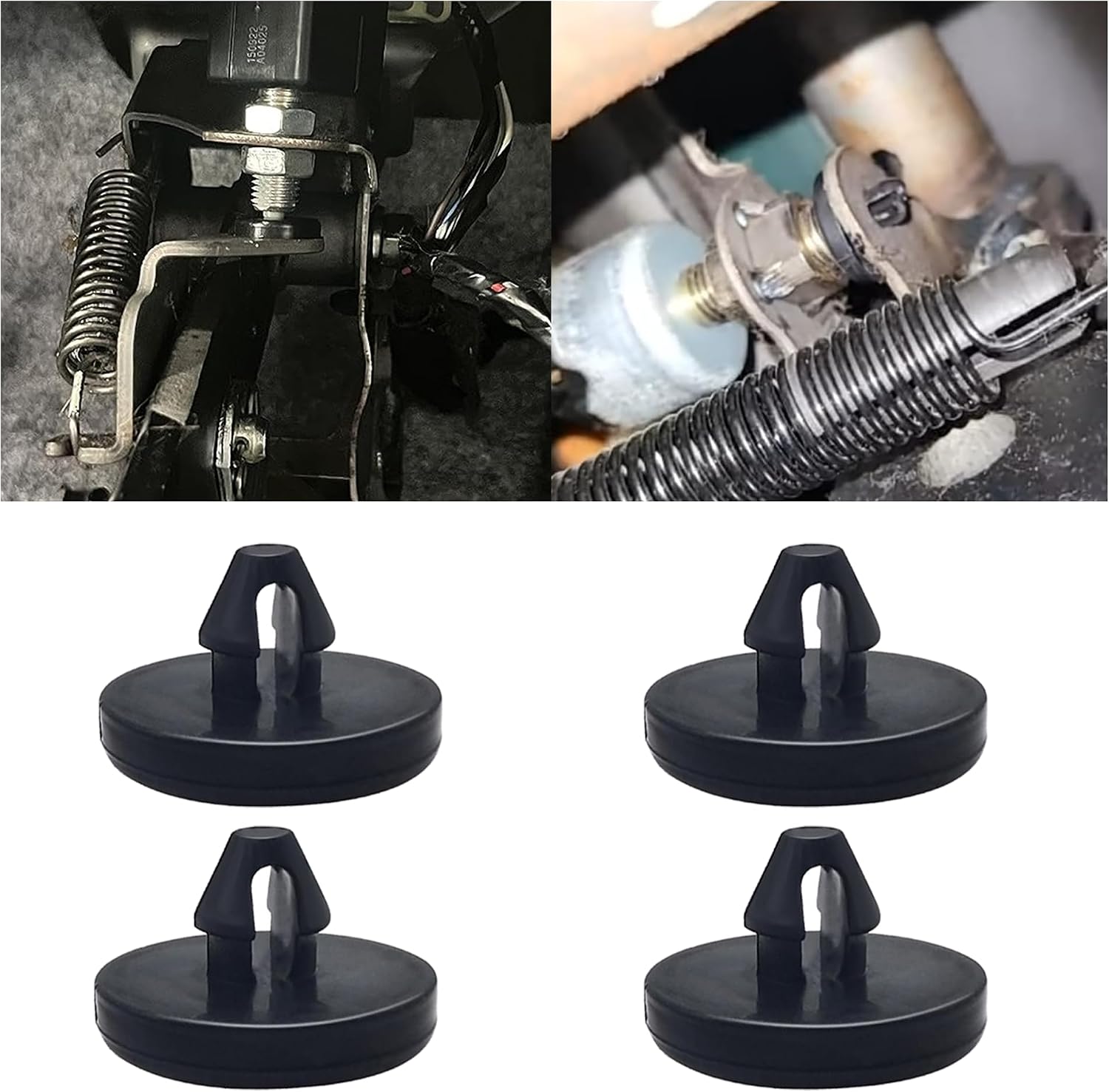
This brake pedal stop pad set is designed as an OEM replacement for compatible Toyota, Lexus, and Scion models, helping restore proper brake light switch function when the brake light stays on. Made from durable nylon, these compact stoppers are built for reliable long-term use and quick, tool-free installation. The set includes multiple pieces for convenient replacement and sharing.

Custom-fit floor mats and cargo liner designed to provide edge-to-edge protection for the Toyota Land Cruiser Prado. Made from durable TPE material, they offer all-weather defense against rain, slush, snow, mud, and everyday dirt while remaining easy to install, clean, and maintain. The odorless, non-slip design helps keep your interior safer, cleaner, and more comfortable in every season.

These custom floor mats are designed to fit the Toyota Land Cruiser GX550 with a 5-seat layout for a precise, secure install. Made from durable TPE, they help shield your interior from spills, mud, snow, dirt, sand, pet hair, and everyday debris while making cleanup quick and easy.
DAC vs Crawl Control and Manual Low Gear: Which to Use?
DAC, Crawl Control, Multi-terrain Select, and low-range gearing solve different problems. Choose the system based on whether you need downhill speed control, slow obstacle progress, terrain-specific calibration, or direct control.
| Feature | 2025 U.S./Canada Mode | Best for | What the driver still does |
|---|---|---|---|
| Downhill Assist Control | H4 | Holding a low, steady speed on a steep descent | Steers, chooses the line, judges traction, and turns DAC off if conditions are unsafe |
| Crawl Control | L4 | Fixed low-speed progress across extremely rough or slippery off-road terrain | Steers and chooses the path while the system manages drive force and braking |
| Multi-terrain Select | Depends on selected terrain mode and owner’s-manual conditions | Matching vehicle control to a terrain type | Selects the mode and drives within the vehicle’s limits |
| L4 / manual low gear | L4 | Maximum low-speed power and traction, steep grades, sand, mud, or controlled engine braking | Controls speed, braking, steering, and line choice directly |
[Products Worth Considering]

This Yuirote universal car motor diagnostic tool helps drivers quickly detect engine fault codes and identify system issues for routine inspections and maintenance. It also supports electronic parking brake reset and emergency release functions, making it useful for handling EPB-related problems without a repair shop visit. Its compact, ergonomic design and broad vehicle compatibility make it a practical choice for car owners and DIY repair enthusiasts.

This proportional trailer brake controller provides smooth, responsive braking by automatically matching your tow vehicle’s stopping force for safer trailer control. The bright LED digital display makes it easy to monitor voltage output in real time, while adjustable braking and sync settings help tailor performance to different trailers and road conditions. Designed for quick installation and broad compatibility, it supports 1 to 4 axle trailers for dependable towing confidence.

This Nilight LED pod light set delivers wide flood illumination to improve visibility on roads, trails, and worksites. The adjustable mounting brackets make aiming easy, while the waterproof housing and aluminum cooling fins help support long-lasting performance in demanding outdoor conditions. Designed for a wide range of 12V and 24V vehicles, it is a versatile lighting upgrade for off-road and utility use.
DAC Versus Crawl Control
Use DAC when downhill speed is the main problem. Use Crawl Control when the main problem is moving at a fixed low speed across extremely rough or slippery terrain. On the 2025 U.S./Canada Land Cruiser, that distinction also separates the transfer modes: DAC operates in H4, while Crawl Control operates in L4.
Manual Low-Gear Use
L4 remains useful when you need maximum low-speed power, traction, or engine braking. Use direct manual control when the surface is too unpredictable for DAC or when your manual says DAC is unavailable in the selected transfer mode.
Shift between H4 and L4 only as the owner’s manual directs. On the 2025 U.S./Canada Land Cruiser, Toyota says to stop completely, shift to N, and hold the four-wheel-drive control switch until the indicator confirms the change. See Toyota’s four-wheel-drive system owner information.
What DAC Indicators, Sounds, and Messages Mean
The dashboard and brake system give useful clues about whether DAC is working normally, waiting for a condition, or unavailable. Use this table before assuming every sound or flashing light is a fault.
| What you notice | What it usually means | What to do |
|---|---|---|
| DAC indicator illuminated and slip indicator flashing | DAC is operating | Steer smoothly and continue checking traction and the route |
| Brake lights illuminate, or you hear motor/pump sounds and feel vibration | These can be normal signs of automatic brake control | Continue only if no warning remains on and vehicle behavior is normal |
| DAC indicator flashes without normal operation | An operating condition is not met, or the brake system is hot | Check H4, rear differential lock, P/N, vehicle speed, Brake Hold, and overheating |
| “Traction Control Turned OFF” message after extended use | The brake actuator may have overheated and DAC has stopped | Stop safely and wait for the system to recover before relying on it again |
| Slip indicator stays illuminated, or the DAC indicator does not illuminate when expected | Possible system malfunction | Do not rely on DAC; follow the warning and have the vehicle inspected |
Safety Checklist Before Using DAC
Run through these checks before pressing the DAC/CRAWL switch. Several normal vehicle settings can prevent DAC from operating.
Pre-Descent Vehicle Checks
- Confirm the correct transfer mode. For the 2025 U.S./Canada Land Cruiser, use H4; DAC does not operate in L4.
- Unlock the rear differential. DAC does not operate while the rear differential is locked.
- Turn Brake Hold off. Toyota states that Brake Hold and DAC cannot be active at the same time.
- Use a valid shift position. DAC will not operate in P, and it gradually stops if the shift lever is moved to N.
- Slow below about 18 mph. Engage the system before speed builds.
- Check warning lights and messages. Do not rely on DAC while a brake, stability-control, or DAC warning remains active.
- Inspect the descent. Avoid a route that exceeds the vehicle’s tire grip, clearance, recovery options, or your driving skill.
Passenger Safety Measures
Make sure every passenger is seated and buckled, loose cargo is secured, and everyone understands that the vehicle may pulse the brakes, make motor sounds, or vibrate while DAC works. Keep hands, arms, and gear inside the vehicle.
Troubleshooting DAC: Won’t Engage, Error Lights, or Odd Behavior
If DAC will not engage, check the operating conditions before assuming a mechanical fault. The most common causes are H4 not selected, rear differential lock, Brake Hold, P or N, excessive speed, brake-system heat, or a warning message.
| Symptom | Likely cause | What to check |
|---|---|---|
| DAC indicator flashes and the system will not operate | H4 not selected, rear differential locked, P selected, speed too high, or brake system overheated | Transfer mode, differential lock, shift position, speed, Brake Hold, and brake temperature |
| DAC indicator flashes after shifting to N | The system is gradually stopping | Do not rely on DAC in N; stop safely and select the correct drive position as needed |
| DAC turns off during a long descent | Brake actuator overheating | Stop in a safe place and let the system recover before using it again |
| Slip indicator remains illuminated or the DAC indicator does not illuminate | Possible system fault | Follow the warning message and have the vehicle inspected by a Toyota dealer |
| Unexpected vibration, brake-light activity, or motor sound | Normal DAC operation may be felt or heard | Confirm that no warning remains on and the vehicle is responding normally |
| DAC will not activate with Brake Hold on | The systems cannot be active together | Depress the brake pedal and turn Brake Hold off before trying DAC again |
Warning: Do not keep trying to force DAC to engage during a descent. If the indicator flashes, a warning appears, or the surface feels unsafe, stop in a safe place and use the correct manual technique or choose another route.
[Products Worth Considering]
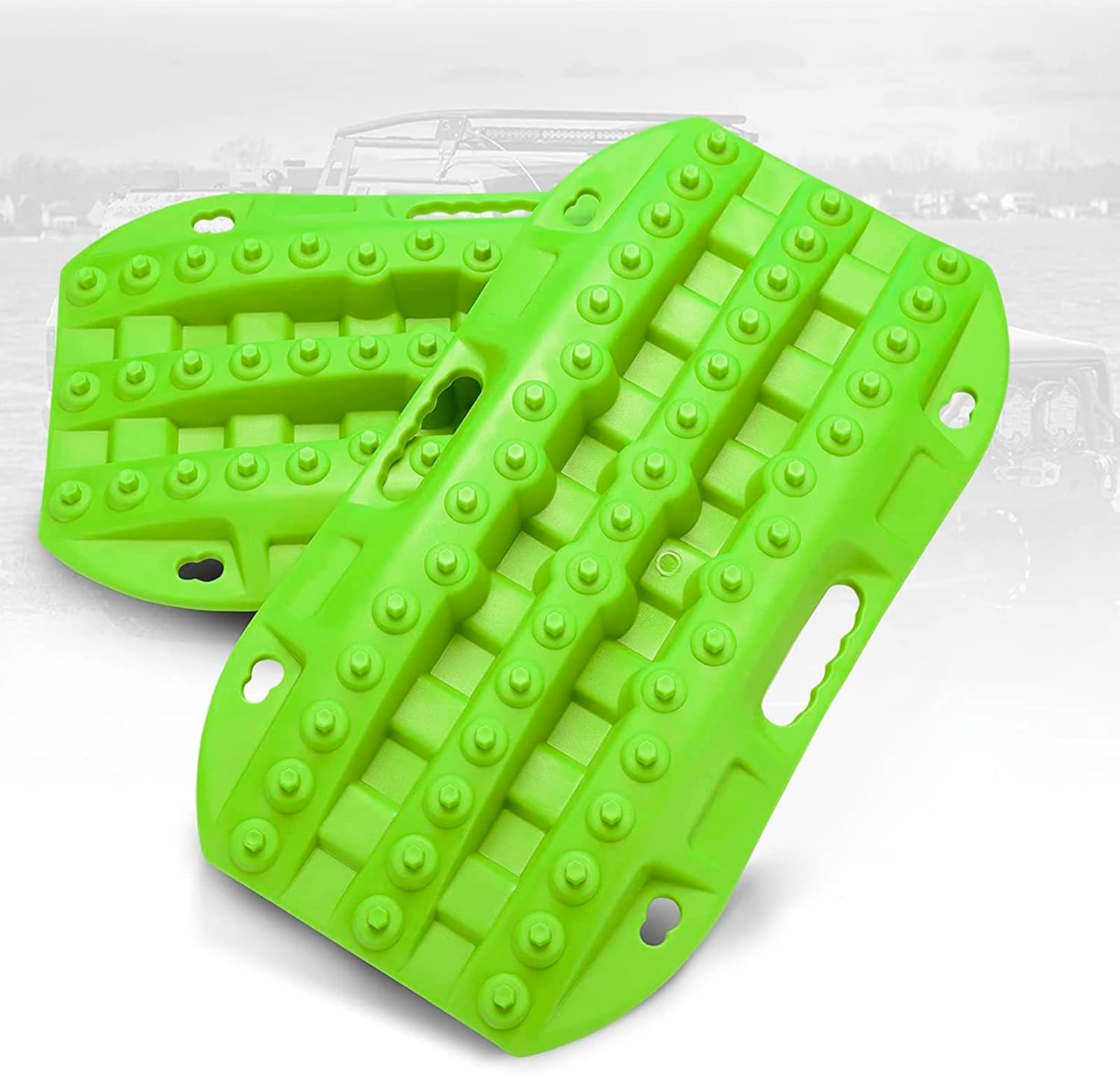
These short recovery traction boards are designed to help ATVs, UTVs, and other off-road vehicles regain grip in mud, sand, and snow. Built with strengthened teeth and a durable polypropylene construction, they provide reliable traction, easy handling, and year-round performance in tough conditions. Their nested, space-saving design and integrated shovels make them practical for carrying and using on remote adventures.

These off-road traction boards are designed to help vehicles recover from mud, sand, and snow with reliable grip and easier ramp-up. Their double-sided diamond construction, cross-shaped teeth, and contoured ramps improve traction while the durable polypropylene build stays flexible in harsh conditions. Convenient mounting points, ergonomic handles, and a visible leash make them practical to carry, store, and retrieve when recovery is needed.

Custom-fit floor, trunk, and backrest mats are designed for 2007-2014 Toyota FJ Cruiser models using precise 3D laser scanning for full interior coverage. Made from odorless TPE, these all-weather mats help protect against mud, rain, snow, stains, and scratches while staying securely in place for everyday use. They are easy to clean, simple to install, and built for reliable protection in every season.
Practical Scenarios: Rock Descents, Mud Slopes, and Long Declines
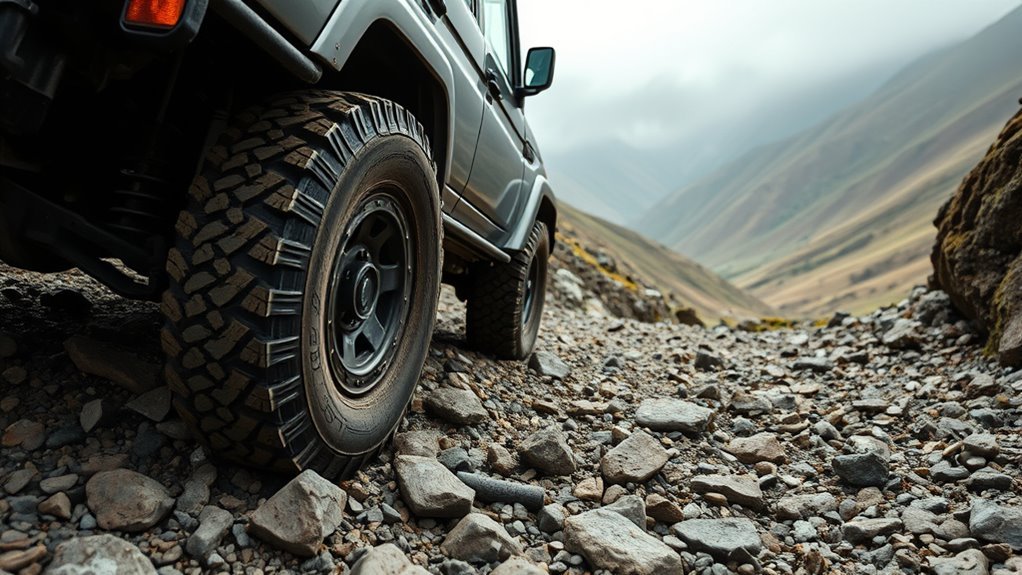
Rock descents: DAC can help maintain a steady pace when the route is visible and traction is consistent. Choose tire placement before each obstacle and steer slowly. If wheel placement matters more than speed holding, Crawl Control or direct manual control may be better.
Mud slopes: Treat mud as an uncertain-traction condition. Toyota warns that DAC may not operate properly on wet or muddy surfaces. Stop before the descent and consider waiting, choosing another route, or using an appropriate recovery plan rather than assuming DAC will create grip.
Long declines: Continuous DAC operation can heat the brake actuator. Use the appropriate gear, monitor indicators and brake response, and stop safely if a warning appears or DAC stops operating.
Paved hills: Do not use DAC as a substitute for normal road-speed management. For routine paved descents, use a safe speed, normal braking, and the gear guidance in your owner’s manual.
Frequently Asked Questions
How do I use Downhill Assist Control on a 2025 Land Cruiser?
Select H4, unlock the rear differential, turn Brake Hold off, use a shift position other than P or N, slow below about 18 mph, release both pedals, and press the DAC/CRAWL switch. Set the target speed with the MODE SELECT switch and steer smoothly.
When should I use Downhill Assist Control in a Land Cruiser?
Use DAC for a steep downhill section where you want help holding a low, steady speed while you steer. Do not use it as a substitute for traction, line choice, or deciding whether the route is safe.
Does DAC work in 4LO on a Land Cruiser?
It depends on the model year and market. On the 2025 U.S./Canada Land Cruiser used for this guide, Toyota says DAC operates in H4 and does not operate in L4. Check your exact owner’s manual before use.
How do I turn Land Cruiser DAC off?
If the DAC/CRAWL switch indicator is illuminated, press the switch once. If it is not illuminated, press the switch to illuminate it, then press it again. The DAC indicator flashes while the system gradually stops and goes out when it is fully off.
Why is my Land Cruiser DAC indicator flashing?
The operating conditions may not be met. Check H4, the rear differential lock, Brake Hold, shift position, vehicle speed, and brake temperature. The indicator also flashes while DAC gradually stops after being turned off or after shifting to N.
Is DAC the same as Crawl Control?
No. DAC mainly controls speed on a steep descent and operates in H4 on the 2025 U.S./Canada Land Cruiser. Crawl Control manages low-speed progress over extremely rough terrain and operates in L4.
Can DAC stop the Land Cruiser by itself?
Do not expect DAC to avoid obstacles or decide when the route is unsafe. It manages low downhill speed, but you remain responsible for steering, braking decisions, traction judgment, and stopping when needed.
Can I use DAC on pavement?
DAC is a low-speed descent aid, not a replacement for normal road-speed control. For routine paved descents, use a safe speed, normal braking, and the gear guidance in your owner’s manual.
What should I do if DAC overheats or turns off?
Stop in a safe place and allow the brake system to recover. Do not keep trying to reactivate DAC while the indicator flashes or an overheating message is displayed. Use the owner’s manual instructions before continuing.
Conclusion
On a 2025 U.S./Canada Land Cruiser, DAC is a low-speed H4 descent aid. Use it below about 18 mph with both pedals released, the rear differential unlocked, Brake Hold off, and a valid drive position selected. Set the target speed with MODE SELECT and keep steering and traction decisions in your hands.
Before a real descent, learn the switch, indicator, normal sounds, and turn-off sequence in a safe area. If the terrain, warning lights, or vehicle behavior do not match the manual, turn DAC off and choose a safer driving method or route.
Sources
- Toyota Owners: 2025 Land Cruiser Downhill Assist Control System — operation, speed range, turn-off procedure, warnings, indicators, and troubleshooting.
- Toyota Owners: 2025 Land Cruiser Four-Wheel Drive System — H4/L4 definitions and shifting procedure.
- Toyota Owners: 2025 Land Cruiser Rear Differential Lock System — rear differential lock operation and system conflicts.
- Toyota Owners: 2025 Land Cruiser Crawl Control — Crawl Control purpose, transfer mode, and operating behavior.
- Toyota Owners: 2025 Land Cruiser Multi-terrain Select — terrain-mode control and operating purpose.
- Toyota Owners: 2025 Land Cruiser Brake Hold — Brake Hold conflict with DAC.