Last updated: July 15, 2026
Every U.S.-market 2025 Toyota Camry has Push Button Start and a multi-function key fob. LE and SE use remote keyless entry as standard, while Smart Key touch access depends on the Convenience Package. XLE and XSE include Smart Key access on the front doors and trunk. Digital Key is available on XLE and XSE when the vehicle has compatible equipment and the required connected service is active.
Quick Answer
The 2025 Toyota Camry has Push Button Start across all four U.S. trims. LE and SE include remote keyless entry, with Smart Key touch entry available through the Convenience Package. XLE and XSE include Smart Key access on the front doors and trunk. Digital Key is available on XLE and XSE and requires compatible equipment, Toyota app enrollment, and an active Remote Connect trial or subscription.
Key Takeaways
- Push Button Start is standard on the 2025 Camry, so you start the hybrid system with the POWER button while the electronic key is inside the vehicle.
- LE and SE come standard with a remote-entry key fob; Smart Key door-handle touch access is available through the Convenience Package.
- XLE and XSE include Smart Key access on the front doors and trunk as standard equipment.
- Digital Key is separate from the regular key fob and requires compatible vehicle equipment, Toyota app enrollment, and an active Remote Connect trial or subscription.
- Use the window sticker, build sheet, Toyota owner account, or a simple door-handle test to confirm which access system a specific Camry has.
At a Glance
| Time Required | A few seconds to unlock or start; 5–15 minutes for basic troubleshooting |
| Difficulty | Easy |
| Tools Needed | Electronic key fob; replacement coin-cell battery if the fob is weak |
| Applies To | U.S.-market 2025 Camry LE, SE, XLE, and XSE; verify equipment by VIN |
Understanding Keyless Entry in the Camry
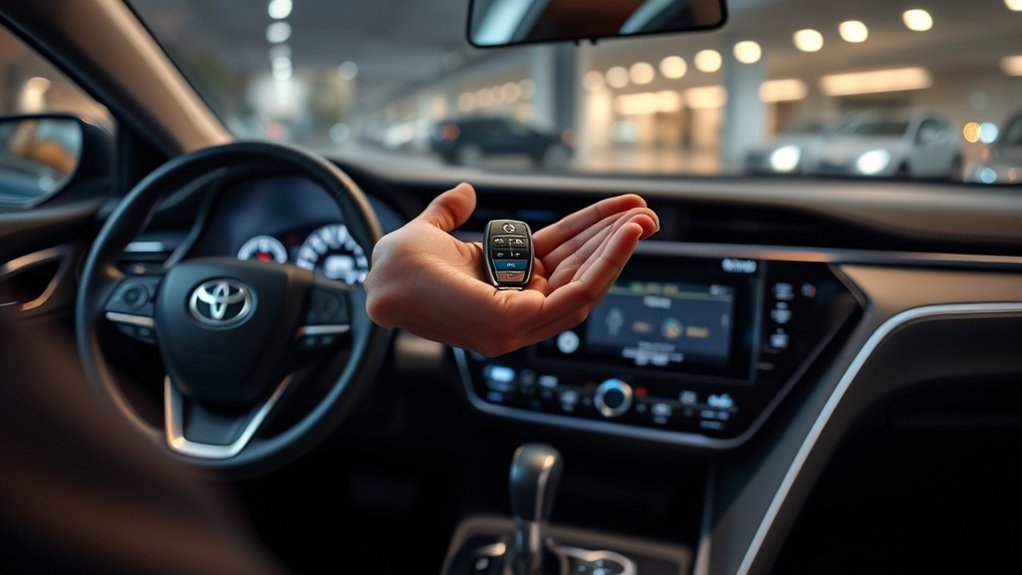
“Keyless entry” can describe three separate features. Remote keyless entry uses the buttons on the fob. Smart Key access lets you lock or unlock an equipped Camry by touching the front door handle while the electronic key is nearby. Push Button Start starts the hybrid system without inserting a physical key.
For the 2025 Camry, LE and SE include a multi-function fob with remote entry and Push Button Start. Smart Key door access is tied to the Convenience Package on those trims. XLE and XSE include Smart Key access on the front doors and trunk. Digital Key is a separate phone-based feature available on XLE and XSE when the vehicle and connected-service account support it.
Note: This guide covers U.S.-market 2025 Camry models. Equipment can vary by market, package, production date, and dealer-installed options. Check the window sticker, build sheet, or Toyota owner account by VIN before relying on a trim-level assumption.
Key Differences Between Camry Models
The biggest difference is not whether the Camry has push-button start; it does. The real difference is how you unlock the vehicle before you get in.
| Feature | LE | SE | XLE | XSE |
|---|---|---|---|---|
| Push Button Start | Standard | Standard | Standard | Standard |
| Remote keyless fob | Standard | Standard | Included | Included |
| Smart Key touch access | Available with package | Available with package | Standard | Standard |
| Smart Key front doors and trunk | Package-dependent | Package-dependent | Standard | Standard |
| Digital Key capability | Not listed as a main package feature | Not listed as a main package feature | Available; equipment and connected-service requirements apply | Available; equipment and connected-service requirements apply |
This means an LE or SE owner may still need to press the key fob to unlock the door unless the vehicle has the Convenience Package. XLE and XSE owners get the walk-up experience because Smart Key access is standard on those trims.
[Products Worth Considering]
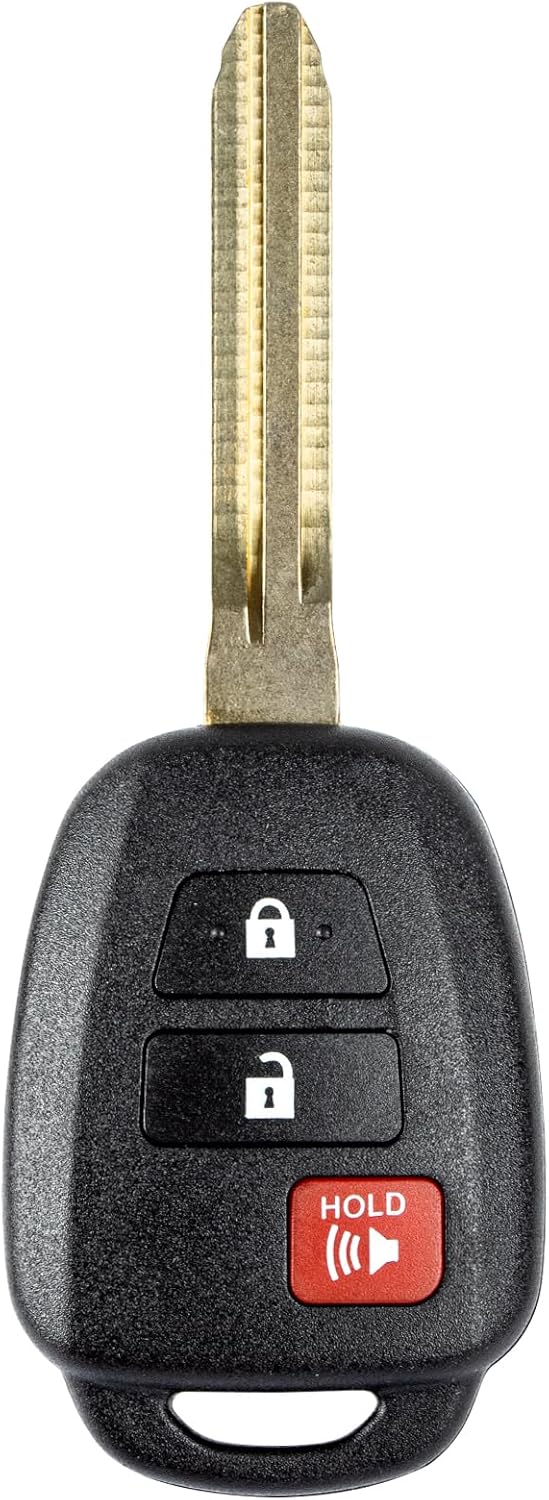
This replacement key fob is designed for select Toyota models and provides reliable keyless entry functionality with a factory-like fit and operation. It comes pre-tested with electronics and battery installed, making it a convenient solution when your original remote is lost, damaged, or worn out. Professional programming and cutting are required, and compatibility should be confirmed against the original remote and vehicle fitment details.

This keyless entry remote replacement is designed for a wide range of Toyota, Scion, and Lexus-compatible vehicles, offering a convenient way to restore remote locking and unlocking functions. Each fob is pre-tested, comes with the battery and electronics already installed, and is ready to be programmed for supported standard-key vehicles. It is a practical replacement choice for drivers who need a reliable, compatible remote for everyday use.

This keyless entry remote replacement is designed for select Toyota models and comes pre-tested with battery and electronics installed for ready-to-program convenience. It supports compatible part numbers and FCC IDs, making it a practical solution for replacing a lost or damaged fob. Programming and cutting by a qualified locksmith or dealership are required, and it is intended for regular key vehicles rather than push-start systems.
How to Identify Your Camry’s Keyless System
- Check for Push Button Start: Every U.S.-market 2025 Camry has a POWER button.
- Test the front door handle: With the fob in your pocket, place your fingers behind the handle. If the door unlocks without pressing a fob button, the car has Smart Key door access.
- Check the Toyota app: A Digital Key setup option appears only when the vehicle, phone, account, and connected service support it.
- Confirm by VIN: Use the window sticker, build sheet, or Toyota owner account when buying a used Camry or checking a package-equipped LE or SE.
What Smart Entry Is and How It Works
Toyota’s Smart Key system uses vehicle antennas and the electronic key to confirm that the correct fob is nearby. On equipped models, the entry function generally works when the key is within about 2.3 feet of a front outside door handle or the trunk release button. Metal objects, another electronic device, or strong radio interference can reduce reliable detection.
Keyless Access Benefits
Smart Key access is helpful when your hands are full. Instead of digging through your pocket or bag, you can walk up with the key fob, touch the correct area of the front door handle, and unlock the door. To lock the vehicle, touch the lock sensor on the door handle after closing the doors.
The regular fob buttons still work even if your Camry has Smart Key access. That gives you a backup way to lock, unlock, release the trunk, or use the panic function.
Operation of Smart Entry
For Camry models equipped with Smart Key door access, the normal process is simple:
- Carry the electronic key with you.
- Approach the front door.
- Place your fingers behind the front door handle to unlock.
- Touch the lock sensor on the handle to lock the doors.
- Press the trunk release button near the trunk area when the key is close enough.
Once you are inside, place the shift lever in Park, press and hold the brake pedal, and press the POWER button briefly and firmly. Do not begin driving until the READY indicator appears.
Limitations of LE and SE Without the Smart Key Package
If your LE or SE does not have the Smart Key package, you still get remote keyless entry and Push Button Start, but you may not have touch-sensitive front door handles. In that case, use the fob buttons to unlock the doors and release the trunk.
| Action | Without Smart Key Door Access | With Smart Key Door Access |
|---|---|---|
| Unlock front door | Press unlock on the fob | Touch the front door handle with the key nearby |
| Lock vehicle | Press lock on the fob | Touch the handle lock sensor or press the fob |
| Start vehicle | Press brake + POWER button | Press brake + POWER button |
| Open trunk | Use fob or trunk release control | Use fob, trunk release, or proximity trunk button where equipped |
Key Fob Features for Unlocking Your Camry
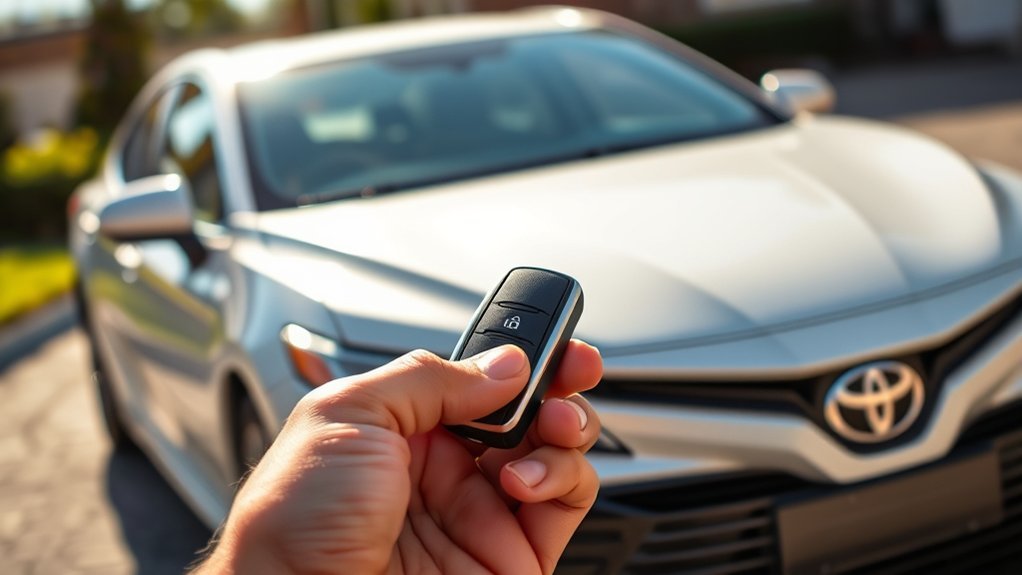
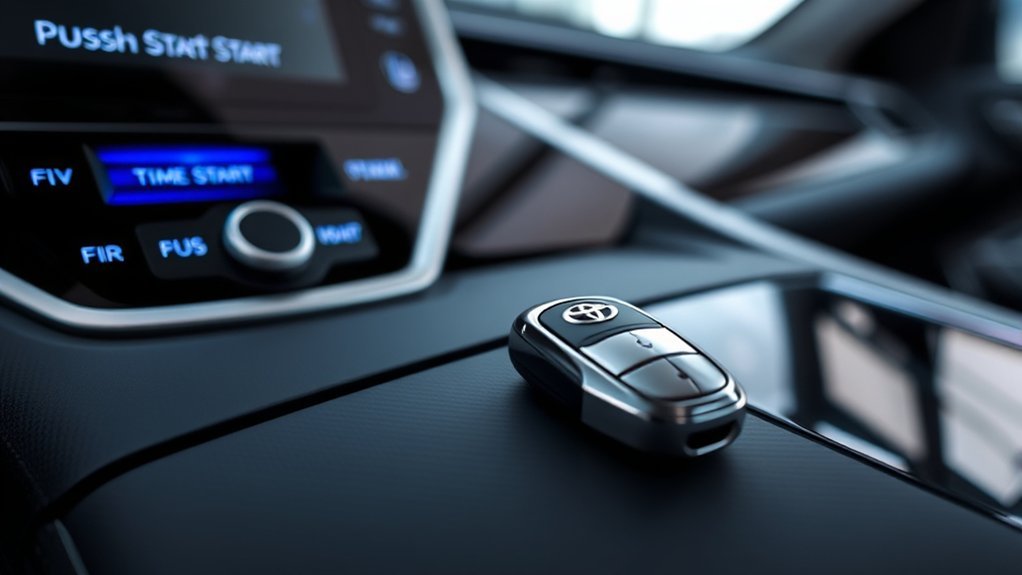
The Camry key fob is more than a backup. Toyota lists the multi-function key fob with lock, two-stage unlock, panic, trunk-release functions, Push Button Start support, and remote illuminated entry.
[Products Worth Considering]
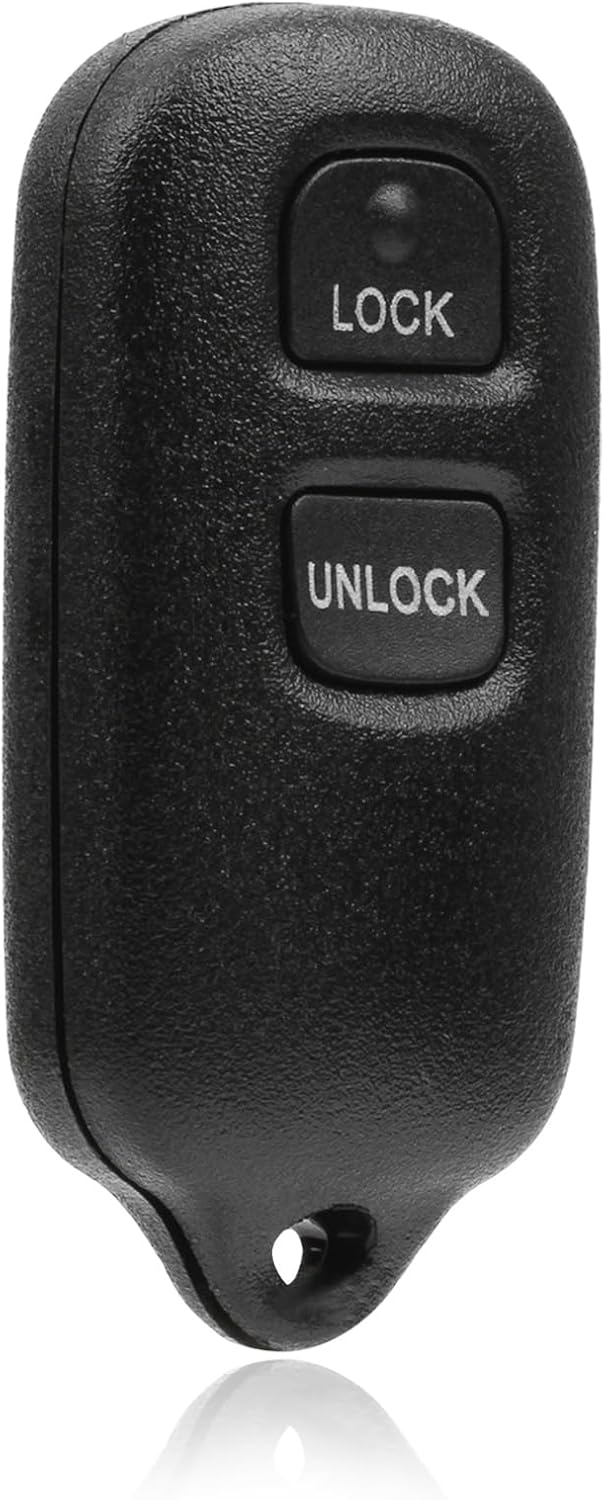
This USARemote key fob replacement provides convenient keyless entry for a wide range of Toyota and Scion vehicles. It is programmable, ready to use, and designed to help restore remote locking and unlocking functionality for compatible models. The compact black remote offers dependable everyday use for drivers needing a simple replacement solution.

This replacement key fob set is designed for select Toyota RAV4 and XB models with regular key systems, offering lock, unlock, and panic functions in a convenient two-pack. Each remote comes pre-tested with battery and electronics installed, and it must be cut and programmed by a qualified dealer or locksmith for proper use. Built from durable materials and backed by warranty support, it provides a reliable solution when replacing worn or missing remotes.

【APPLICABLE MODELS】(For Reference Only) The key fob cover is specifically designed to fit for Toyota Fortuner tundra Camry RAV4 Highlander Corolla 4 Buttons fold smart key.
Key Fob Design Elements
The key fob keeps the most-used functions on physical buttons, which is useful when you are outside the Smart Key range or when the vehicle does not have touch-entry door handles. Depending on your fob, you will typically see lock, unlock, trunk release, and panic controls.
Unlocking Mechanism Explained
The 2025 Camry quick reference guide shows two-stage unlocking: press unlock once for the driver’s door and twice for all doors. The setting can be customized. If no door is opened within 60 seconds after unlocking, the doors relock automatically.
| Action | Typical Method | What to Know |
|---|---|---|
| Unlock driver’s door | Press unlock once | May be part of two-stage unlock |
| Unlock all doors | Press unlock twice | Can vary by settings |
| Open trunk | Press and hold the trunk button if equipped | Use only when the area behind the vehicle is clear |
| Start hybrid system | Brake pedal + POWER button | The electronic key must be detected inside the vehicle |
How to Start the Camry With Push Button Start
Push-button start replaces the turn-key ignition. Toyota’s 2025 Camry quick reference guide gives this starting sequence:
- Make sure the shift lever is in Park.
- Press and hold the brake pedal.
- Press the POWER button briefly and firmly.
- Keep the brake pressed until the READY indicator turns on.
- Shift to the desired position and begin driving when it is safe.
Warning: Before leaving the Camry, shift to Park, apply the parking brake, press the POWER button, and confirm that the READY indicator is off. Never leave the vehicle in READY mode inside a garage or enclosed space. NHTSA identifies carbon monoxide poisoning and rollaway as key risks when a keyless-ignition vehicle is left active.
Digital Key vs. Smart Key vs. Remote Keyless Entry
These features sound similar, but they are not the same.
| Feature | What It Uses | What It Does |
|---|---|---|
| Remote keyless entry | Physical key fob buttons | Locks, unlocks, releases trunk, and activates panic alarm |
| Smart Key | Electronic key fob + vehicle antennas | Allows touch-entry access and push-button starting when equipped |
| Digital Key | Compatible smartphone, Toyota app, and connected services | Lets a phone act like the electronic key when properly enrolled and supported |
Digital Key is convenient, but Toyota recommends carrying the electronic key when reliable phone or network access is uncertain. Digital Key can be affected by a depleted phone battery, internet or server communication, radio-wave conditions, and Smart Key customization settings. Toyota’s quick reference guide also notes that, after the vehicle sits unused for 14 days or more, Digital Key may take time to reconnect automatically.
[Products Worth Considering]

COMPATIBILITY:Compatible with FCC ID:HYQ14ADR,Part Numbers:89904-08010 8990408010,Frequency:314.3 MHz.Please verify your key matches these specifications before purchasing.
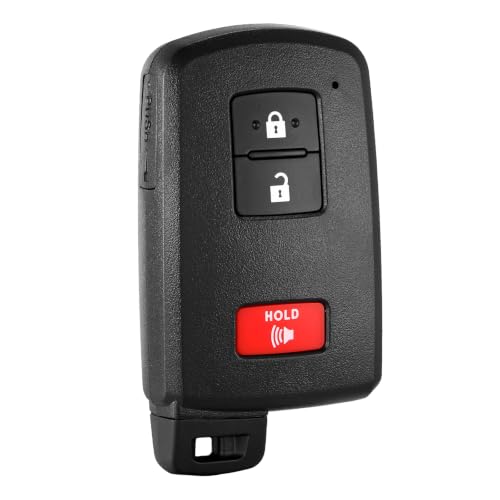
COMPATIBILITY:Compatible with Toyota Tacoma 2015-2022,Toyota Tundra 2019-2021,Toyota 4-Runner 2020-2021,Toyota Sequoia 2022【Note】Please ensure your key matches the original in button layout.
How to Troubleshoot Keyless Entry Issues
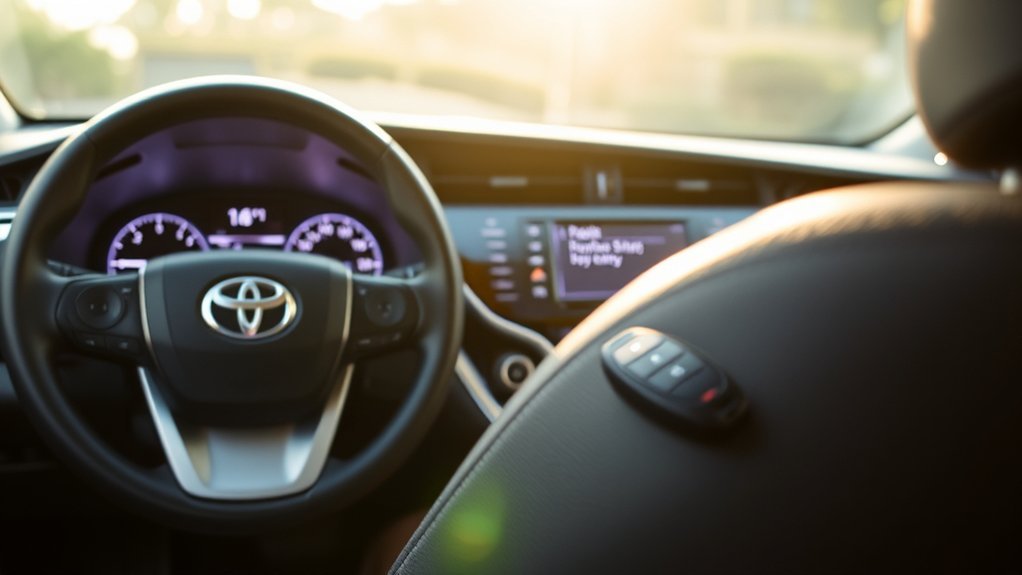
If your Camry does not unlock, lock, or start as expected, use the symptom pattern first. It helps separate a weak fob battery from missing Smart Key equipment, signal interference, a Digital Key problem, or a low 12-volt vehicle battery.
| Symptom | Most Useful First Check | Likely Direction |
|---|---|---|
| One fob fails, spare fob works | Replace the weak fob battery and inspect the damaged fob | Problem is probably limited to the first fob |
| Fob buttons work, but touching the handle does nothing | Confirm the car has Smart Key door access and move the fob closer | Missing equipment, disabled entry function, or interference |
| Both fobs fail and the cabin is electrically weak | Check the vehicle’s 12-volt battery condition | Vehicle power issue rather than two failed fobs |
| Doors unlock, but READY does not appear | Confirm Park, press the brake firmly, and read the display message | Starting sequence, key detection, brake-switch, or system fault |
| Only Digital Key fails | Check phone battery, app enrollment, connectivity, and Remote Connect status | Phone, account, service, or radio-environment issue |
Check the Key Fob Battery
A weak fob battery is one of the most common causes of keyless-entry trouble. Try the spare key fob if you have one. If the spare works normally, replace the battery in the first fob.
Move Closer to the Door or Trunk
For Smart Key entry, Toyota states that the electronic key generally needs to be within about 2.3 feet of the front outside door handle or trunk release button. If the fob is at the bottom of a bag, wrapped near metal objects, or next to another electronic device, the signal may be harder for the car to detect.
Look for Radio Signal Interference
Smart Key and wireless remote systems use weak radio signals. Toyota notes that operation can be affected near strong radio-wave or electrical-noise sources, including TV towers, power plants, gas stations, airports, large displays, wireless devices, metallic wallets, coins, and similar objects.
Check for Door, Trunk, or Key Location Warnings
The Camry may sound warning buzzers or show messages if a door is open, if the electronic key is left in the trunk, or if the system detects a possible lockout. Read the message on the multi-information display before trying again.
Try the Mechanical Key and Backup Start Method
If the fob battery is depleted, remove the mechanical key from the fob and use it to unlock the driver’s door. Then follow the 2025 Camry owner’s manual procedure for operating the POWER switch when the electronic key does not work normally. Use the manual’s exact contact position and sequence rather than guessing, because backup-start instructions can vary by model year.
Pro Tip: Keep the second fob in a safe place at home and replace the fob battery at the first sign of weak range. Waiting until the fob fails completely can turn a small battery job into a lockout problem.
When to Call a Toyota Dealer
Contact a Toyota dealer or qualified technician if both fobs fail, the POWER button does not respond, the vehicle shows a persistent key-system warning, the 12-volt battery tests low, or Smart Key access remains unavailable after you confirm the vehicle is equipped with it.
Benefits of Smart Features in the Toyota Camry
Smart Key and Push Button Start make the Camry easier to live with every day. You can keep the fob in your pocket or bag, open the vehicle more quickly on equipped trims, and start the hybrid system with one button once the key is detected inside.
The features also add useful safeguards. The vehicle can warn you if a door is open, if the electronic key is left in the trunk, or if the key is not detected properly. These alerts help reduce accidental lockouts and incorrect operation.
The biggest convenience upgrade is not the POWER button itself. It is the full Smart Key setup that lets you approach, unlock, open the trunk, and start the Camry while the electronic key stays in your pocket.
Keyless Entry Security and Safe Shutdown Habits
Smart Key convenience also creates habits worth reviewing. Keep the fob away from exterior doors and windows when the Camry is parked at home. If you use a signal-blocking pouch, test it by placing the fob inside and confirming that the door no longer unlocks when you touch the handle. A visible steering-wheel lock can add a separate physical barrier.
Before walking away, confirm that the vehicle is in Park, the parking brake is applied, the READY indicator is off, and the doors are locked. Never assume the hybrid system is off just because the gasoline engine is silent. Keep the mechanical key accessible and avoid relying only on Digital Key during travel.
What to Check Before Buying a Used 2025 Camry
Do not rely on the trim badge alone. Test both supplied fobs, confirm that each button works, try touch unlocking on both front doors, verify trunk access, and start the hybrid system with each fob. On an LE or SE, check the window sticker or build sheet for the Convenience Package before expecting Smart Key door access.
For an XLE or XSE with Digital Key, ask the seller to remove their digital access and confirm that ownership can be transferred to your Toyota account. Toyota’s quick reference guide instructs owners to delete Digital Keys when vehicle ownership changes.
Frequently Asked Questions
How does Toyota Camry keyless entry work?
The basic remote keyless entry system works through buttons on the key fob. On Camry models with Smart Key entry, the vehicle detects the electronic key when it is close to the front door handle or trunk release button, allowing touch-based locking and unlocking.
Does keyless entry always mean push-to-start on a Toyota Camry?
Not always. Keyless entry refers to locking and unlocking, while push-to-start refers to starting the vehicle with the POWER button. For the 2025 Camry, Push Button Start is standard, but Smart Key touch-entry access depends on trim and package.
Does the 2025 Toyota Camry LE have Smart Key access?
The 2025 Camry LE includes a multi-function key fob with remote entry and Push Button Start as standard. Smart Key access is part of the LE Convenience Package, so not every LE has touch-sensitive front door unlocking.
How can I tell if my 2025 Camry has Smart Key door access?
Carry the fob and place your fingers behind a front door handle without pressing a fob button. If the door unlocks, the vehicle has Smart Key door access. You can also confirm equipment through the window sticker, build sheet, or Toyota owner account by VIN.
What should I do if my Camry says the key is not detected?
Move the fob closer, remove it from bags or metal objects, try the spare fob, and replace the fob battery if range has become weak. If the message remains, use the backup start procedure in the owner’s manual or contact a Toyota dealer.
Can I use my phone instead of the Camry key fob?
Only if your XLE or XSE has compatible Digital Key equipment and you complete Toyota app enrollment with an active Remote Connect trial or subscription. Carry the electronic key when phone power, connectivity, or server access may be unreliable.
What are the disadvantages of keyless entry cars?
Possible drawbacks include fob battery failure, signal interference, accidental lockouts, relay-theft concerns, and the risk of leaving a push-button vehicle running. Good habits help: keep a spare fob, replace weak batteries, check that the vehicle is off, and never leave it running in an enclosed space.
Conclusion
Every U.S.-market 2025 Camry has remote keyless entry and Push Button Start, but Smart Key door access is not identical across trims. LE and SE need the Convenience Package for touch entry, while XLE and XSE include Smart Key access on the front doors and trunk. Confirm your equipment by VIN, keep a working backup fob, and use the symptom table above before paying for parts or diagnosis.
Sources
- Toyota 2025 Camry eBrochure — trim-level key fob, Smart Key, Push Button Start, and Digital Key availability.
- Toyota Owners: 2025 Camry Hybrid Smart Key System — Smart Key operation, detection range, warnings, and interference conditions.
- Toyota 2025 Camry Quick Reference Guide — Push Button Start sequence and Digital Key precautions.
- Toyota USA Newsroom: 2025 Camry Technology Overview — standard Push Button Start and Digital Key availability on XLE/XSE grades.
- Toyota Support: Smart Key Locking and Unlocking Functions — front-door handle operation, trunk button use, and fob backup details.
- NHTSA: Keyless Ignition Systems — safety considerations for keyless ignition vehicles.
- Associated Press: Protecting Keyless Vehicles From Relay Theft — practical signal-blocking and physical-security precautions.