Last updated: July 15, 2026
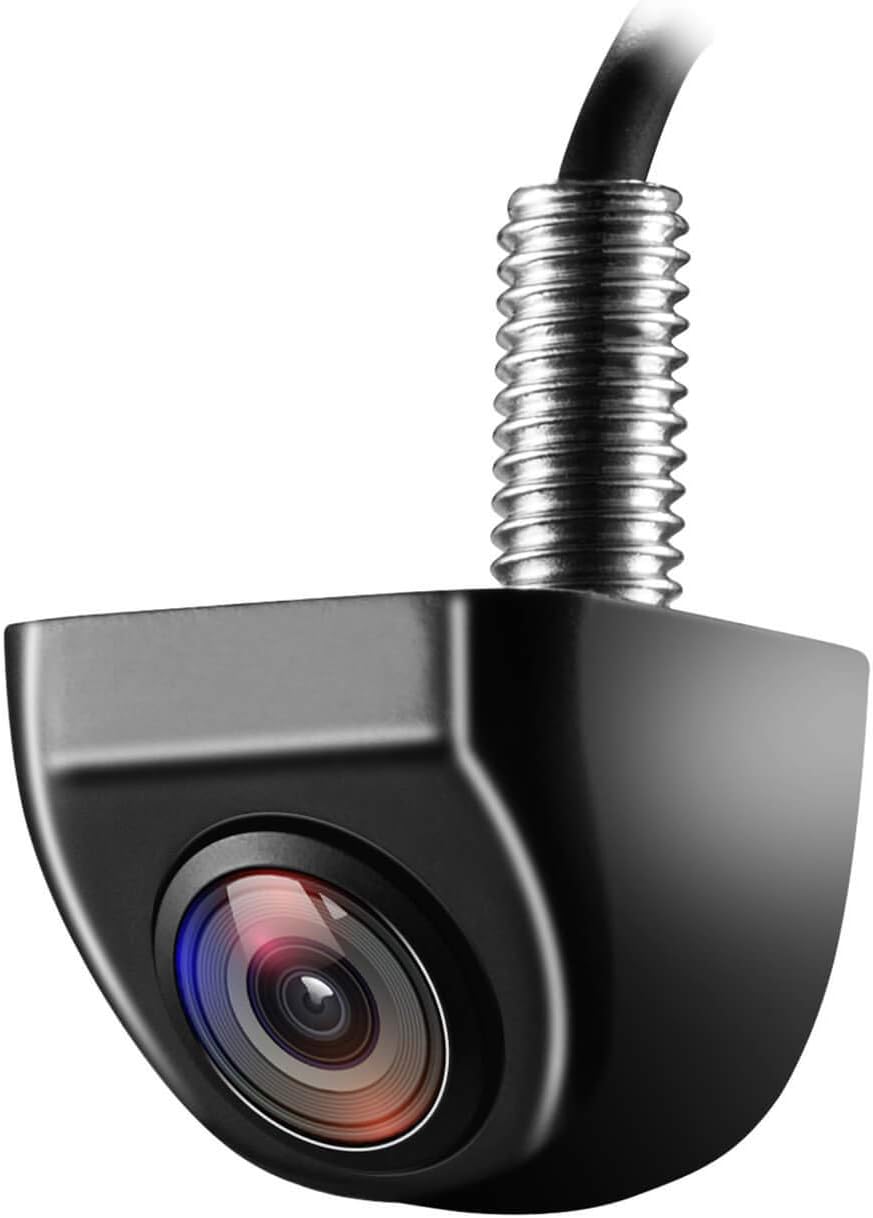
Toyota Camry Road Sign Assist (RSA) uses the forward-facing camera and, on equipped versions, navigation data to detect selected road signs and show them in the instrument cluster or Multi-Information Display. It can remind you about speed limits and certain regulatory signs, but it does not steer, brake, accelerate, or decide which traffic rule applies. Always follow the posted sign and your local traffic laws.
Quick Answer
Toyota Camry Road Sign Assist uses the forward-facing camera and, on some models, navigation data to display selected signs. The 2025 U.S. Camry guide lists speed limit, stop, yield, Do Not Enter, No U-turn, warning, and No Turn On Red signs. RSA is an awareness aid only, so you remain responsible for reading signs and making every driving decision.
Key Takeaways
- RSA displays selected signs but does not control the vehicle.
- Supported signs, menus, and alerts vary by model year, market, equipment, and software version.
- A dirty windshield, blocked camera view, damaged glass, poor weather, glare, or outdated map data can reduce accuracy.
- You can usually turn RSA on or off and adjust available settings from the Multi-Information Display.
- Have the system inspected after windshield work, a camera-area impact, or a persistent RSA malfunction message.
At a Glance
| Reference Vehicle | 2025 U.S.-market Camry; other years and regions may differ |
| Time Required | 2–5 minutes to check settings or clean the windshield area |
| Difficulty | Easy for settings and cleaning; technician-level for calibration or faults |
| Tools Needed | Owner’s Manual, steering-wheel controls, clean microfiber cloth, windshield defogger if needed |
| Possible Cost | No cost for settings and basic cleaning; diagnosis or calibration costs vary |
How Does Toyota Camry Road Sign Assist Work?

Road Sign Assist is designed to add a visible reminder of certain road signs. On the 2025 U.S. Camry, RSA uses the forward-facing camera and, when equipped, navigation information to detect supported signs and display them in the instrument cluster. The exact sign list, display location, alert behavior, and settings can differ on older Camrys or vehicles sold outside the United States.
RSA is most useful when a speed limit changes, traffic makes a sign easy to miss, or you are driving on an unfamiliar road. Treat the display as a prompt to look for the current posted sign, not as legal confirmation that the displayed instruction still applies.
Warning: Do not rely only on Road Sign Assist. Toyota states that vehicle actions must be driver-initiated and are not automated. Always read posted signs, follow local traffic laws, and use your own judgment, especially in construction zones, school zones, temporary detours, and poor weather.
Check the official Toyota Owner’s Manual and warranty manual library for your exact model year because menus, supported signs, and warnings can change by vehicle specification and software version.
What Does Toyota Camry Road Sign Assist Do?
When equipped, the Camry’s RSA system keeps selected sign information visible where you can glance at it. Toyota describes Road Sign Assist as a camera-based awareness feature within Toyota Safety Sense.
- Displays sign information: RSA can show recognized road signs in the instrument cluster or Multi-Information Display.
- Recognizes selected sign types: The supported list depends on model year, market, equipment, and software.
- Provides available alerts: Some versions can give a visual or buzzer warning tied to displayed speed-limit or restricted-entry information.
- Uses navigation support when equipped: Navigation data may supplement sign information, but it can lag behind recent road changes.
- Offers adjustable settings: Many Camry models let you turn RSA on or off and change available warning options through the display menu.
Note: The 2025 U.S. Camry uses Toyota Safety Sense 3.0. Older Camry model years may use a different Toyota Safety Sense generation, so use the manual for your exact year rather than copying menu steps from another vehicle.
How Does RSA Decide What to Display?
RSA can combine more than one information source. Knowing which source may be involved helps explain why the display can occasionally miss a sign or show information that no longer matches the road.
| Information Source | How It Helps | What You Should Know |
|---|---|---|
| Forward-facing camera | Detects supported signs that are visible ahead. | Weather, glare, obstructions, sign condition, and camera alignment can affect detection. |
| Navigation data, if equipped | Can supplement road-sign or speed-limit information. | Map data may not reflect a new limit, temporary work zone, or nearby parallel road. |
| Previously displayed speed sign | The 2025 guide notes that a displayed speed-limit sign may reappear after the vehicle is restarted. | Recheck the posted limit after you begin moving because road conditions may have changed. |
What Signs Can Road Sign Assist Recognize?
The exact list depends on your Camry’s model year, market, and equipment. Toyota’s 2025 U.S. Camry Quick Reference Guide lists these sign types:
| Sign Type | What RSA Does |
|---|---|
| Speed limit | Displays detected or available speed-limit information. |
| Stop | Shows a stop-sign reminder when the system recognizes the sign. |
| Yield | Displays a yield-sign icon when detected. |
| Do Not Enter | Displays the recognized restriction and may support an available warning. |
| No U-turn | Shows a No U-turn sign where supported. |
| No Turn On Red | Shows a No Turn On Red sign where supported. |
| Warning | Displays certain warning-sign information where supported. |
RSA is best treated as a reminder to verify the road sign, not as proof that the displayed information is the current legal instruction.
[Products Worth Considering]

This custom-fit cargo net is designed for the 2026 Toyota RAV4 to help keep your trunk organized and secure during everyday driving. It helps hold groceries, tools, and smaller items in place while reducing rolling and shifting, and the heavy-duty carabiners support reliable installation. The net also offers convenient storage and easy access for SUVs and other compatible vehicles.

This center console armrest cover is designed to fit the 2026 Toyota RAV4 for added comfort and a cleaner interior look. Made with breathable vegan leather and a thick cushioned feel, it helps reduce arm fatigue on long drives while protecting the console from pet paws, dirt, and sticky fingerprints. The band-secured design installs easily with no tools required and blends with the OEM-style interior.

This passenger storage organizer mat is designed to fit the 2026 Toyota RAV4 for a clean, factory-style look with no gaps. It helps protect the original console area from scratches and daily wear while giving you a handy place to store phones, sunglasses, wallets, coins, and cards. Made from durable silicone, it stays in place, reduces rattling, and is easy to remove and clean.
How Do You Turn Road Sign Assist On or Off?
The exact icons and menu wording vary by Camry year and display type. Toyota’s 2025 U.S. Camry Quick Reference Guide gives this basic process:
- Park the vehicle. Make display changes while stopped in a safe location.
- Open vehicle settings. Use the steering-wheel controls to select the settings or gear icon in the Multi-Information Display.
- Select RSA. Scroll to RSA or the Road Sign Assist icon.
- Turn RSA on or off. Press the OK/select button to toggle the feature.
- Open additional settings. On the 2025 guide, press and hold OK/select while RSA is highlighted.
- Change available options. Adjust only the display, warning, or notification choices shown for your vehicle.
- Exit the menu. Use the return button to go back.
Pro Tip: Review RSA settings after buying a used Camry. A previous driver may have disabled the feature or changed its warning preferences.
If your screen does not match these steps, do not assume the system is faulty. Your model year, region, display type, trim, or software version may use a different menu. Check the owner’s manual before attempting any reset or service procedure.
[Products Worth Considering]

This custom-designed cargo net helps keep the rear trunk of a 2026 Toyota RAV4 neat, secure, and organized. Its stretchable elastic mesh construction helps prevent groceries, tools, and sports gear from sliding around, while the built-in bottom pocket and smart clips add extra storage control. A top pull tab makes installation and removal quick and easy for everyday convenience.
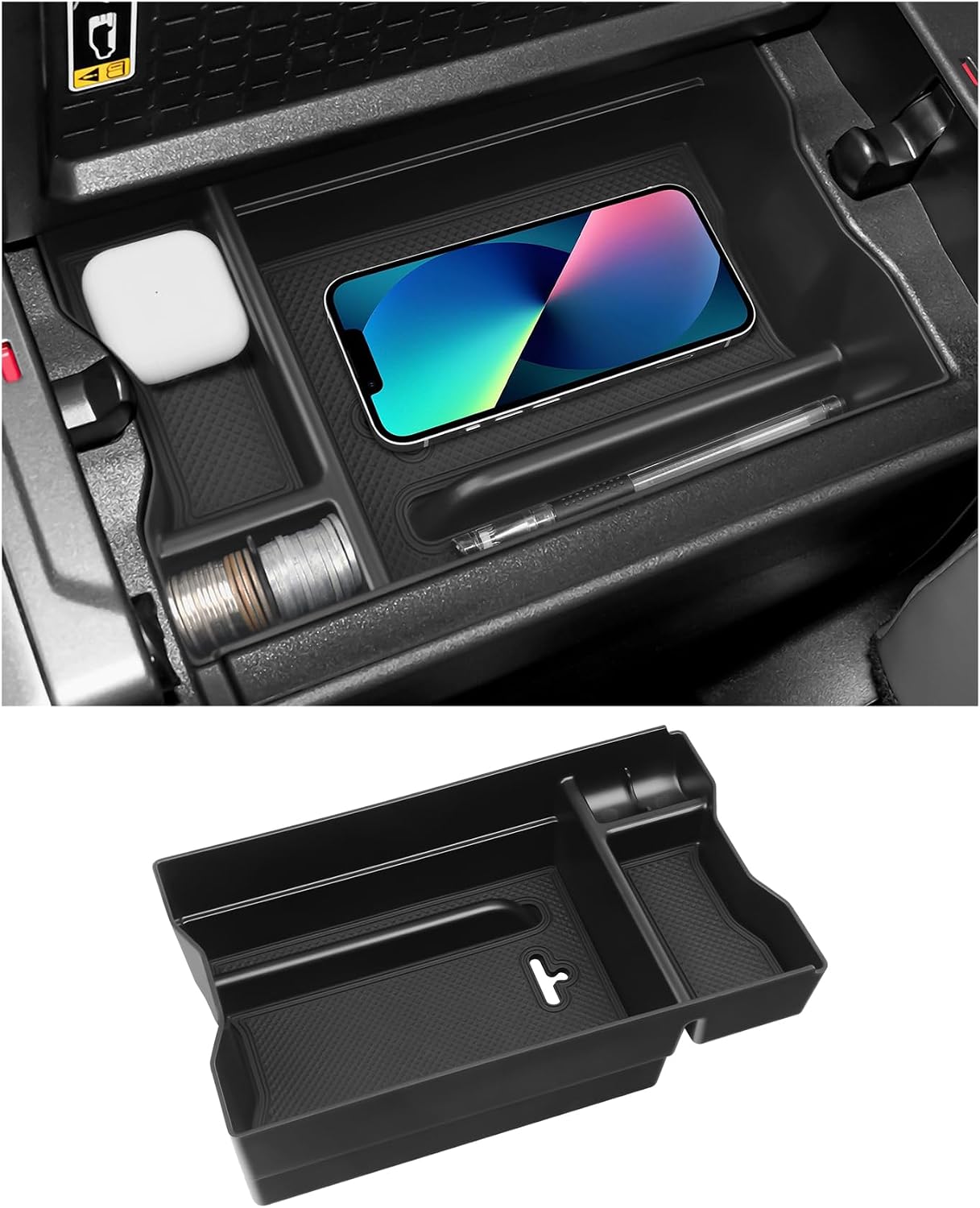
This center console organizer adds a convenient secondary storage layer to compatible Toyota RAV4 hybrid models, helping keep sunglasses, keys, coins, phones, and other small items neatly arranged. Built from durable ABS plastic with a matte finish, it fits directly into the armrest area for quick, tool-free installation and easy removal. Non-slip rubber mats help reduce sliding and noise while maximizing usable storage space inside the console.

This anti-glare matte tempered glass screen protector is designed for compatible 2026 Toyota RAV4 and RAV4 Hybrid models with a 12.9-inch touchscreen. It helps reduce glare, resists scratches and fingerprints, and maintains responsive touch performance for a clearer, cleaner driving experience.
Why Does Road Sign Assist Miss or Misread Signs?
Road Sign Assist depends on what the forward-facing camera can see and what information is available to the system. A missed sign does not always mean a component has failed.
Camera Alignment Issues
The front camera is mounted near the top of the windshield. Windshield replacement, work near the mirror, a camera-area impact, or front-end collision repair may affect camera alignment. Do not move or recalibrate the camera yourself. Use a qualified facility that can follow Toyota procedures.
Environmental Conditions Impact
Heavy rain, fog, snow, glare, deep shadows, tunnels, poor lighting, obscured signs, faded signs, and temporary construction signs can make recognition harder. Navigation-supported information can also be wrong when map data is outdated or when closely spaced roads have different limits.
Obstructions on Windshield
Keep the windshield area in front of the camera clear. Check these common problems:
- Dirt and grime: Clean the outside and inside glass around the camera’s viewing area.
- Snow, ice, or fog: Use the defogger and fully clear the windshield before driving.
- Stickers, tint, or accessories: Do not place anything where it can block the camera’s view.
- Damaged windshield: Chips, cracks, or replacement glass near the camera may require inspection and calibration.
What Should You Do When Road Sign Assist Is Not Working?
Start with safe checks that do not disturb the camera. The pattern of the problem often tells you whether the cause is a setting, temporary visibility issue, stale data, or a fault that needs service.
| Check | Action | Next Step |
|---|---|---|
| RSA setting | Open the Multi-Information Display settings and confirm RSA is enabled. | If the display returns, no repair is needed. |
| Camera view | Clear dirt, snow, ice, fog, stickers, or accessories near the camera area. | Test again only under normal driving conditions. |
| Weather and lighting | Note whether the issue occurs only in rain, fog, glare, tunnels, darkness, or snow. | Recheck when visibility improves. |
| Displayed speed limit | Compare the display with the actual posted sign and nearby road layout. | Follow the posted sign even when RSA disagrees. |
| Navigation or software data | Check the owner’s manual or Toyota account for supported update instructions. | Do not install unofficial software or map files. |
| Recent repair or impact | Review any windshield replacement, mirror-area work, front-end repair, or camera-area impact. | Arrange inspection or calibration if required. |
| Persistent malfunction message | Schedule service with a Toyota dealer or qualified technician. | Have the camera, glass, software, wiring, and diagnostic codes checked. |
If the display shows an RSA malfunction or visit-dealer message, do not attempt camera calibration yourself. A qualified technician should inspect the camera area, windshield, software status, wiring, and stored diagnostic information.
Warning: Never test RSA by intentionally ignoring a posted sign or entering a restricted area. The system can miss signs, show old information, or display a warning too late for the situation.
[Products Worth Considering]
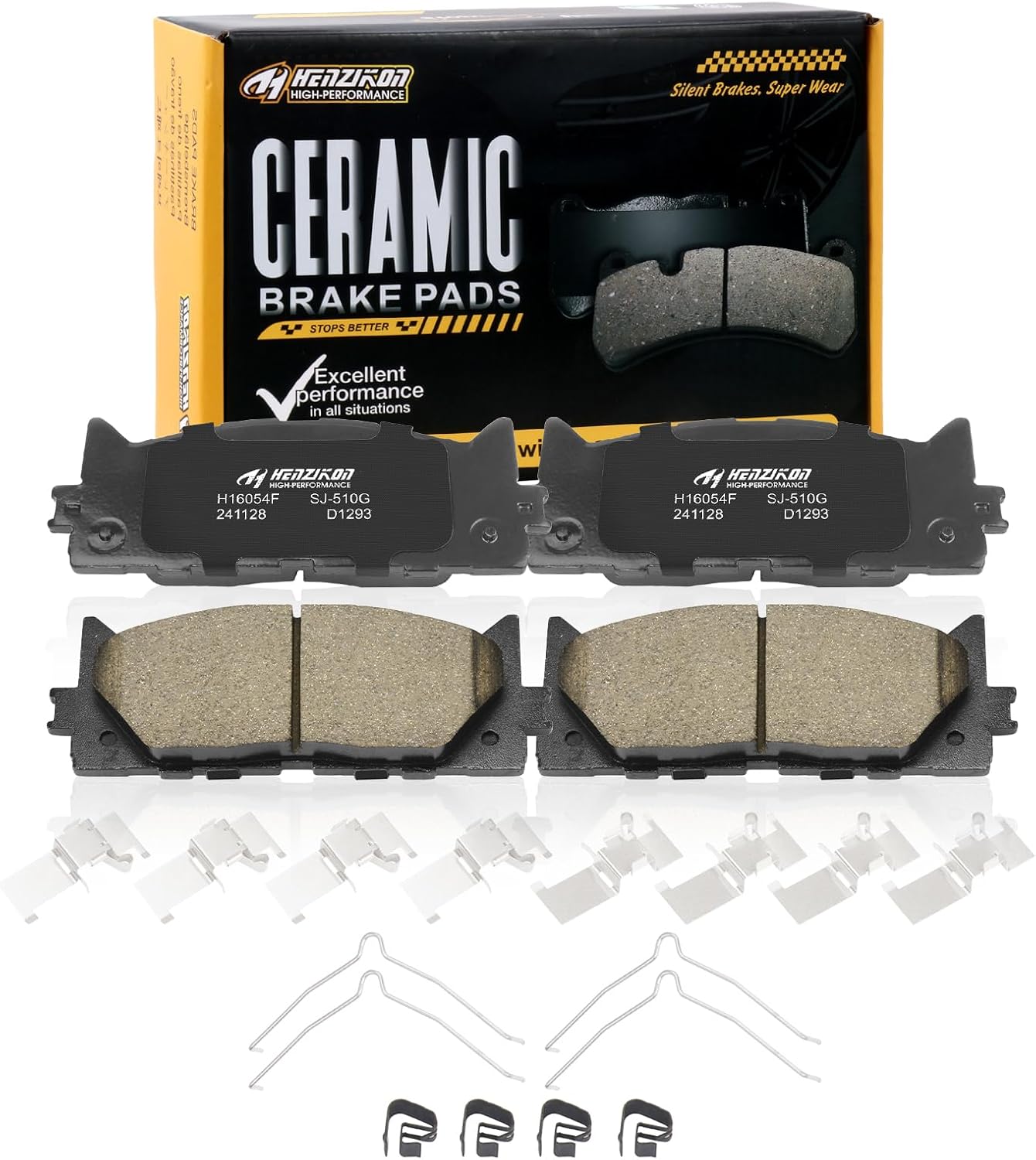
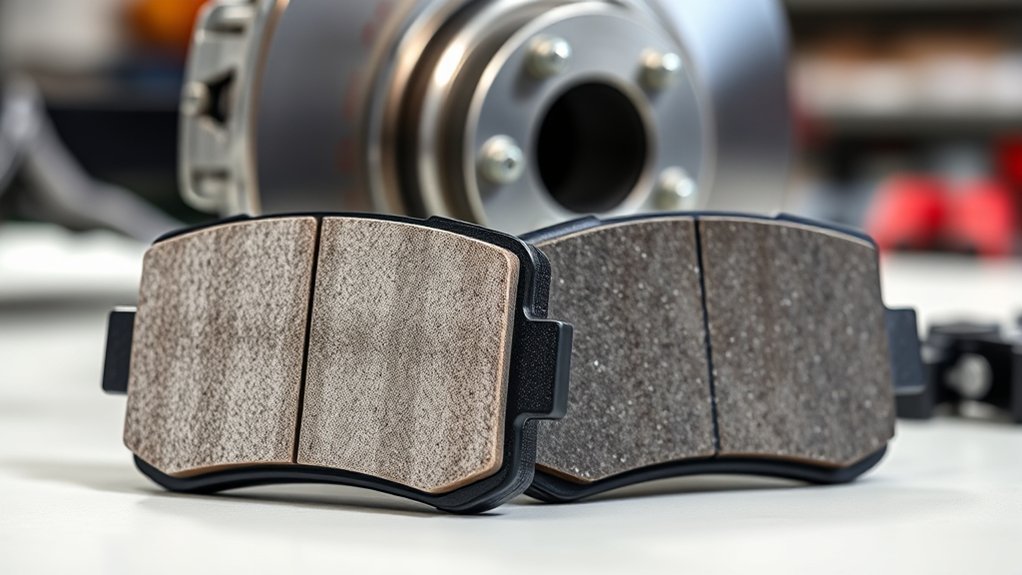
These ceramic front brake pads are designed for compatible Toyota Avalon, Camry, and Lexus ES-series vehicles, offering dependable stopping power and smooth, consistent braking performance. Built with included hardware for easier installation, they help reduce squealing and brake dust while supporting long-term durability for everyday driving.

Keep your Toyota navigation system current with this SD card map update designed for select factory-installed GPS units. It provides updated coverage for the USA and Canada, including roads, points of interest, and key travel locations for smoother trip planning. Easy plug-and-play installation helps restore accurate guidance without complicated setup.

This central dashboard cover strip trim is designed as a replacement for the instrument cluster panel area on compatible Toyota RAV4 models. It helps restore the look of your interior with a precise fit, durable construction, and reliable long-term performance. Ideal for replacing worn or damaged trim while maintaining a clean factory-style appearance.
What Can Road Sign Assist Not Do?
Road Sign Assist is an information display, not an automated driving system. Its limits matter most when the display conflicts with the road in front of you.
- It cannot control speed: RSA does not press the accelerator or brakes to enforce a displayed limit.
- It cannot steer for you: RSA does not choose a lane, turn, or avoid a restricted road.
- It cannot read every exception: Temporary signs, supplemental plates, time-based restrictions, or unusual signs may be missed or misunderstood.
- It cannot replace the posted sign: The legal instruction on the road takes priority over the display.
- It cannot replace driver attention: You must remain engaged and responsible for every driving decision.
The National Highway Traffic Safety Administration advises drivers to understand what each assistance feature can and cannot do and to review the vehicle owner’s manual. That guidance applies directly to RSA.
Common Mistakes to Avoid With Road Sign Assist
- Assuming every sign will be detected: Temporary, damaged, hidden, or non-standard signs may not display.
- Trusting old speed data: Navigation-supported limits may lag behind new road changes.
- Blocking the camera: Stickers, tint, dash cameras, and mounted accessories can interfere when placed in the camera’s viewing area.
- Copying another model year’s settings: Menus and warning choices can differ across Camry generations and markets.
- Confusing RSA with Roadside Assistance: RSA displays road-sign information. Toyota Roadside Assistance is a separate ownership support service.
Frequently Asked Questions
What is RSA on a Toyota Camry?
RSA means Road Sign Assist. It uses the forward-facing camera and, on equipped versions, navigation information to display selected road signs in the instrument cluster or Multi-Information Display.
Does Toyota Camry Road Sign Assist read every road sign?
No. RSA detects only selected sign types, and the supported list varies by model year, market, equipment, and software. Weather, glare, obstructions, sign condition, and camera alignment can also affect detection.
Can I turn Road Sign Assist off?
Yes, on many Camry models you can turn RSA on or off from the Multi-Information Display settings. The exact menu path varies, so check the owner’s manual for your model year.
Does Road Sign Assist work without navigation?
RSA uses the forward-facing camera to recognize supported signs. On vehicles with compatible navigation equipment, map data may also supplement the displayed information. Operation varies by vehicle specification.
Why does my Camry show the wrong speed limit?
RSA may miss a sign, read a sign for a nearby road, reuse previously displayed information, or rely on map data that does not reflect a recent change. Always follow the current posted sign and local traffic law.
What should I do after replacing the windshield?
Because the forward-facing camera is mounted near the windshield, replacement work may require inspection or calibration. Use a qualified repair facility that can follow Toyota procedures for your exact Camry.
Can Road Sign Assist control the Camry’s speed?
No. RSA displays sign information and may provide warnings, but it does not automatically accelerate, brake, or set the legal driving speed. You control the vehicle and remain responsible for obeying the road.
Conclusion
Toyota Camry Road Sign Assist can make sign changes easier to notice, but it works best as a reminder rather than a source of authority. Keep the camera’s windshield area clear, verify the settings for your exact model year, and follow the posted sign whenever the display disagrees. Arrange professional inspection after windshield work, a camera-area impact, or a persistent malfunction message.
For more model-specific ownership help, browse the Toyota Camry Guide.
Sources
- Toyota 2025 Camry Quick Reference Guide — RSA operation, supported signs, display behavior, and settings.
- Toyota Owners 2025 Camry Digital Manual — model-specific Road Sign Assist information and limitations.
- Toyota Safety Sense — official overview of Toyota driver-assistance technology.
- Toyota Manuals and Warranties — official source for the manual that matches a specific Camry model year.
- NHTSA Driver Assistance Technologies — guidance on understanding driver-assistance functions and limitations.