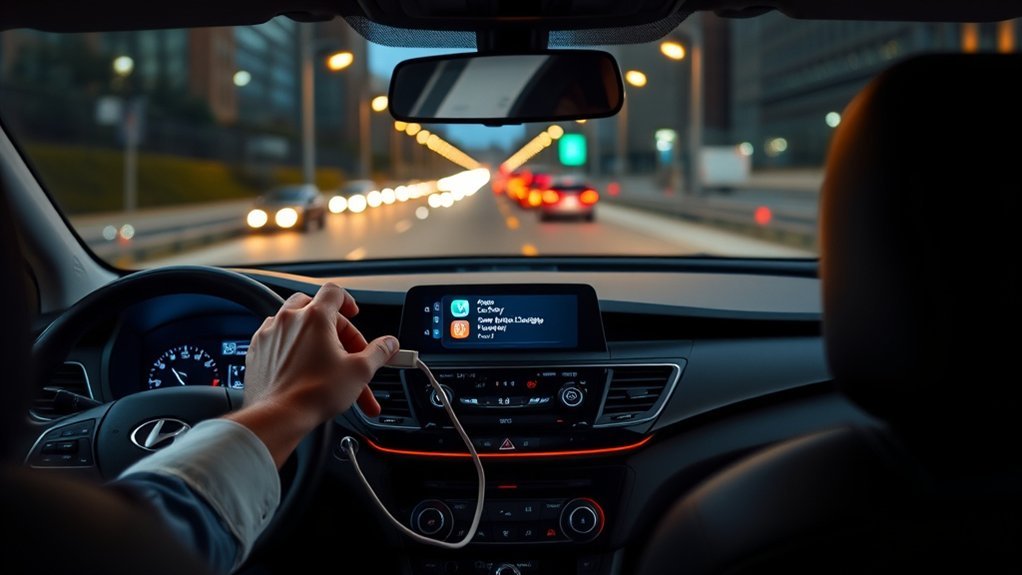
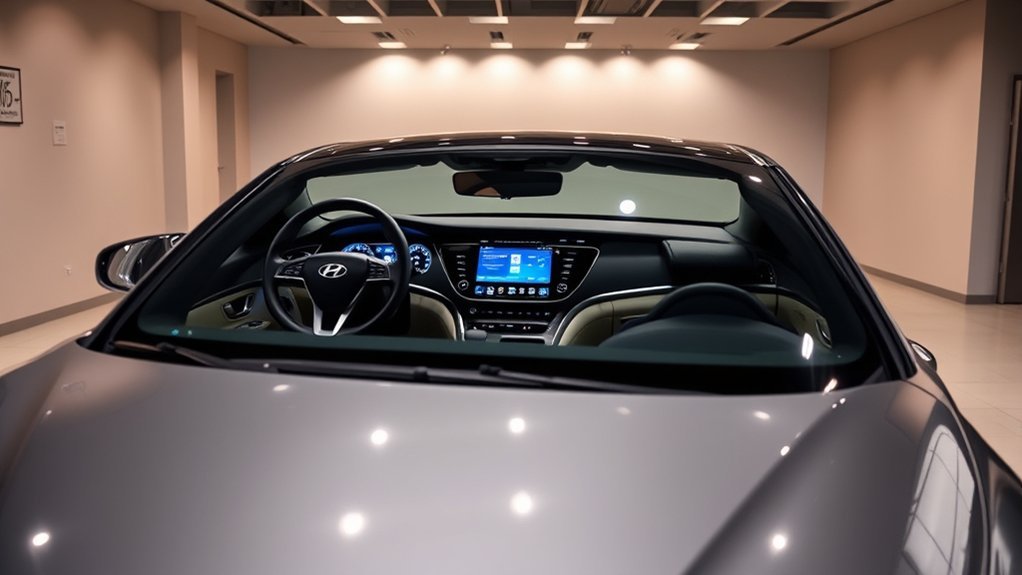
Hyundai Sonata BlueLink is your integrated vehicle connectivity service that enhances your driving experience. With features like remote start, door lock/unlock, and SOS Emergency Assistance, you can easily interact with your car through the MyHyundai app. Plus, it offers essential safety functions such as Automatic Collision Notification and Stolen Vehicle Recovery. You’ll appreciate real-time diagnostics and vehicle health reports too. Want to find out how to maximize these features? Let’s explore more about BlueLink.
What Is Hyundai Sonata BlueLink and How Does It Work?

Hyundai Sonata BlueLink is a cutting-edge integrated vehicle connectivity service that transforms how you interact with your car. The system lets you access essential features like remote start, door lock/unlock, and vehicle location right from the MyHyundai app or your smartwatch. With an active BlueLink account, you can enjoy these services for free for the first three years on most 2023 and older Sonata models, while 2024 and newer Sonatas get Bluelink+ at no extra cost for the original owner.
The user experience is seamless and intuitive, enhancing your daily driving routine. App functionality allows for on-demand diagnostics and monthly vehicle health reports, keeping you informed about your Sonata’s performance. Additionally, safety features such as SOS emergency assistance and automatic collision notifications provide peace of mind. Your connectivity relies on 4G LTE networks, so service availability may vary based on your location.
Top Sonata BlueLink Features for Enhanced Safety and Convenience
The Hyundai Sonata’s BlueLink service seamlessly combines safety and convenience features to enhance your driving experience. With options like 24/7 SOS assistance and remote access functions, you can feel secure and in control, no matter where you are. Plus, real-time diagnostics keep you informed about your vehicle’s health, helping you avoid unexpected issues.
Key Safety Features
Discovering the key safety features of the Sonata BlueLink can greatly enhance your peace of mind on the road. This innovative safety technology includes SOS Emergency Assistance, giving you 24/7 help at the push of a button, so you’re never alone in an emergency. With Automatic Collision Notification, emergency services are alerted automatically when airbags deploy, ensuring swift response times. Enhanced Roadside Assistance pinpoints your vehicle’s location for quicker help during breakdowns. The Stolen Vehicle Recovery feature collaborates with law enforcement to track your vehicle, while Panic Notification lets you alert loved ones if you’re in distress. Together, these features boost your emergency preparedness, empowering you to drive with confidence and security.
Remote Access Convenience
While driving can be a freeing experience, modern technology makes it even more convenient with features like remote access through BlueLink. Imagine stepping into a perfectly pre-conditioned Sonata, thanks to the remote start and climate control. You can also lock and release your doors from the MyHyundai app, enhancing both convenience and security. Lost in a crowded parking lot? The Remote Car Finder feature guarantees you’ll locate your Sonata effortlessly. Plus, with 24/7 SOS Emergency Assistance, help is just a button away in case of emergencies. Monthly Vehicle Health Reports keep you informed about your Sonata’s maintenance needs, optimizing your user experience.
Real-Time Diagnostics Alerts
Utilizing real-time diagnostics alerts through Hyundai’s BlueLink transforms how you monitor your Sonata’s health. You gain invaluable insights at your fingertips, ensuring you stay ahead of any potential issues.
- Perform on-demand vehicle health checks directly from your touchscreen
- Receive monthly Vehicle Health Reports via email or the MyHyundai app
- Activate Automatic Collision Notification for emergency assistance when it matters most
- Access 24/7 SOS Emergency Assistance with just a push of a button
With these real-time updates and diagnostic alerts, you can drive with confidence, knowing your Sonata’s well-being is constantly monitored. Experience peace of mind, enhance your safety.
Enroll in Sonata BlueLink: Your Simple Guide
Enrolling in Sonata BlueLink is a straightforward process that starts with creating or logging into your MyHyundai account. You’ll need your Vehicle Identification Number (VIN) to set everything up and select a subscription package that fits your needs. Once you’re set, you can enjoy all the connected features that make driving your Sonata even more convenient.
Create MyHyundai Account
Creating a MyHyundai account is your first step to accessing the full potential of Sonata BlueLink. By enrolling, you gain several account benefits that enhance your driving experience. The registration process is straightforward:
- Visit the MyHyundai website or download the MyHyundai app.
- Enter your valid Vehicle Identification Number (VIN) to link your Sonata.
- Provide a credit card for subscription services, if necessary.
- Enjoy complimentary BlueLink access for the first three years on most 2023 and older models.
Once set up, you can utilize features like remote start, door lock/unlock, and vehicle diagnostics.
Select Subscription Package
When you’re ready to enhance your driving experience with Sonata BlueLink, selecting the right subscription package is key. With complimentary access for the first three years on most 2023 Sonata models, you can enjoy features like remote start and SOS emergency assistance. After the trial, consider options like the Connected Care and Remote Package, each offering distinct subscription benefits for just $99/year or $9.90/month. To make an informed choice, compare the packages based on your needs—whether you prioritize safety features or convenience. Don’t forget to have a valid credit card handy during enrollment, ensuring seamless access to BlueLink’s features via the MyHyundai app on iOS or Android. Your connected journey awaits!
Vehicle Identification Number (VIN)
To access the full range of Sonata BlueLink features, you’ll need your Vehicle Identification Number (VIN), a unique 17-character code that identifies your specific Hyundai Sonata. Understanding the VIN’s importance is vital for enrolling in BlueLink services, as it guarantees you gain access to all available features.
You can locate your VIN in several places:
- On the dashboard, right at the base of the windshield
- Inside the driver’s side doorjamb
- On your insurance card
- Within your vehicle title record
Once you’ve got your VIN, create or log into your MyHyundai account and enter it. Doing so enables you to manage your BlueLink subscription effectively and enjoy its benefits, especially since the first three years are complimentary on most 2023 and older models.
Choosing Your Sonata BlueLink Subscription Package
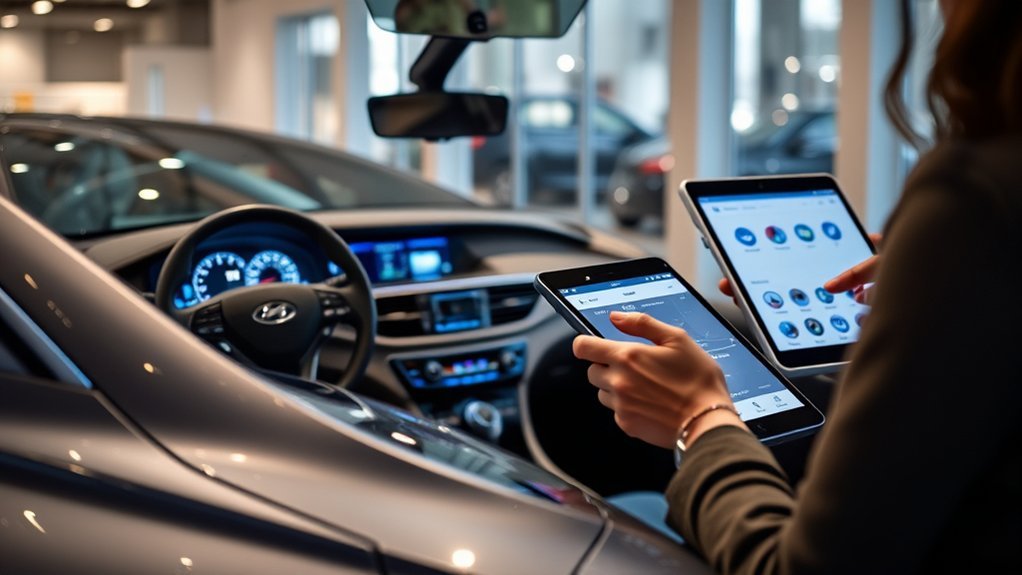
Choosing the right BlueLink subscription package for your Hyundai Sonata can greatly enhance your driving experience, especially considering the tailored features each option offers. With packages designed to meet different needs, you can select one that aligns with your lifestyle.
| Package Name | Key Features |
|---|---|
| Connected Care | Automatic Collision Notification |
| Bluelink+ Basic | Monthly Vehicle Health Reports |
| Remote Package | SOS Emergency Assistance |
| Complimentary service for 3 years | |
| Bluelink+ at no extra cost on 2024 and newer models |
Each package provides unique subscription benefits that improve user experience, from safety alerts to vehicle health insights. Plus, with a low annual fee of around $99, you’re investing in peace of mind. Remember, you’ll need your VIN to set up your MyHyundai account and manage your subscription effectively. Choose wisely to access the full potential of your Sonata!
Safety Features of Sonata BlueLink?
Hyundai Sonata BlueLink prioritizes your safety by integrating advanced features designed to assist you in emergencies and enhance overall security. With these tools at your fingertips, you can drive with confidence, knowing help is just a push away.
- SOS Emergency Assistance: 24/7 help at the touch of a button.
- Automatic Collision Notification: Calls for assistance if airbags deploy during an accident.
- Panic Notification: Alerts selected contacts if you activate the panic button, ensuring personal safety.
- Stolen Vehicle Recovery: Works with law enforcement for prompt vehicle tracking and recovery.
These features collectively empower your emergency response, providing peace of mind as you navigate the roads. Whether you face an accident or a vehicle breakdown, Sonata BlueLink’s safety features are designed to keep you secure and informed, allowing you to reclaim your journey with confidence.
Sonata BlueLink for Vehicle Maintenance and Diagnostics
Stay ahead of potential issues with the Sonata BlueLink’s innovative vehicle maintenance and diagnostic features. You’ll receive monthly Vehicle Health Reports via email or the MyHyundai app, keeping you informed and proactive about maintenance needs.
With BlueLink’s maintenance reminders, you’ll never miss a service requirement, reducing the risk of unexpected breakdowns. The Service Link feature allows you to schedule car care appointments seamlessly from your vehicle, enhancing convenience. Plus, since the embedded BlueLink system doesn’t rely on your cellphone, you enjoy continuous connectivity and support.
Remote Control Features: What Can You Do From Your Phone?

Ever wondered how much control you can have over your Hyundai Sonata right from your smartphone? With BlueLink, your vehicle becomes an extension of your life, offering you freedom and convenience at your fingertips. Here’s what you can do:
- Remote start the engine, ensuring a cozy cabin temperature before you hop in.
- Lock or open the doors, giving you peace of mind without fumbling for keys.
- Locate your parked Sonata effortlessly, eliminating the stress of searching in crowded lots.
- Manage and schedule charging for plug-in hybrids or electric vehicles, optimizing efficiency.
These features not only enhance your daily routine but also empower you to manage your Sonata with ease. Embrace the future of driving with Hyundai’s innovative technology!
Troubleshooting Common Sonata BlueLink Issues?
Have you ever found yourself frustrated when your Sonata’s BlueLink features aren’t working as expected? First, check that your BlueLink account is active and that you’ve agreed to Hyundai’s Connected Services Terms and Conditions. Connectivity is vital; make sure you have solid cellular and GPS coverage, as poor signals can lead to BlueLink connectivity issues.
If remote features fail, verify your smartphone’s app is up to date. Are you using a compatible device? Check the MyHyundai app listing for the current minimum iOS and Android versions before you set it up.
To dig deeper, utilize the On-Demand Diagnostics feature on your Sonata’s touchscreen—it can pinpoint potential problems. If you still face challenges, visit the MyHyundai app for troubleshooting tips or reach out to BlueLink Customer Care for personalized support. Don’t let app compatibility concerns hold you back; reclaim your driving experience with these solutions!
Frequently Asked Questions
What Are the Three Bluelink Packages?
The three BlueLink packages are Connected Care, Bluelink+ Basic, and Remote Package. With Remote, you can enjoy remote start and vehicle tracking, ensuring safety and convenience at your fingertips every day.
Conclusion
By seamlessly integrating safety, convenience, and vehicle maintenance, it transforms your driving experience. Many believe that features like remote start and diagnostics are mere luxuries, but they could actually enhance your safety and peace of mind on the road. Embracing BlueLink means staying connected, informed, and in control—because your car should be as smart as you are.