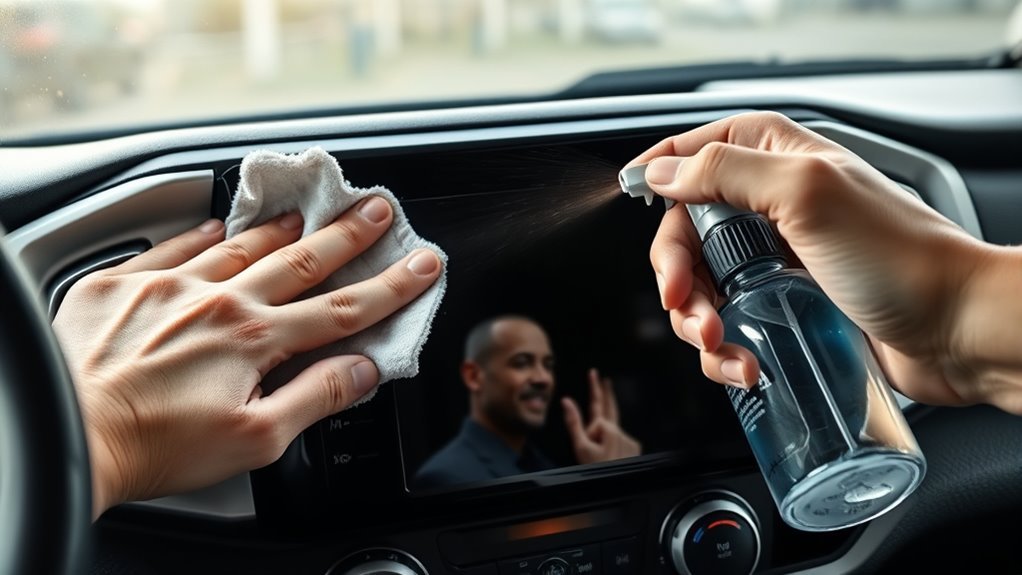
Turn the Tacoma off and let the touchscreen cool, then drape a clean microfiber over nearby trim to protect finishes. Use a lint-free microfiber and an LCD-safe spray or Zeiss-style alcohol pad, never ammonia-based cleaners. Dust first with a soft brush or Swiffer pad, then wipe with gentle horizontal strokes and light pressure; for stubborn smudges slightly dampen the cloth and blot. Consider a tempered protector and set a weekly dusting routine for best results—more detailed steps follow.
Quick Steps to Clean Your Tacoma Touchscreen
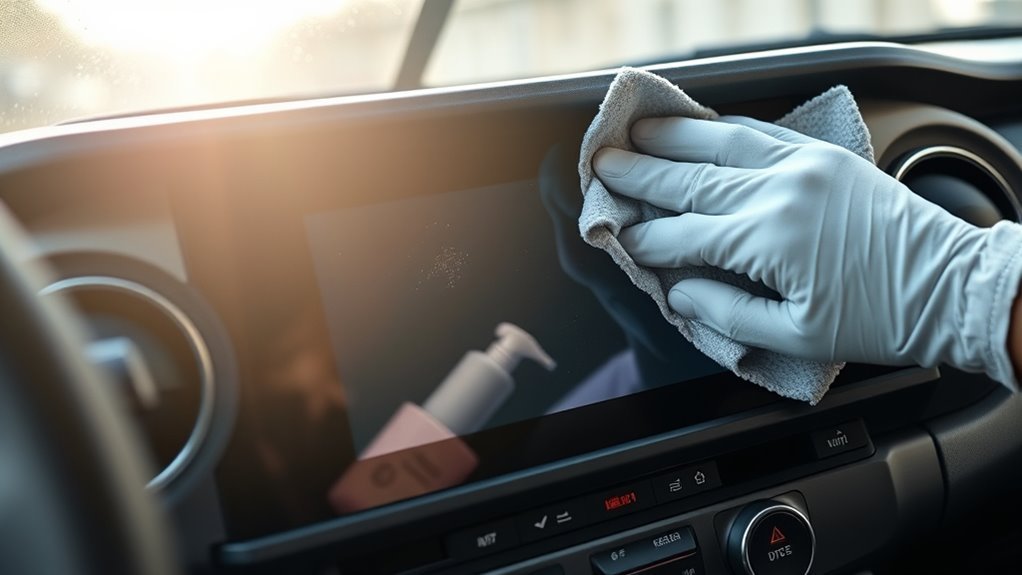
Start by powering off your Tacoma’s touchscreen to avoid accidental inputs, then grab a clean microfiber cloth lightly dampened with distilled water or an LCD-safe cleaner. You’ll work efficiently: wipe horizontally to remove dust and fingerprints, maintaining even pressure so the screen brightness setting and touch sensitivity aren’t affected by excessive scrubbing. For stubborn smudges, re-dampen the cloth slightly and apply gentle, focused pressure; follow immediately with a dry microfiber pass to clear moisture and prevent streaks. Never use ammonia-based or abrasive cleaners, and avoid rough materials that can score the surface and degrade responsiveness. Between deep cleans, dust the display with a soft Swiffer Duster pad to prevent grit buildup that compromises clarity and touch sensitivity over time. These quick, disciplined steps preserve optical performance and control, letting you reclaim a clean, reliable interface without risking damage or diminished screen brightness.
Safe Cleaners, Cloths, and Tools for Tacoma Screens
One reliable approach is to equip your Tacoma with a small kit of screen-safe tools: a lint-free microfiber cloth designed for electronics, an LCD-safe spray or pre-moistened Zeiss-style alcohol pad, and a soft brush or Swiffer-style duster for dry dusting. You’ll use the microfiber to lift oils without scratching; the Zeiss-style pad or dedicated LCD cleaner removes fingerprints without harming coatings. Don’t use ammonia-based or household glass cleaners — they strip protections and leave streaks. Keep a spare cloth and single-use pads in the truck for routine screen cleaning and quick liberation from grime. Consider a tempered screen protector to reduce abrasion and simplify maintenance. Below is a concise product recommendations grid to guide choices.
| Item | Purpose | Notes |
|---|---|---|
| Microfiber cloth | Gentle wiping | Electronics-grade, lint-free |
| Zeiss-style pad | Degreasing | Alcohol-based, screen-safe |
| Soft brush | Dust removal | Non-abrasive, anti-static |
Turn Off, Cool Down, and Protect Interior Parts First
Before you touch the screen, turn off your Tacoma’s infotainment system and let it cool to room temperature so you don’t trigger inputs or expose the display to thermal stress; while it’s powered down, drape a clean microfiber or towel over nearby trim and controls to catch any stray cleaner and protect sensitive finishes. Turn-off prevents accidental activation that could change settings or send commands while you work. Verify screen temperature with your hand; if it’s warm, wait until it reaches ambient to avoid reduced cleaner efficacy or thermal expansion that can stress coatings. Use only lint-free, debris-free microfiber—inspect and launder cloths before use to prevent scratches. Cover gear knobs, vents, and touchscreen bezels to shield vulnerable plastics and fabrics from moisture. Work in a well-ventilated space so solvents dissipate quickly. These steps give you control and safety, letting you clean confidently without risking the display or surrounding interior components.
How to Wipe: Motions, Pressure, and Stain-Removal Tips
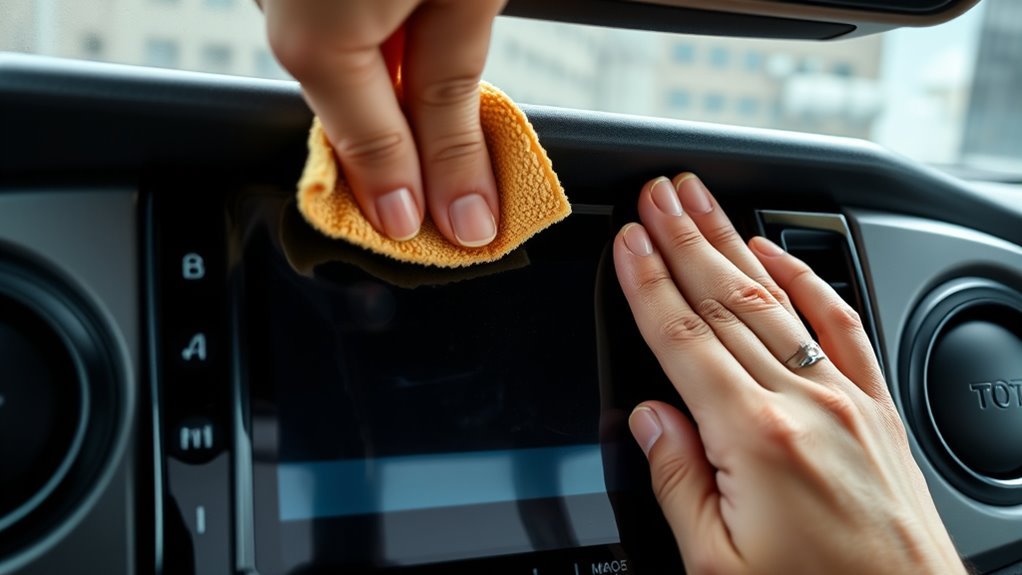
When you wipe the Tacoma’s touchscreen, use gentle horizontal strokes with a lint-free microfiber cloth and apply only light pressure to avoid scratches or display issues; if fingerprints or smudges resist, lightly dampen the cloth with a dedicated LCD cleaner, then finish by drying with a fresh microfiber to remove any remaining moisture and prevent streaks. Use consistent wiping techniques: start at the top and move horizontally across the panel in overlapping passes to guarantee full coverage and avoid missed spots. Maintain strict pressure control—think feather-touch rather than scrub—to protect coatings and electronics. Don’t use circular motions; they’re less effective and can promote swirl marks. For stubborn oils, reapply a tiny amount of cleaner to the cloth, not the screen, and repeat horizontal passes until clear. After cleaning, inspect from varied angles to confirm no moisture or residue remains. These disciplined, precise steps free you from worries about damage while keeping the display pristine and responsive.
Fixing Swirls, Streaks, and Sticky Residue on Tacoma Screens
Start by removing loose dust with a Swiffer Duster pad or a dry microfiber to prevent scratching when you clean. If you have sticky residue, lightly dampen a microfiber with isopropyl alcohol and blot until the residue lifts, then dry immediately. Finish by using a clean microfiber and gentle circular motions with minimal pressure to minimize swirl marks and buff out streaks.
Remove Dust First
Although a quick dust pass might seem minor, you should remove loose particles with a Swiffer Duster pad or a clean microfiber cloth first to prevent scratches when you clean more aggressively. Start at the top and work methodically; use light, horizontal strokes to lift dust accumulation without grinding grit into the coating. Inspect edges and crevices for trapped debris, flicking it free with the duster rather than pressing. Establish a cleaning frequency—weekly if you drive dusty roads, biweekly in cleaner conditions—to keep grime from bonding to the surface. Removing dry particles first reduces swirls and streaks when you later apply moisture or cleaners. You reclaim control over your screen’s clarity by preventing abrasive contact before any wet cleaning step.
Tackle Sticky Residue
Sticky residue and streaks can build up quickly on your Tacoma’s touchscreen, but you can remove them safely by using the right tools and motions. Identify sticky residue causes—food oils, sweat, and cleaning-product residues—and prevent accumulation with routine dusting using a Swiffer Duster pad. For removal techniques, lightly dampen a microfiber cloth with isopropyl alcohol and wipe side-to-side; the alcohol breaks down grime without scratching. For stubborn streaks, apply a dedicated LCD screen cleaner sparingly and continue horizontal passes until clear. Never use ammonia-based cleaners; they’ll damage the protective coating and worsen streaking. Work with steady, even pressure and minimal moisture. Maintain liberation by keeping the process simple, controlled, and repeatable so your touchscreen stays clear and responsive.
Minimize Swirl Marks
After removing residue, you’ll want to focus on minimizing swirl marks that can appear from routine cleaning. Use a fresh microfiber cloth every time to prevent trapped grit from scratching the surface; that preserves screen clarity and respects your control over the vehicle’s interface. Lightly dampen the cloth with distilled water or an LCD-safe cleaner—never soak it—and wipe using steady side-to-side strokes, not circular motions, to distribute pressure evenly and avoid swirls. Don’t use alcohol-based or abrasive products; they abrade coatings and create streaks. Maintain a sensible cleaning frequency: dust with a Swiffer pad between wet cleanings to stop buildup that leads to sticky residue and swirls. Consistent, careful technique keeps the touchscreen clear and reliable.
Preventive Care: Dusting, Screen Protectors, and a Simple Schedule
Keep a weekly dusting routine with a Swiffer Duster pad to remove loose particles before they abrade the screen. Fit a high-quality tempered or PET screen protector (brands like RUIYA work well) to block scratches and make cleaning easier. Store a dedicated microfiber and alcohol wipes in the truck so you can follow the schedule without cross-contamination.
Regular Dusting Routine
Regularly dust the Tacoma’s touchscreen with a Swiffer Duster pad to prevent abrasive particles from accumulating and causing scratches when you later wipe or disinfect the display. For effective touchscreen maintenance, you’ll set a weekly schedule, keep a dedicated microfiber cloth, and store supplies in the vehicle. Use light pressure and side-to-side strokes; avoid circular scrubbing. This routine reduces dust accumulation, preserves responsiveness, and frees you from constant worry about damage.
| Calm | Control | Freedom |
|---|---|---|
| Routine | Precision | Clarity |
| Weekly | Microfiber | Stored |
| Light pressure | Side-to-side | Liberation |
Follow the plan consistently; it’s practical, technical, and liberating, letting you command a clean, durable display.
Screen Protector Options
One solid step you can take is installing a high-quality screen protector (brands like RUIYA work well) to block scratches and simplify cleaning: the protector takes the wear from wipes and dusting, lets you use a dedicated microfiber safely, and maintains touchscreen clarity when you follow a weekly cleaning schedule. Choose RUIYA protectors for durable, optically clear layers that resist abrasion and oils. Installation benefits include a sacrificial barrier, easier wipe-downs, and reduced risk during routine dust removal with a Swiffer Duster pad. Apply in a dust-free environment, align edges precisely, and smooth bubbles with a plastic card. With a protector and a simple weekly wipe routine you free yourself from constant worry while preserving function and visibility.
Frequently Asked Questions
How to Safely Clean a Touch Screen?
Turn the screen off, then use microfiber cloths lightly dampened with approved cleaning solutions; you’ll wipe horizontally with gentle pressure, avoiding ammonia or alcohol-based products, and clean regularly to preserve clarity and function.
What Should I Clean My Touchscreen in My Car With?
Think of fog clearing: you’ll use microfiber cloths and mild cleaning solutions (distilled water or specialized LCD cleaner). Don’t use alcohol or glass cleaners; gently wipe side-to-side, apply light pressure, and consider a screen protector.
What Does Toyota Recommend for Cleaning the Dashboard?
Toyota recommends you clean dashboard materials with a soft microfiber cloth lightly dampened with water or a specialized LCD screen cleaner; avoid ammonia-based cleaning products, test solutions discreetly, and turn the touchscreen off before cleaning.
Conclusion
You’ve got this — a clean Tacoma touchscreen improves visibility and responsiveness while protecting expensive electronics. Studies show fingerprints can reduce screen contrast by up to 25%, so regular gentle cleaning matters. Turn the unit off, use a microfiber cloth with manufacturer-safe cleaner or 70% isopropyl misted lightly, wipe with soft, circular motions, and avoid pressure. Add a tempered-film protector and dust weekly to prevent buildup and prolong screen life.