In your Hyundai Sonata, Brake Hold automatically keeps the brakes engaged when you stop, perfect for stop-and-go traffic. It releases when you hit the accelerator, reducing driver fatigue. On the other hand, the Parking Brake is manually activated to secure your vehicle when parked, especially on inclines. Understanding when to use each feature can enhance your driving experience and safety. Curious about more tips for using these features effectively? There’s more to discover!
Understanding Brake Hold vs. Parking Brake
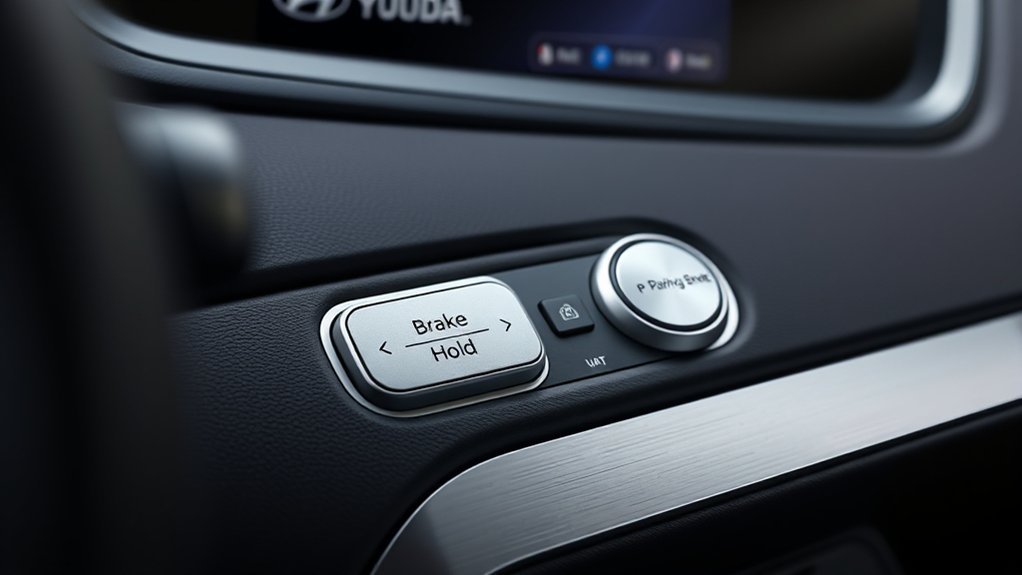
When you’re managing traffic or parking on a slope, understanding the difference between Brake Hold and the Parking Brake can make your driving experience smoother. Brake Hold, often known as Auto Hold, keeps your vehicle still after you come to a complete stop, without needing to keep your foot on the brake. This feature shines in stop-and-go traffic or at traffic lights. On the other hand, the Parking Brake secures your vehicle when parked, preventing any rolling, especially on inclines. It requires you to manually engage and release it, unlike Brake Hold, which automatically activates in drive or reverse. If you remain stationary for over 10 minutes or open the doors, Auto Hold shifts to act like the parking brake, enhancing safety. By knowing when to use each, you empower yourself to handle various driving situations with confidence and ease.
Key Differences Between Brake Hold and Parking Brake
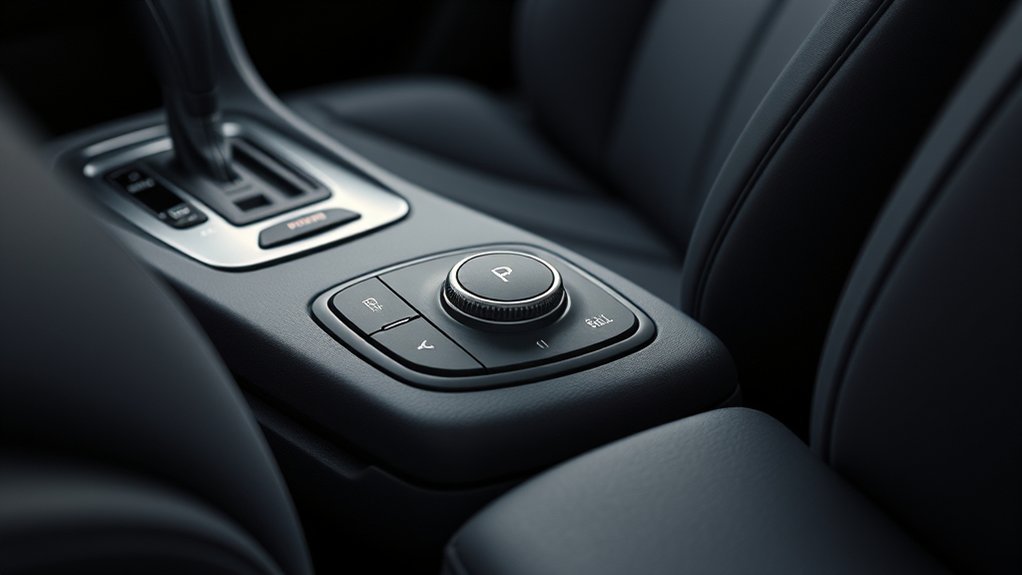
Understanding the key differences between Brake Hold and the Parking Brake can enhance your driving experience. Brake Hold, or Auto Hold, keeps your vehicle stationary without you needing to press the brake pedal, making it perfect for stop-and-go traffic. It engages automatically when you come to a complete stop and press the AUTO HOLD switch, releasing as you press the accelerator.
In contrast, the Parking Brake secures your vehicle when parked, especially on inclines. You need to engage it manually or it may activate automatically after a prolonged stop. Releasing the Parking Brake requires your action, unlike Brake Hold, which is more hands-free.
Additionally, the Brake Hold indicator shifts from white to green when active, while the Parking Brake shows a warning light on the dashboard. Knowing these differences empowers you to use each feature appropriately, enhancing your driving freedom and safety.
How Brake Hold Enhances Your Daily Driving Experience
Brake Hold transforms your daily driving by making stop-and-go situations much more convenient. With just a press of a button, you can enjoy hands-free stops at traffic lights without worrying about rolling back, thanks to its enhanced safety features. This means less fatigue and a more relaxed driving experience, especially in urban traffic.
Convenience in Stop-and-Go
Maneuvering through urban traffic can be a hassle, but with the Auto Hold feature in the Hyundai Sonata, you can enjoy a more relaxed driving experience. This innovative system allows you to maintain a vehicle standstill without pressing the brake pedal, enhancing traffic comfort during long waits at lights. Engaging Auto Hold is easy; just press the AUTO HOLD switch, and the indicator light will switch from white to green when you come to a complete stop. It automatically releases when you press the accelerator, ensuring smooth shifts in stop-and-go situations. By reducing the fatigue of constant braking, Auto Hold boosts urban efficiency, allowing you to focus on the road ahead instead of the brake pedal.
Enhanced Safety Features
When you’re maneuvering busy streets, knowing your vehicle has enhanced safety features can make all the difference. The Auto Hold feature in your Hyundai Sonata keeps your car at a standstill without requiring your foot on the brake, adding comfort during long stops. By automatically releasing when you press the accelerator, it reduces driver fatigue and promotes safer driving habits in stop-and-go traffic. A clear visual indicator shows you when Auto Hold is active, boosting driver awareness and preventing unintended movement. It also helps prevent rollback on inclines, offering extra safety when stopping on slopes. With seamless integration with the electronic parking brake, Auto Hold enhances safety benefits, giving you peace of mind every time you drive.
How to Decide When to Use the Parking Brake?
When you’re parked on an incline, always use the parking brake to keep your vehicle secure and prevent it from rolling. It’s also a smart move to engage it during extended stops, especially if Auto Hold isn’t active. By doing this, you guarantee your car stays put and avoid unnecessary wear on your main brakes.
When Stopped On Incline
Stopping on an incline can be tricky, but knowing when to use the parking brake can make all the difference. For short stops, the Auto Hold function is your best friend for rollback prevention and incline safety. It automatically disengages when you press the accelerator, making it user-friendly. However, if you’re parked for over 10 minutes on a steep incline, the system may switch to the parking brake for added security.
Here’s a quick comparison:
| Situation | Recommended Option | Notes |
|---|---|---|
| Short Stop | Auto Hold | Convenient, no manual action |
| Extended Stop | Parking Brake | Guarantees vehicle stays secure |
| Reversing/Downhill | Check Surroundings | Avoid hazards before switching |
Use these tips and enjoy worry-free parking!
During Extended Parking Sessions
Deciding whether to use the parking brake during extended parking sessions is essential for your vehicle’s safety and stability. Engaging the parking brake guarantees extended stability, especially on inclines, preventing your vehicle from rolling. While the Auto Hold function is great for temporary stops, it shouldn’t replace the parking brake during long-term parking. Not using the parking brake can lead to unnecessary wear on your transmission’s park pawl and increase the risk of movement if Auto Hold deactivates. Always remember to shift your vehicle into “Park” before applying the parking brake. By following these parking precautions, you can enjoy peace of mind, knowing your Hyundai Sonata is secure and ready for your next adventure.
What People Get Wrong About Brake Hold and Parking Brake?
How often do drivers mistake the Auto Hold feature for the parking brake? This common misunderstanding stems from driver misconceptions about these two distinct features. Auto Hold is designed for temporary stops while driving; it automatically engages when you press the brake pedal and releases once you hit the accelerator. In contrast, the parking brake is a manual mechanism that secures your vehicle when parked, needing your direct action to activate and deactivate it.
It’s essential to grasp this feature clarity. Auto Hold doesn’t substitute for the parking brake, especially on slopes. While Auto Hold prevents rollback during stops, it operates only in drive or reverse, not while parked. Overlooking these differences can lead to unsafe situations. Embracing the unique functions of each feature empowers you to drive confidently and securely, ensuring your vehicle remains in control, whether you’re on the road or parked.
Tips for Switching Between Brake Hold and Parking Brake
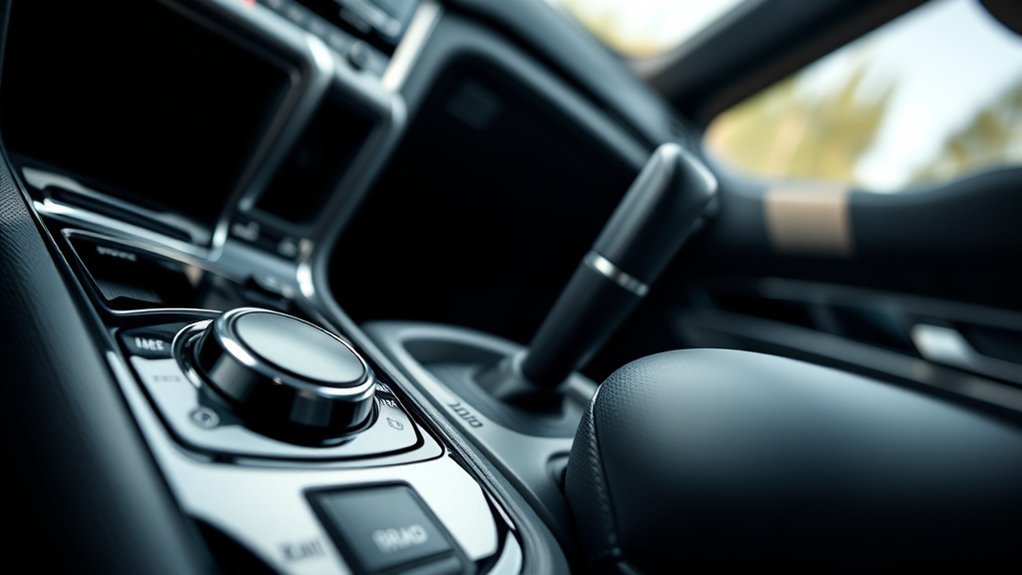
Understanding the distinctions between Auto Hold and the parking brake sets the stage for effectively switching between the two. Auto Hold engages automatically when you stop, keeping your vehicle in place without pressing the brake. This feature is perfect for brief stops, like at traffic lights. However, the parking brake is meant for longer durations, such as when you park your car.
To switch from brake hold to parking brake, guarantee your vehicle is in Park (P) and press the brake pedal before activating the EPB switch. Always remember to cancel Auto Hold before driving downhill or reversing to avoid unintended movement; the parking brake should be engaged for safety in these situations. Keep in mind that Auto Hold will switch to the parking brake after 10 minutes of being stationary or if you open the doors, but you’ll need to release it manually afterward.
Frequently Asked Questions
Is Brake Hold the Same as Parking Brake?
No, Brake Hold functionality isn’t the same as Parking Brake usage. Brake Hold keeps your car stationary during stops, while the Parking Brake secures it when parked. Each serves distinct but complementary safety purposes.
How to Know if the Parking Brake Is on a Hyundai?
To know if your parking brake’s on, check the parking brake indicator on the dashboard. You can also visually inspect the lever or switch; if it’s engaged, it’ll be in the “up” position.
Conclusion
In the dance of driving, both brake hold and parking brake play essential roles, each a partner guiding you through different scenarios. While brake hold offers a gentle embrace during stops, the parking brake stands resolute, securing your vehicle when it’s time to rest. Understanding when to use each one empowers you, transforming your daily commute into a smoother journey. So, embrace these tools wisely, and let them enhance your driving experience, ensuring safety and confidence on the road ahead.