A Toyota Corolla cruise control unavailable message usually appears without warning, often on a long drive when you want the system most. In most cases the car is protecting itself: the radar or camera cannot see clearly, or another system has reported a fault, so cruise control is switched off until conditions are right. This guide explains the causes and gives seven fixes to try in order.
Quick Answer
On a Toyota Corolla, Cruise Control Unavailable most often means the front radar sensor or windshield camera is blocked by dirt, snow, ice or heavy rain, or that another fault such as a check engine light has disabled the system. Clean the Toyota emblem area and the windshield in front of the camera, restart the car and check for warning lights. If the message stays on, have the codes read.
What’s in This Article
Key Takeaways
- Radar cruise control depends on a radar sensor in the front grille and a camera at the top of the windshield.
- Bad weather and dirt are the most common causes, and the message often clears by itself.
- A check engine, ABS or stability control fault will also disable cruise control.
- A windshield replacement or front-end repair can require camera or radar calibration.
- A message that stays on in clear conditions needs a scan tool diagnosis.
What the Message Means
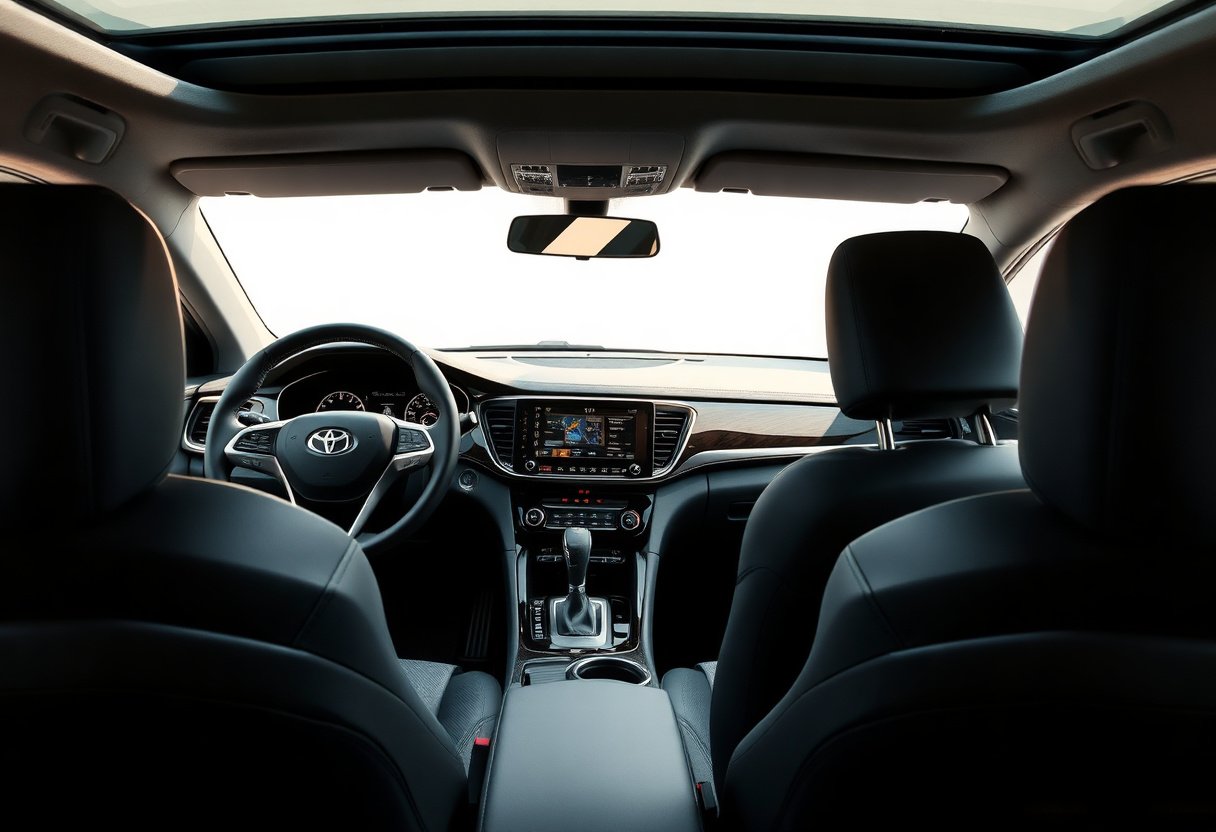
Recent Corollas use Dynamic Radar Cruise Control as part of Toyota Safety Sense. The system needs a clear view from two sensors: a millimeter-wave radar behind the Toyota emblem in the grille, and a forward camera mounted behind the windshield near the rearview mirror. When either one cannot do its job, or when the car detects a fault in a related system, the display shows Cruise Control Unavailable or Radar Cruise Control Unavailable, sometimes with See Owner’s Manual.
The message is a status report, not a failure by itself. The first step is to work out whether the cause is temporary.
Common Causes
| Cause | Typical clue | Usually temporary? |
|---|---|---|
| Dirt, bugs, snow or ice on the front emblem | Message appears in winter or after highway driving | Yes |
| Dirty or fogged windshield at the camera | Message with lane assist warnings | Yes |
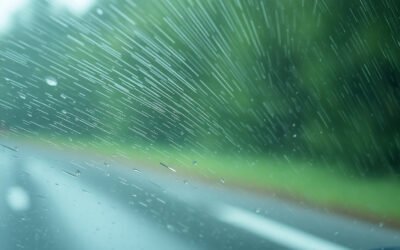
| Heavy rain, fog or low sun | Clears when conditions improve | Yes |
| Check engine light or other stored fault | Another warning light is on | No |
| Faulty brake light switch | Brake lights stuck on or not working | No |
| Wheel speed sensor fault | ABS or traction light is on | No |
| Low 12-volt battery voltage | Several odd warnings at start-up | No |
| Sensor out of calibration | After windshield or bumper work | No |
7 Fixes for Corolla Cruise Control Unavailable
1. Clean the front radar area. Wipe the Toyota emblem and the grille around it with a soft cloth and water. Remove snow, ice, mud and dried insects. Do not use abrasive pads.
2. Clean the windshield in front of the camera. Wash the outside and wipe the inside near the mirror. Use the defroster to clear fog. Make sure no stickers, toll tags or dash cam mounts block the camera’s view.
3. Wait out bad weather. In heavy rain, snow, fog or direct low sun, the system may switch off until visibility improves. This is normal behavior.
4. Restart the car. Park safely, switch the car off, wait a minute and start it again. A temporary glitch often clears with a restart.
5. Look for other warning lights. If the check engine, ABS, VSC or brake warning light is on, cruise control will stay disabled until that fault is fixed. Even a loose fuel cap can set a check engine light on some model years.
6. Check the brake lights. Have someone watch while you press the pedal. Brake lights that stay on, or do not come on, point to a brake light switch problem, which also prevents cruise control from engaging.
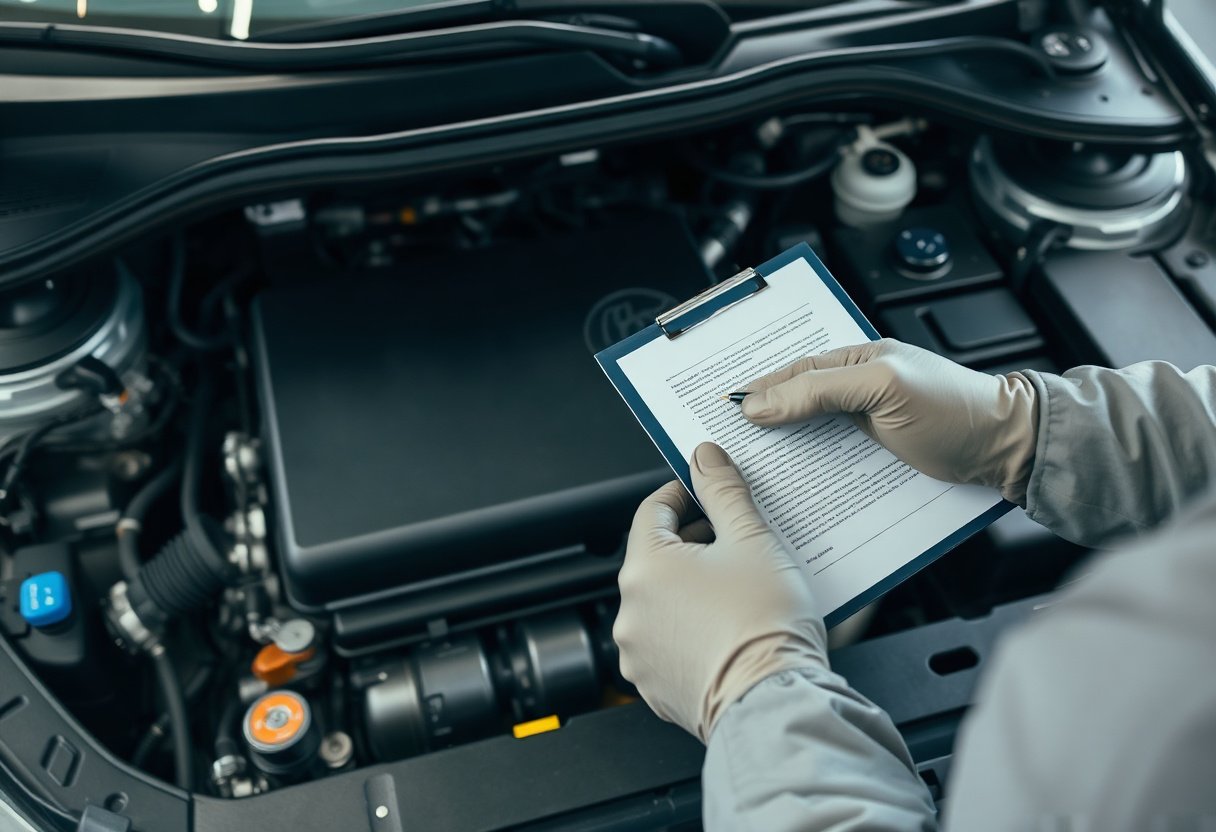
7. Have the codes read and calibration checked. If the message persists in clear, dry conditions, a scan tool that reads Toyota Safety Sense systems will show stored codes. If the windshield, front bumper or grille was replaced or repaired, ask whether the camera and radar were calibrated afterward.
When to See a Dealer or Specialist
Book a diagnosis if the message comes back every drive, appears with other safety system warnings, started after an accident or glass replacement, or if the brake lights are not working correctly. Calibration of the radar and camera needs specific targets and software, so it is not a driveway job.
Is It Safe to Drive?
Yes. The car drives normally without cruise control. Remember that related features such as pre-collision braking and lane assist may also be limited while the message is displayed, so drive with extra attention until it is resolved.
Frequently Asked Questions
Why does my Toyota Corolla say cruise control unavailable?
Usually because the front radar or windshield camera is blocked or cannot see clearly, or because another fault has disabled the system.
How do I reset cruise control on a Toyota Corolla?
Clean the front emblem and windshield camera area, then switch the car off and on. If a fault code is stored, it must be repaired before the system will work again.
Can a check engine light disable cruise control?
Yes. Toyota disables cruise control when certain engine, brake or stability control faults are present.
Where is the radar sensor on a Toyota Corolla?
On most recent models it sits behind the Toyota emblem in the front grille. The camera is behind the windshield near the rearview mirror.
Does a new windshield affect cruise control?
It can. The forward camera often needs calibration after windshield replacement.